















Keep your business email account protected with built-in security features that keep your email safe, private, and trusted around the clock.

Custom domain name
Secure email Communication
Unlimited aliases
Build trust with your customers by using a professional business email
address that includes your business name.
Free MailBox
Private, protected & secure communication
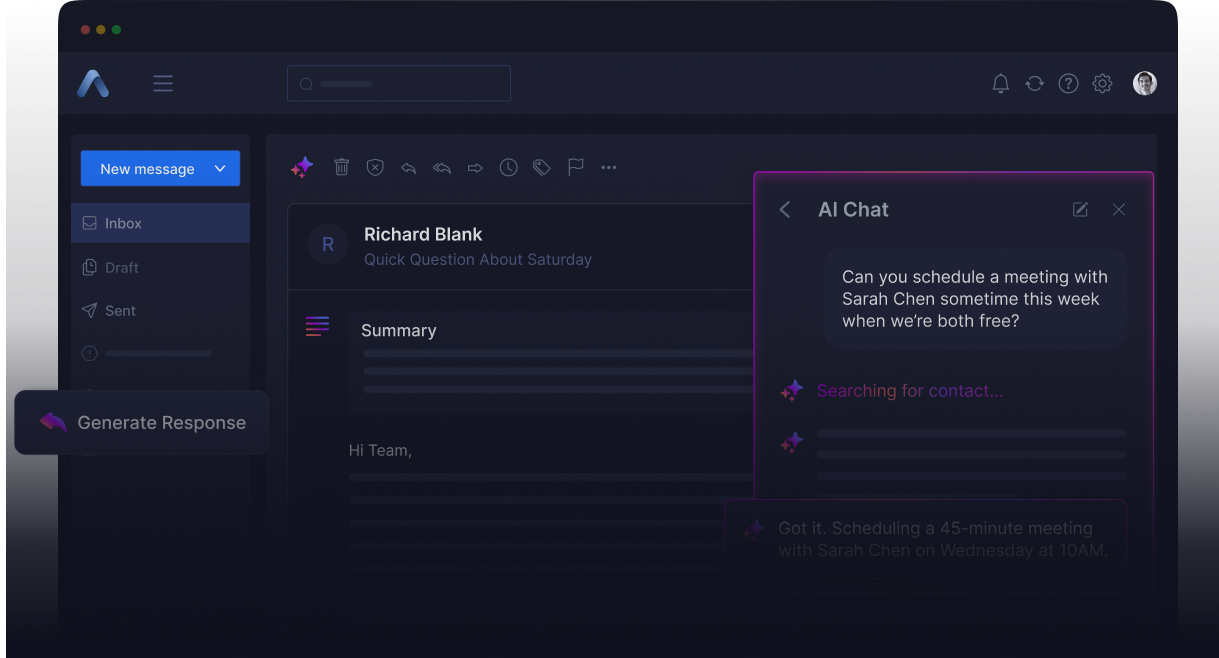
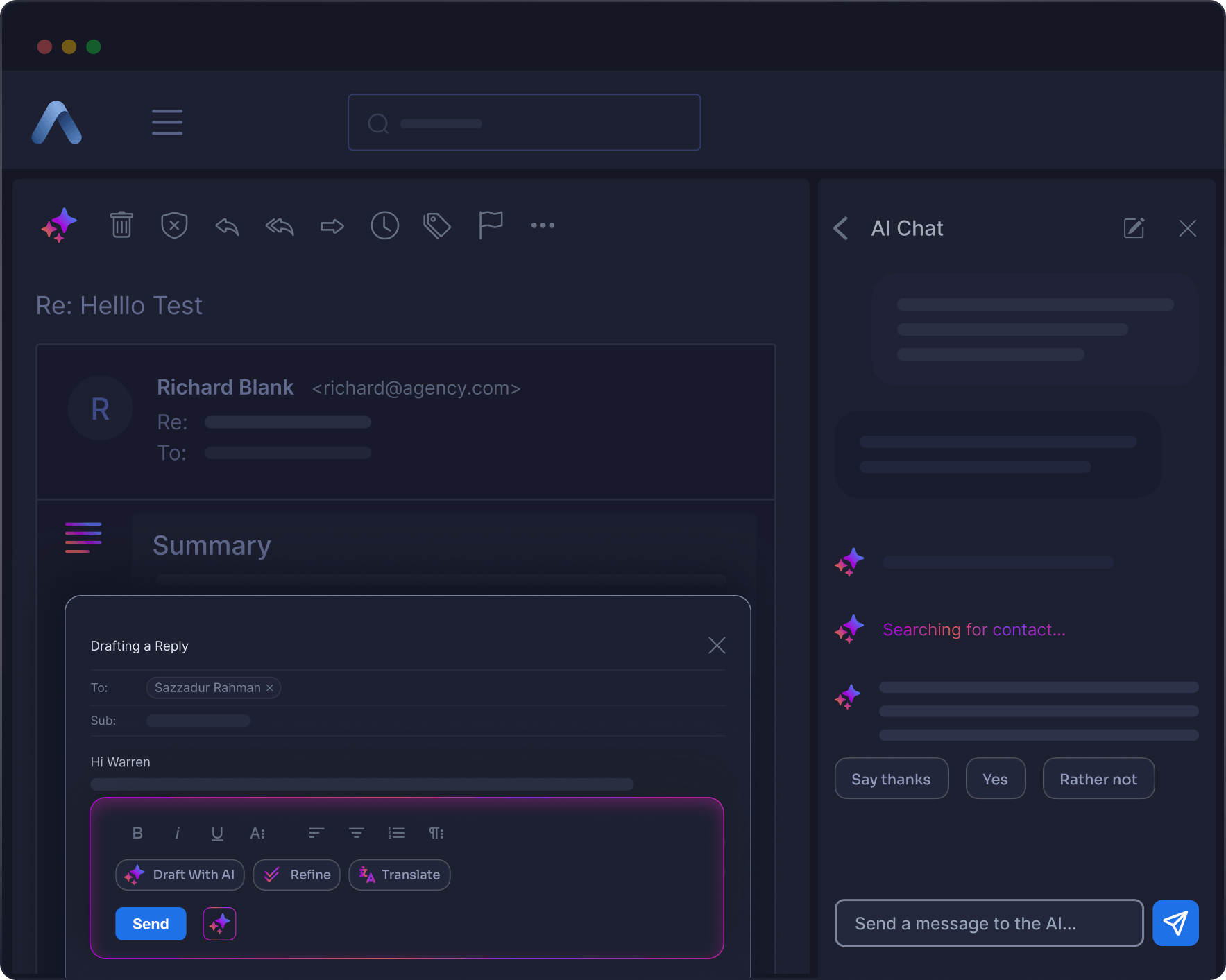
AI-Powered mail reply, & more

Choose a Mailbox Plan
Pick the plan that matches your business needs. Whether you are starting small or growing fast, there is an option for you.

Set Up xCloud Mailbox
Follow the simple steps to activate your mailbox. Connect it to your domain and customize your settings in minutes.

Send & Receive Emails
Begin using your professional email address right away. Stay connected with your customers and manage emails easily.
Exclusive to xCloud Managed Server Users


Calendar

Tasks

Drive & Storage
Documents

Contacts

Security

AI & Accessibility

Portal & More
Choose a Mailbox Plan
Pick the plan that matches your business needs. Whether you are starting small or growing fast, there is an option for you.
Set Up xCloud Mailbox
Follow the simple steps to activate your mailbox. Connect it to your domain and customize your settings in minutes.
Send & Receive Emails
Begin using your professional email address right away. Stay connected with your customers and manage emails easily.
8 GB MailBox
Ideal for tracking small business

8GB xCloud Mailbox
Mail & Contacts
Unlimited email Aliases
20 forwarding per mailbox
2FA protection
Antivirus & Antispam
IP Restrictions
25 GB MailBox
Ideal for tracking growing business
25GB xCloud Mailbox
Mail & Contacts
Unlimited email Aliases
20 forwarding per mailbox
2FA protection
Antivirus & Antispam
IP Restrictions
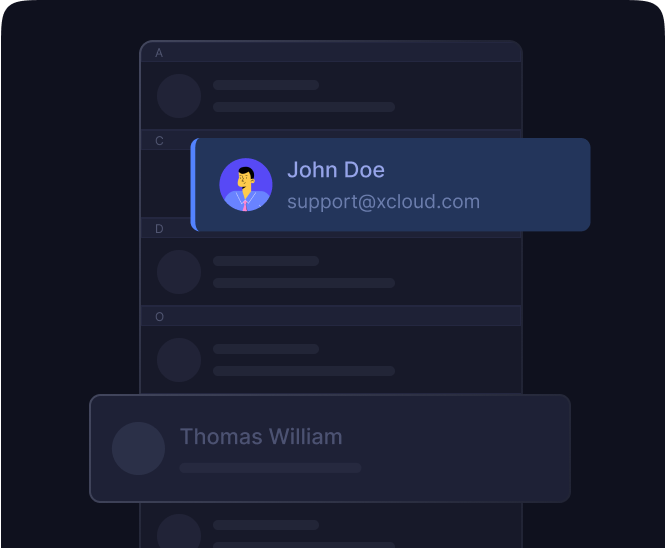
Contacts
Sync address books across devices and access the company directory anytime.

Custom Domain
Use your own domain and share email folders, and contacts. You can give each user specific access based on their role.
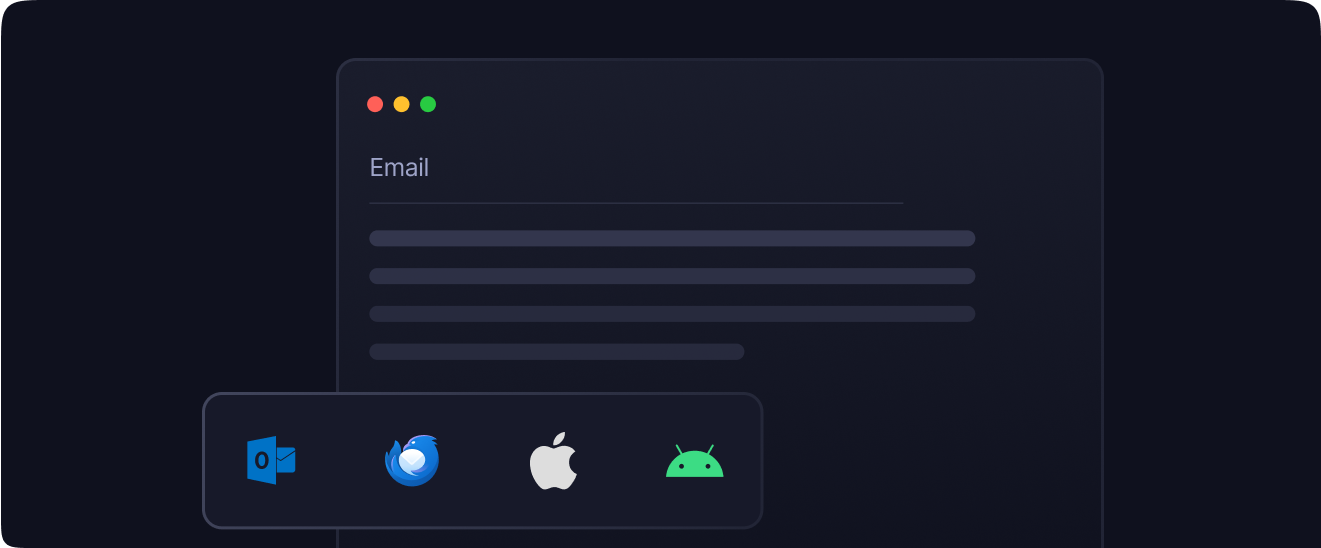
Compatible with Email Clients
Compatible with all major email clients and platforms, including Gmail, Outlook, and Thunderbird on Windows, macOS, iOS, and Android, using POP, IMAP, or SMTP.
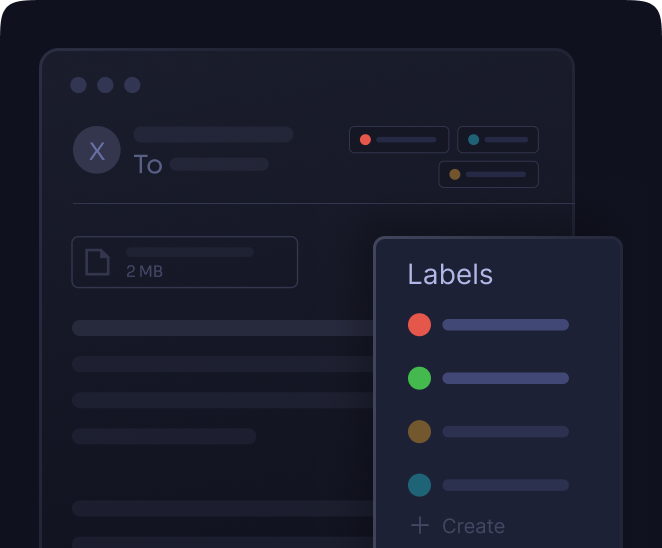
Custom label
Use colored labels and filters to automatically sort incoming emails
Antispam & Antiphishing
Every email is scanned for spam, phishing, and malware. Threats are blocked before they ever reach your inbox.

2FA Authentication
Add a second step to your login for extra security. Even if someone has your password, they can’t get in.

WebAuthn Support
Log in with your fingerprint, face ID, or a security key. No passwords needed, just fast and secure access.

Autocrypt Encryption
our emails are encrypted end-to-end using PGP/S-MIME. Only you and your recipient can read what’s inside.

Password Reset
Reset your password in seconds using a backup verification method. No need to contact support or wait around.

Blocks Email Tracking
Tracking pixels and links are removed from your emails. No one can monitor when or how you read them.
Blocks Email Tracking
Remove tracking links from messages to keep your private actions hidden.

IP Restriction
Allow trusted IP addresses to access email account, blocking unauthorized attempts.

Built-in DMARC Policy
Use the default DMARC policy to stop spoofing and build customer trust.
Massimo Villa
@tlewisverdu
So far my experience has been smooth like silk. I didn’t imagine that configuring and managing a VPS would be so easy. As of today, I have deployed 8 sites. The support is good, and they treat users with respect, even if they ask stupid questions (myself included).
For the future, I hope for greater flexibility in scheduled backups and more comprehensive and consistent documentation.
I’m sure that within a few months, xCloud will become the leader in its segment. This community is amazing, and the Staff here is super helpful.
Waqar Ahmed
@tlewisverdu
xCloud isn’t just a solution. It’s like one of that friend who got your back when you screw things up pretty bad.
Tony Lewis
@tlewisverdu
I’ve recently taken all of my Vultr-hosted sites and gotten rid of cPanel for them to substitute it with xCloud.
I have to say, I’m really impressed with xCloud so far! The interface is definitely the standout feature for me.
Brian Geovanny
@braingigio
xCloud works really well, I am surprised by its performance being this the release version, I have tried many paid platforms such as runcloud, cloudpages or serveravatar, as well as free platforms such as CyberPanel, CloudPanel or Hestia Control Panel and direct competitors such as SpinupWP and FlyWP. Of all those that I have tried, the platform that works best for WordPress is SpinupWP and I believe that xCloud can reach and surpass that development, its roadmap is promising.
Congratulations to the xCloud team, I hope they become the leading platform in the segment, it has all the potential to achieve it!
Leo Koo
@leowrites
I’m moving my servers to xCloud, a cloud control panel by M Asif Rahman and the WPDeveloper team. Their roadmap looks interesting and no, there are no team mates nor API limits with xCloud!
xCloud #wordpress #hosting
Rahul Singh
@tlewisverdu
Trust me when I say, once people explore the potential of xCloud they gonna switch from other panels, just keep delivering the best tech, lots of love for the team 😍😍
Rahil Maknojia
@rahilmaknojia
Dear xCloud Team,
I have been using xCloud for some time now and am genuinely impressed with its capabilities and the flexibility it offers by allowing users to bring their own VPS for management. It’s a fantastic service, and my experience so far has been very positive.
Successful migrated 5 sites on a single server. xCloud migration tool worked great. There were few hiccups with security plugin like MalCare but disabling the plugin prior to migration worked just fine.
Dan Spinoza
@tlewisverdu
I had 150 sites on cloudways and am in the process of moving them to xcloud. Much faster and better priced.
What is a business email?
A business email uses your own domain name as the address, like you@yourdomain.com. You use it for professional communication, and it makes your brand look more credible. You get your business name in the address, more control over security, and the ability to add more accounts as your team grows.
How is business email different from personal email?
You use personal email to talk with friends and family, sign up for services, and manage social media. Business email handles professional communication and contacts. It comes with email aliases, group aliases, more storage, and features like migration support, an admin control panel, and team-level integrations.
What is email hosting?
Email hosting lets you send and receive emails using your own domain name. You get a professional address, more storage, and strong security and privacy controls. If you want full control over your business email without relying on free providers, email hosting gives you that.
How do I create a business email address with xCloud Mailbox?
If you own a domain, connect it to xCloud Mailbox and set up your email in minutes. If you don’t have a domain, buy a domain from your preferred domian provider , and create a Mailbox using that domain.
How much storage do I get with xCloud Mailbox?
xCloud Mailbox offers 5 plans, including a free tier. Storage ranges from 100 MB free plan to 80 GB and each plan includes different features. If you need more space later, you can add storage to your account at any time.
Can I create aliases and forwarding?
Yes. You can create unlimited aliases and forwarding addresses per mailbox at no extra cost.
Which email protocols are supported?
xCloud supports IMAP, POP3, and SMTP. You can set it up on Outlook, Thunderbird, Apple Mail, Gmail, iPhone, Android, and most other email clients.
Where is the email hosted? On my server or somewhere else?
Your email does not run on your server. xCloud partners with a mailbox provider who runs email on their own infrastructure with dedicated IP addresses. Your web server handles your sites. Your email runs on infrastructure built for reliable delivery.
Can I buy one large mailbox and put all my clients’ email accounts inside it?
No. Each email account has its own storage. If you need three addresses like support@yourdomain.com, sales@yourdomain.com, and contact@yourdomain.com, you buy three separate mailboxes. Each one gets its own plan and storage. This works the same way as Google Workspace and other email platforms. Plans go up to 80 GB per mailbox. If you need more, reach out to the team.
Can Self Managed server users use xCloud Mailbox?
Yes. Self Managed server users get the same plans, pricing, and features as everyone else on xCloud. The free mailbox plan is the only exception. It is limited to xCloud-managed server and xCloud Provider server users. Self-managed server users can buy any paid plan with no feature restrictions.
Can I disable the AI features for my team or clients?
Yes. You can turn AI features off at the domain level. If you manage mailboxes for clients or staff and don’t want them using AI suggestions, you control that setting.
Will the existing mailbox provider be removed? What happens if I don’t migrate?
The existing provider is not going away right now. You can keep using it with no disruption. Migrating to the new provider gives you more features at the same price. xCloud built a migration tool to make the switch easy, and support can help if you need it. There is no deadline to migrate.
How do I claim my free mailbox?
Deploy your site on an xCloud managed server (xCloud or xCloud Provider). A “Claim Free Mailbox” banner shows up on your dashboard. Click it, follow the steps, and your free 100 MB mailbox is ready. Each domain on an xCloud managed server gets one free mailbox.
I am paying for Mailbox on my xCloud managed server. Will my existing mailbox become free?
No. The free mailbox applies to new mailboxes created on xCloud Managed Servers. Existing mailboxes are not eligible. You can migrate your existing mailboxes to the new provider using the built-in migration tool and keep paying the same price, with access to all the upgraded features.
I don’t see the “Claim Free Mailbox” banner. What should I check?
A few things could be going on. Your site must run on an xCloud managed server. Hetzner, AWS, DigitalOcean, and other non-managed providers don’t qualify. The site needs to be in production, not staging. Your team may have used all its free mailbox slots (default cap is 10 per team). The domain may have a free mailbox assigned to it. Legacy mailboxes on the domain that haven’t been migrated will block the banner until migration is done. You or someone on your team may have dismissed the banner (dismissal is per domain). White-label service don’t see the mailbox addon.
I have legacy mailboxes on my domain. Can I still get a free mailbox?
Yes, after you finish migration. Use the migration wizard to move all your legacy mailboxes to the new provider. Once that is done, the free mailbox banner shows up on every site that shares that base domain. You don’t need to contact support. It happens on its own.
If I create a new site on my xCloud managed server, does it qualify for a free mailbox?
Yes. Any site on an xCloud managed server qualifies, including new ones. The domain can’t have claimed a free mailbox before.
Is the free mailbox available on xCloud reseller managed servers?
No. The mailbox addon is not available on the xCloud reseller program right now. It works on standard xCloud managed servers.
I have a lifetime deal (LTD). Am I eligible for a free mailbox?
Free Mailbox is available for both xCloud Managed Servers and xCloud Provider Servers.
If you are using an xCloud Provider Server, you are eligible to claim the free Mailbox offer.
However, this offer is not available for self-managed servers. In other words, if you are managing your own server instead of using an xCloud Provider Server, you will not be able to claim the free Mailbox.
What happens to my free mailbox if I move my site off xCloud?
Your free mailbox keeps working. It won’t shut down right away. An ineligibility period starts, and you get notification emails on Day 0, 7, 14, and 30. An in-app banner gives you two options: move your site back to xCloud, or upgrade to a paid mailbox plan. Auto-suspension is not active in the current version.
I brought my site back to xCloud. Will the ineligibility warning go away?
Yes. The system picks up the change within seconds, closes the ineligibility episode, and removes the warning banner on the next page load.
I deleted my free mailbox but my counter still shows it is at the limit.
The counter should update right when you delete a mailbox. Refresh the mailbox addons page. If the count is still wrong after refreshing, contact our support team so the team can look into it.
Can I have more than 10 free mailboxes on my team?
Yes. The default cap is 10 per team. Contact support to request a higher limit.
I am getting a “Free plan limit reached” error but I only have a couple of free mailboxes.
Your team may have a custom limit set lower than the default. A recently deleted mailbox might still be processing. Contact our support team so they can check your team’s settings and fix the issue.
I have a paid mailbox on my domain. Can I add a free domain too?
Yes. Paid and free mailboxes can exist on the same domain as long as everything runs on the default provider. There is no restriction on combining both plan types.
Can I claim a free mailbox through the API?
No. Free mailbox claims go through the dashboard with a valid site context. API-based claims are not available in this version.
The migration wizard won’t let me cancel. Is this a bug?
No. Free mailbox claims go through the dashboard with a valid site context. API-based claims are not available in this version.
Is it possible to downgrade my mailbox plan
No. Once any mailbox in the migration reaches the DNS-verified stage, email is flowing to the new system. Canceling at that point would lose the received mail. You need to finish the migration to keep everything intact.
Can I use xCloud Mailbox for transactional emails?
Yes, it is possible. SMTP is included with the mailbox and comes with a sending limit of 250 emails per day. However, for SMTP or transactional emails such as subscriber notifications, order confirmations, and marketing messages, we recommend using the xCloud Email Delivery Add-on for better reliability and performance.