NGINX LEMP Stack
xCloud automatically installs a highly efficient LEMP Stack, optimized with PHP-FPM for superior performance.

WordPress Self-Managed Hosting
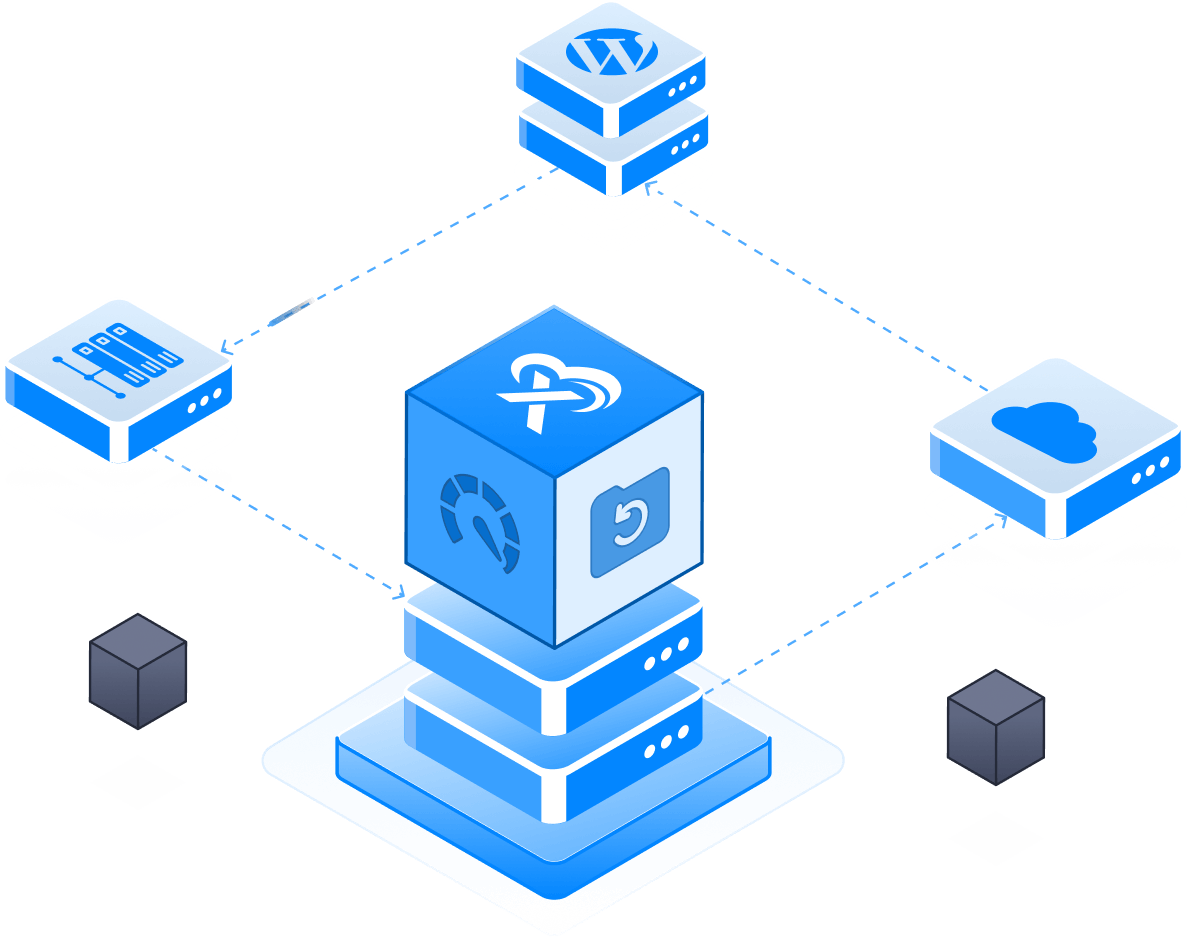
Bring the server you already pay for and run every WordPress site on it from one panel — staging, backups, core and plugin updates, firewall and team access all included. No stress. Just speed and simplicity.
Get started for free
SETUP PROCESS
Connect the server you already pay for, and the rest of the platform is the same one our managed customers use.
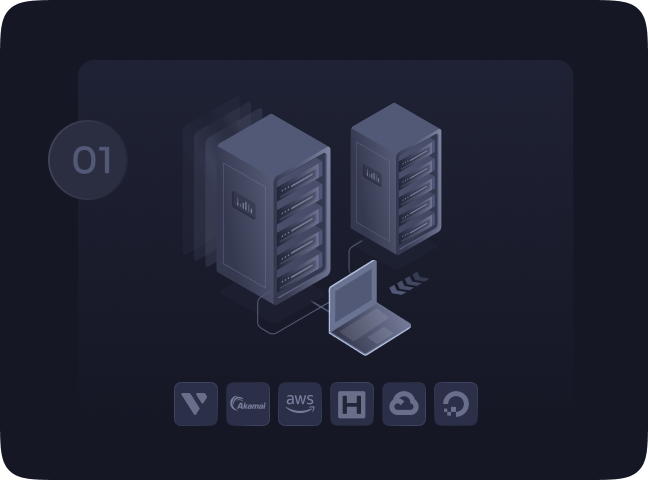
Select the server providers and connect with xCloud effortlessly.
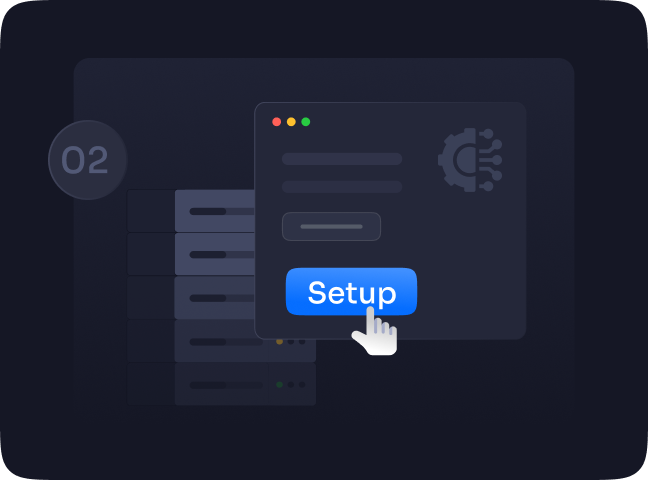
Set up your connected server with just a few steps and manage it easily.
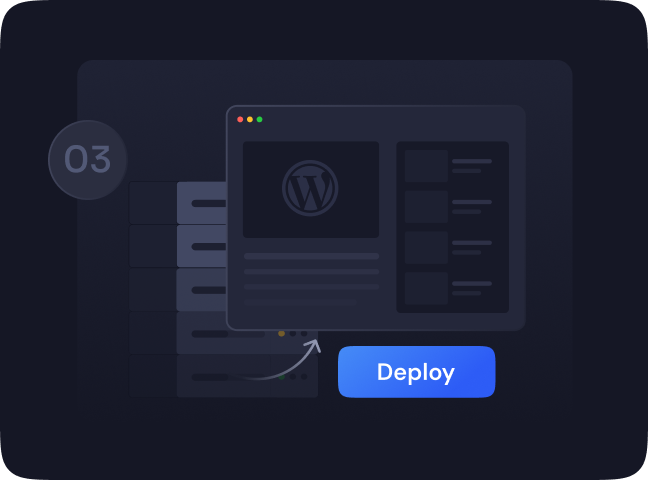
Deploy and monitor WordPress sites on your servers automatically.
BUILT FOR WORDPRESS
Generic server panels stop at the server. These are the jobs that only matter because the thing on the box is WordPress — and they are included at every paid rate, not sold as a higher tier.
Update WordPress core, plugins and themes across every site you run, in bulk, from one screen — with automatic security updates on if you want them.
Branch a real copy of a live site, work on it, then push it back — or pull production down over staging. Files, database and server config travel together.
Spin up a complete copy of a site on a free test domain to show a client, try a plugin or rehearse a migration, without touching the live one.
Back up to your own storage on a schedule and restore a single site — incrementally, so a nightly backup does not re-upload the whole site every night.
Every plugin and theme checked against known vulnerabilities, with the 7G and 8G firewall rulesets and Fail2Ban in front of the site.
Invite teammates with roles that control which servers and sites they reach, white-label the panel, and give a client access to one site and nothing else.
CLOUD SERVERS
Simplify site management with optimized performance, easy updates, and enhanced security all in one intuitive dashboard that works with any provider.

Helps protect your server and sites against multiple kinds of security threats with software security updates, vulnerability alerts, SSLs, backups and more.

Seamlessly collaborate and add team members to your projects. Get detailed access options for easy team collaboration.

With real-time constant monitoring notifications, you can enjoy complete peace of mind while watching your business grow.
PRICING
Connect your own servers and get the whole xCloud platform. Your first server is free — after that it is $5 a server, and every server costs less the more you run.
What you pay, as you grow
Every paid server gets all of it
Free forever on your first server — $0, not a trial. Add servers whenever you are ready and your rate updates on its own.
Pricing depends only on how many servers you connect — every paid server gets the same xCloud features. You pay your VPS or cloud provider for the servers themselves; xCloud's fee covers the platform.
FEATURES
Get all the features you need, for server management, site management, backups, and more, at your fingertips to upgrade your cloud hosting with xCloud
xCloud automatically installs a highly efficient LEMP Stack, optimized with PHP-FPM for superior performance.
Experience a fully integrated OpenLightSpeed stack, meticulously prepared and ready to host websites seamlessly, ensuring optimal speed and reliability.
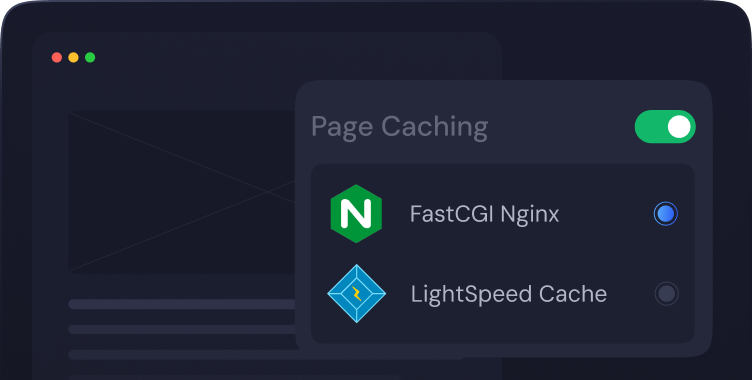
Boost your WordPress site's performance effortlessly. With just one click, activate full-page NGINX FastCGI caching and serve pages at lightning speed, bypassing PHP processing.
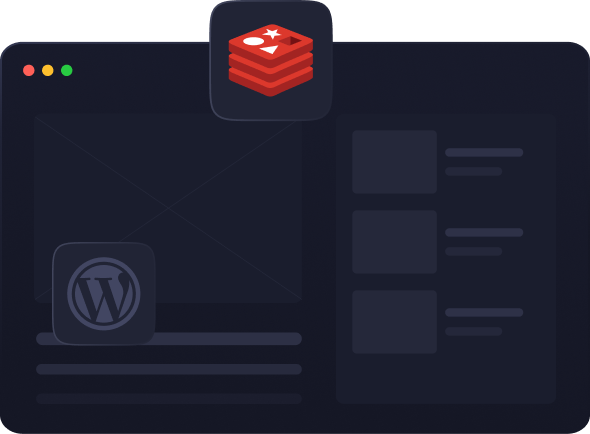
You can handle more visitors without slowing down and clear the cache directly from xCloud using Redis Object caching.
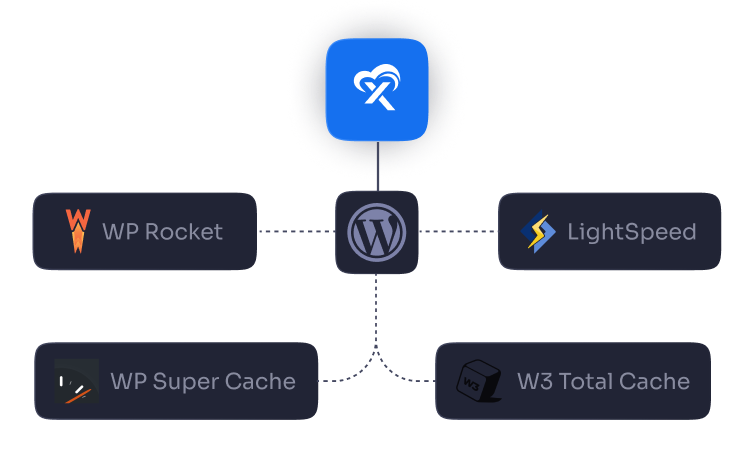
Configure Rocket-NGINX for WP Rocket, Standard WP NGINX for WP Super Cache, W3 Total Cache easily. These plugins can optimize caching & enhance performance.
Getting full root access to your xCloud server means you get full control over your cloud. Our system uses updatable packages, giving your server the ultimate flexibility with zero restrictions.
Effortlessly create and manage multiple databases and users on a single server. Streamline your data management, boost efficiency and enjoy unparalleled control.
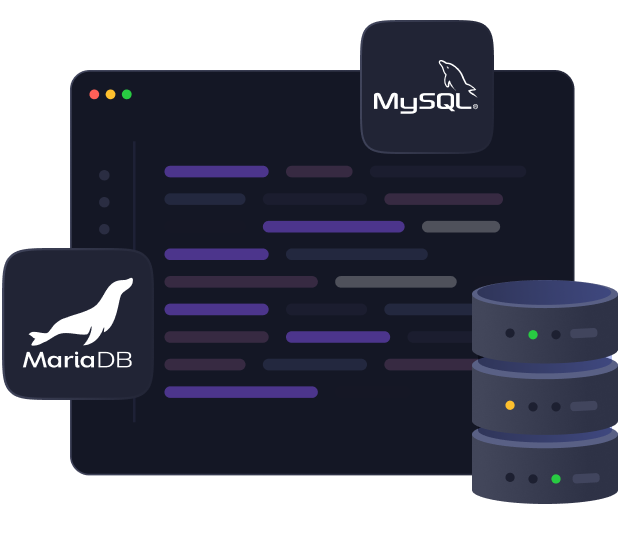
Get ultimate query speed and enhanced site responsiveness with MariaDB & MySQL databases. Also optimized engines of MariaDB & MySQL ensure high performance with strong data integrity and provide fast access to data.
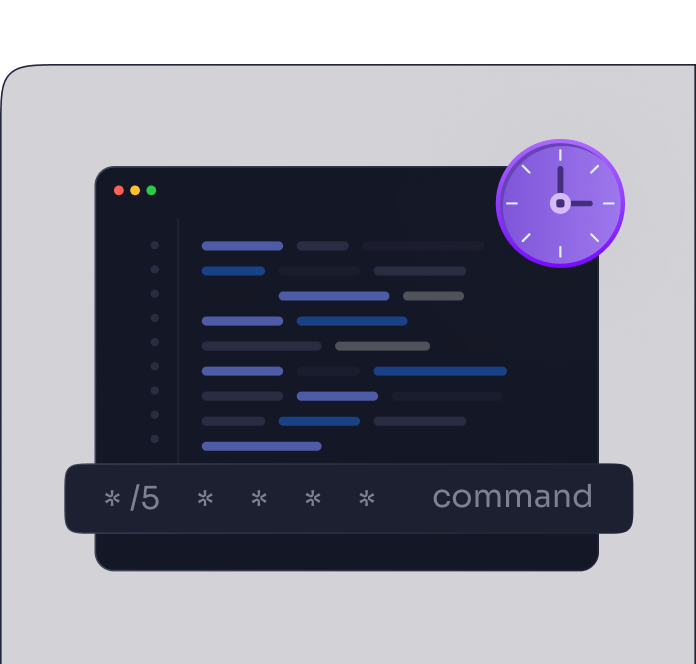
Simplify your workload with effortless task management. Easily manage scheduled tasks with cron jobs to increase efficiency and ensure your operations run smoothly without manual intervention.
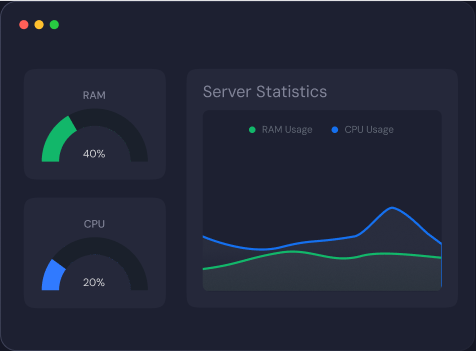
Get real-time insights and instant alerts to ensure optimal performance. Prevent downtime, identify issues early and maintain peak efficiency effortlessly. Monitor your RAM, CPU and Disk Usage from straight to the xCloud.
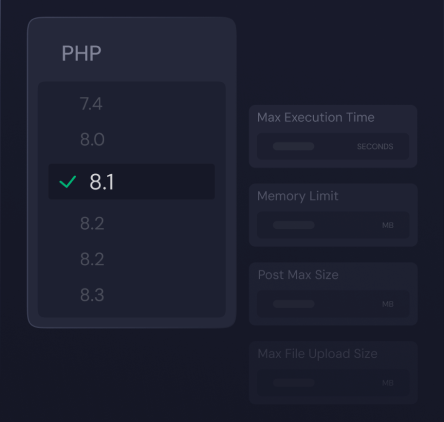
Unlock the ultimate flexibilities by leveraging multiple PHP versions. Manage the PHP version and settings for each site individually.
Simply set up a test site with xCloud. You'll have a fully prepared site with all necessary plugins and a test domain in just a minute.
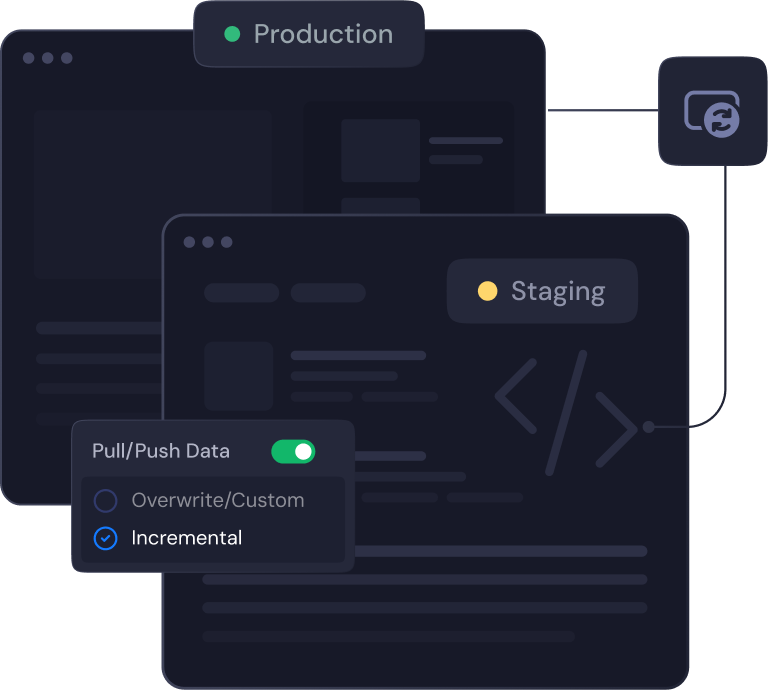
Create a staging environment for your WordPress site and test any changes before bringing it to your production site.
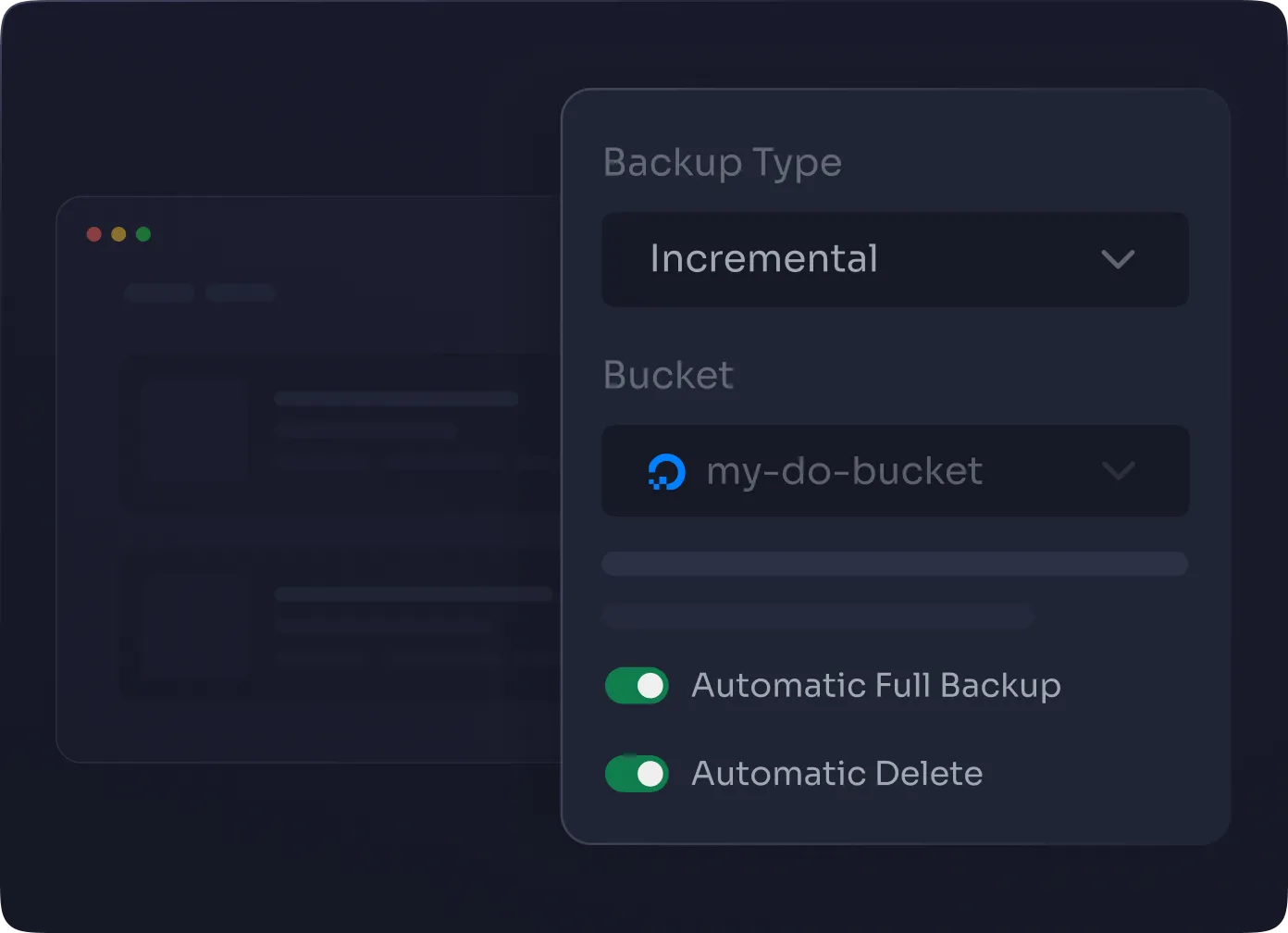
Easily create incremental and full backups of your data, restore previous versions and roll back changes with just a few clicks. Manage your data quickly while ensuring your data is always safe and easy to manage.
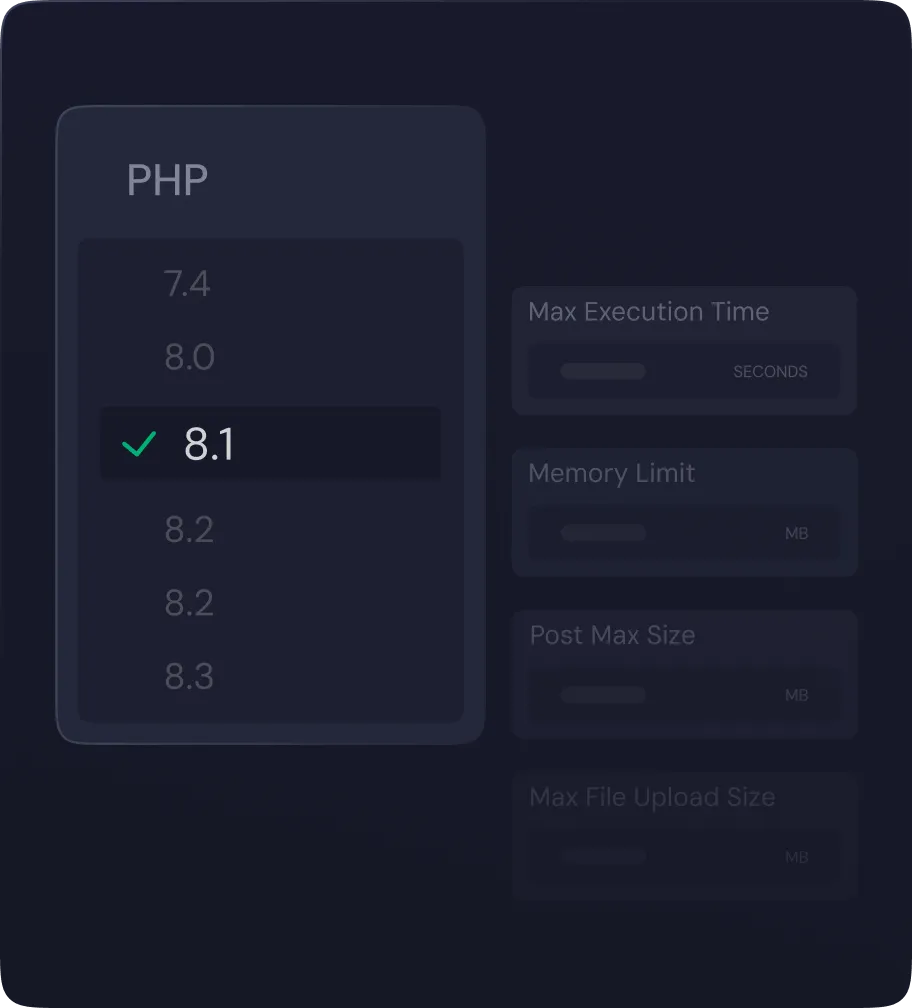
Unlock the ultimate flexibilities by leveraging multiple PHP versions. Manage the PHP version and settings for each site individually.
Keep each of your website isolated from one another by creating separate system users for each one. If a security breach occurs on one site, it will not be able to affect the others and your site will remain more safe and protected.

Protect your site with 1-click free SSL provided by xCloud or add your own custom SSL certificates. xCloud configures the certificates and renewals for your site on your behalf. No need to worry about the setup at all.
To ensure the security for your data, we strictly enforce secure server connections exclusively through SFTP and SSH.
Strengthen your server's defenses with Fail2Ban. It blocks unauthorized access and protects against brute-force attacks. xCloud servers have it enabled by default, securing the SSH port.
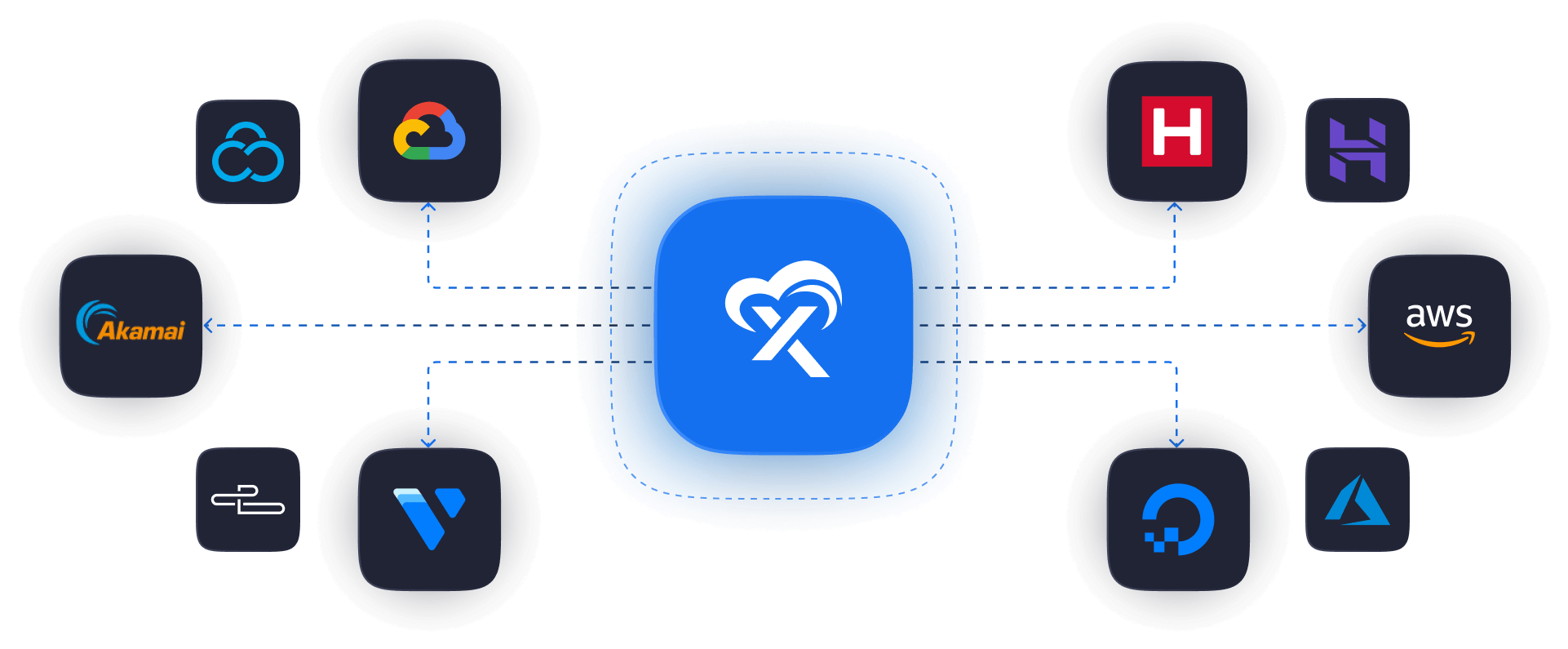
INTEGRATIONS
Maximize your server and site management with advanced stacks and integrations for providing higher efficiency and seamless performance.
REWARDS
Get the best out of WordPress with hassle-free self-managed hosting, offering unlimited perks and advanced features at your fingertips.







KEEP COMPARING
Every comparison runs the same format — the full feature table and the published prices, updated when they change.
You own the server; the panel provisions and manages what runs on it.

A control panel for PHP and WordPress servers you own.

A WordPress-specialist control panel for your own servers.

A cloud control panel for self-managed WordPress servers.

An open-source, self-hostable deployment platform for Docker apps, not WordPress-specific.

An open-source, self-hostable Docker PaaS with multi-server management, not WordPress-specific.

A control panel for deploying and managing PHP servers.

A self-hosted control panel for hosting companies and agencies, billed per website.
Someone else owns the servers and rents them to you with the stack on top.

Managed cloud hosting on DigitalOcean, Vultr, AWS and Google Cloud.

Fully managed WordPress hosting, sold by monthly visitor count.

Premium managed WordPress hosting on Google Cloud, metered three ways.

Managed WordPress hosting with Cloudflare Enterprise on every plan.

Managed shared and cloud hosting, built around WordPress.

Managed WordPress hosting for high-traffic stores, formerly Rapyd Cloud.
Connect the server you already have, keep full root access, and manage every site from one panel. One server and ten sites are free, forever.
See why agencies, developers, startups, and growing businesses choose xCloud to power their projects.
xCloud works really well, I am surprised by its performance being this the release version, I have tried many paid platforms such as runcloud, cloudpages or serveravatar, as well as free platforms such as CyberPanel, CloudPanel or Hestia Control Panel and direct competitors such as SpinupWP and FlyWP. Of all those that I have tried, the platform that works best for WordPress is SpinupWP and I believe that xCloud can reach and surpass that development, its roadmap is promising. Congratulations to the xCloud team, I hope they become the leading platform in the segment, it has all the potential to achieve it!
 Brian Geovanny
I've been with runcloud for the last 3 years. However, after trying xcloud for the last month, I'm switching over. They are on a roll with their setup.
 Kevin Pineda
I'm moving my servers to xCloud, a cloud control panel by M Asif Rahman and the WPDeveloper team. Their roadmap looks interesting and no, there are no team mates nor API limits with xCloud! #xCloud #wordpress #hosting
 Leo Koo
How Cloud Nine Web Elevated Client Experience While Streamlining Hosting Operations using xCloud
 Ed Ellingham
xCloud is like having an expert server team on call — without the big agency costs. It's given me back my time and given my clients peace of mind. Highly recommended for freelancers and small teams who want reliable performance and security.
 Dumitru Butucel
xCloud isn't just a solution. It's like one of that friend who got your back when you screw things up pretty bad.
 Waqar Ahmed
Trust me when I say, once people explore the potential of xCloud they gonna switch from other panels, just keep delivering the best tech, lots of love for the team 😍😍
 Rahul Singh
So far my experience has been smooth like silk. I didn't imagine that configuring and managing a VPS would be so easy. As of today, I have deployed 8 sites. The support is good, and they treat users with respect, even if they ask stupid questions (myself included). For the future, I hope for greater flexibility in scheduled backups and more comprehensive and consistent documentation. I'm sure that within a few months, xCloud will become the leader in its segment. This community is amazing, and the Staff here is super helpful.
 Massimo Villa
Came from cloudways then to runcloud then to xcloud. Looks like I'm staying here.
 Gerson El
I've recently taken all of my Vultr-hosted sites and gotten rid of cPanel for them to substitute it with xCloud. I have to say, I'm really impressed with xCloud so far! The interface is definitely the standout feature for me.
 Tony Lewis
I came from Cloudways and won't go back. Highly impressed with xCloud. Glad I gave them a chance.
 Jared McDowell
I like xCloud better than RunCloud, but one thing I'll point out is that some years ago RunCloud was hungry for business, the support was outstanding, and the community was active and helped each other. Maybe it was sold, there was a change in management, or they stopped being hungry, but the quality of the RunCloud offering declined and it hasn't been moving forward quickly. My point is that currently the xCloud team has the edge and it is theirs to keep or lose
 David McCan
How Kevin Heinrichs Cut Hosting Costs by 84% While Running WooCommerce & Node.js Sites Efficiently
 Kevin Heinrichs
I had 150 sites on cloudways and am in the process of moving them to xcloud. Much faster and better priced.
 Dan Spinoza
Dear xCloud Team, I have been using xCloud for some time now and am genuinely impressed with its capabilities and the flexibility it offers by allowing users to bring their own VPS for management. It's a fantastic service, and my experience so far has been very positive. Successful migrated 5 sites on a single server. Xcloud migration tool worked great. There were few hiccups with security plugin like MalCare but disabling the plugin prior to migration worked just fine.
 Rahil Maknojia
Came from runcloud. Tried xcloud and never came back.
 Karl Fanega
How Advanced Web Strategies Saved Over $2,000 & Recovered 56 Hours per Month Managing 70+ Client Websites
 Gary Moody
xCloud gave me what no other hosting platform could: the flexibility of a VPS with the convenience of managed WordPress. As a solo founder running an entire business on one server, that combination is an important unfair advantage.
 Jorge de los Reyes Martínez
I use Server Avatar and xCloud and I'll sooner use xCloud than Server Avatar personally.
 Jay Pagano
How Newman Web Solutions Ensured Perfect Uptime and Seamless Scaling For 120+ WordPress Sites with xCloud
 Lori Newman
I too have moved over to xCloud. It's pretty sweet. One click n8n and uptime Kuma apps
 John Aperture
I went from Cloudways to xCloud. No intention on switching in the foreseeable future.
 Blaine Moore
Explore our comprehensive knowledge base, tutorials, and blogs for instant help. Also, our expert support team is here to assist you with any queries.
With xCloud managed you pay us for hosting and the platform in one place, and you get exclusive extras like server resize and server backup. With self-managed you pay your own provider for the server and xCloud charges $5 per server per month for management, dropping to $3 per server once you pass 10. All other features are the same.
Just integrate your server provider — such as DigitalOcean, GCP, or Hetzner — using our built-in integration method. You can also connect servers from any other provider.
Yes. xCloud offers a free plan where you can manage 1 server and up to 10 WordPress sites. Plus, there's a 14-day money-back guarantee on paid plans.
xCloud supports a wide range of software stacks including NGINX, OpenLiteSpeed (OLS), MySQL and MariaDB. It also works with ARM servers, making it flexible for various server architectures and setups.
Absolutely. xCloud provides free migration for unlimited websites. Our free migration plugin allows for a smoother transfer from your current host.
xCloud includes enterprise-grade security, such as Fail2Ban, firewall management, SSL certificates, automatic backups, vulnerability alerts, site isolation and regular software security updates to keep your server and sites safe.
xCloud makes team collaboration easy with features that allow you to add team members, assign roles, and set detailed access permissions — all in just a few clicks from your control panel.
You get access to 24/7 live chat, a ticket-based support system, a comprehensive knowledge base, and a Facebook community where users and experts share insights and help each other.
Yes. xCloud includes a Managed Email Service with 100 free transactional emails, making it easier to handle essential site communications like form responses and system alerts. You can purchase more bundles later as your needs grow.