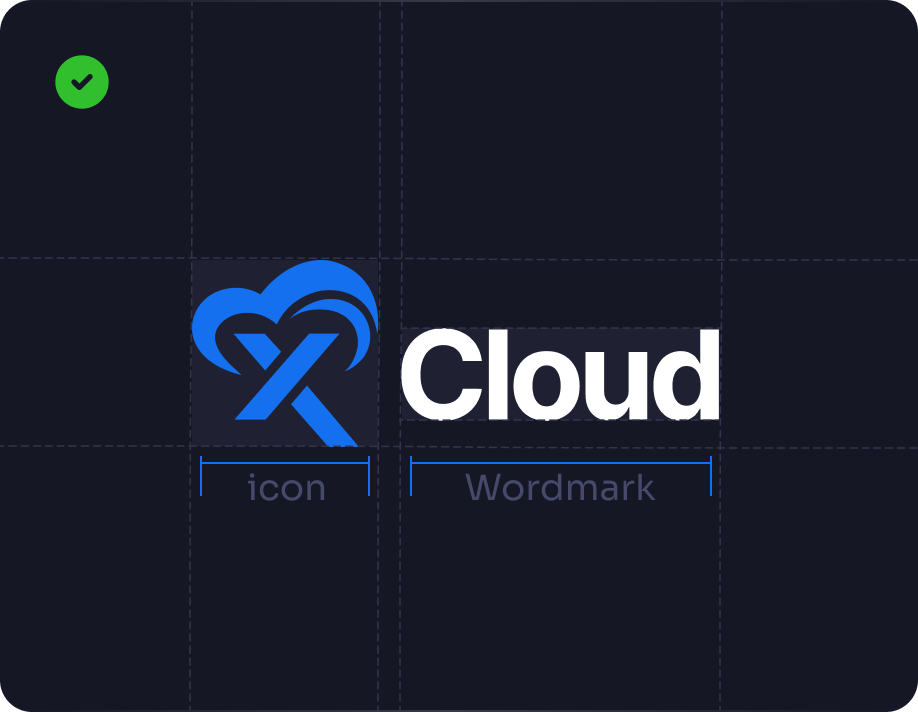
Our logo is a core symbol of the brand. Do not alter or modify it. Use the provided assets from the xCloud Media Kit to maintain harmony and a professional look for our platform.

About xCloud Hosting

xCloud is a next-generation hosting platform that simplifies hosting management. Launched in 2024, it empowers individuals, developers and businesses with automation, performance, flexibility, and a mission to deliver stability, speed, and security in cloud hosting.

Brand Colors

The xCloud logo comes in two primary versions: Azure blue and White colors. Azure Blue, White, and Eclipse Dark are the primary colors and give the brand its distinct identity and giving depth and a strong visual foundation.

Azure Blue:      Hexa: 1570EF

White:      Hexa: FFFFFF

Eclipse Dark:      Hexa: 0F111D

xCloud Logo Guideline

To keep the xCloud logo clear and effective, ensure it has adequate surrounding space equal to or greater than the size of the icon symbol, to keep it distinct and visible.

Brand Typography

xCloud exclusively uses Sora as its brand font, reflecting a sleek, modern aesthetic that shows innovation, while ensuring consistent visual identity across all platforms.

Typeface

Font Weights

Light

ABCDEFGHIJKLMNOPQRSTUVWXYZ
abcdefghijklmnopqrstuvwxyz
0123456789° (!”#$%&?@)

Regular

ABCDEFGHIJKLMNOPQRSTUVWXYZ
abcdefghijklmnopqrstuvwxyz
0123456789° (!”#$%&?@)

Medium

ABCDEFGHIJKLMNOPQRSTUVWXYZ
abcdefghijklmnopqrstuvwxyz
0123456789° (!”#$%&?@)

Semi-Bold

ABCDEFGHIJKLMNOPQRSTUVWXYZ
abcdefghijklmnopqrstuvwxyz
0123456789° (!”#$%&?@)

Bold

ABCDEFGHIJKLMNOPQRSTUVWXYZ
abcdefghijklmnopqrstuvwxyz
0123456789° (!”#$%&?@)

xCloud Logo Usage Guidelines

The xCloud logo combines our Cloud icon to represent our brand’s identity. Always use the provided logo files to maintain visual consistency across all platforms.

The logo consists of the symbol and wordmark, locked up together – always maintain clear space between them.

The symbol and wordmark can be used side by side or with the wordmark below the symbol.

Do not use only the symbol as the xCloud logo, and avoid cropping it.

Do not distort, rotate, or apply reflections to the logo.

The logo should not be used in a different color or with altered opacity.

xCloud Official Logo Variations

Find the official logo versions for xCloud. Pick the one that works best for your project while maintaining brand consistency. All variations are included in the xCloud Media Kit.

Full Logo_White

Full Logo_Blue

Full Logo_Black

Logo Symbol_Blue

Full Logo_Blue/White

Logo Symbol_White

Logo Symbol_Blue

Logo Symbol_Black

Download the Full xCloud Media Kit and Brand Resources

Access our brand resources, logos, colors, and guidelines from the official xCloud MediaKit to showcase
xCloud accurately across all platforms.