









Most AI agents have a short-term memory problem. You explain your project on Monday, and by Tuesday, the agent has forgotten everything. Your codebase conventions, your preferred tools, even the task it finished an hour ago. Every session starts from zero.
Hermes Agent was built to end that cycle.

Released on February 25, 2026, by Nous Research, Hermes Agent is an open-source AI agent that runs on your own server, remembers what it learns across sessions, and gets better the longer you use it. It is not a chatbot wrapper around a single API, and it is not a coding copilot locked inside an IDE. It is a persistent, self-hosted agent that lives on your infrastructure and works on your behalf, even when your laptop is closed.

According to Hermes Atlas, the project crossed 104,791 GitHub stars by April 20, 2026, making it the fastest-growing open-source agent framework of the year. The adoption is not driven by hype. It is driven by something most agent frameworks still lack: a genuine learning loop that compounds value over time.


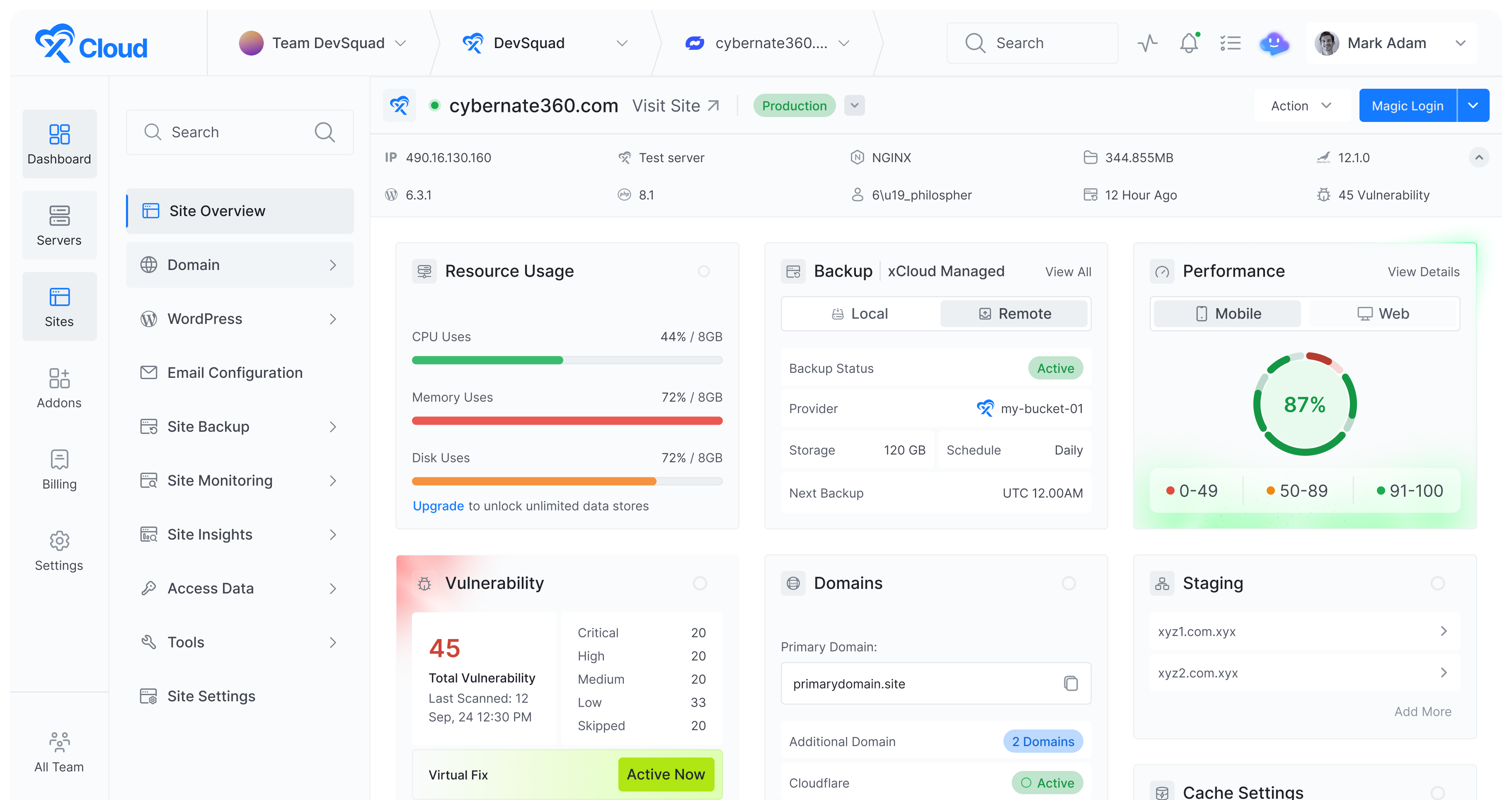
In this guide, you will learn exactly what Hermes Agent is, how its architecture works, what features set it apart, the real-world use cases it handles well, and how you can deploy it in minutes with managed hosting on xCloud.
Quick Answer: Hermes Agent at a Glance
Too long; didn’t read? Here is the short version.
| Fact | Detail |
|---|---|
| What it is | Open-source, self-improving AI agent framework |
| Built by | Nous Research (the lab behind Hermes, Nomos, and Psyche models) |
| License | MIT (free, no vendor lock-in) |
| Released | February 25, 2026 |
| Latest version | v0.10.0 (April 16, 2026) with 118 bundled skills |
| Core idea | An agent that gets more capable the longer you use it |
| Memory | Three layers: facts, user model, and self-generated skills |
| Messaging reach | 15+ platforms (Telegram, Discord, Slack, WhatsApp, Signal, Email, and more) |
| Terminal backends | 6 (Local, Docker, SSH, Daytona, Singularity, Modal) |
| LLM support | Anthropic, OpenAI, Google Gemini, OpenRouter (200+ models), and any OpenAI-compatible endpoint |
| Minimum server | 4 GB RAM Linux VPS (Ubuntu recommended) |
| Best for | Developers and teams running recurring, structured tasks where context compounds |
| Not great for | One-off questions with no recurring patterns |
Who should use it? If you have ever felt the friction of starting from zero every morning and rewriting the same system prompt, Hermes is for you. If you only need a quick answer to a question, ChatGPT or Claude is simpler.
Fastest way to try it: Deploy on xCloud managed hosting (no terminal commands, ready in minutes) or self-host with one curl command if you are comfortable on Linux.
What is Hermes Agent?
Hermes Agent is an open-source, self-improving AI agent framework created by Nous Research, the lab behind the Hermes, Nomos, and Psyche model families. It is released under the MIT license, which means anyone can use, modify, and contribute to the codebase.
At its core, Hermes Agent is designed around one idea: an AI assistant should compound in value over time instead of resetting to zero every session.
It does this through three architectural pillars.
- Persistent memory. Hermes remembers your projects, preferences, environment details, and things it has learned. This memory persists across every session. The longer you use it, the better it understands your context without you having to repeat yourself.
- Self-improving skills. When Hermes solves a complex problem, it writes a reusable skill document so it never forgets how. These skills are searchable, shareable, and improve through continued use. They follow the agentskills.io open standard, which means they are portable across compatible agents. The mechanism behind this, called GEPA, was accepted as an Oral at ICLR 2026.
- Multi-platform reach. Hermes connects to Telegram, Discord, Slack, WhatsApp, Signal, Matrix, Email, and over 15 other platforms from a single gateway process. You can start a conversation on Telegram from your phone while the agent executes tasks on a cloud server. The agent is not tied to your terminal.
This combination makes Hermes Agent fundamentally different from tools like ChatGPT or Claude that operate as stateless conversations. It also distinguishes it from coding copilots like Cursor or GitHub Copilot that only work inside an editor. Hermes lives on your server, works autonomously, and accumulates competence over time.
How Does Hermes Agent Work? Inside the Learning Loop
Understanding the architecture helps clarify why Hermes Agent behaves differently from other AI tools. The system is built around a closed learning loop with five stages.
The Five-Stage Learning Loop
- Execute: You give Hermes a task, either through the CLI or a messaging platform. The agent breaks the task into steps and runs them using its built-in tools (web search, browser automation, code execution, file management, and others).
- Evaluate: After completing a task, Hermes checks the outcome. Did it succeed? Were there errors? Did the user correct anything?
- Extract: When the agent solves a hard problem, it extracts the procedure into a structured skill document. This is not a simple log. It is a step-by-step recipe that captures what worked, including the tools used, the order of operations, and any edge cases.
- Refine: Skills are not static. Each time Hermes uses a skill, it checks whether the procedure still works and refines it based on new information. A skill created in week one may look noticeably different by week four.
- Retrieve: On every new task, Hermes searches its memory and skill library using FTS5 full-text search with LLM summarization. It pulls relevant context from past conversations and matches existing skills to the current problem before starting work.
This loop runs automatically. You do not need to configure it or manually create skills. The agent handles it on its own.
According to TokenMix.ai’s benchmarks, agents with 20 or more self-created skills complete similar future tasks 40% faster than fresh instances. The improvement is domain-specific (a code review skill does not transfer to database migrations), but inside a single workflow area, the compounding is real and measurable.
Three-Layer Memory Architecture
Hermes stores three layers of persistent information:
| Layer | File / System | What It Captures | Think of It As |
|---|---|---|---|
| Facts | MEMORY.md | Environment, project locations, preferred tools, deadlines | What the agent knows about you |
| User model | USER.md (via Honcho) | Decision patterns, communication style, working preferences | How the agent adapts to you |
| Skills | Skill library (agentskills.io standard) | Auto-generated procedures from solved problems | How the agent learned to do things |
All three layers live locally on your machine by default. There is no telemetry, no cloud sync, and no data leaving your server unless you set that up yourself.
Six Terminal Backends
Hermes supports six terminal backends for command execution. This flexibility is one of the less discussed but more important parts of its architecture.
| Backend | Best For | Key Benefit |
|---|---|---|
| Local | Quick tasks on your machine | Fastest execution, no overhead |
| Docker | VPS deployments | Container isolation as a security boundary |
| SSH | Remote servers | Run on one machine, control another |
| Daytona | Serverless persistence | Environment hibernates when idle, near-zero cost |
| Singularity | HPC and research clusters | Namespace isolation without root access |
| Modal | GPU workloads | Scales to GPU clusters, pay-per-second billing |
You can talk to the agent from Telegram on your phone while it runs on a Modal serverless worker or a $5 VPS that stays up when your laptop is closed. This separation of interface and execution is what makes Hermes useful as an always-on assistant, not just a terminal tool.
The Messaging Gateway
The gateway is a single process that connects Hermes to all your messaging platforms at once. Once configured, you can message your agent on Telegram, get a response, then continue the same conversation on Discord or Slack. The agent keeps conversational continuity across platforms.
Supported platforms include CLI, Telegram, Discord, Slack, WhatsApp, Signal, Matrix, Mattermost, Email, SMS, DingTalk, Feishu, WeCom, BlueBubbles, and Home Assistant.
Core Features of Hermes Agent
40+ Built-in Tools
Hermes ships with a wide set of tools that go well beyond text generation. These include web search, content extraction, browser automation (via Browserbase, Browser Use, or local Chrome), vision and image analysis, image generation through FAL.ai, code execution, file management, and more.
You do not need to install plugins or extensions to get started. The tools are available from day one, and v0.10.0 ships with 118 pre-built skills that cover developer workflows, research, writing, data processing, and system administration.
Scheduled Automations (Natural Language Cron)
One of the more practical features is the built-in scheduler. Instead of writing cron syntax, you describe schedules in plain language.
For example, you can tell Hermes: “Every Monday at 8 AM, pull last week’s GitHub activity, summarize what moved forward, and post a planning brief to my Slack DM.” The agent sets this up, runs it automatically, and delivers results to whichever platform you specify.
This is especially useful for recurring tasks like weekly reports, backup monitoring, competitor tracking, and content briefings.
Subagent Delegation
Hermes can spawn isolated child agents for parallel workstreams using the delegate_task tool. Each subagent works in its own context with a restricted toolset, completes its task, and returns a summary to the parent agent.
A practical example: you ask Hermes to research three competitors. Instead of processing them one at a time, it spawns three subagents, each researching a different competitor in parallel. The parent agent then combines the results into a single comparison table.
By default, delegation is flat (subagents cannot spawn their own subagents), though you can increase max_spawn_depth up to three levels for more complex workflows.
MCP Support
Hermes connects to any Model Context Protocol (MCP) server. This gives it access to external tools from GitHub, databases, file systems, and internal APIs without writing native Hermes tools. It also includes per-server tool filtering and sampling support.
Provider Flexibility
You are not locked into a single AI provider. Hermes works with Nous Portal, OpenRouter (200+ models), OpenAI, Anthropic, Google Gemini, NVIDIA NIM, Xiaomi MiMo, Kimi/Moonshot, MiniMax, Hugging Face, or any OpenAI-compatible endpoint. Switch providers with hermes model at any time. No code changes, no lock-in.
It also supports fallback providers for automatic failover if your primary model has errors, and credential pools to distribute API calls across multiple keys.
Voice Mode
Hermes includes full voice interaction across CLI and messaging platforms. You can talk to the agent using your microphone, hear spoken replies, and join live voice conversations in Discord voice channels.
IDE Integration (ACP)
For developers who prefer working inside an editor, Hermes integrates with ACP-compatible editors like VS Code, Zed, and JetBrains. Chat, tool activity, file diffs, and terminal commands render directly inside your editor.
Context Files
Hermes automatically discovers and loads project context files (.hermes.md, AGENTS.md, CLAUDE.md, SOUL.md, .cursorrules) from your working directory. These files shape how the agent behaves in your project. If you are already using context files with Claude Code or Cursor, Hermes picks them up automatically.
Checkpoints and Rollback
Before making file changes, Hermes snapshots your working directory. If something goes wrong, you can roll back with /rollback. This is a safety net that makes it less risky to let the agent work autonomously on your codebase.
Hermes Agent vs Other AI Agents: How Does It Compare?
The AI agent space is crowded. Here is how Hermes Agent compares to the alternatives you are most likely evaluating.
| Feature | Hermes Agent | ChatGPT / Claude | Cursor / Copilot | AutoGPT | OpenClaw |
|---|---|---|---|---|---|
| Persistent memory | ✅ Cross-session | ❌ Stateless | ⚠️ Project-scoped | ⚠️ Vector DB | ✅ Yes |
| Self-improving skills | ✅ Automatic (GEPA) | ❌ | ❌ | ❌ | ⚠️ Partial |
| Self-hosted | ✅ | ❌ | ❌ | ✅ | ✅ |
| Multi-platform messaging | ✅ 15+ platforms | ❌ Browser/app only | ❌ IDE only | ❌ CLI only | ✅ |
| Scheduled automations | ✅ Natural language | ❌ | ❌ | ⚠️ Limited | ❌ |
| Subagent delegation | ✅ Parallel | ❌ | ❌ | ✅ | ✅ |
| Open source (MIT) | ✅ | ❌ | ❌ | ✅ | ✅ |
| Works with local models | ✅ | ❌ | ⚠️ Partial | ✅ | ✅ |
| Terminal backend options | 6 backends | N/A | N/A | 1 | 1 |
The key differences come down to persistence and deployment flexibility. ChatGPT and Claude are powerful but stateless, so every conversation starts fresh. Cursor and Copilot are tied to your IDE. AutoGPT pioneered the autonomous agent concept but lacks the learning loop and messaging integration. OpenClaw is the closest comparison, and Hermes actually supports migrating from OpenClaw with a single command that imports your settings, memories, skills, and API keys.
Real-World Use Cases for Hermes Agent
Hermes Agent fits best in scenarios where tasks recur, context accumulates over time, and you need the agent available beyond your laptop. Here are the use cases where it delivers the most value.
1. Development Automation
Hermes can review pull requests, run test suites, manage refactors, and continue coding tasks across sessions without losing context. Because it remembers your codebase conventions, branching rules, and deployment procedures, you do not need to re-explain them each time.
A developer working on a long-running side project can message Hermes on Telegram with “pick up where we left off on the authentication module,” and the agent knows exactly what that means because it remembers prior sessions.
2. Research and Competitive Analysis
The combination of web search, parallel subagents, and persistent memory makes Hermes effective for ongoing research. You can schedule weekly competitor monitoring, track pricing changes across vendors, or collect academic papers on a topic, and the agent remembers what it already reported so it only surfaces what is new.
3. Content Creation and Publishing
Hermes can draft blog posts, produce outlines, create social media variants, and even publish directly to a CMS through MCP server integration. Because it builds knowledge about your brand voice and editorial guidelines through its user model, the output gets better over time.
4. Scheduled Reporting and Monitoring
For teams that need weekly operational summaries, Hermes can pull data from GitHub, Linear, Slack, and calendars, compile a planning document, and deliver it to your preferred channel, all on a set schedule. No manual intervention required.
5. Personal AI Assistant
This is the simplest use case and often the starting point. Hermes acts as a personal assistant you can message from anywhere to handle tasks like managing files, answering questions with up-to-date web search results, automating system checks, or organizing project information.
6. Research and Training Data Generation
Nous Research built Hermes with their own research needs in mind. The agent supports batch trajectory generation, trajectory compression for fine-tuning, and Atropos RL environments. If you are training models or running RL experiments, this infrastructure is built in.
How to Deploy Hermes Agent
You have two main paths for getting Hermes Agent running: self-hosting or managed hosting.
Option 1: Self-Hosting (Free, Technical)
Hermes installs on Linux, macOS, or WSL2 with a single command:
curl -fsSL https://raw.githubusercontent.com/NousResearch/hermes-agent/main/scripts/install.sh | bash
After installation, run hermes setup to configure your AI provider, choose a model, and optionally connect messaging platforms.
Self-hosting gives you full control, but it also means you are responsible for server provisioning, SSL certificates, security patches, dependency management, backup configuration, and troubleshooting at 3 AM when something breaks. For developers comfortable on Linux, this is fine. For everyone else, it is a real cost in time.
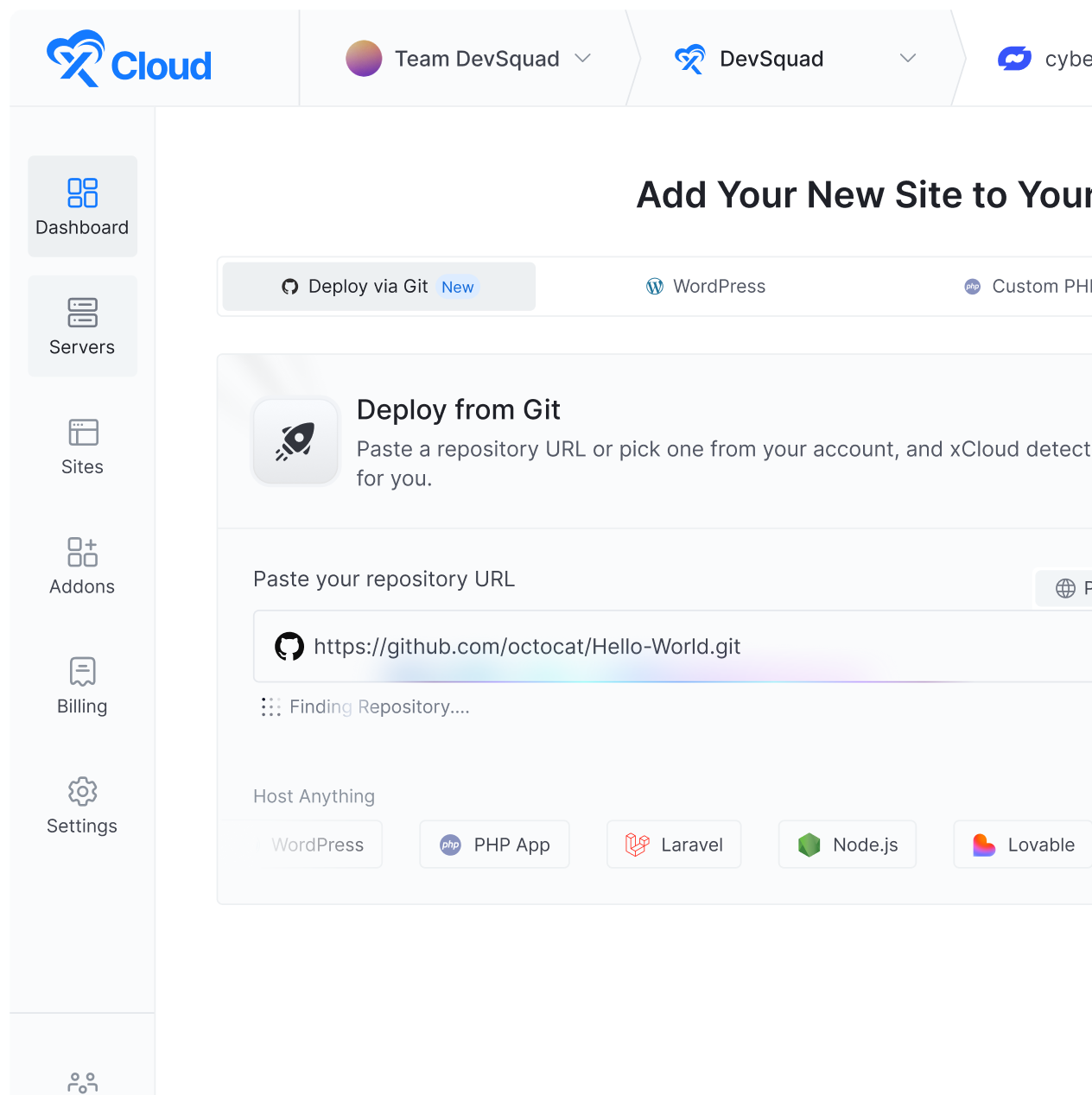
Option 2: Managed Hosting on xCloud
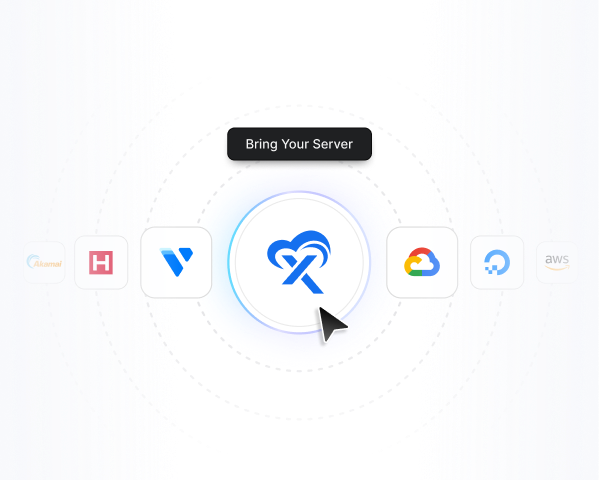
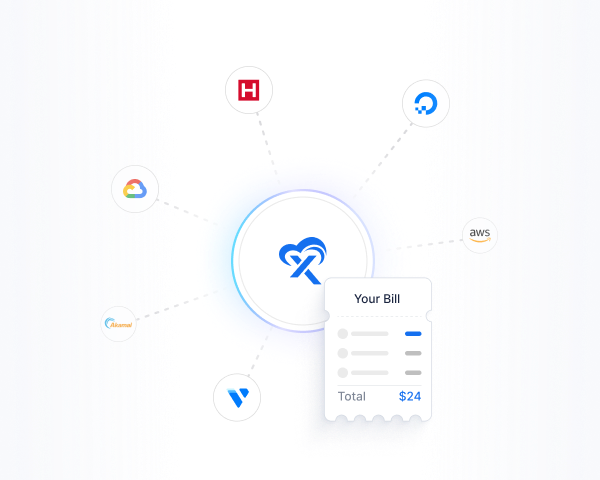
If you want Hermes Agent running without the infrastructure overhead, xCloud offers managed Hermes Agent hosting starting at $24/month.
The setup takes minutes, not hours:
- Sign up at xCloud and choose a plan.
- xCloud deploys everything automatically: server provisioning, Hermes Agent installation, messaging gateway, SSL, and backups.
- Start talking. Open Telegram and message your agent. Assign tasks, schedule automations, build skills.
No terminal commands. No Docker. No manual configuration.
Here is what you get with managed hosting that you would otherwise have to handle yourself with self-hosting:
| Capability | xCloud Managed | Self-Hosted |
|---|---|---|
| Server provisioning | Automatic | You handle it |
| Hermes installation | Automatic | Manual (curl + setup wizard) |
| SSL certificates | Auto-SSL included | Let’s Encrypt setup required |
| Messaging gateway config | Pre-configured | Manual per platform |
| Security updates | Managed by xCloud | Your responsibility |
| Automatic backups | Daily, one-click restore | Manual configuration |
| Monitoring and logs | Dashboard included | Set up your own |
| Support | 24/7 expert support | Community / self |
xCloud supports multiple AI providers out of the box, including Anthropic, OpenAI, Google Gemini, and OpenRouter. You bring your own API keys and connect them during setup or update them anytime from the xCloud dashboard.
For a step-by-step walkthrough, see the full deployment guide.
When to Choose Self-Hosting Instead
Managed hosting is the right call for most teams, but there are real cases where self-hosting wins:
- You already have spare capacity. If you run a homelab or have an underutilized VPS, paying for managed hosting may be wasted money.
- You need a specific server location not in xCloud’s region list. Self-hosting on any provider gives you full geographic control.
- You want to use Daytona or Modal as your terminal backend. These serverless options can drop costs to near zero for low-volume personal use, and self-hosting makes that easier to wire up.
- Compliance requirements. Some industries require running on infrastructure under your own contracted control.
If none of those apply, managed hosting saves you the hours of configuration and ongoing maintenance.
Requirements and Considerations
Before deploying, keep these practical points in mind.
- Minimum server specs: Hermes Agent needs at least 4 GB of RAM for stable operation. On xCloud, the Standard plan ($24/month for a 4 GB server) is the lowest recommended configuration. For personal use only, TokenMix.ai’s testing found a $5/month VPS with 1 vCPU and 1 GB RAM works for light workloads, though it is not officially recommended.
- API costs are separate: xCloud hosting covers the infrastructure. You pay your AI provider (OpenAI, Anthropic, etc.) separately based on your usage. Hermes Agent does not bundle or mark up LLM costs. Per-task cost typically lands between $0.05 and $3.00 depending on model and complexity.
- Security responsibility: Hermes Agent has terminal access and runs with system-level permissions. On a self-hosted setup, you need to manage credential security, container isolation, and access controls. On xCloud, firewall rules, encrypted tokens, and security updates are handled for you. As of April 2026, Hermes has zero reported agent-specific CVEs, though as a young framework, API stability between minor versions is not guaranteed. Pin your version if you run it in production.
- Best-fit scenarios: Hermes works best when tasks are repetitive and structured, the same user or team uses it consistently, and you can observe the agent getting better over time. For one-off tasks with no recurring patterns, a stateless tool like ChatGPT may be simpler.
Hermes Agent vs OpenClaw: Which Should You Choose?
Since both Hermes Agent and OpenClaw run on xCloud, this is a common question.
Hermes Agent prioritizes self-learning, memory, and skill generation. It builds a model of you over time and improves its procedures through continued use. It is the better choice if you want an agent that compounds in capability.

OpenClaw is more straightforward. It focuses on VPS deployment, private infrastructure, consistent costs, and always-on availability. With over 345,000 GitHub stars and a marketplace of 13,000+ community skills, OpenClaw also has a larger ecosystem. It is the better choice if you want a reliable AI assistant without the complexity of a learning loop, or if the breadth of integrations matters more to you than the depth of self-improvement.
If you are migrating from OpenClaw, Hermes includes a built-in migration tool (hermes claw migrate) that imports your settings, memories, skills, and API keys automatically.
Both agents pair well with n8n for structured workflow automation and can be orchestrated together using Paperclip for multi-agent coordination.
Frequently Asked Questions
What is Hermes Agent?
Hermes Agent is an open-source, self-improving AI agent built by Nous Research. It runs on your own server, keeps persistent memory across sessions, automatically creates and refines reusable skills from experience, and connects to over 15 messaging platforms. It is released under the MIT license and designed to get more capable the longer you use it.
Is Hermes Agent free?
Yes. Hermes Agent is open source and free to install. You will need to pay for a server (or use managed hosting) and for API usage with your chosen LLM provider (OpenAI, Anthropic, etc.). xCloud’s managed Hermes hosting starts at $24/month, which covers the server infrastructure.
What AI models does Hermes Agent support?
Hermes Agent works with Nous Portal, OpenRouter (200+ models), OpenAI, Anthropic (Claude), Google Gemini, NVIDIA NIM, Xiaomi MiMo, Kimi/Moonshot, MiniMax, Hugging Face, local models via Ollama, or any OpenAI-compatible API endpoint. You can switch models anytime with the hermes model command.
Can Hermes Agent run on a VPS?
Yes. You can deploy Hermes Agent on any VPS running Linux (Ubuntu recommended) with at least 4 GB of RAM. For a managed experience with no manual setup, xCloud provides one-click Hermes Agent deployment on optimized servers in 30+ global locations.
What messaging platforms does Hermes Agent support?
Hermes Agent supports CLI, Telegram, Discord, Slack, WhatsApp, Signal, Matrix, Mattermost, Email, SMS, DingTalk, Feishu, WeCom, BlueBubbles, and Home Assistant, all from a single gateway process.
How is Hermes Agent different from ChatGPT or Claude?
ChatGPT and Claude are stateless. Every conversation starts fresh with no memory of prior sessions. Hermes Agent keeps persistent memory, builds reusable skills from experience, runs scheduled automations, and operates on your own infrastructure. It gets more useful over time because it learns and remembers.
What is the difference between Hermes Agent and OpenClaw?
Hermes Agent focuses on self-learning, memory, and automated skill generation. OpenClaw focuses on simple deployment, private infrastructure, and always-on availability without a learning loop. OpenClaw also has a much larger community marketplace with 13,000+ skills. Hermes includes a migration tool (hermes claw migrate) to import OpenClaw settings if you want to switch.
Can beginners use Hermes Agent?
Hermes Agent is best suited for technical users who are comfortable with terminals, GitHub projects, and API keys. For a less technical path, xCloud’s managed hosting removes the infrastructure setup so you can focus on using the agent rather than configuring servers.
Can Hermes Agent integrate with n8n?
Yes. Hermes Agent can integrate with n8n workflows. n8n handles structured, trigger-based automation well, while Hermes Agent is better suited for dynamic tasks that need reasoning, memory, and context awareness. They complement each other.
How do I deploy Hermes Agent on xCloud?
Visit the xCloud Hermes Agent page, create an account, choose a server plan (minimum 4 GB RAM), enter your AI provider API key, optionally configure Telegram, and click Create. xCloud handles the rest. For a detailed walkthrough, see the deployment documentation.
Is Hermes Agent Worth Deploying?
If you use AI for one-off questions and do not mind re-explaining your project every session, a stateless tool like ChatGPT or Claude will serve you fine. Not every task needs an agent that remembers your preferred branch naming convention from three weeks ago.
But if you have felt the friction of starting from zero every morning, if you keep rewriting the same system prompt, if accumulated context actually matters for your work, then Hermes Agent solves a real problem. After a few days of use, the difference between an agent that remembers and one that does not becomes hard to ignore. The skills it builds from your actual work patterns are more useful than any pre-written prompt template because they are shaped by what you need and refined through repeated use.
Your data stays on your machine. The MIT license means no vendor lock-in. And multi-platform messaging means you reach your agent from wherever you already spend time, not just a terminal window.
The fastest path from zero to a running Hermes Agent is through xCloud managed hosting. Sign up, pick a plan, enter your API key, and your agent is live in minutes. If you prefer self-hosting, install Hermes with one command and run hermes setup to configure everything.
Either way, start with something simple. Ask it to research a topic, automate a recurring task, or organize project files. Let it build memory and skills over a few days. That is when Hermes starts to feel different from every other AI tool you have used.
The agent that forgets everything every session is a problem everyone has accepted for too long. Hermes Agent is the clearest attempt to solve it.
Deploy Hermes Agent on xCloud and see the difference persistent memory makes.
If you have found this blog helpful, feel free to subscribe to our blogs for valuable tutorials, guides, knowledge and tips on web hosting and server management. You can also join our Facebook community to share insights and take part in discussions.