










If you are choosing a backend for your next project, you have almost certainly landed on the same crossroads as thousands of other developers: Node.js or Laravel? Both are popular, both are mature, and both have passionate fans who will tell you their pick is the obvious winner.


The truth is less dramatic. Neither one is universally better, and the right answer depends entirely on what you are building, who is building it, and how it needs to scale. This guide breaks down the real differences, clears up a common misconception, and gives you a simple framework to decide with confidence.
Key takeaways
- Node.js is a JavaScript runtime, while Laravel is a PHP framework, so you are not comparing two like-for-like tools as much as two different ways to build a backend.
- Node.js shines for real-time, high-concurrency, and API-heavy applications thanks to its event-driven, non-blocking model. It is the most used web technology in the world, cited by 48.7 percent of developers in the latest Stack Overflow survey.

- Laravel shines for structured, data-driven applications that need to ship fast, with built-in routing, authentication, and database tools. It leads the PHP framework market with a 50 percent-plus share.
- Node.js gives you flexibility and control, while Laravel gives you conventions and speed of development.
- You do not always have to pick one. Many teams pair a Laravel backend with a Node.js real-time layer.
- Both stacks deploy cleanly on modern managed hosting that supports Git deployment, process management, and SSL out of the box.
Node.js vs Laravel at a glance
Before we dig into the details, here is a side-by-side summary of how the two stack up across the factors that matter most.

| Factor | Node.js | Laravel |

| Type | JavaScript runtime environment | PHP web framework |
| Language | JavaScript / TypeScript | PHP |
| Architecture | Event-driven, non-blocking | Model-View-Controller (MVC) |
| Performance | Excellent for concurrent, real-time workloads | Strong for traditional request-based apps |
| Scalability | Built for microservices and high concurrency | Scales well with caching, queues, and tuning |
| Learning curve | Steeper, you assemble your own structure | Gentler, conventions are built in |
| Ecosystem | npm, over 2 million packages | Composer, around 47,000 packages |
| Security | Mostly manual, depends on your setup | Strong, secure defaults out of the box |
| Best for | APIs, real-time apps, streaming, SaaS | eCommerce, CMS, dashboards, CRUD apps |
Keep this table in mind as we go, because the rest of the article explains the why behind each row.
What is Node.js? (and why it is not a framework)
This is the first thing to get straight, because it trips up almost everyone new to the comparison. Node.js is not a framework and it is not a language. It is a runtime environment that lets you run JavaScript on the server instead of only in the browser.
Created by Ryan Dahl in 2009 and built on Google’s V8 engine, Node.js turned JavaScript into a full backend language. When people say they are “building with Node,” they usually mean they are using a Node framework such as Express, NestJS, or Fastify on top of the runtime.
How Node.js works
The magic of Node.js is its event-driven, non-blocking model. Instead of handling one request from start to finish before moving on, Node.js fires off slow tasks like database queries and immediately starts handling the next request.
This is why Node.js performs so well under heavy, concurrent load. It can juggle thousands of simultaneous connections without stalling, which is exactly what real-time and API-driven applications demand.
Where Node.js fits
Node.js is the engine behind some of the busiest products online, including Netflix, PayPal, LinkedIn, and Uber, which reported cutting payment processing time in half after adopting it. With more than 2 million packages on npm, you can find a library for nearly anything.
It is the natural choice when you need real-time features, a unified JavaScript stack across frontend and backend, or a microservices architecture. The trade-off is that you make more decisions yourself, since Node gives you freedom rather than a fixed structure.
What is Laravel?
Laravel is a PHP framework created by Taylor Otwell in 2011, and it has become the default way most people build serious applications in PHP. Where Node.js hands you a blank canvas, Laravel hands you a fully furnished workshop.
How Laravel works
Laravel follows the Model-View-Controller (MVC) pattern, which keeps your data, logic, and presentation cleanly separated. More importantly, it is a batteries-included framework, meaning routing, authentication, validation, database access through Eloquent ORM, and templating through Blade are all built in.
That structure is the whole point. You spend less time wiring up plumbing and more time building the features that make your product unique, which is why teams reach for it when speed to launch matters.
Where Laravel fits
Laravel leads the PHP framework world with a 50 percent plus market share and a community of more than 150,000 active developers. Enterprises like Disney+ and the BBC trust it for production workloads.
It is the strong choice for structured, data-driven applications such as eCommerce platforms, content management systems, admin dashboards, and any product built around create, read, update, and delete operations. The conventions keep large teams consistent and the codebase maintainable over time.
Node.js vs Laravel: the key differences that actually matter
While both are powerful back-end tools, they excel in different areas: Node.js offers superior performance for real-time and high-concurrency tasks, whereas Laravel provides a highly structured environment that speeds up development for data-driven applications.
Performance and concurrency
Node.js generally wins on raw concurrency. Its non-blocking event loop means it can serve a flood of simultaneous requests without each one waiting in line, which is ideal for chat, live feeds, and APIs under load.
Laravel processes each request through a full lifecycle, which is clean and predictable but heavier per request. That said, Laravel Octane keeps the application in memory between requests and narrows this gap dramatically, so the old “PHP is slow” assumption no longer tells the whole story.
Scalability and architecture
Both can scale, but they scale differently. Node.js fits naturally with microservices, letting you split authentication, payments, and notifications into separate services that scale independently.
Laravel typically starts as a monolith, which is actually a strength for many projects because it is simpler to reason about. It scales effectively through caching, queue workers, and load balancing once traffic grows, so the monolith is rarely a real ceiling.
Development speed and learning curve
Laravel is usually faster to start and easier to learn, especially for beginners. The built-in tools and the Artisan command line generate controllers, models, and migrations in seconds, so you can ship a working app quickly.
Node.js takes longer to set up because you choose and connect your own tools first. The upside is total control, and developers who already know JavaScript can use one language across the entire stack, which simplifies hiring and collaboration.
Real-time capabilities
This is one of Node.js’s clearest advantages. It supports WebSockets and persistent connections out of the box, which makes live chat, dashboards, and multiplayer features feel instant.
Laravel can absolutely do real-time work using tools like Laravel Reverb, Echo, and queues, but it takes more setup. If real-time is the core of your product rather than a side feature, Node.js has the more direct path.
Security out of the box
Laravel ships with strong secure defaults, including protection against cross-site request forgery, cross-site scripting, and SQL injection, plus ready-made authentication. Beginners get a safer baseline without having to know every threat.
Node.js leaves more of this to you. Security depends on the libraries you choose and how carefully you configure them, which gives experienced teams flexibility but raises the risk of gaps if you are not diligent.
Ecosystem (npm vs Composer)
Node.js has the larger ecosystem by far, with over 2 million npm packages covering nearly every use case imaginable. The trade-off is variable quality, so vetting libraries matters.
Laravel’s Composer ecosystem is smaller at around 47,000 packages, but it is more curated and tends to integrate cleanly with the framework. You get fewer options but more consistency.
Hosting and deployment needs
Here the two diverge in a way that directly affects your production setup. A Laravel app needs a PHP environment, typically a LEMP stack with PHP-FPM, plus Composer, database migrations, and often queue workers managed by Supervisor.
A Node.js app runs as a long-lived process and usually needs a build step, a start command, and process management to keep it alive. Both benefit enormously from Git-based deployment and free SSL, which a purpose-built platform handles automatically rather than leaving you to configure servers by hand.
Can you use Node.js and Laravel together?
Yes, and this is the part most comparison articles skip entirely. The “versus” framing suggests you must pick a side, but in practice many production systems run both.
A common and powerful pattern is to use Laravel for the main application, business logic, and admin, while a small Node.js service handles the real-time layer such as live notifications or chat over WebSockets. Laravel exposes a clean API, Node.js handles the persistent connections, and each tool does what it does best.
This hybrid approach gives you Laravel’s development speed and structure alongside Node.js’s real-time strengths. It does add operational complexity, so it makes the most sense when real-time features are genuinely central to your product.
Node.js vs Laravel use cases
The fastest way to decide is often to match your project type to the tool that fits it best. Here is how that usually breaks down.
| Project type | Better fit | Why |
| Chat, live dashboards, streaming | Node.js | Real-time, persistent connections |
| High-traffic APIs and microservices | Node.js | Non-blocking concurrency |
| eCommerce platforms and stores | Laravel | Structured, secure, CRUD-heavy |
| Content management systems | Laravel | Built-in tooling and conventions |
| Admin panels and internal tools | Laravel | Fast development, clear structure |
| SaaS with heavy real-time needs | Node.js or hybrid | Scales across services |
| MVP that needs to launch fast | Laravel | Less setup, ship quickly |
Treat this as a starting point rather than a strict rule, since team skills and existing infrastructure also weigh into the decision.
Cost, hiring, and team considerations
Technology choice is also a people choice. JavaScript and Node.js developers are abundant, and a full-stack JavaScript team can share one language across frontend and backend, which can simplify hiring and reduce context switching.
PHP and Laravel talent is also widely available and often more affordable in many markets, and Laravel-specific roles continue to command strong salaries, which signals healthy long-term demand. The smartest move is usually to lean toward the stack your team already knows well, because developer familiarity beats theoretical performance gains in almost every real project.
How to choose: a simple decision checklist
Deciding between these two powerful back-end technologies often comes down to your project’s specific requirements, your team’s expertise, and your desired development speed. Use the following criteria to determine which stack aligns best with your goals.
Choose Node.js if…
✅ You are building something real-time at its core, such as a chat app, live dashboard, or streaming service.
✅ You expect very high concurrency.
✅ You want a microservices architecture.
✅ Your team already lives in JavaScript and wants one language everywhere.
✅ You value flexibility and are comfortable assembling and maintaining your own stack.
Node.js rewards teams that want control and have the experience to manage it.
Choose Laravel if…
✅ You are building a structured, database-driven application like an online store, a CMS, an admin panel, or a SaaS product, and you want to launch quickly.
✅ You value built-in security, clear conventions, and a gentle learning curve.
✅ Your team knows PHP, or you are newer to backend development.
Laravel gets you from idea to working product with less friction and fewer decisions.
Node.js vs Laravel in 2026 and beyond
Both ecosystems are healthy and evolving, so neither is a risky bet. Node.js continues its reign as the most used web technology, with Node.js 24 now the active long-term support release and a 2 million plus package ecosystem that keeps growing.
Laravel keeps closing the performance gap with tools like Octane, while shipping a new major version every year, with Laravel 13 arriving in early 2026. The takeaway is reassuring: you are choosing between two thriving, well-supported options, so you can decide based on fit rather than fear of betting on the wrong horse.
Hosting your Node.js or Laravel app the easy way
Whichever you choose, the deployment experience can make or break your workflow. Configuring PHP-FPM, queue workers, Node runtimes, and SSL by hand is exactly the kind of work that slows teams down.
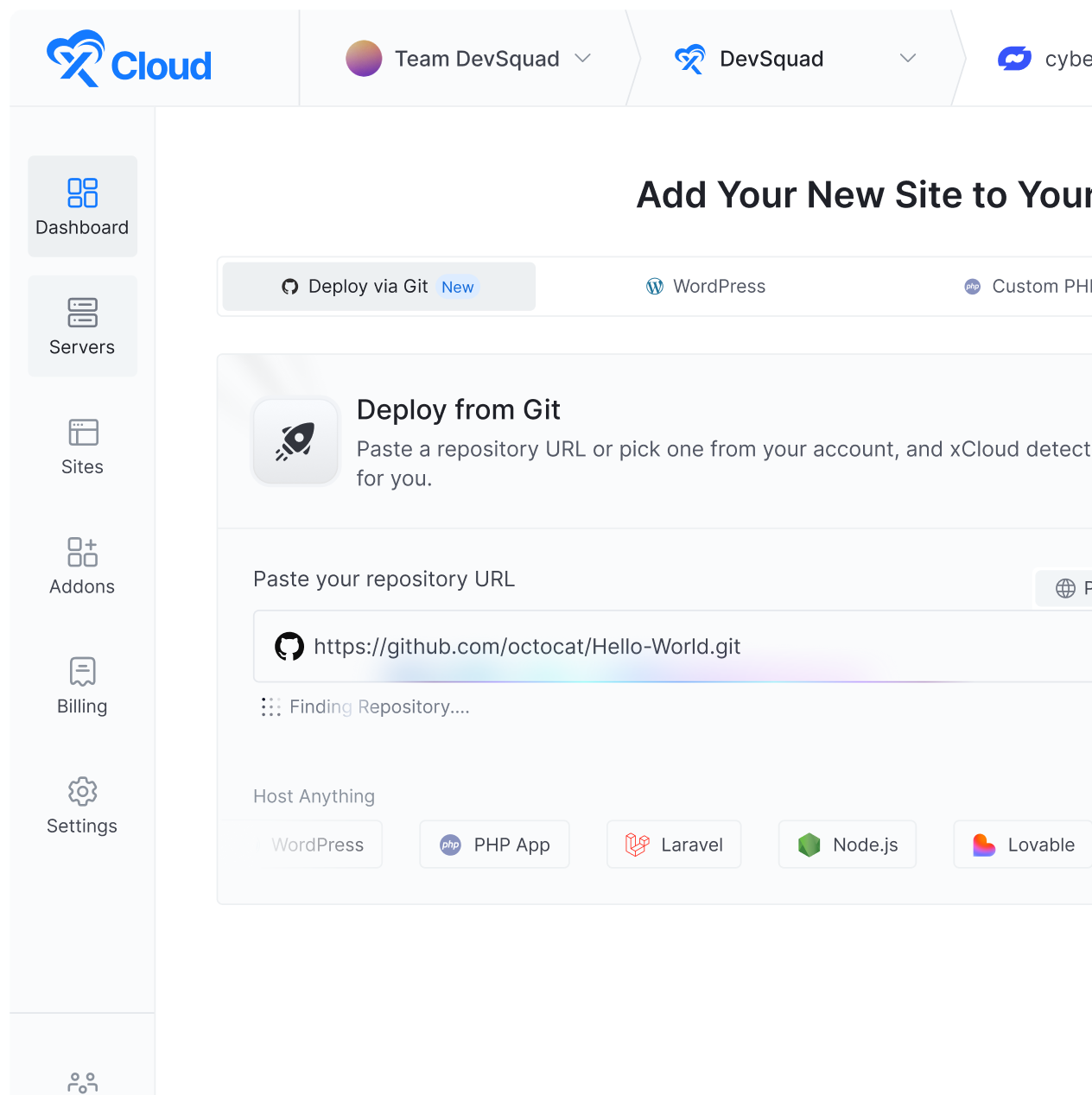
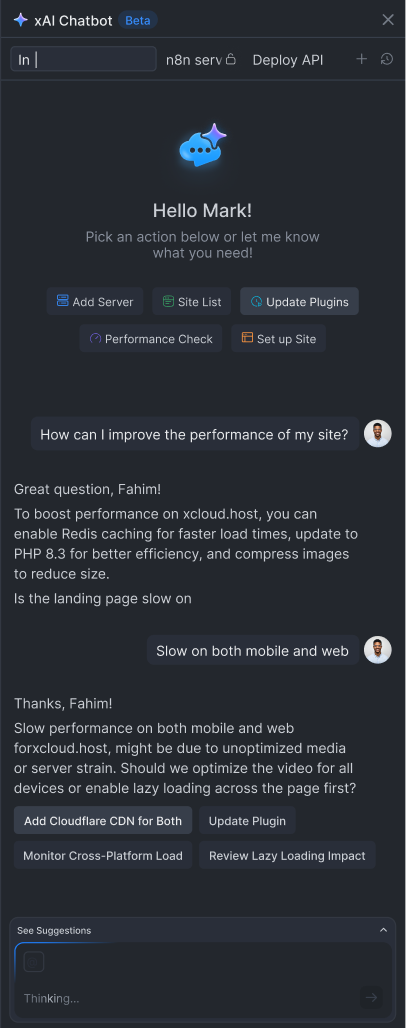
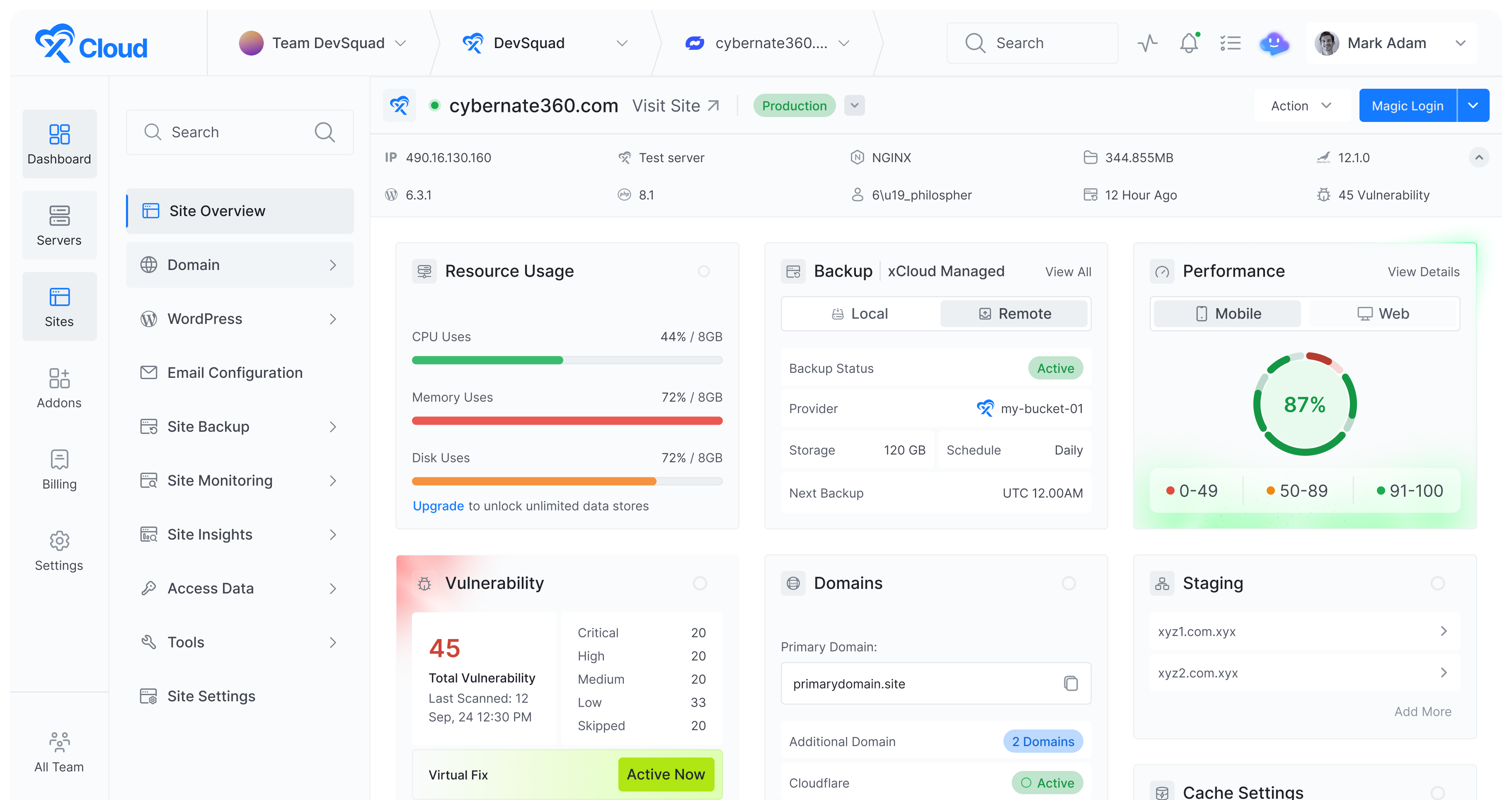
This is where a platform that speaks both stacks earns its keep. With xCloud’s managed Laravel hosting, you get an optimized LEMP stack, queue workers, and Git-based deployment so your app goes live in minutes, and the step-by-step guide to deploying Laravel applications walks you through it. If you are going the JavaScript route, xCloud’s Node.js hosting deploys front-end and back-end apps straight from a Git repository with the runtime and process management handled for you.
Because both run on the same control panel, the hybrid Laravel-plus-Node setup we described earlier becomes far simpler to manage. For mixed projects, optimized PHP hosting rounds out the stack, so you never have to juggle separate providers.
Run both Laravel and Node.js on one control panel. Clone from Git & go live with xCloud
Node.js and Laravel are not really rivals so much as specialists. Node.js is the master of real-time, high-concurrency, JavaScript-everywhere applications, while Laravel is the master of structured, secure, ship-it-fast web development.
Match the tool to the job, factor in your team’s existing skills, and remember that you can even combine the two when it makes sense. Once you have decided, the final step is simply getting it online, and a hosting platform that supports both stacks turns that last mile into a few clicks rather than a weekend of server configuration.
If you are weighing Node.js against other backends, our Django vs Node.js web development guide breaks down how Node compares to Python’s most popular framework.
Frequently Asked Questions
Is Node.js faster than Laravel?
For high-concurrency and real-time workloads, Node.js is generally faster because of its non-blocking, event-driven architecture. For traditional request-based applications, the difference is smaller, and Laravel Octane narrows the gap significantly by keeping the application in memory between requests.
Is Laravel easier to learn than Node.js?
For most beginners, yes. Laravel provides clear conventions and built-in tools, so you can build a working application quickly. Node.js gives you more freedom but requires you to assemble your own structure, which adds to the learning curve.
Can Node.js and Laravel work together?
Yes. A common pattern is to run Laravel for the main application and business logic while a Node.js service handles real-time features like chat or live notifications over WebSockets. The two communicate through an API, letting each tool do what it does best.
Which is better for startups, Node.js or Laravel?
It depends on the product. Startups building real-time or API-first products often choose Node.js, while those building structured, data-driven apps that need to launch fast often choose Laravel. Your team’s existing skills should weigh heavily in the decision.
Is Node.js a framework or a language?
Neither. Node.js is a runtime environment that lets JavaScript run on the server. Developers typically build on top of it using frameworks such as Express, NestJS, or Fastify.
Which has a bigger ecosystem, npm or Composer?
npm is far larger, with over 2 million packages, while Composer has around 47,000. npm offers more variety, though quality varies, whereas Composer packages tend to be more curated and consistent.
What kind of hosting do Node.js and Laravel need?
Laravel needs a PHP environment with PHP-FPM, Composer, and often queue workers, while Node.js runs as a long-lived process that usually needs a build step and process management. Both deploy best on managed hosting with Git-based deployment and automatic SSL.