Changelog

xCloud Changelog

We’re constantly making xCloud better with new features and improvements. Look at what we’ve got now and tell us what else you want!

  • No categories

🔥 New Features

🌐 WordPress

🌟 FPM Configuration: Site-Level PHP-FPM Configuration Is Now Available on xCloud. You can now control PHP-FPM settings for each site directly from the dashboard without SSH access or manual configuration files. This update lets you tune PHP worker behavior, manage resource usage per site, and handle traffic spikes more reliably while avoiding risky server-wide changes.🚀

  • Process Manager Type: Process manager mode used by PHP-FPM to handle requests.
  • PM Start Servers: Number of PHP worker processes started when PHP-FPM launches.
  • PM Min Spare Servers: Minimum number of idle PHP worker processes kept ready.
  • PM Max Spare Servers: Maximum number of idle PHP worker processes allowed.
  • PM Max Requests: Number of requests a PHP worker handles before restarting.
  • PM Max Children: Maximum number of PHP worker processes that can run at the same time.

✨ Improvements

  • Improved WireGuard management with a Docker image update system and CLI support.
  • Improved service restart handling and server alert monitoring across core services.
  • Improved language accuracy with corrected Chinese flags and country codes.
  • Improved layout, spacing, and alignment consistency across the UI.

🔧 Issues and Bug Fixes

  • Fixed issues in staging pull and push operations related to storage validation.
  • Fixed OpenLiteSpeed SSL synchronization issues for Cloudflare multi-domain certificates.
  • Fixed invalid character generation in database user passwords.
  • Fixed incorrect site icons appearing in header search results.
  • Fixed incorrect global tag counts by applying team-based counting.
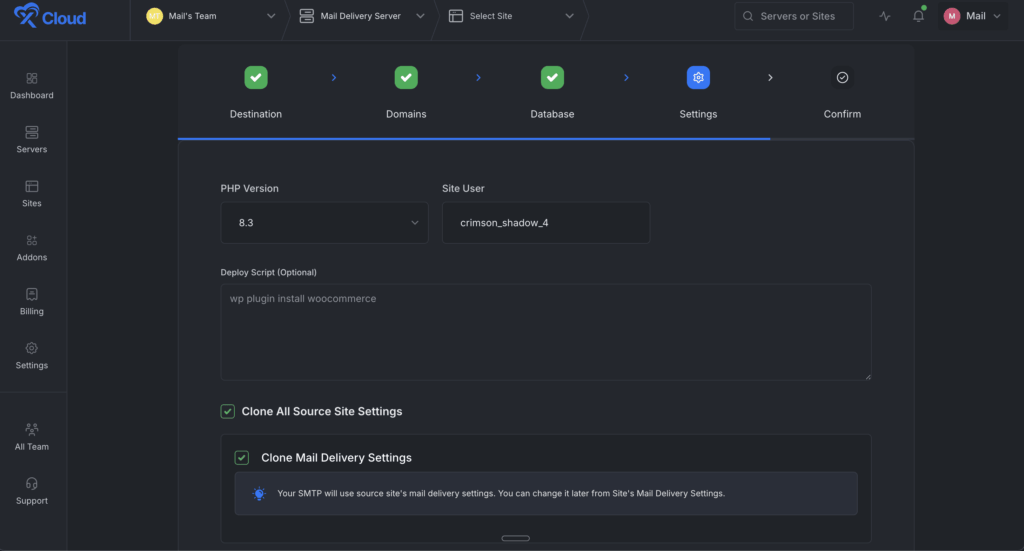
  • Fixed PHP worker count inconsistencies during site cloning.
  • Fixed duplicate server reboot notifications

  • No categories

🔥 New Features

WordPress
  1. Structured fields: Timestamp, Level, Source, File Path, Message, Line Number
  2. Clearer log levels: Warning, Fatal, Database, and more
  3. One-click copy for log messages and file paths
  4. Search + filter large logs instantly
  5. One-click download for offline review or team collaboration
OpenClaw

✨ Improvements

  • Improved Docker log visibility with container-wise log viewing for Docker Nginx sites
  • Improved UI alignment and spacing consistency across multiple pages
  • Added automatic lowercase handling for staging and demo domain names
  • Added full Vietnamese language support across the UI and all notification channels
  • Improved staging site isolation with unique site users
  • Updated Cloudflare DNS architecture for staging
  • Added billing type selection for self-managed server creation
  • Updated the default server OS to Ubuntu 24.04 LTS for new servers

🔧 Issues and Bug Fixes

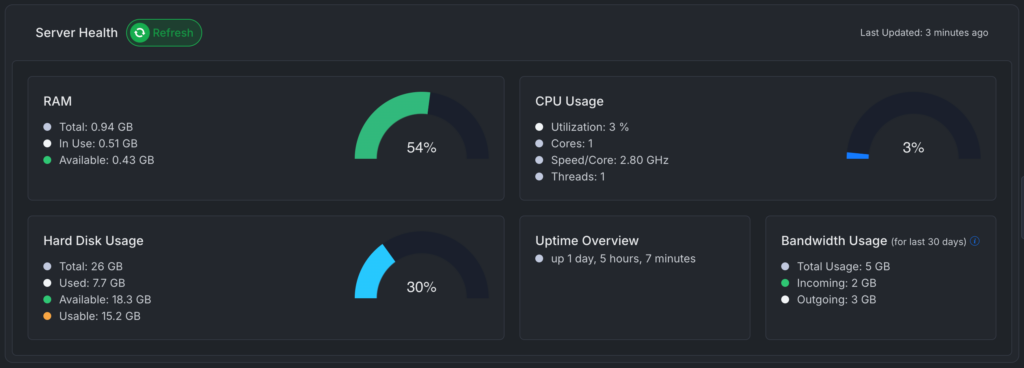
  • Fixed RAM display to always show actual monitoring data
  • Fixed WhatsApp URL handling and low disk space notification timestamps
  • Fixed missing page title on non-WordPress site overview pages
  • Fixed JQ installation error handling in backup cron scripts
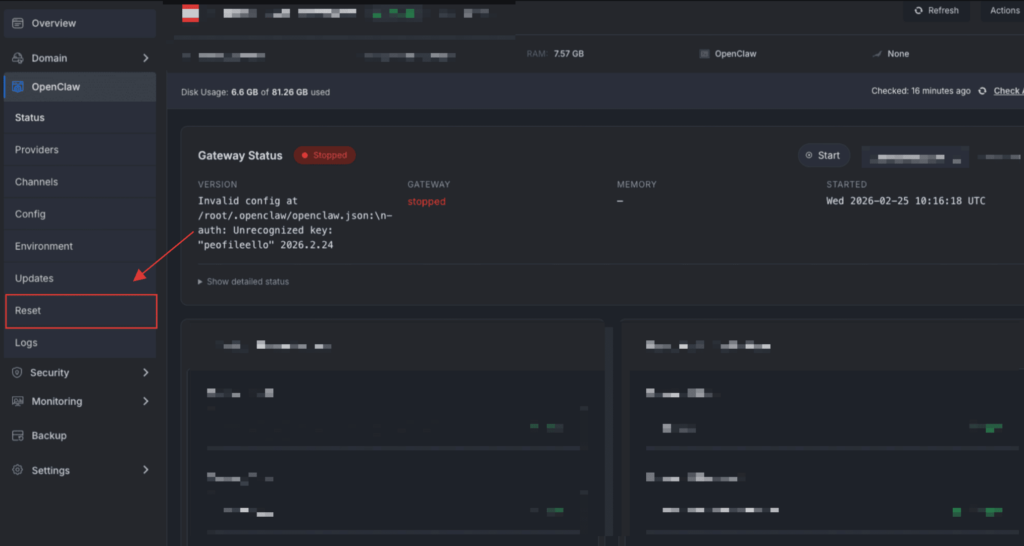
  • Fixed issue with the OpenClaw updater
  • Fixed issue with the OpenClaw rescue feature
  • No categories

🔥 New Features

🦀 OpenClaw Hosting — Update.
Big improvements to the OpenClaw one-click hosting on xCloud:

  • Anthropic API Key support added
  • Claude Code Token support — use your Claude Pro/Max subscription with OpenClaw
  • Browser-based token generation — Now, there is no need to install the Claude Code CLI manually. Generate your token directly from your browser. This one is a game changer, and no one has done this yet 👏
    First, select the Claude Code CLI option and then click on Generate Token.

Then a screen will appear, and it will help to generate a Claude OAuth token using the same OAuth flow as Claude Code, and the process is absolutely fluent.

  • Telegram Improvements – Smarter auto-pairing:
    When you provide your Telegram User ID during setup, your account is automatically allowlisted. No more running commands to pair your account!
  • No categories

🔥 New Features

🌟 OpenClaw Hosting (Beta): Launch a fully managed AI agent on xCloud with one-click deployment and zero setup. OpenClaw runs on a dedicated managed server, comes pre-configured with messaging channels like Telegram, and lets you control real tasks, workflows, and integrations entirely through chat.

Ideal for individuals and teams who want a powerful AI assistant without handling infrastructure, updates, or security.

  • Get the environment editor to configure environment variables.
  • Control OpenClaw UI turn on/off right from the xCloud dashboard.
  • Control OpenClaw versions, check for the lates updates easily.
  • AI agent maintains long-term context, executes real tasks, manages files, and connects to external APIs
  • One-click deployment on xCloud Managed Servers with no Docker, SSL, or manual setup
  • Works across Telegram messaging platforms.
  • Bring your own API keys for OpenAI, Gemini and more models. Anthropic is also coming very soon.
  • Manage multiple messaging channels from a single dashboard
  • Scale CPU, RAM, and storage at any time with fully managed updates and security
  • Available only on xCloud Managed Servers and requires more than 4GB RAM.
  • Cannot be installed on external or existing servers and runs OpenClaw only

🔖 Resources

👉 Visit this page to learn more about xCloud Managed OpenClaw Hosting.
👉 Follow the step-by-step guide to deploy OpenClaw with xCloud.
👉 Use this link to purchase and deploy OpenClaw on xCloud instantly.

  • No categories

✨ Improvements

  • Improved Docker server monitoring and container health visibility.
  • Added usable disk space for all type servers.
  • Improved sync monitoring command with a stack-based filter option.
  • Improved site filtering with support for filtering by tags.
  • Improved site deletion process and site state handling.

🔧 Bug Fixes

  • Fixed Hetzner server size availability issues during server creation.
  • Fixed region compatibility errors for Hetzner servers.
  • Fixed notification system errors when integrations are not configured.