










What is Paperclip? 10 Paperclip Use Cases to Automate Operations with AI Agents (2026 Guide)

Running a business means juggling dozens of moving parts at any given time. Software has to ship, customers need answers, marketing campaigns need fresh content, and someone has to keep track of the money flowing through everything. For years, the answer to scaling operations was simple: hire more people. But that model hits its limits fast, especially for lean startups and small teams that cannot afford to staff every single function.

What if you could build an entire team of AI agents, assign them real business roles, and let them coordinate work toward your goals, all while you sleep? That is exactly what Paperclip makes possible.

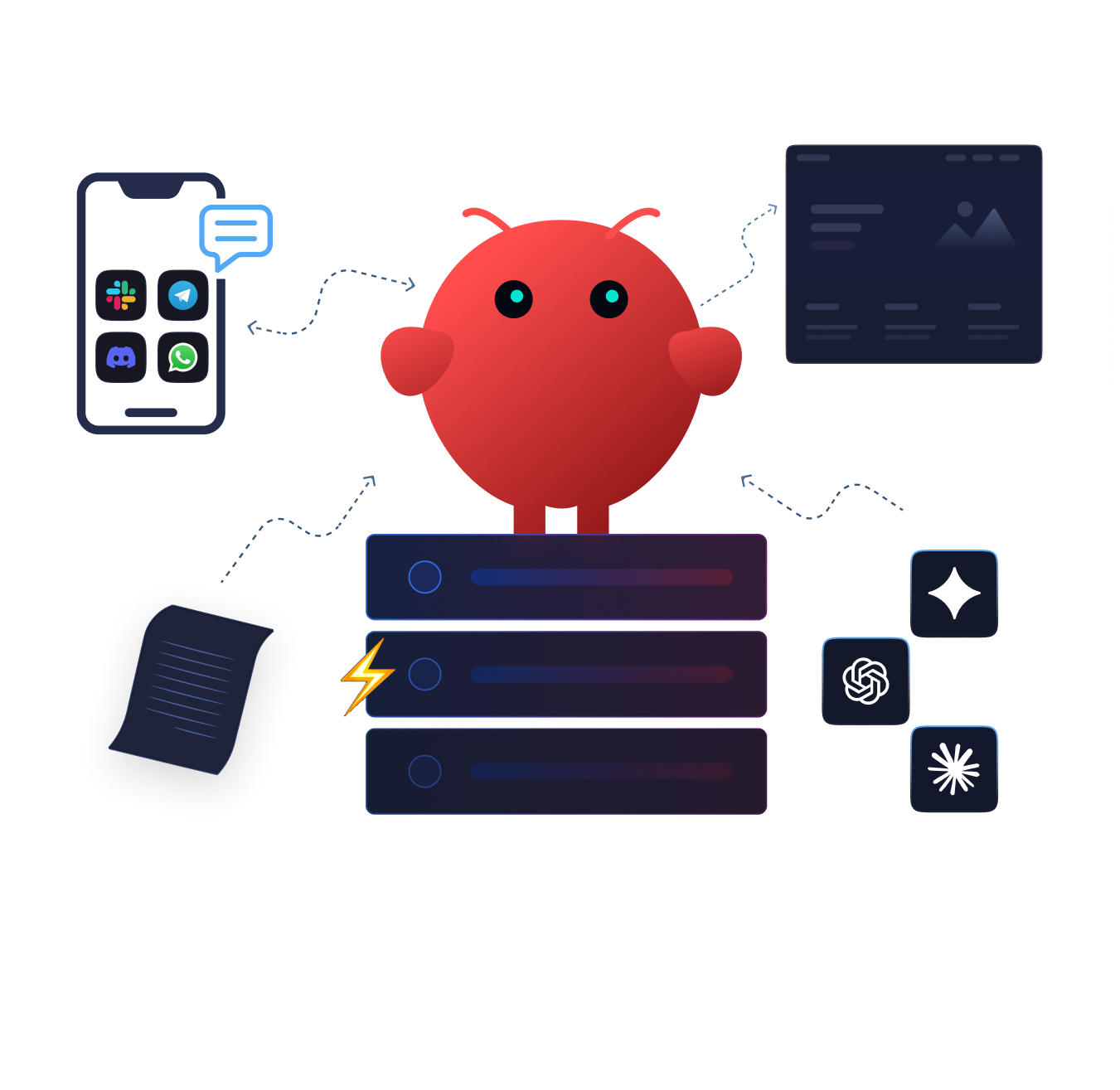
Paperclip is an open source agent orchestration platform that lets you structure AI agents into a company, complete with org charts, budgets, ticketing, and governance. You define the mission, set up departments, hire agents for each role, and Paperclip handles the coordination, cost tracking, and audit trails behind the scenes.

In this guide, we will go through what Paperclip is and the most practical Paperclip use cases across operations, engineering, marketing, customer support, and beyond. 

If you are evaluating multi-agent automation for your workflow or looking for the right infrastructure to host your AI agents, this guide has everything you need. Let us dive in!

TL;DR

  • Paperclip is an open source platform for orchestrating AI agent teams as structured companies, with org charts, budgets, ticketing, and audit trails.
  • Top use cases: automating dev sprints, AI-powered marketing, per-agent cost controls, auditable customer support, market research, and multi-business management from one deployment.
  • Works with any AI runtime – Claude, GPT, Gemini, OpenClaw.
  • Runs on any VPS with Node.js and PostgreSQL.
  • Free to use; costs come from server hosting and AI API fees.
  • To get started, deploy on an xCloud Managed Server, configure agents with specific goals and budget limits, then expand.
  • Works best with clear, specific tasks rather than open-ended directives.
  • Does not eliminate the need for human oversight on important decisions.

What Is Paperclip and Why Does It Matter?

The  GitHub repository has crossed 30,000 stars since its launch in March 2026, which tells you something about the demand for this kind of tooling. But what exactly is Paperclip, and why are so many developers and teams paying attention?

To understand that, it helps to know what makes Paperclip different from a simple chatbot or a workflow automation tool like Zapier.

Paperclip was created by a developer who ran an automated hedge fund with over 20 AI agent sessions open at once. Each agent worked in isolation. There was no shared context, no cost tracking, and no way to recover state after a crash. The result? Chaos. Duplicate work, runaway API costs, and zero auditability. Paperclip was built specifically to solve that coordination problem.

At its core, Paperclip is a Node.js server with a React dashboard that models your AI operations as a company. You get org charts, reporting lines, ticketing systems, per-agent budgets, and an immutable audit log that tracks every tool call, API request, and decision point. Every task carries full goal ancestry, so each agent understands not just what it needs to do, but why it matters in the bigger picture.

Here is what makes it flexible:

It supports multiple AI runtimes. You can connect OpenClaw, Claude Code, Codex, or any HTTP-based agent. If an agent can receive a heartbeat, Paperclip can coordinate it.

It supports running multiple isolated companies from a single deployment, which makes it incredibly useful for agencies, consultants, and anyone managing several ventures at once.

10 Practical Paperclip Use Cases to Automate Operations with AI Agents (2026 Guide)

Use Case 1: Building a Virtual Company from Scratch

The most ambitious Paperclip use case involves structuring an entire virtual company with AI agents filling each role. Think of it as building your dream team, except every member works 24/7 and never asks for a raise.

You start by defining an org chart with positions like CEO, CTO, marketing lead, and engineering agents. Then you assign an AI agent to each position and set a top level goal, something like reaching a specific monthly recurring revenue target or launching a product by a certain date.

Here is how the workflow plays out:

  • The CEO agent receives the mission, breaks it into strategic objectives, and delegates them to department heads.
  • Those department heads further delegate to specialized workers.
  • If the engineering agent needs copy from the marketing agent to complete a landing page, the CEO agent routes that dependency automatically.

This works because every task in Paperclip carries full goal ancestry. The marketing agent writing a social media post does not just see “write a tweet.” It sees the full chain: write this post → because we need to grow signups by 100 users → because we need revenue of $2,000 this week → because our mission is building the top AI note-taking app. That context makes the agent’s output more aligned with the actual business objective.

For founders running solo or with very small teams, this approach lets you prototype entire business functions before deciding which ones are worth hiring a human for.

Use Case 2: Automating Software Development with Multi-Agent Sprints

Software development is the most developed Paperclip use case today. A Paperclip engineering company can take a product specification, decompose it into components, spawn agents for backend, frontend, testing, and documentation, iterate on code, run tests, fix failures, and produce a working codebase with minimal human direction.

Here is how a typical multi-agent development sprint works in practice:

  • The CTO agent receives a feature spec from the CEO, breaks it into technical tasks, and assigns them to engineering agents. Each engineer agent gets a focused task: build the login system, create the API endpoints, write the test suite.
  • Engineer agents execute their assigned work using Claude Code or another runtime. They write files, run scripts, and call APIs. When one agent completes a component, the CTO reviews it and either approves or sends it back with feedback.
  • The QA agent reviews the output of other agents before it reaches human review. It runs linting, checks for common errors, and flags issues that need attention.

The key advantage over using a single AI assistant for development? Specialization. A single agent handling research, coding, testing, and documentation simultaneously stretches its context window and produces lower-quality output. Dedicated agents with focused system prompts do better work on individual tasks and are much easier to debug when something goes wrong.

This setup runs well on a dedicated server with sufficient resources. If you are using xCloud Managed Server, you can deploy Paperclip on a fully managed environment where xCloud handles the server configuration, SSL, security, and backups for you. The platform’s server management features take care of the underlying infrastructure so you can focus entirely on configuring your agents.

Use Case 3: Controlling AI Costs with Per-Agent Budget Enforcement

This might not be the most exciting use case on paper, but it could be the most important one for anyone running agents at scale.

Here is the problem: without cost controls, an agent can hit an edge case, enter a retry loop, and burn through $300 in API calls at 3 AM before anyone notices. This is not hypothetical. Runaway agent costs are one of the most common problems teams encounter when scaling autonomous AI systems. According to Anthropic’s documentation on managing AI costs, token usage can spike dramatically when agents operate without guardrails.

Paperclip addresses this with per-agent and per-department spending limits. You set a monthly budget for each agent. When it hits the cap, it stops. No exceptions, no workaround. The system enforces this at the atomic level, so there is no race condition where an agent sneaks past its limit.

The dashboard breaks down token usage by agent, by task, by project, and by goal. You can see exactly which agents are expensive, which tasks burn the most tokens, and which projects are over budget. This granularity matters because it lets you optimize spending based on actual data rather than guesswork.

👉 For teams running on cloud infrastructure through xCloud Managed Server, combining Paperclip’s budget controls with xCloud’s built-in server monitoring gives you a complete picture of what your AI operations actually cost.

Use Case 4: Managing an AI-Powered Marketing Department

Content production is one of the fastest-growing Paperclip use cases, and for good reason. A content-focused Paperclip company can manage the full production pipeline: researching topics, generating drafts, editing, formatting, creating supporting assets, and preparing content for publishing.

Here is what a typical marketing department looks like in Paperclip:

  • CMO agent receives the marketing strategy from the CEO, breaks it into campaigns, and assigns work to content creators, SEO specialists, and social media agents.
  • Content writer agents research topics, generate drafts, and iterate based on feedback from the CMO. Each writer agent can focus on a specific content type, whether that is blog posts, email sequences, or product documentation.
  • SEO agent reviews content for keyword optimization, meta descriptions, internal linking, and search intent alignment. It can also research competitor content to identify gaps you should be filling.
  • Social media agent repurposes long-form content into platform-specific formats and schedules posts across channels.

The coordination between these agents is what separates Paperclip from using individual AI tools for each task. When the writer produces a blog post, the SEO agent reviews it before it goes to the CMO for final approval. If the social agent needs a pull quote from the blog post, the CMO routes that request. Everything stays aligned because every task traces back to the original campaign goal.

👉 For teams running their marketing sites on WordPress through xCloud, this setup pairs well with the platform’s built-in content management and performance optimization features. Your AI-generated content goes through the Paperclip review pipeline and then gets published to a site that is already configured for speed and SEO.

Use Case 5: Running 24/7 Operations on a VPS

AI agents do not take breaks. When Paperclip runs on a dedicated server, your agents operate continuously. The marketing agent drafts content at 2 AM. The monitoring agent catches bugs at 4 AM. The email agent sends follow-ups at 7 AM. All while you sleep.

This use case requires reliable hosting infrastructure. Paperclip needs a server with sufficient CPU, RAM, and storage to run its Node.js server, PostgreSQL database, and connected agents. The embedded PostgreSQL database means there is no separate database to configure for a basic deployment.

Deploying Paperclip on an xCloud Managed Server gives you the cleanest setup path. xCloud handles the server provisioning, security, SSL, backups, and monitoring automatically, while Paperclip handles the AI orchestration layer. You do not need to worry about Docker setup, reverse proxy configuration, or manual maintenance. Everything runs on a dedicated, fully managed environment.

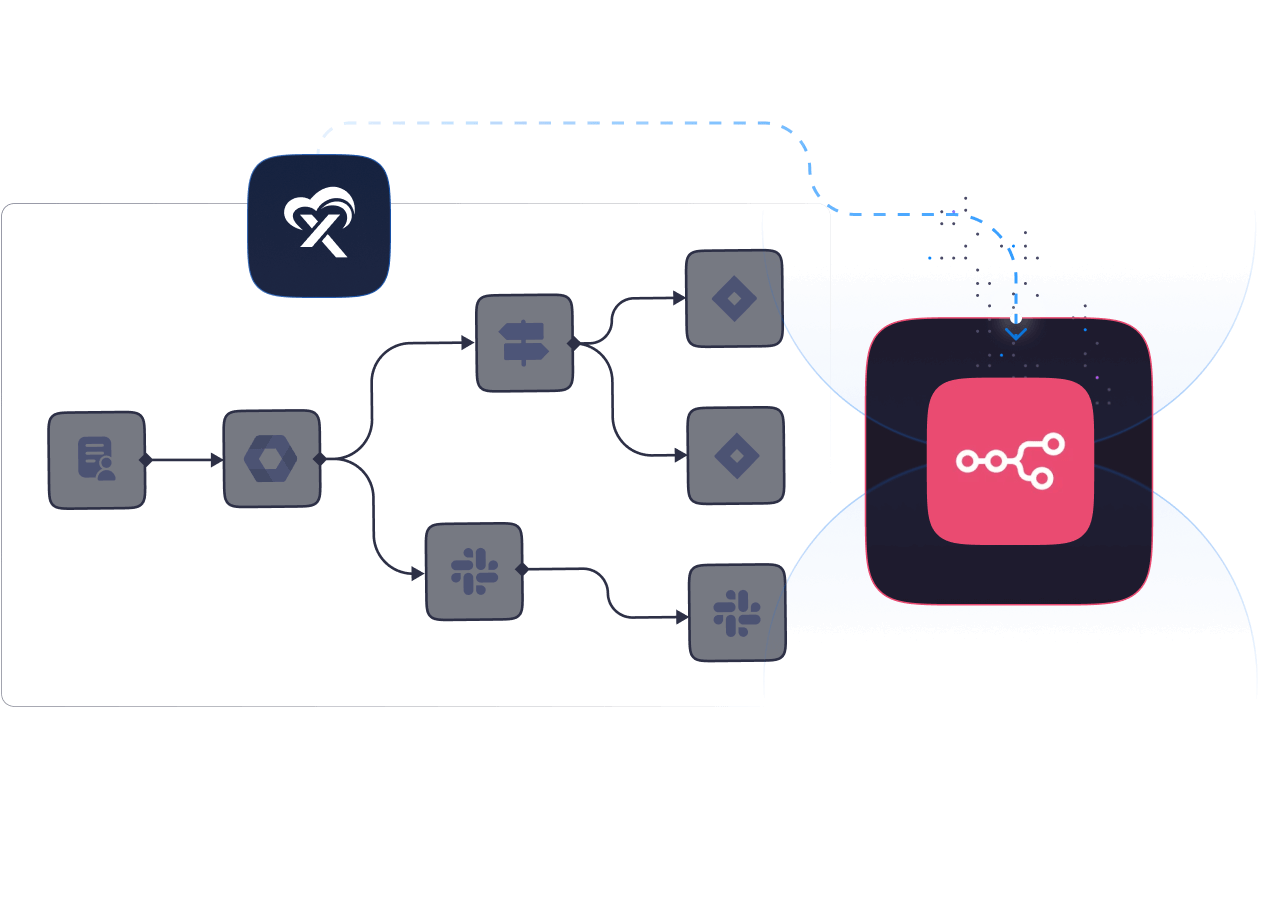
For teams already running n8n workflow automation through xCloud, adding Paperclip creates a layered automation architecture. You can use n8n for event-driven workflows (webhooks, scheduled triggers, API integrations) and Paperclip for goal-driven agent coordination. The two tools complement each other rather than compete. As noted in xCloud’s integration guide, combining OpenClaw with n8n on the same server creates an extremely flexible automation stack.

Use Case 6: Operating Privacy-First, Self-Hosted AI Systems

Data privacy is a non-negotiable requirement for many businesses, and rightfully so. Paperclip is open source and self-hosted, which means your data never leaves your infrastructure. Every instruction, every response, every tool call and decision gets recorded in your own PostgreSQL database with an immutable, append-only audit log.

This matters for companies in regulated industries like healthcare, finance, or legal services, where sending business data to third-party AI platforms may violate compliance requirements. With Paperclip running on your own VPS, you control the data flow end to end.

The self-hosted model also eliminates vendor lock-in. You are not dependent on a specific AI provider’s uptime or pricing decisions. Paperclip supports multiple AI providers, including Anthropic (Claude), OpenAI, and Google’s Gemini models. If one provider changes its pricing or goes down, you can switch agents to another provider without rebuilding your entire workflow.

Running a privacy-first deployment requires a hosting environment with strong isolation and security defaults.xCloud Managed Server runs Paperclip on a dedicated, fully managed environment with enterprise-grade encryption, automatic SSL certificates, and daily encrypted backups. You get the convenience of a management dashboard with the security of a dedicated server that is not shared with anyone else.

Use Case 7: Automating Customer Support with Auditable Ticket Workflows

Customer support is a natural fit for AI agents, but most implementations lack the auditability that businesses need. A chatbot that gives customers incorrect information is a liability. Without logs, you cannot even figure out what went wrong.

Paperclip’s ticket-based communication model solves this. Every interaction between agents (and between agents and external systems) runs through structured tickets. Each ticket has a clear owner, status, and thread. Every tool call, API request, and decision point gets logged and visible in the dashboard.

Here is what a support setup in Paperclip looks like:

  • Triage agent receives incoming support requests, categorizes them by type and urgency, and routes them to the appropriate handler.
  • Technical support agent handles product-specific questions by referencing documentation and past ticket resolutions.
  • Escalation agent flags tickets that need human review based on defined criteria, such as billing disputes, account cancellations, or edge cases the agents cannot resolve.

The audit log means you can trace any customer interaction from the initial request to the final resolution. If a customer claims they received incorrect guidance, you can pull the full trace and see exactly what happened. According to McKinsey’s research on AI in customer service, organizations that implement AI-assisted support with proper governance see measurable improvements in resolution time while maintaining service quality.

Use Case 8: Competitive Intelligence and Market Research

Paperclip can automate ongoing market research by assigning dedicated agents to monitor competitors, track industry developments, and compile periodic reports.

Here is what a research department might look like:

  • Research collector agents each monitor a specific data source, pulling competitor pricing data, tracking product updates, or scanning industry publications.
  • Analysis agent takes raw data from the collectors, identifies trends, and produces structured reports.
  • Strategy agent translates research findings into actionable recommendations that feed back into the CEO agent’s decision-making.

The key constraint with research agents is specificity. Vague instructions like “monitor the market” produce vague results. You get much better output from precise directives like “list the pricing tiers on these five competitor pages and compare them to our current rates.” The more defined the task, the more useful the output.

For teams that publish competitive analysis or market research on their websites, hosting those sites on a platform optimized for content delivery ensures that the research your agents produce actually reaches your audience quickly and reliably.

Use Case 9: Multi-Company Portfolio Management

Paperclip supports running multiple completely isolated companies from a single deployment. Each company has its own org chart, agent configurations, budgets, and audit trails. There is no data bleed between them.

Here is who benefits the most:

Agency owners who manage AI operations for multiple clients. Each client gets their own isolated company in Paperclip, with separate goals, agents, and budgets.

Serial entrepreneurs testing multiple business ideas simultaneously. Spin up a new company in Paperclip, assign it agents, set a budget cap, and let it run while you focus on your primary venture.

Consultants who need to demonstrate AI automation capabilities to different prospects without mixing data between engagements.

Use Case 10: Automated QA and Code Review Pipelines

Quality assurance is tedious, repetitive, and absolutely essential. Paperclip can automate significant portions of the QA process by assigning dedicated agents to review code, run test suites, and flag issues before they reach production.

Here is how a QA pipeline works in Paperclip:

  • Code review agent examines pull requests for common issues, such as security vulnerabilities, performance problems, coding standard violations, and missing test coverage.
  • Test execution agent runs automated test suites and reports results. When tests fail, it creates tickets for the engineering agents to fix.
  • Documentation agent verifies that code changes are reflected in documentation and flags any gaps.

The value here is not replacing human code review entirely. It is about catching the obvious issues automatically so that human reviewers can focus on architecture, design decisions, and edge cases that require judgment. According to Google’s engineering practices documentation, the most effective code review processes combine automated checks with targeted human review.

How to Deploy Paperclip with xCloud Hosting

Paperclip needs a server that stays online 24/7, handles the processing demands of multiple AI agents, and keeps your data secure. Deploying it on anxCloud Managed Server gives you a fully managed environment where xCloud handles the infrastructure so you can focus entirely on configuring your AI workforce.

Here is how to get Paperclip up and running on xCloud, step by step.

Step 1: Create an xCloud Managed Server 

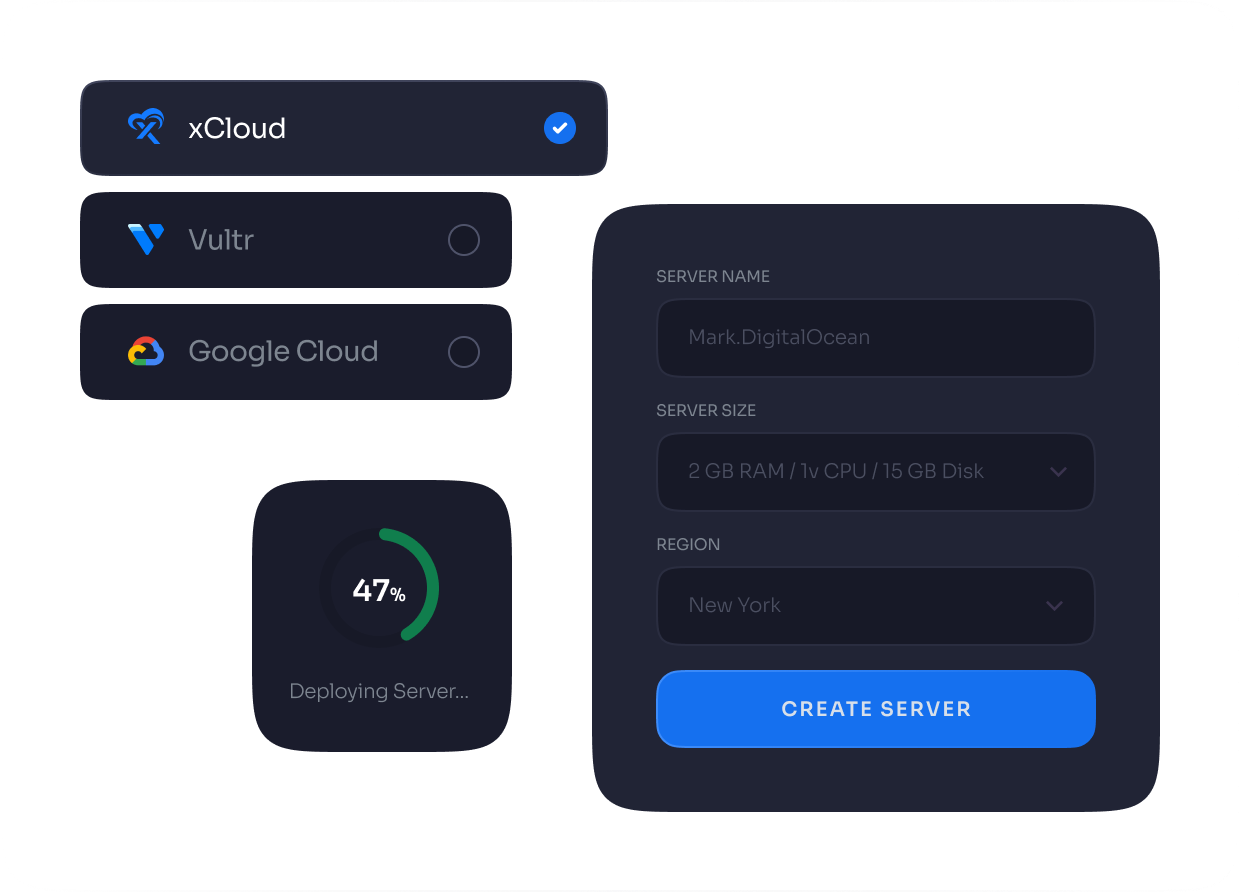
From your xCloud dashboard, click on the ‘Add New Server’ button. Add the ‘Server Name’ field and enter your server name. Then add a tag for the server.

Next, go to the ‘Server Type’ option. After that, go to the ‘Server Size’ option and choose your preferred server size. Please note that deploying an Paperclip instance requires a minimum 4GB RAM server.

Next, choose your preferred continent from the dropdown menu. Then select the server location within that region.

Paperclip Use Cases

After that, choose your ‘Ubuntu version’ from the dropdown menu under the ‘Ubuntu Operating System’. You can also enable or disable backups for this application. xCloud provides a separate stack for this application. You will see the ‘Paperclip’ stack already selected.

Paperclip Use Cases

Next, go to the security warning section, read the information carefully, and click on the checkbox to confirm that you have read and understood it. After that, go to the ‘AI provider’ section. Select your preferred AI model from the dropdown list under ‘AI Provider’. Then enter the API token for the selected AI model. Next, configure your Paperclip dashboard credentials. Enter your preferred ‘Dashboard Username’, and set your preferred ‘Dashboard Basic Auth Password’ in the dedicated fields. Finally, click on the ‘Create’ button to proceed. This action will start creating the xCloud managed server and deploying the Paperclip application.

And that’s it. This is how easily you can deploy Paperclip on xCloud. Paperclip deployment on xCloud removes the complexity of self-managed hosting and lets you focus on what matters most.

With xCloud handling the hosting infrastructure, you can now focus entirely on using Paperclip without worrying about server maintenance, security updates, or performance optimization. If you run into any issues during the deployment process, feel free to reach out to the xCloud support team for assistance.

Limitations and Honest Trade-Offs: What to Know Before You Deploy

Paperclip is impressive, but it is not magic. Here are the real limitations you should keep in mind:

  • API costs add up. Every agent action costs tokens. A team of five agents running continuously can generate substantial API bills. Budget enforcement helps, but you need to monitor costs closely during the first few weeks to calibrate your spend.
  • Output quality varies. AI agents produce better results on well-defined, specific tasks. Open-ended instructions like “do marketing” will produce mediocre output. The quality of your agents’ work depends heavily on how well you define their roles, goals, and constraints.
  • Setup requires technical knowledge. Paperclip is designed for people comfortable with terminal commands, configuration files, and server management. It is not a no-code tool. If you do not have technical expertise in-house, deploying on an xCloud Managed Server simplifies the infrastructure side so you can focus on agent configuration rather than server maintenance.
  • Human judgment still matters. The “zero-human” label is aspirational. In practice, you still need humans for strategic decisions, quality review of important outputs, and handling edge cases that agents cannot resolve. Paperclip reduces coordination overhead, but it does not eliminate the need for human oversight.

Frequently Asked Questions

What is Paperclip and how does it differ from tools like AutoGen or CrewAI?

Paperclip is an open source orchestration platform that models AI agent teams as companies, complete with org charts, budgets, ticketing, and governance. Unlike AutoGen and CrewAI, which focus on general-purpose agent pipelines, Paperclip is specifically designed for running business operations. It enforces per-agent budgets, maintains an immutable audit log, and supports multi-company isolation from a single deployment.

Can Paperclip work with any AI model, or is it limited to one provider?

Paperclip supports multiple AI providers and runtimes. You can connect agents powered by Anthropic’s Claude, OpenAI’s GPT models, Google’s Gemini, or any HTTP-based agent. This flexibility means you can choose the best model for each role. For example, you might use Claude for writing tasks and a different model for code generation.

How much does it cost to run Paperclip?

Paperclip itself is free and open source. Your costs come from two sources: the server hosting Paperclip (a VPS typically costs $5 to $50 per month depending on specifications) and API fees for the AI models your agents use. API costs vary widely based on how many agents you run and how active they are. Paperclip’s budget enforcement feature helps you cap spending per agent.

What kind of server do I need to run Paperclip?

Paperclip requires a server with Node.js support and PostgreSQL. A server with at least 2 GB of RAM is recommended for basic deployments. For production workloads with multiple active agents, 4 GB or more is advisable. The easiest deployment path is through xCloud Managed Server, which handles server provisioning, security, and maintenance automatically.

Is Paperclip secure enough for sensitive business data?

Paperclip is self-hosted, which means your data stays on your infrastructure. All agent communications, decisions, and outputs are stored in your own PostgreSQL database with an append-only audit log. No data is sent to Paperclip’s servers. For maximum security, deploy it on an xCloud Managed Server, which includes enterprise-grade encryption, automatic SSL, and daily encrypted backups out of the box.

Can I use Paperclip alongside workflow automation tools like n8n?

Yes! Paperclip and n8n serve complementary purposes. n8n handles event-driven workflows (webhooks, scheduled triggers, API connections between apps), while Paperclip handles goal-driven agent coordination. Many teams run both on the same server, using n8n for data routing and Paperclip for autonomous decision-making.

How does Paperclip prevent agents from going rogue or making bad decisions?

Paperclip enforces governance at multiple levels. Per-agent budgets prevent runaway costs. Approval gates let you require human sign-off before agents execute certain types of tasks. The immutable audit log records every decision and tool call, so you can trace any action back to its origin. Config changes are versioned and can be rolled back if something goes wrong.

What are the best Paperclip use cases for a small team or solo founder?

Start with a focused use case rather than trying to automate everything at once. Software development (code generation, testing, documentation), content production (blog posts, social media, email sequences), and customer support triage are the three most proven Paperclip applications for small teams. Each one offers a clear return on the time invested in setup.

Can I run multiple businesses with a single Paperclip deployment?

Yes. Paperclip supports complete multi-company isolation in one deployment. Each company gets separate org charts, agent configurations, budgets, and audit trails. This makes it practical for agencies managing client operations, entrepreneurs running parallel ventures, or consultants demonstrating automation capabilities across different engagements.

Does Paperclip replace the need for human employees?

No. Paperclip reduces coordination overhead and automates well-defined tasks, but it does not replace human judgment for strategic decisions, creative direction, client relationships, or complex problem-solving. Think of it as a tool that handles the operational work so your human team can focus on the things that require actual expertise and nuance.

Start Automating Your Operations with Paperclip Today

Paperclip is not just another AI tool. It is a full organizational layer for AI agents, giving you the structure, governance, and cost controls that autonomous operations actually require. From software development and marketing to customer support and competitive research, the use cases are practical and the results are measurable.

The key to getting started is keeping it simple. Pick one operation that eats up your time every week, define a clear goal, assign a small team of agents, and set a budget limit. Once you see how Paperclip handles that first workflow, expanding to other departments becomes a natural next step.

For the best experience, deploy Paperclip on an xCloud Managed Server where the infrastructure is fully handled for you. No Docker setup, no manual SSL configuration, no 3 AM server fires. Just a clean, managed environment that lets your agents run around the clock.

If you have found this blog helpful, feel free to subscribe to our blogs for valuable tutorials, guides, knowledge, and tips on web hosting and server management. You can also join our Facebook community to share insights and engage in discussions.

Join The Waitlist

To Get Early Access to Lifetime Deals

LTD WaitList Access