


Run a Self-Improving AI Agent On Managed  Hermes Agent Hosting

Changelog

xCloud Changelog

We’re constantly making xCloud better with new features and improvements. Look at what we’ve got now and tell us what else you want!

  • No categories

New Features

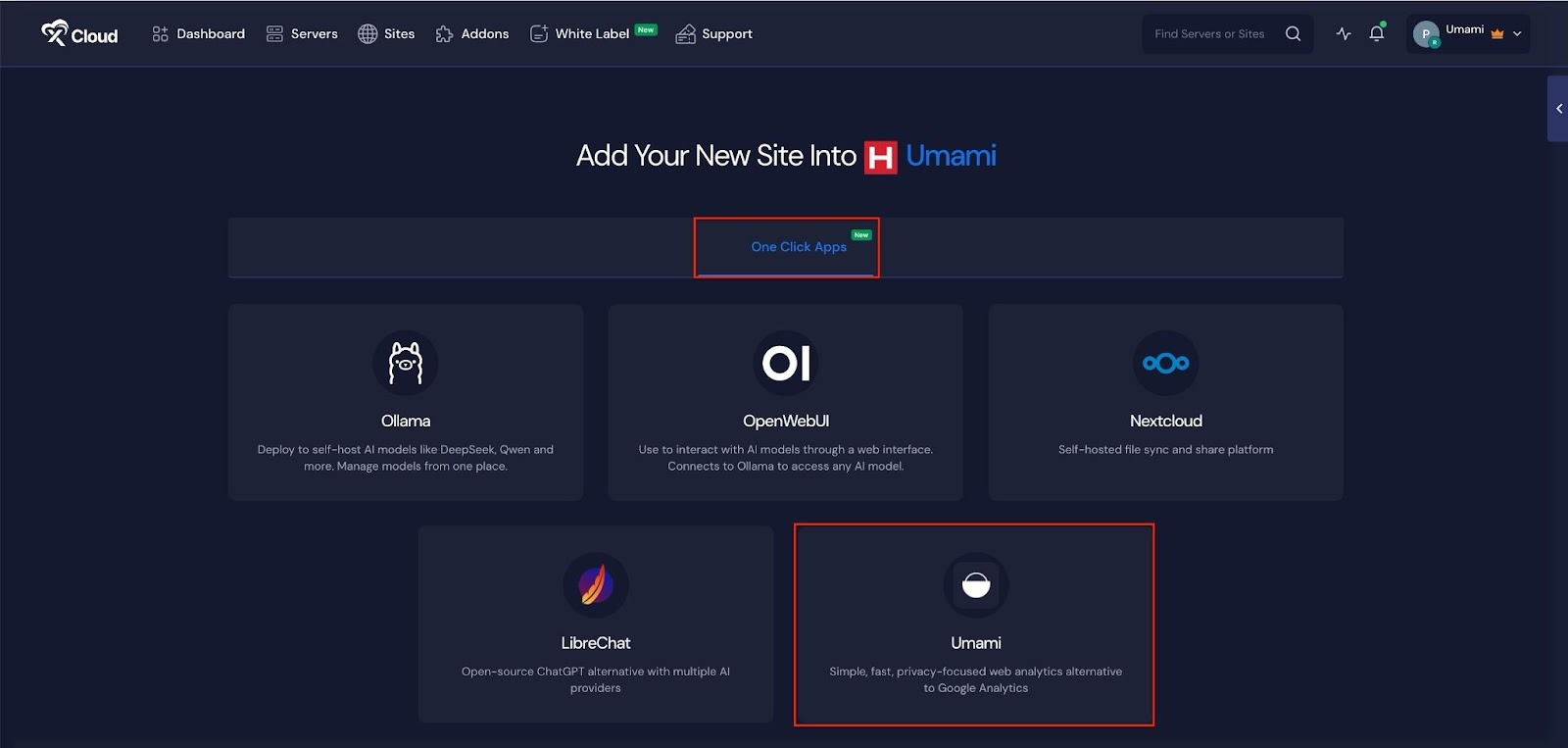
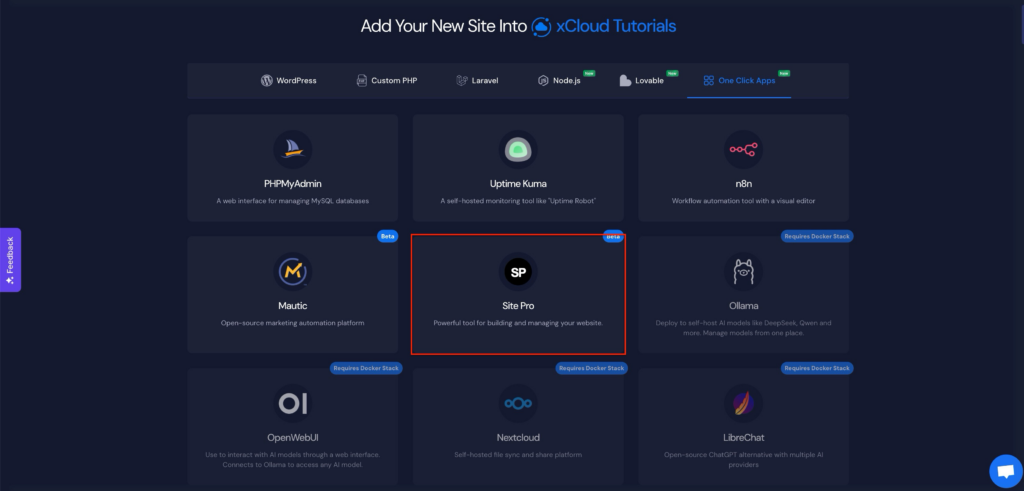
  • Deploy Site.pro with One Click Apps: Site.pro lets you launch AI-powered, no-code websites in just a few clicks. With this, you can design responsive sites using a drag-and-drop editor, AI-assisted layouts, and ready-made templates.
  • Added retry functionality for failed Site Security Pro powered by Patchstack activations with real-time updates.
  • Increased the SFTP backup storage IP address character limit from 20 to 200 characters to support longer IPs and domain names.
  • Resolved timeout issues when applying bulk backup settings to large site groups.
  • No categories

New Features

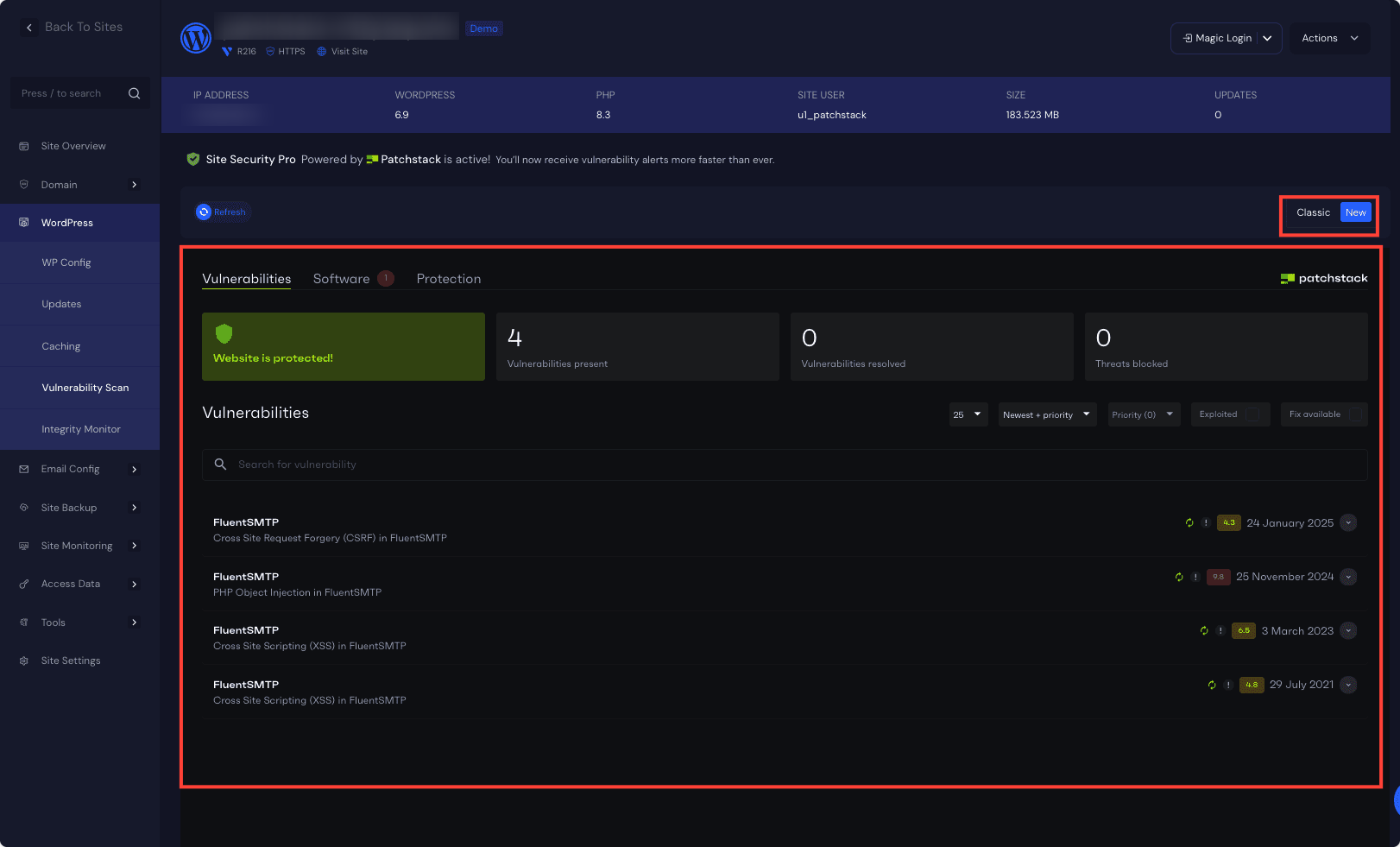
  • Site Security Pro powered by Patchstack is now available for $2/site for a limited time. Site Security Pro now comes with an integrated Patchstack Dashboard for a faster, more seamless security experience.
  • Beta access for Supabase One-Click Application.

  • Beta access for the Supabase One-Click Application.
  • Improved ticket creation experience with new Switch controls for Magic Login and SSH Access. Added clear helper text and better spacing to make support permission options easier to understand.
  • Added UI to updated Nextcloud admin password.
  • Fixed a bug where PHP versions were not updating correctly during server setup.
  • PHP version info now syncs properly for both Nginx and OpenLiteSpeed servers.
  • Fixed the provider connection check issue on the white-label settings page.

  • No categories

New Features

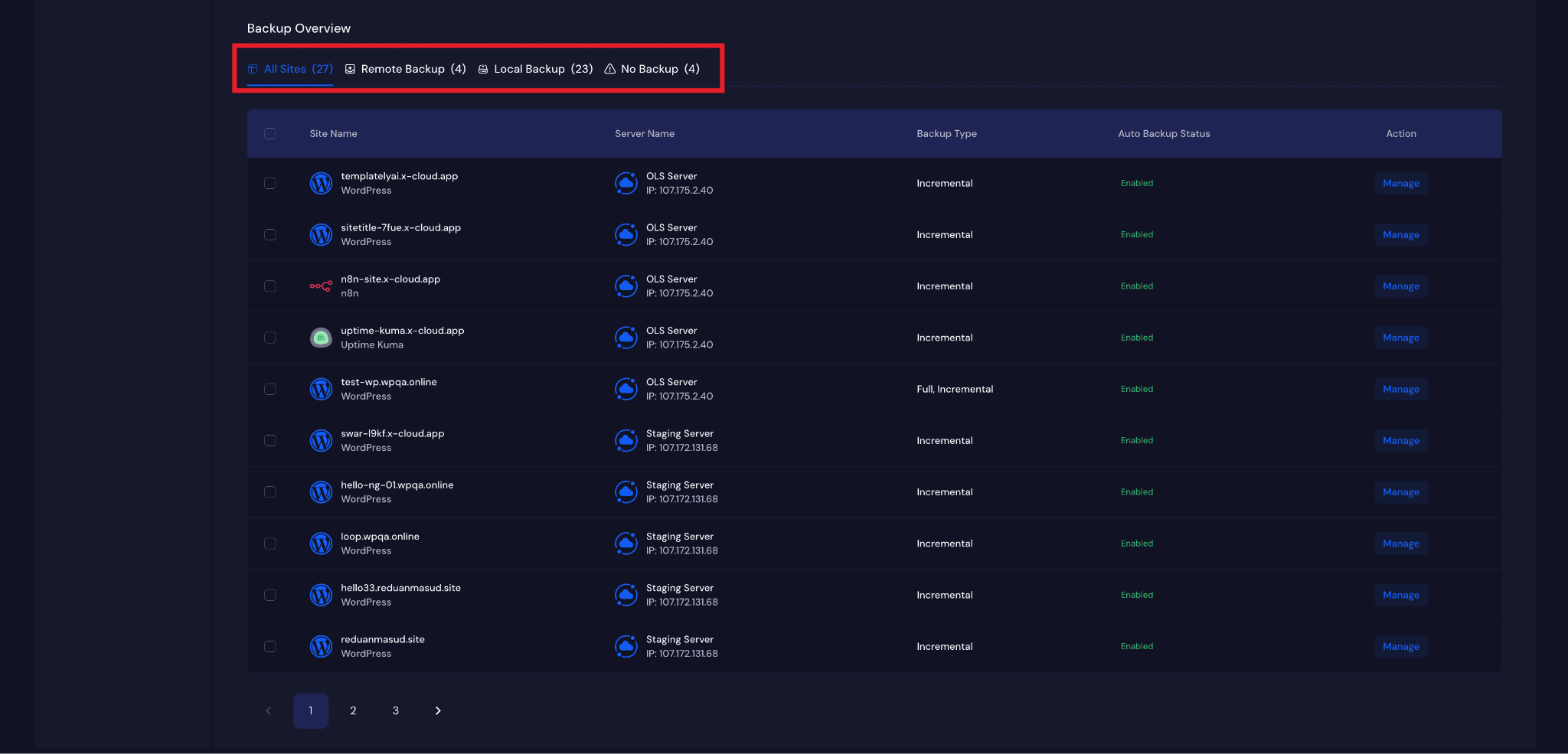
  • Global Site Backup Feature:
    – Central Site Backup Setting Page under Team
    – Manage and monitor all Site Backup settings from one place
    – Site backup feature is now available in the Site Creation page.
  • Root SSH access security improved by disabling login with the root password (key-based only).
  • Site backup UI improvement related to auto backup and custom settings.
  • Fixed issue with incremental site backup bugs.
  • Fixed issue with ticket SSH permission action.

  • No categories

New Features

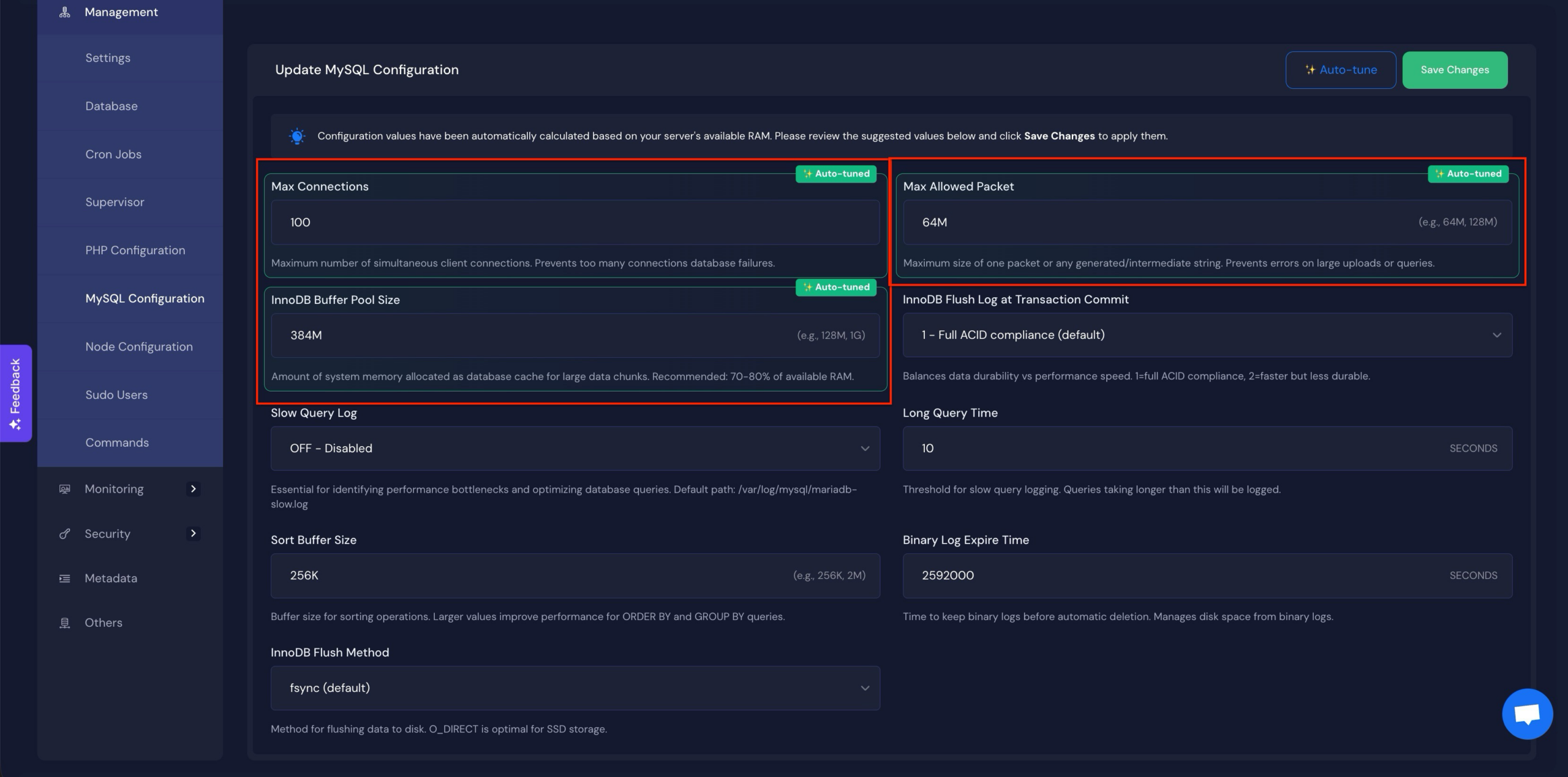
  • Auto-Tune MySQL/MariaDB Configurations – One click Auto Tune feature automatically analyzes server resources and applies optimized values for Max Connections, Max Allowed Packet, and InnoDB Buffer Pool Size.
  • OPCache Auto-Enablement – OPCache is now automatically enabled whenever PHP is installed, removing the need for manual activation.
  • Added LTD conversion option for self-managed servers directly from the server sites page.
  • Improved storage checks for Docker apps to prevent failed installations.
  • Redesigned the unused items warning banner with a cleaner, more informative UI.
  • Enhanced Stripe payment handling and reliability for 3DS and recurring payments.
  • Fixed package assignment issues and added safeguards against duplicate assignments.
  • Added stronger duplicate job prevention across billing processes.
  • Improved site file removal with better logging and error handling.
  • UI/UX tweaks, including routing fixes and cleaner visibility for Docker site options.
  • Resolved stored invoice job execution errors and improved job timing.

  • No categories

New Features

  • Users Can Resize LTD Plan on their own now.
  • Users (including reseller clients) can now view pending server setup items directly on their dashboard after completing a purchase from the cart.
  • Storage Space Validation for Docker Apps – Added pre-installation storage checks for all containerized one-click applications (Umami, Nextcloud, LibreChat, OpenWebUI, Ollama). The system now validates available disk space before deployment to prevent installation failures due to insufficient storage, with configurable minimum requirements per application type.
  • White Label – Added support for switching between paid plans and free plans
  • Issue fixed with White Label free subscription claim for LTD users

  • No categories

New Features

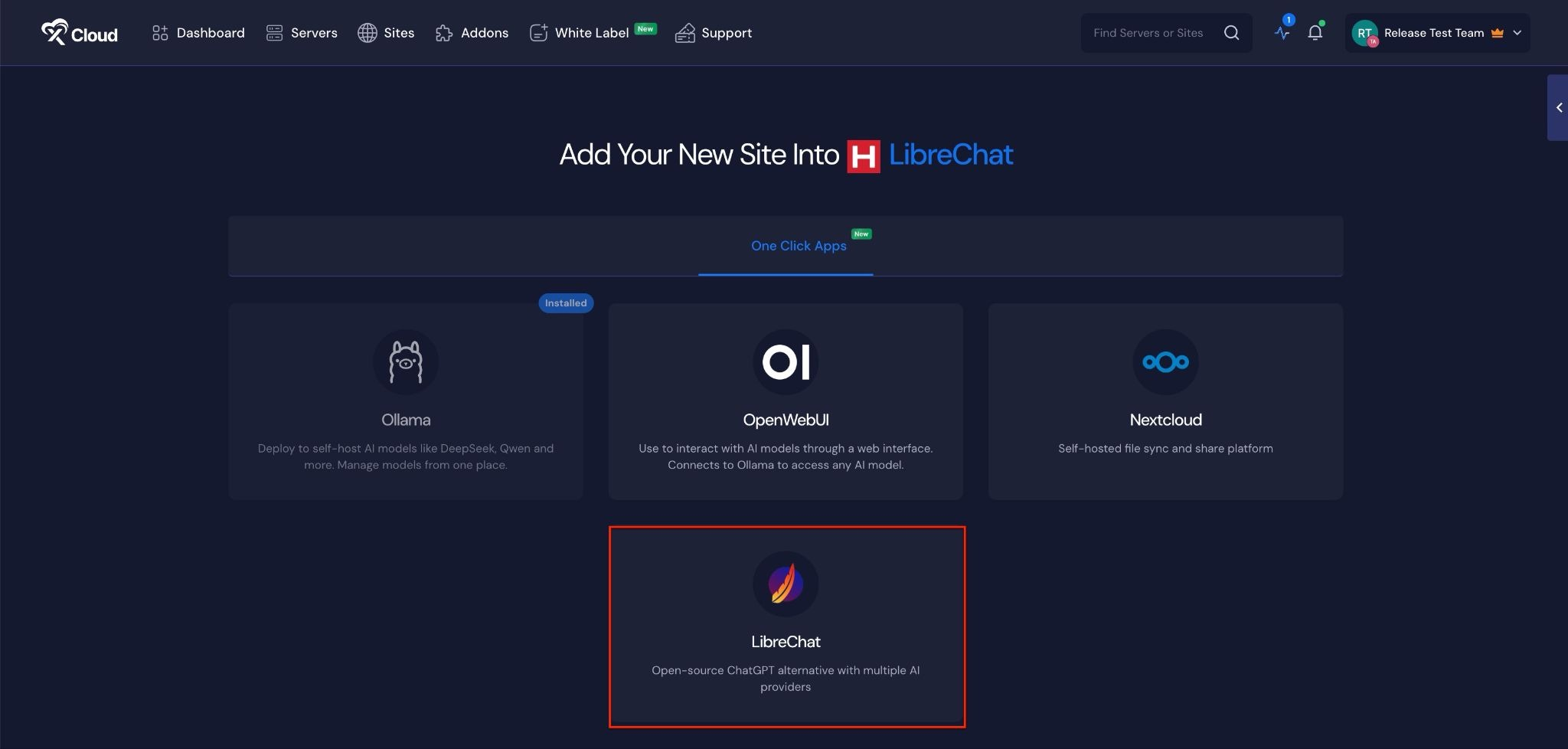
  • Deploy LibreChat with One Click Apps —LibreChat lets you deploy your own customizable, open-source AI chat platform in just a few clicks. With this, you can easily manage AI models, configure your environment, and scale as needed. Whether for experimentation or production, LibreChat gives you full control and flexibility without the setup headaches.
  • Set Your Own Default Landing Page – Turn your server’s IP into a branded first impression. With the new Default Site feature, instead of showing a plain, generic default page when someone visits your server’s IP address, you can now point them to any website or domain you choose.
  • Error messages now show whether a site or server creation failed for easier troubleshooting.
  • Site cloning has been simplified by removing unsupported Docker + Nginx servers from clone options.
  • IP whitelist and blacklist rules on OpenLiteSpeed now work correctly for all site types.

  • No categories

New Features

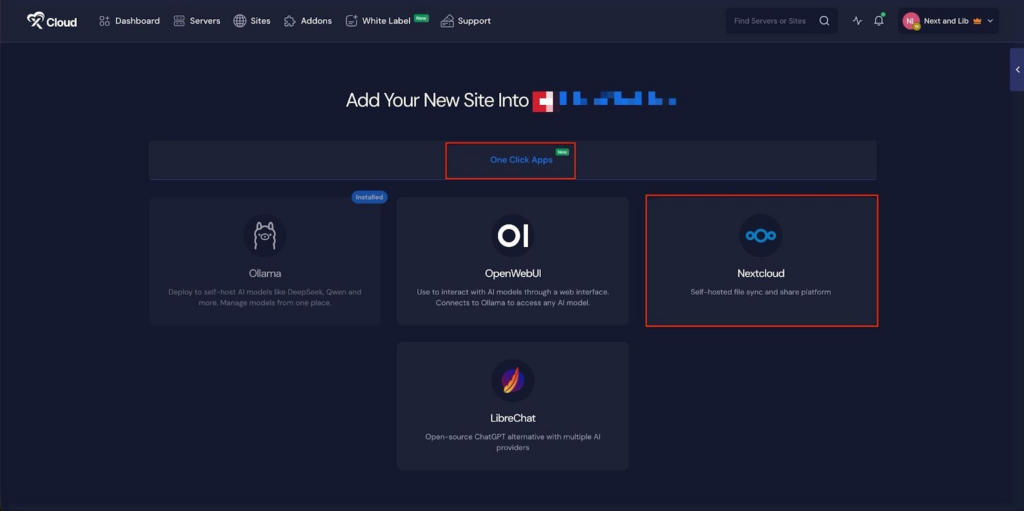
  • Deploy Nextcloud with one click — You can now deploy and manage Nextcloud as a containerized app directly inside xCloud’s Docker+NGINX stack, unlocking flexible and secure file sharing, storage, and collaboration capabilities.
  • Improved Cloudflare integration with better handling for edge/null cases.
  • Resellers can edit product descriptions now.
  • Issue fixed with Re-seller’s subscription section in app.
  • Fixed multisite login issue by correctly setting HTTP_COOKIE handling in wp-config.php for WordPress multisite installations.
  • Fixed various front end bugs

  • No categories

New Features

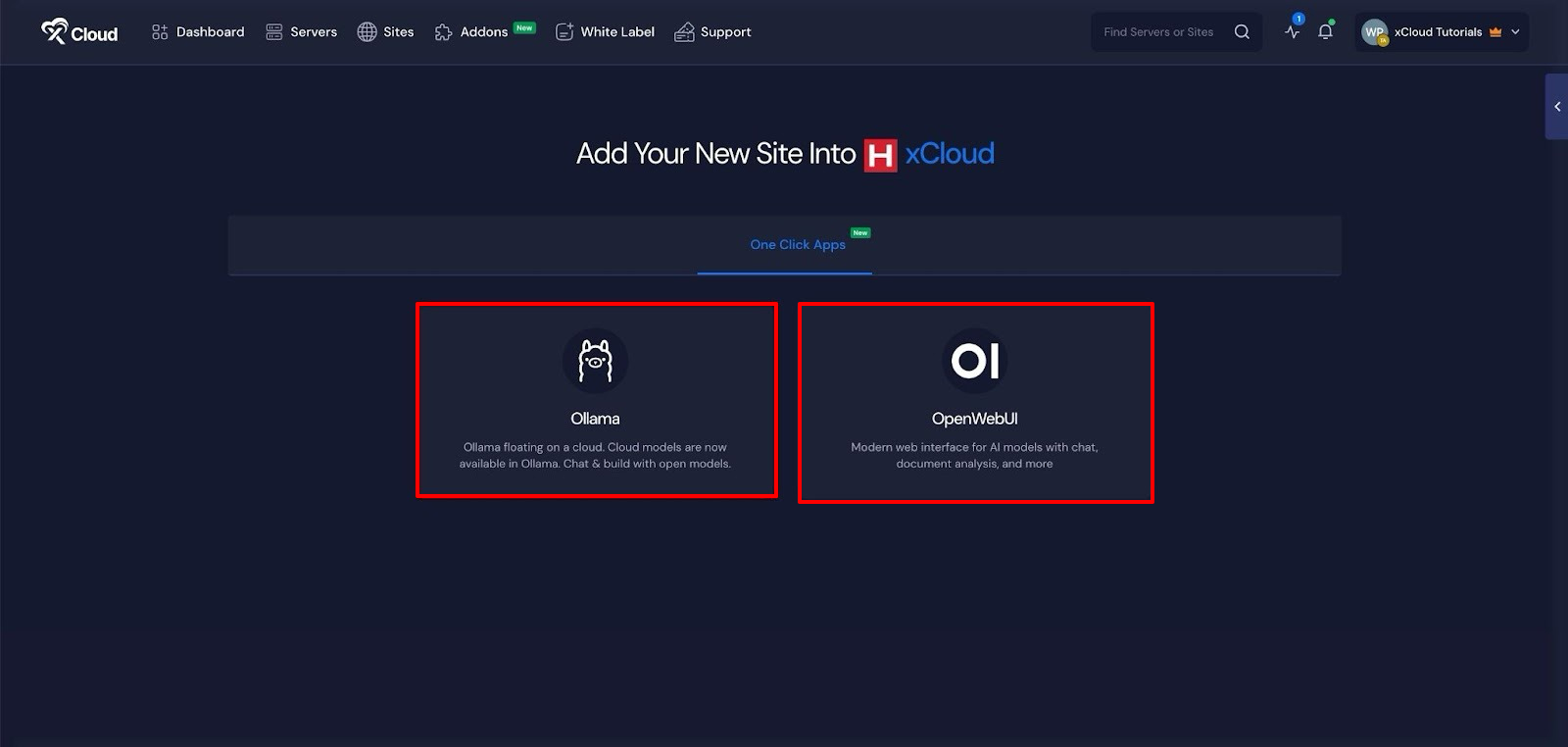
  • Self-Host Your Own LLM (like ChatGPT) — You can now deploy and run your own AI models directly inside xCloud using Docker + NGINX. The core Docker infrastructure is now in place, laying the groundwork for upcoming AI and app hosting capabilities.
  • Disabled NGINX Config support for Cloudflare Multi-Domain Architecture to ensure smoother compatibility.
  • Added redirect support for additional domains to the main domain in OLS vhConfig.
  • 8G Firewall support extended to One-Click Apps.
  • Adminer Dark Theme Loading: Fixed an issue where the dark theme in Adminer (database management tool) wasn’t loading correctly due to corrupted CSS data.

  • No categories
  • Adminer:
    – Fixed issues with Adminer Title and DB section
    – Refactored core script for improved performance and maintainability
    – Cleaner SQL execution and multi-query support
    – Better form handling, import/export, and schema management
    – Enhanced reliability and extensibility for future Adminer updates

  • No categories

New Features

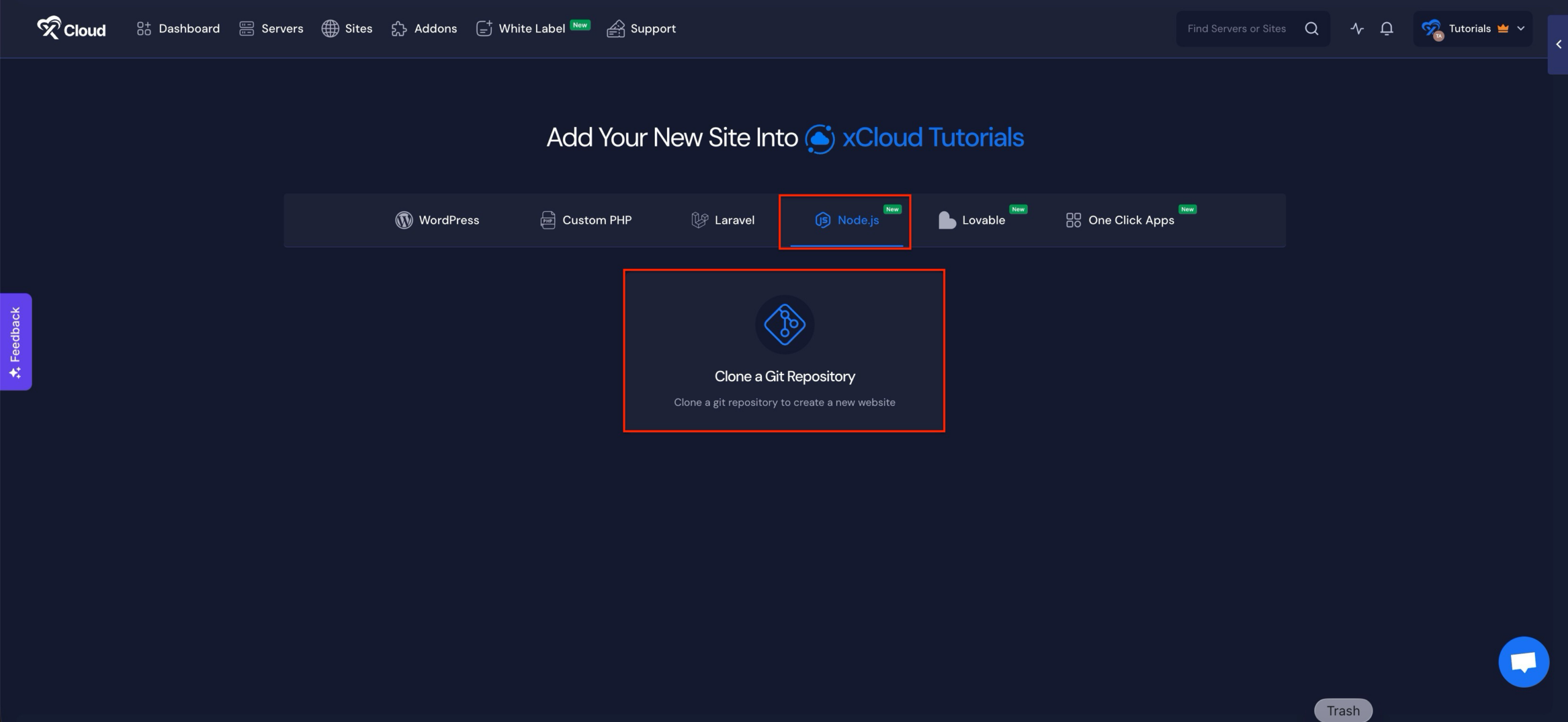
  • Node.js Hosting – Full Node.js support is now live on xCloud, giving you the same seamless experience you love with WordPress and Laravel. Deploy modern apps like Next.js effortlessly from your public or private Git repositories — all in just a few clicks.
  • Adminer Upgrade – Updated to v4.8.1 with multilingual and secure builds.
  • WordPress Bulk Access Control – Improved access for non-owner team members. Admins now only see sites they’re allowed to, while “All Access” users keep full visibility.
  • Fixed SFTP Storage Provider import issues during bucket restoration.
  • Removed a conflicting slash key handler that was interfering with Support Portal functionality.
  • Fixed language inconsistency issues for all notification channels.
  • Fixed 7G and 8G firewall log links for OpenLiteSpeed servers
  • Fixed the site deletion timeout status, which was not updating after a site deletion failed.
  • Redis ACL Fix – Fixed user deletion permission issue during cleanup.
  • Local site backup delete option now only shows when local backups exist, reducing UI clutter.
  • Improved error handling and state updates for backup deletion jobs.