

How to Upgrade xCloud Lifetime Deal Package
Updated October 30, 2026 · 1 min read
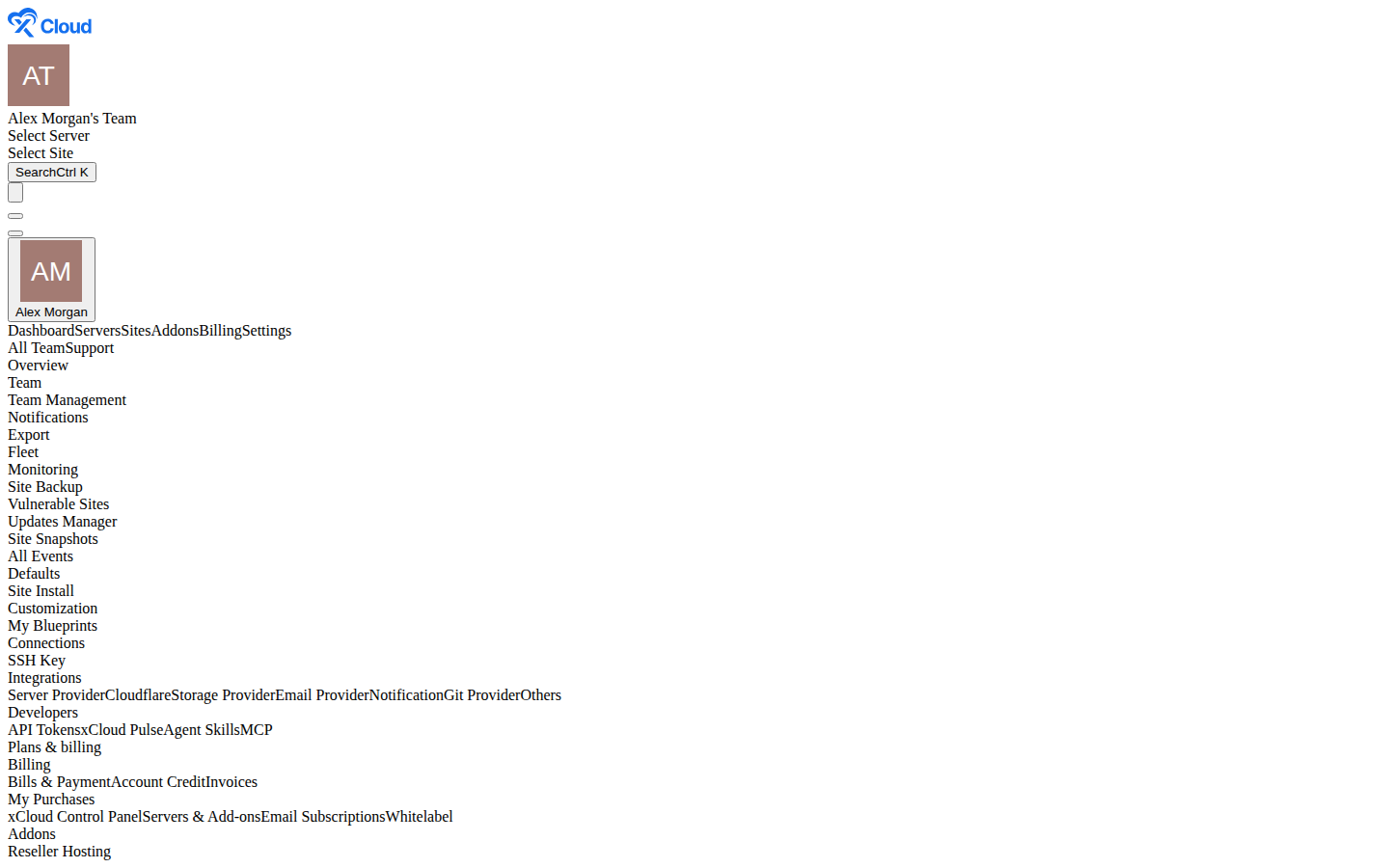
Your lifetime deal plan
Click through the real xCloud dashboard. You'll see your lifetime package, how many servers it covers and how to get more.
Upgrading your xCloud lifetime deal package gives your plan more server slots. You start from the plan’s card in Settings → My Purchases → xCloud Control Panel (this page used to be called Team Packages) and pay only the amount shown at checkout.
Step 1: Open xCloud Control Panel
Click Settings in the left menu. Under Plans & billing, click My Purchases → xCloud Control Panel.
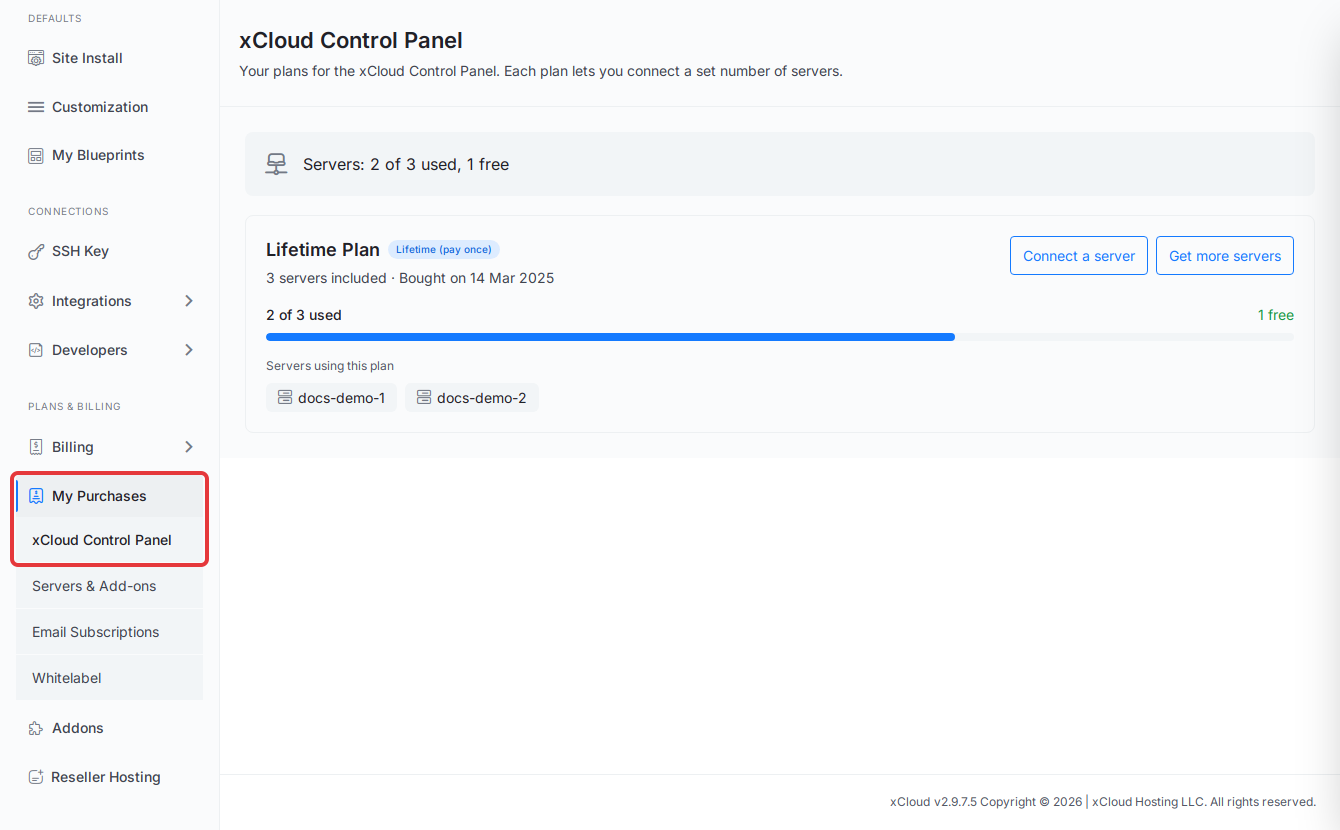
Expected result: You see one card per plan, with how many servers are used and free. See My Purchases for what each part of the card means.
Step 2: Click Get more servers
On the card of the plan you want to upgrade, click Get more servers.
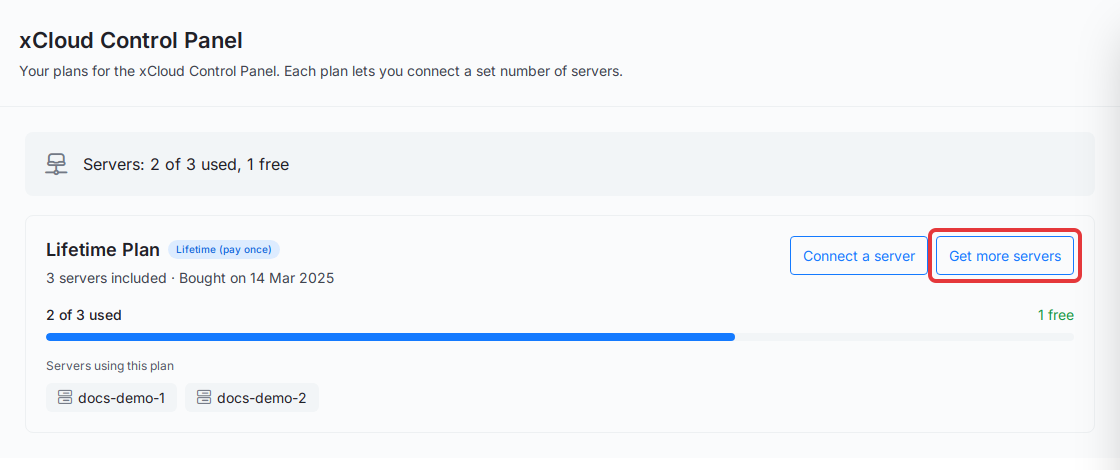
Expected result: The Upgrade Your Package page opens and shows Your Current Package with its usage.
Step 3: Choose a package and pay
Under Choose Your New Package, select the package you want. Check the Total: line, then click Upgrade Now & Pay Only to pay.
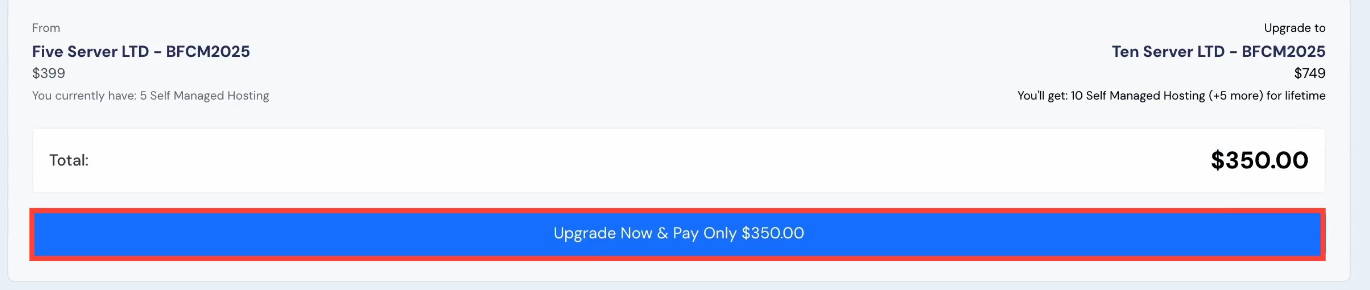
The plan names and prices in this screenshot are an example from an earlier offer. Your total depends on your current plan and the package you choose.
Expected result: After payment, your plan card in xCloud Control Panel shows the new number of servers included.
If the page says No upgrade packages available for your plan, there is no bigger package to move to from it. If it asks you to Please Pay or Cancel Existing Invoice, an earlier upgrade invoice is still unpaid: pay or cancel it first.
If you run into any issues, feel free to reach out to our support team.