










A critical security vulnerability affecting cPanel and WebHost Manager (WHM) has sent shockwaves through the web hosting industry. Tracked as CVE-2026-41940. This flaw exposes millions of websites globally to potential unauthorized access.
If your website or hosting infrastructure relies on cPanel, understanding this vulnerability and taking immediate action is essential to securing your data.

✅ (Important Note) xCloud Customers Are Not Affected

xCloud has never used cPanel or WHM. The CVE-2026-41940 authentication bypass vulnerability does not apply to xCloud infrastructure, and no action is required from our customers. xCloud runs on a completely different, modern cloud-based architecture designed around isolated environments rather than traditional shared-server control panels. If you are already using xCloud, you can safely continue managing your hosting as normal.
If you are currently using cPanel or a hosting provider that relies on it, this incident is worth understanding in detail—because it fundamentally affects how millions of websites are managed worldwide.
What Happened: A Critical cPanel Authentication Bypass
On April 28, 2026, cPanel issued an emergency security update addressing a critical vulnerability tracked as CVE-2026-41940.
- The Severity: This flaw allows remote attackers to gain full administrative access to a server without needing a password. It has been assigned a CVSS score of 9.8/10 (Critical) —one of the highest possible risk ratings.


- Active Exploitation: Within 48 hours of its disclosure, the U.S. Cybersecurity and Infrastructure Security Agency added it to its Known Exploited Vulnerabilities catalog, confirming active exploitation in the wild and requiring immediate patching.
- Scope: The issue affects all supported versions of cPanel and WHM, meaning a massive portion of the world’s shared hosting servers were instantly exposed.
This Was a Zero-Day, Exploited for Months Before the Patch
What makes this situation particularly troubling is the exploitation timeline. According to reporting by The Hacker News, KnownHost CEO Daniel Pearson confirmed that the vulnerability had been actively exploited in the wild “for at least the last 30 days, if not longer” before the public advisory was even released.
The flaw was reportedly disclosed to cPanel roughly two weeks before the public advisory, but no advance warning was issued to hosting providers while a fix was being developed.
When the public advisory finally landed on April 28, traditional hosting providers were caught in a mad scramble, immediately blocking customer access to cPanel and WHM ports at the firewall level while they rushed to apply emergency patches. As Benjamin Harris, CEO of watchTowr Labs, told The Hacker News:
“Within hours of the advisory dropping, nearly every major hosting provider on the planet had firewalled their own customers off their own product.”
While cPanel released a fix approximately two hours after the advisory went public, the damage was already done. By the time most shared servers were successfully patched, the window of active exploitation had already been open for over a month—leaving millions of sites exposed to undetected intrusion during that time.
Why This Vulnerability Is So Dangerous
This is not a simple login bug. The vulnerability sits deep inside the core authentication flow of cPanel’s service daemon (`cpsrvd`).
Here is exactly how the exploit functions:
- Before authentication is fully completed, cPanel writes session data to disk.
- The exploit works by injecting specially crafted characters (CRLF injection) into HTTP headers.
- Because this input is not properly sanitized, attackers can inject values such as `user=root` or other privileged session attributes.
- When the session is later loaded by the system, it mistakenly treats these injected values as legitimate, verified authentication data.
- In some cases, core authentication checks are skipped entirely when these specific session fields are present.
The Bottom Line: An attacker can completely bypass the login screen to gain root-level access. No password, no brute-force guessing, and no user interaction required.
What Attackers Can Do If a Server Is Compromised
If an attacker successfully exploits this flaw through WHM (WebHost Manager), they gain full administrative sovereignty over the environment. This includes:
- Full root-level server control
- Complete access to all hosted websites, databases, and email accounts
- The ability to modify server configurations and install persistent malware or backdoors
- Creation of hidden, persistent administrative accounts
- Full exfiltration of sensitive customer and user data
In shared hosting environments, this threat is amplified. Because a single server often hosts dozens or hundreds of unrelated websites, one compromise can affect every single tenant on that machine.
Immediate Action Plan If You Are Using cPanel
If your hosting provider utilizes cPanel, you must verify your security posture immediately. Follow these steps:
Step 1: Update Immediately
Log in to your server via SSH and execute the official emergency update command:
/scripts/upcp –force
This forces cPanel to fetch and apply the latest secure, patched version.
Step 2: Verify Your System State
You should double-check your cPanel/WHM build version to ensure the patch was successfully applied. Afterward, restart the ”cpsrvd” service immediately after patching to clear any vulnerable states.
Step 3: Restrict Access (If You Cannot Patch Right Away)
If you cannot update immediately, use your firewall to temporarily block external access to the primary cPanel/WHM management ports:
- 2083 & 2087 (cPanel/WHM SSL)
- 2095 & 2096 (Webmail SSL)
Step 4: Review System Access Logs
Analyze your logs dating back to late March 2026 for anomalies, including:
- Unknown or unrecognized login attempts
- Newly created admin or reseller accounts
- Unexpected or unauthorized configuration changes
- Authentication events that do not correlate with known user activity
5. Use Detection Tools
Utilize the official detection scripts released by cPanel to scan for:
- Suspicious session anomalies
- Pre-authenticated session abuse
- Invalid or manipulated authentication attributes
Note: If you are on a managed shared hosting plan, contact your provider immediately to confirm they have patched CVE-2026-41940 and to ask if your specific server showed signs of compromise.
Why This Keeps Happening in Shared Hosting
This incident is not an isolated piece of bad luck; it reflects a broader, systemic issue with traditional shared hosting systems.
cPanel was originally architected in an era when shared hosting was the dominant model for the web. In this classic framework, a centralized control panel manages multiple customer websites, running highly privileged services across a shared server.
While this design is convenient, it inherently creates a massive blast radius. When a flaw is discovered in the control layer managing the accounts, it doesn’t just put one site at risk—it exposes every single site sharing that underlying machine. This is less a failure of engineering and more a structural limitation of the shared-server model itself.
How xCloud Is Built Differently
xCloud was built without cPanel. Different control plane, different stack, different attack surface. CVE-2026-41940 simply does not apply to our infrastructure.
That isn’t because we’re cleverer than cPanel’s engineers. Every large codebase ships vulnerabilities, including ours. The structural point is different: xCloud was engineered from the ground up to move away from shared-server control planes entirely. Instead of packing multiple customers into a single, highly privileged hosting environment, xCloud operates on isolated cloud infrastructure.

Each deployment runs in its own dedicated containerized environment featuring:
- Strict system isolation per site
- Zero shared tenancy between different customers
- Independent databases and distinct system users
- Complete separation between the web applications and the control layer
Because of this architecture, a vulnerability in one site or control system cannot automatically expose or compromise other customers across the infrastructure.
A Layered Approach to Real-World Security
Security at xCloud is deployed in layers across every single environment:
- Built-in Web Application Firewall (utilizing advanced 7G / 8G rules)
- Fail2Ban intrusion prevention systems
- AI-driven bot protection
- Continuous, automated vulnerability scanning for WordPress core, plugins, and themes
- Automated security patch rollouts across the infrastructure
For example, during the Linux “Copy-Fail / Dirty Frag” zero-day incident earlier this year, xCloud automatically coordinated and deployed security patches across more than 10,000 servers simultaneously—keeping systems completely protected without requiring a single click from our users.
Thinking About a cPanel Alternative?
Events like CVE-2026-41940 highlight a fundamental truth in cybersecurity: Security is as much about architecture as it is about patching bugs. Modern web teams are increasingly moving away from shared environments and adopting infrastructure that prioritizes isolated environments, reduced attack surfaces, automated patch distribution, and cloud-native design.
If recent events have left you questioning whether your current hosting provider is genuinely secure, xCloud offers a modern, secure, and performant alternative.
The xCloud Advantage at a Glance
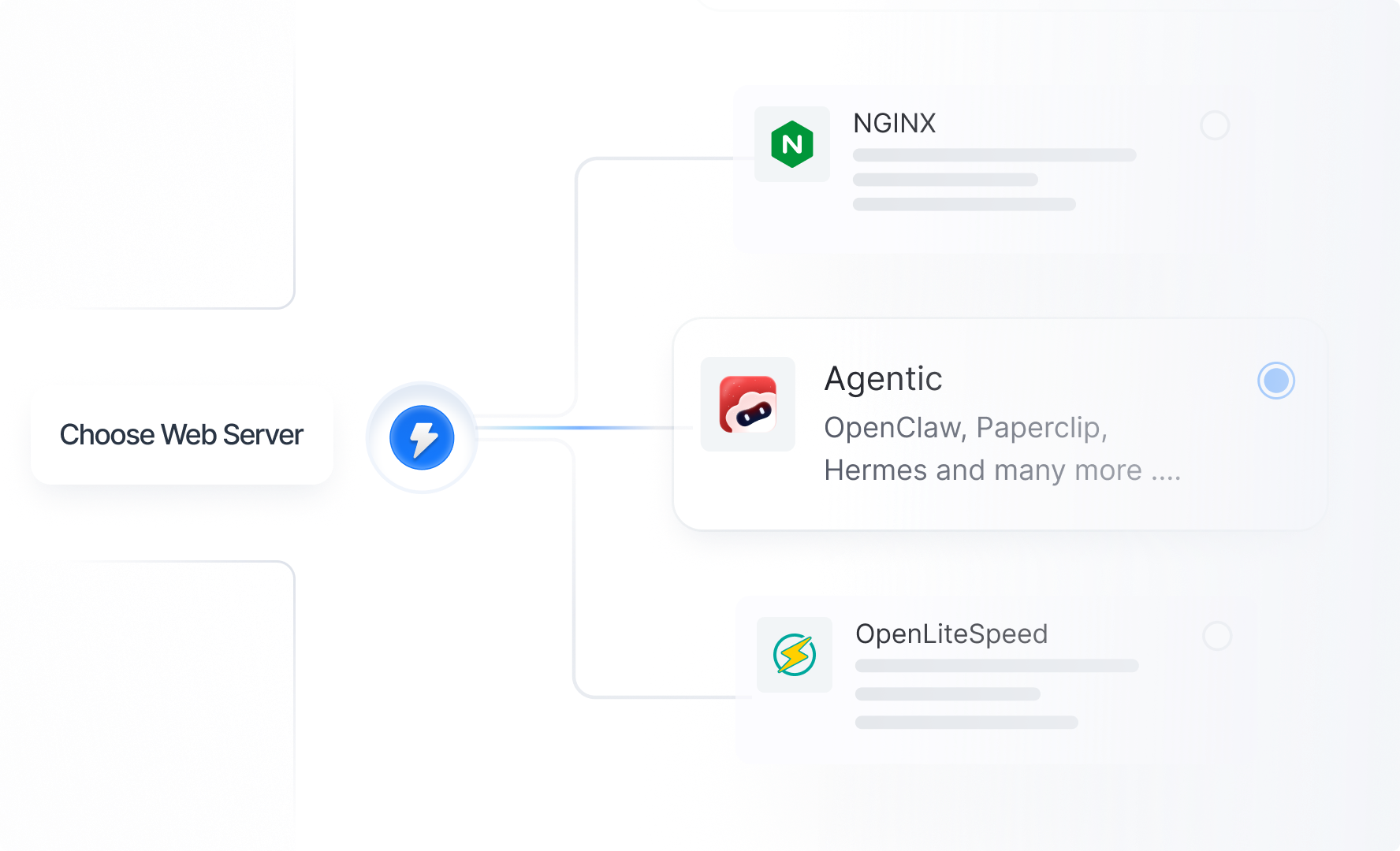
- Modern stack with NGINX or OpenLiteSpeed, PHP 7.4 through 8.3, MariaDB, Redis, and native HTTP/3
- Multi-cloud flexibility across DigitalOcean, Vultr, AWS, Google Cloud, Linode, Hetzner, Hostinger VPS and the fully managed hosting with xCloud Managed Server.
- Built-in security with WAF rules, Fail2Ban, AI bot blocker, and a vulnerability scanner
- One-click staging environments with push-to-live workflows
- Free SSL with auto-renewal and native Cloudflare integration
- Built-in cPanel migration tool that uses the cPanel API directly, no manual backup archives required
Switching hosting platforms can feel daunting, especially when you are managing live traffic, production databases, and active email accounts. xCloud makes this transition completely seamless and risk-free.
Our step-by-step migration guide walks through generating an API token in cPanel, pointing xCloud at your existing server, and pulling sites over server-to-server. Most single-site migrations finish in 15 to 45 minutes, and you can migrate as staging first so you have time to verify everything works before flipping DNS.
If you want to compare the two platforms in depth before making a decision, our xCloud Panel vs cPanel guide breaks down architecture, security, pricing, and performance side by side. Or you can create a free xCloud account and explore the platform at your own pace. Don’t forget to let us know if you need help with migration. Yes, we provide a free migration service.
The CVE-2026-41940 vulnerability is a stark reminder that hosting security relies heavily on the underlying architecture of your provider. Regular patching is a necessity, but reducing your overall attack surface is a strategy.
Whether you choose to patch and remain on your current setup or migrate to an isolated alternative, ensure your decision is based clearly on how well your infrastructure protects your data. If you decide to make the jump, the xCloud team is here to help you every step of the way.
If you have found this blog helpful, feel free to subscribe to our blogs for valuable tutorials, guides, knowledge, and tips on web hosting and server management. You can also join our Facebook community to share insights and take part in discussions.