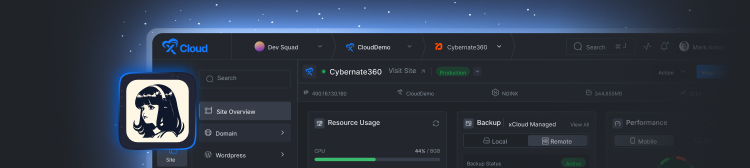













This month's two biggest releases change how you operate xCloud. The xCloud MCP Server connects your account to an AI assistant, so instead of clicking through the dashboard, you tell it what you want: spin up a site, explain why a deploy failed, back up a site and patch its vulnerable plugins. It runs each task against your real servers. The dashboard stays available; you open it less often.
One-Click Deploy from Git covers the shipping side. Paste a repo, and xCloud reads the project, detects the app type, branch, and runtime, writes the deploy script, and takes it live in under a minute. No pipelines, no app type to pick, no CLI tools to install. WordPress, Laravel, Node, and Docker all run through the same flow.
The rest of the release builds on that same idea of describing what you want and letting the platform handle it: AI Agent Skills for Claude and Claude Code, a one-click app library that now includes Buzz, a zero-downtime migration to the official Nginx, finer control in the AI Bot Blocker, and dozens of fixes across backups, monitoring, SSL, and deployments.
Here is everything that shipped in July, and how to start using it.
📸 Highlights of xCloud July 2026 Release
This month's updates make xCloud something your AI assistant can operate directly, alongside major improvements to deployment, self-hosting, and infrastructure. Here is a quick overview of what landed in July:
🤖 xCloud MCP Server: Connect Claude, Claude Code, Cursor, ChatGPT, VS Code, Windsurf, Gemini, or Grok and manage around 110 hosting operations in plain language.
🗣️ xCloud AI Agent Skills: Create sites, run scans, patch plugins, and toggle services just by describing what you want, powered by the xCloud Public API and free with every account.
🚀 One-Click Deploy from Git: Paste a repo and let AI detect the app type, branch, and runtime, then write the deploy script and ship it in under a minute.
🐝 Buzz Hosting & 10+ New One-Click Apps: A new template system expands the one-click library to 25+ apps, including a private Buzz AI workspace.
🔥 One-Click Nginx Upgrade: Migrate from the deprecated third-party source to the official Nginx with zero downtime and automatic rollback on failure.
🛡️ AI Bot Blocker Allow & Block Controls: Allow or block specific AI bots from the dashboard, on top of the 150+ bots blocked by default.
🛒 Unified Checkout & Social Login: Buy everything in one flow and sign in with Google or GitHub, no extra password required.
🧠 GPT-5.6 Support for AI Agents: GPT-5.6 is now available for Hermes, OpenClaw, and Paperclip, including the Sol, Terra, and Luna models.
Scroll down to explore each feature in detail.
❇️ xCloud MCP Server: Your AI Assistant Can Now Manage Your Infrastructure
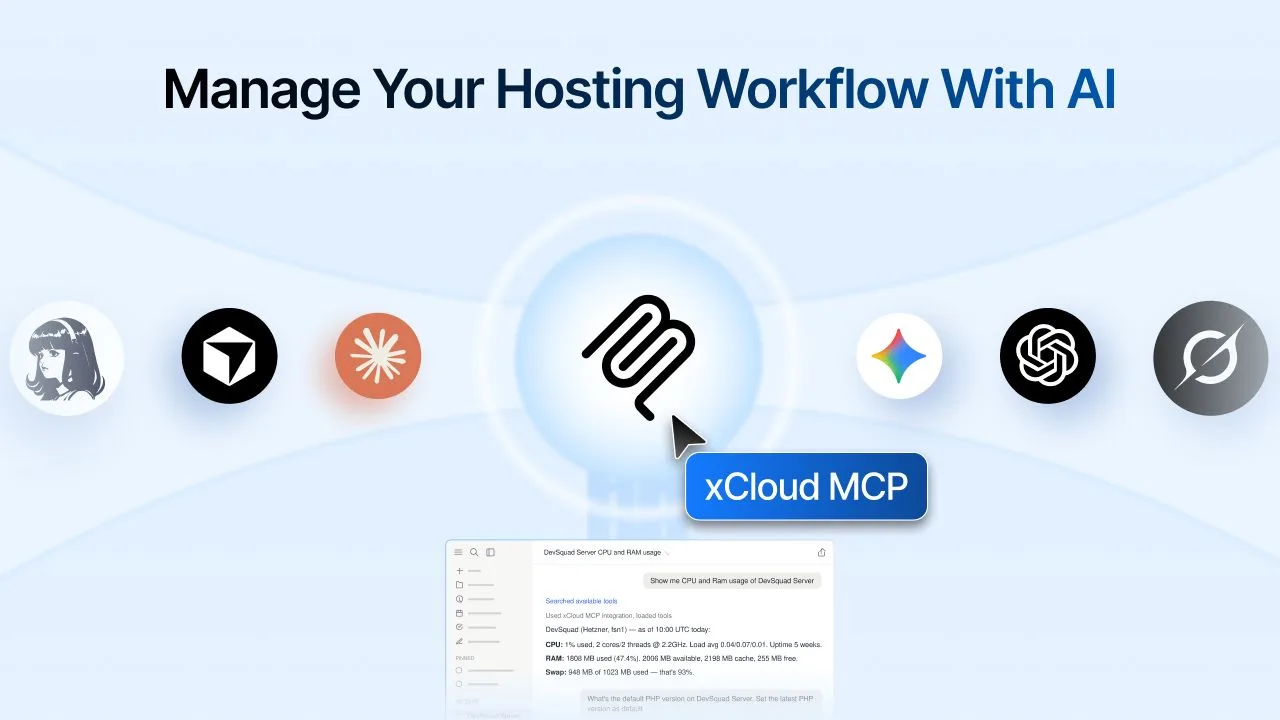
This is the headline feature of the month. The xCloud MCP Server connects your hosting account to any MCP-compatible AI client and exposes around 110 hosting operations through natural language. Connect Claude, Claude Code, Cursor, ChatGPT, VS Code, Windsurf, Gemini, or Grok, and your assistant can monitor, deploy, back up, and troubleshoot without you ever opening the dashboard.
What makes this different from a simple API wrapper is how much it can do on day one. Ask it to show every site running an outdated PHP version, explain why the latest deployment for a site failed, or create a backup, update vulnerable plugins, and confirm the site is healthy, all in a single prompt. The full set of operations covers monitoring servers, sites, PHP versions, health, and resources; deploying applications and troubleshooting failed deployments; managing databases, SSL, backups, cache, and WordPress updates; comparing staging and production; and restarting services for routine maintenance.
Security was built in from the start, because handing an AI write access to production servers deserves scrutiny. The MCP Server uses OAuth or team-scoped API tokens, supports read-only or read/write access, requires explicit confirmation for destructive actions, and lets you review and revoke connected AI clients at any time. Powerful, and designed so a careless prompt cannot take a site down.
👉 For a step-by-step walkthrough, see the full MCP connection guide.
❇️ xCloud AI Agent Skills: Manage Servers and Sites by Just Asking
If the MCP Server opens xCloud to any AI client, AI Agent Skills bring the same plain-language control to Claude and Claude Code specifically, powered by the xCloud Public API that already comes with your account. That means they are completely free to run. If you can say it, you can do it.
The skills handle full workflows, not just single commands. In our own testing, "Create a WordPress site with the latest PHP" returned a fully configured site live on PHP 8.5, with caching enabled and admin login ready, without a dashboard being opened. A second prompt, asking it to check a site for vulnerabilities and take a local backup before patching, scanned the site, found vulnerable plugins, took an on-demand backup so there was a clean restore point, then updated every affected plugin safely.
Beyond site creation and patching, the skills cover PHP, database, and firewall management, SSL setup, service toggling, and pulling live server data into whatever workflow you already use. For freelancers, agencies, and especially non-technical teams running sites at scale, server management stops being a chore you schedule around. Setup takes about a minute: create a token in your dashboard settings, install the skills in Claude or Claude Code, and go.
❇️ One-Click Deploy from Git: Ship Any Project in Under a Minute
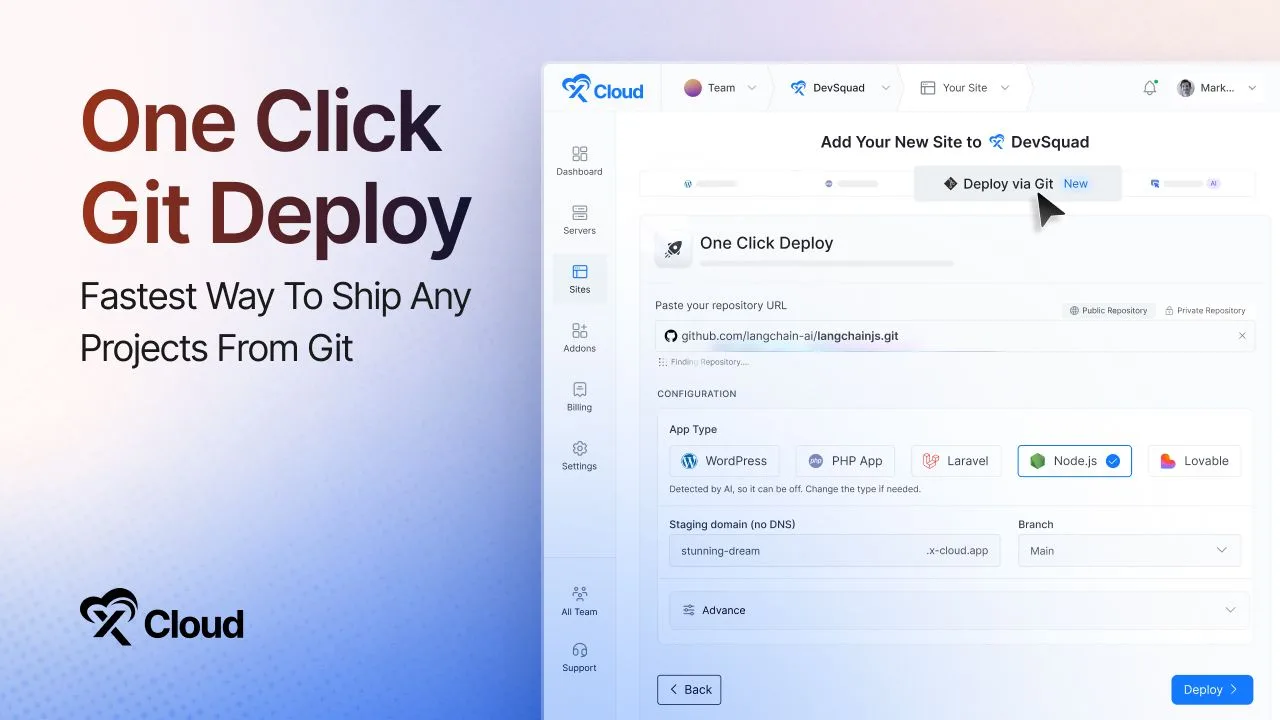
One of the biggest things xCloud shipped this year, One-Click Deploy from Git removes deployment configuration entirely. You do not write pipelines, pick an app type, or install CLI tools. You paste a repo, and AI reads the project, detects the app type, branch, and runtime, then writes the deploy script for you. WordPress, Laravel, Node, Docker, or anything else, all through the same flow.
The flow handles both public and private repos from GitHub, GitLab, Bitbucket, and more, and you do not even need a full URL. Type a project name like "Chatwoot" and xCloud finds the official repo and recommends it. Everything it detects is pre-filled and reviewable before you ship, the AI-written deploy script can be edited or regenerated anytime, and auto-deploy on push means every new commit ships itself. Docker is handled automatically from your compose file, with every service getting its own domain, and environment variables are sorted from your repo's sample file with AI filling any gaps.
Behind this sits over 16,000 lines rewritten and months of testing. The team rebuilt the entire foundation underneath deployments so the front of it could get this simple, eliminating configuration hassles so you can focus on building instead of configuring.
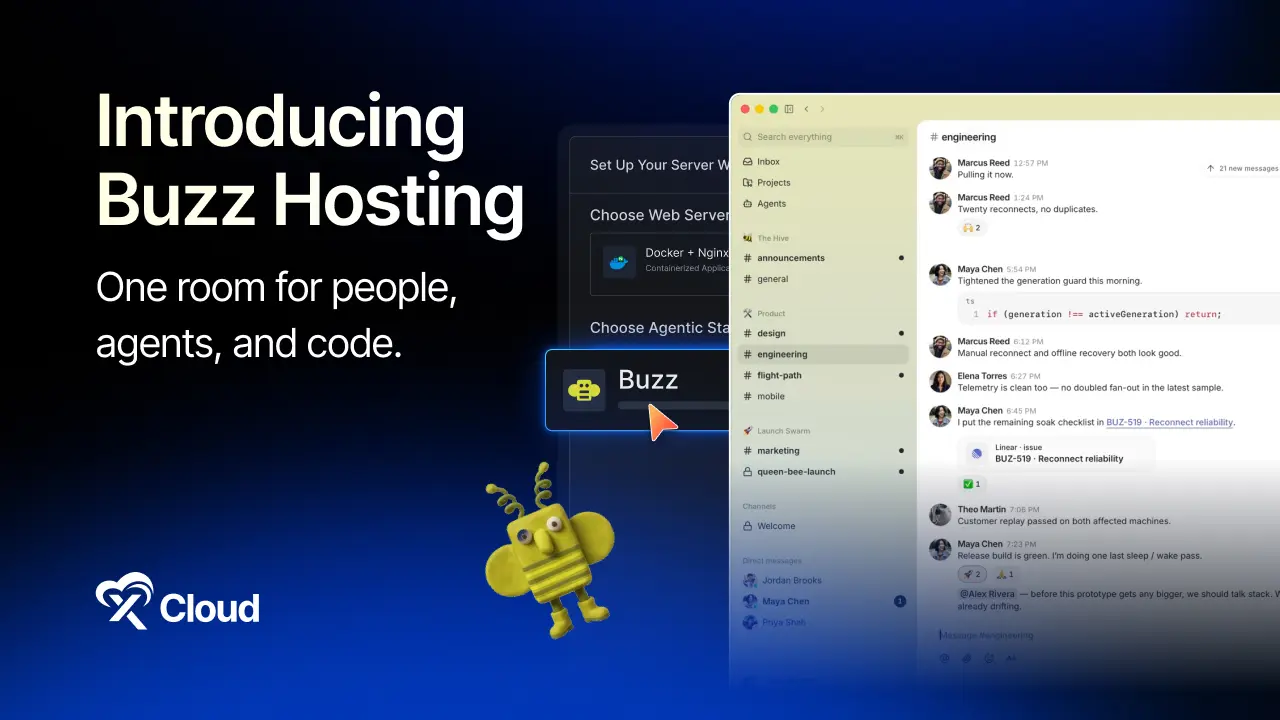
❇️ Buzz Hosting & 10+ New One-Click Apps
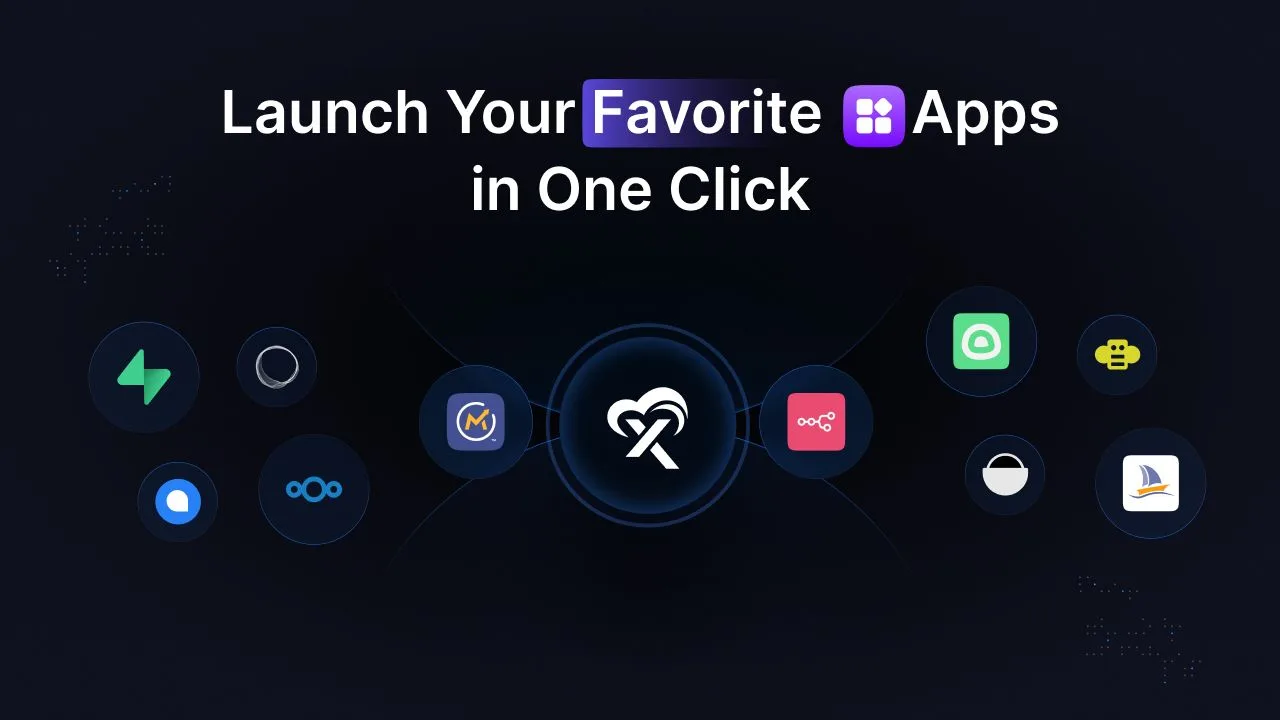
A new One-Click App Template System landed this month, making it faster and more reproducible to bring open-source applications to xCloud on Docker or Nginx servers. With it, the one-click apps library has grown to 25+ applications spanning databases, monitoring tools, developer utilities, and productivity apps.
New additions include 2FAuth, Buzz, Chatwoot, CyberChef, Ghost, Gotify, Grafana, MariaDB, Memos, Miniflux, MongoDB, PostgreSQL, and Redis, with more on the way. The headline of the batch is Buzz, one of the most talked-about AI workspace platforms, now deployable in just a few clicks.
With Buzz on xCloud, you can self-host a private workspace on infrastructure you control, connect your team through a secure custom relay, and collaborate with AI agents and teammates in shared workspaces, all without configuring Docker, databases, or the rest of the stack by hand. Every conversation, Git repository, and media file stays securely stored on your own server. The template architecture is the real story here, giving the team a strong foundation for adding many more Node.js and Docker-based open-source applications going forward.
❇️ One-Click Nginx Upgrade: Migrate to the Official Nginx With Zero Downtime
Not every important update is a new feature. Sometimes it is a foundational change that keeps everything you already run healthy for the long term. The third-party source xCloud used for Nginx, the Ondřej PPA, is being deprecated and no longer ships new versions, which left servers on it stuck on older releases. The catch was that this source included modules xCloud servers depend on, like custom headers and Brotli compression, that the official Nginx does not ship by default, so a simple source swap was never an option.
The team handled it in two steps. First, a fix kept existing servers working normally while the old source wound down, with no action needed on your end. Then came the harder work: a safe, one-click migration to the official Nginx with the custom modules rebuilt, so you keep every bit of functionality your server already relied on and unlock newer capabilities like HTTP/3.
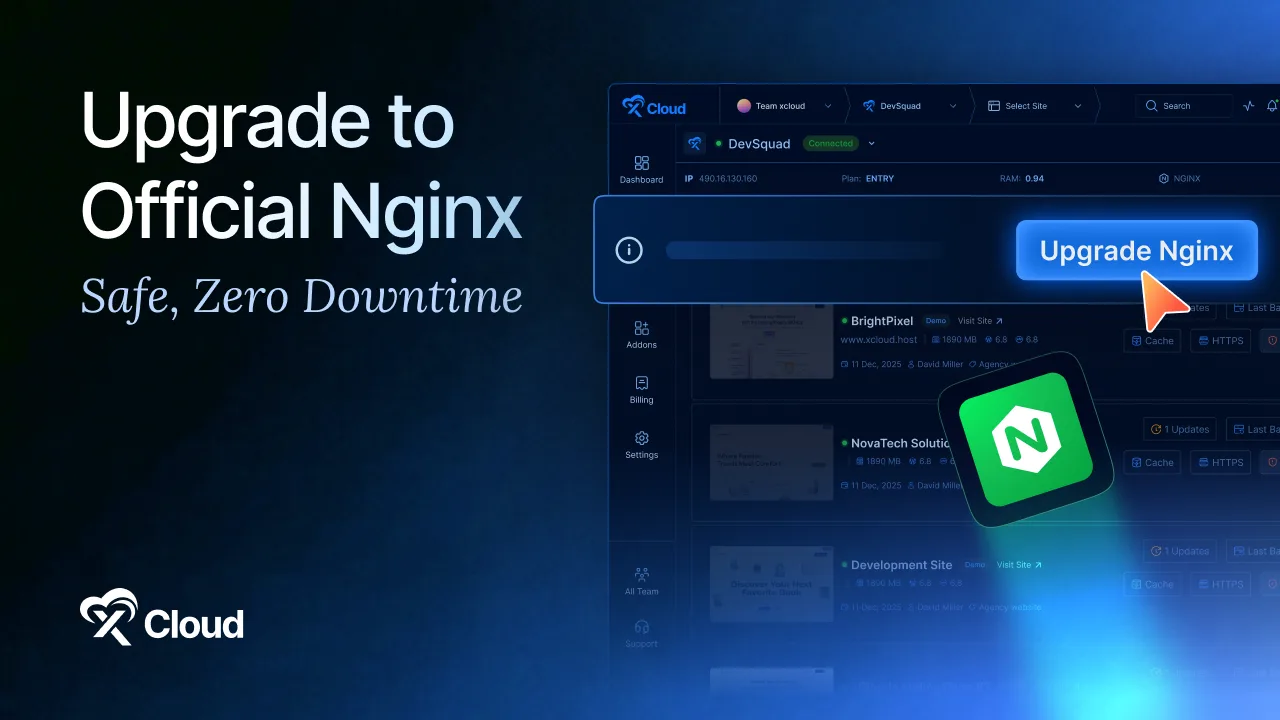
The migration is a controlled, verified process you approve first. A smart pre-check validates your existing config and flags anything that would break before it starts, not after. Your old Nginx stays live and serving traffic the entire time, the process runs in the background while modules compile, and if the final check or module build fails, xCloud automatically restores the old Nginx and leaves it running. New servers install the official Nginx from the start, and existing servers on Ubuntu 24.04 can upgrade in one click from the server dashboard.
👉 For the full walkthrough, see the official Nginx upgrade guide.
❇️ AI Bot Blocker: Allow or Block Any Bot in a Click
AI crawlers and automated scrapers now make up a growing share of web traffic, and most of it does nothing good for your site. It copies your content without permission, inflates server load, and skews analytics with visits that were never real people. The AI Bot Blocker has helped you fight back by automatically blocking 150+ known AI-related bots with a single toggle, and this month it gains fine-grained control.
You can now view the full built-in blocklist so you always know exactly who is being blocked, add specific crawlers to an allowlist when you want to let them through, and add custom bots to your own blocklist beyond the defaults. Search and select multiple bots at once for faster management, and it all works on both Nginx and OpenLiteSpeed sites, with no coding, no server configuration, and no editing rules by hand.
One nuance worth thinking through: blocking every AI bot also blocks the search-and-cite crawlers that AI assistants use to reference your content. If AI visibility matters to your business, the allowlist is exactly the tool for letting citation bots through while keeping scrapers out. The control is now yours, per bot.
❇️ Unified Checkout, Social Login & GPT-5.6 for AI Agents
Alongside the headline features, July made the everyday experience noticeably smoother. Checkout was rebuilt from the ground up so buying on xCloud finally feels like one flow instead of several. You select the stack and product options you need as you go, purchase multiple eligible items in a single order, and check out once, with no more juggling separate orders or repeating the same steps.
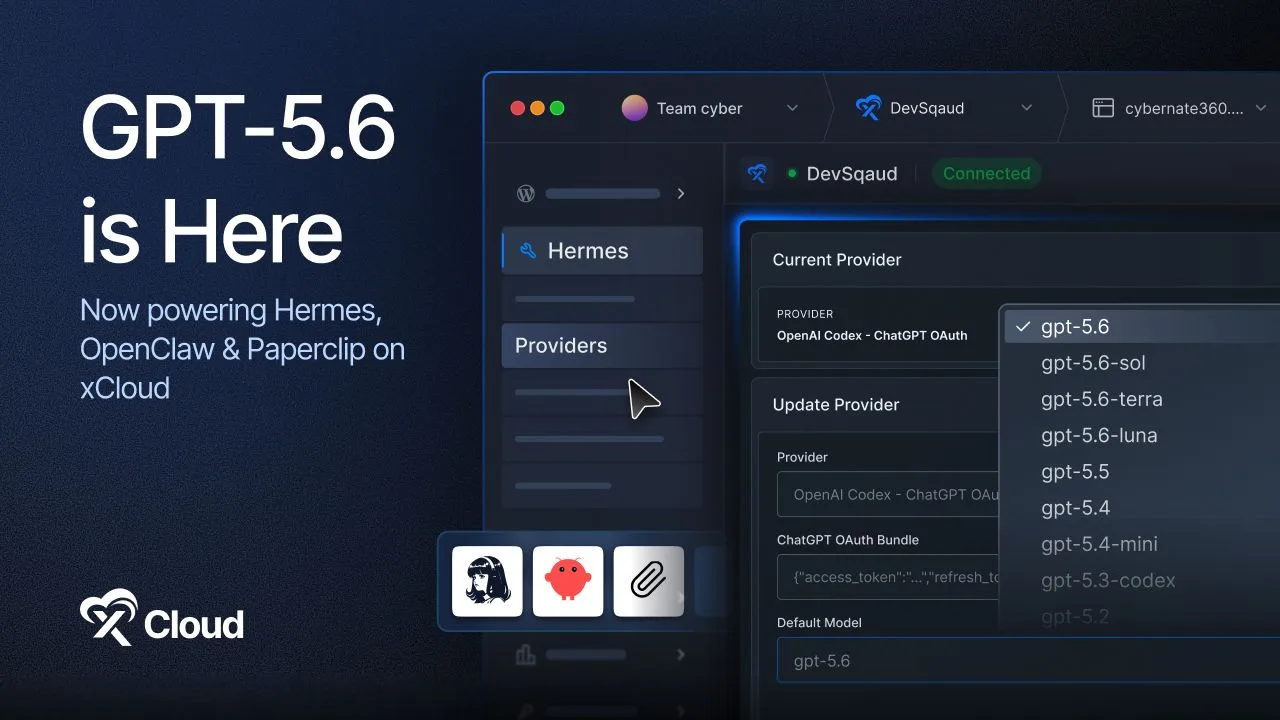
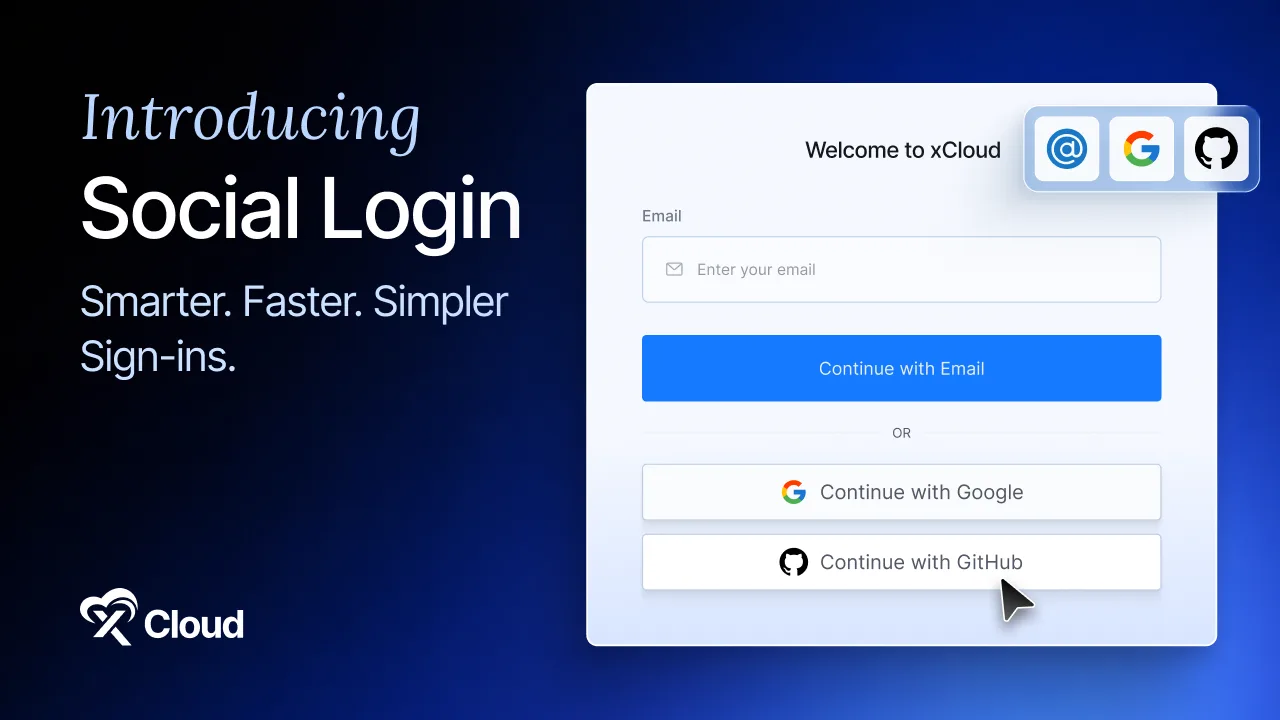
Signing in got simpler too. You can now sign in with your Google or GitHub account, with no extra password to remember, and manage all your connected accounts right from your profile. And for AI agent users, GPT-5.6 is now available for Hermes, OpenClaw, and Paperclip, including the Sol, Terra, and Luna models where supported. Agent provider settings were also improved, making it easier to use the recommended default model or keep a custom choice.
❇️ Additional Highlights
Beyond the headline features, July also delivered several notable additions:
⏺️ Custom Nginx Toggle: Enable or disable an individual Custom Nginx rule without deleting its configuration, so disabled rules keep their settings and can be re-enabled whenever needed.
⏺️ Region-Based Vultr Plan Availability: When creating a Vultr server, xCloud now checks plan availability for your selected region before provisioning begins, catching unavailable plans earlier.
⏺️ Custom Nginx in the PHP App Block: A new Custom Nginx option lets advanced users add custom rules inside the main PHP app location block.
⏺️ Smarter Global Search: Sites can now be found even when you paste a full URL, not just the plain domain.
⭐ Improvements and Bug Fixes
Here is the full list of improvements and fixes included in the July 2026 updates:
- Improved managed wildcard SSL issuance for WordPress multisite subdomain networks, with clearer DNS validation and certificate coverage checks
- Improved Git deployments for Laravel and custom PHP projects, with easier web-root setup and more reliable environment-variable handling
- Improved WordPress update information so the Updates page refreshes the current version and last-checked time more accurately
- Improved site icons in the dashboard with more reliable favicon handling and fallbacks
- Improved monitoring reliability for newly provisioned servers, even before the first site is created
- Improved n8n provisioning by moving long installation tasks into the long-running provisioning flow, reducing queue timeouts
- Improved backup delete handling so xCloud reconciles records correctly even when the remote storage is already clean
- Improved the billing selector layout for purchased packages
- Improved the Site Git settings page with a clearer action hierarchy
- Improved several UI areas, including profile avatar visibility, server creation cards, mobile layouts, analytics controls, and white-label product editing
- Restored automatic Redis installation during new server provisioning
- Hardened n8n PM2 startup and update handling to reduce recurring 502/503 errors after updates
- Added proxy trust configuration for n8n behind the xCloud Nginx reverse proxy
- Refined notification appearance and timing for cleaner, less distracting alerts
- Updated the web and SSH terminal welcome banner for more accurate colour rendering
- Fixed provisioning failures for database names containing hyphens
- Fixed an issue where the dashboard could show incorrect or stale "Next Backup" times, now calculated from active site-level backup settings
- Fixed inherited backup exclude paths for newly created and migrated sites
- Fixed an issue where sites using remote backups could incorrectly appear as active under the Local Backup tab
- Fixed a backup settings issue that could affect backup information loading
- Fixed server monitoring so CPU usage now shows accurately
- Fixed an issue where temporary network interruptions could trigger false server-disconnected alerts; xCloud now rechecks before alerting
- Fixed agent service restart actions for Hermes, OpenClaw, Paperclip, and white-label agent services
- Fixed errors when working with sites linked to unavailable or deleted servers
- Fixed WordPress installation reliability with verified ZIP downloads
- Fixed incorrect Webhook Inactive status reporting on Hermes servers
- Fixed Magic Login for imported or connected WordPress sites without a configured admin username
- Fixed Magic Login compatibility with the 8G Firewall on OpenLiteSpeed servers
- Fixed an issue where disabling a site could overwrite a customised maintenance page
- Fixed File Manager edit links for filenames containing spaces or special characters
- Fixed phpMyAdmin disable failures so they remain visible and can be retried
- Fixed notification settings so disconnected integration channels clearly show they must be connected first
- Fixed cases where an unavailable or stale Nginx installation state could affect upgrade handling
- Fixed the Client Reports logo, which was not showing properly
- Fixed a display issue on the support tickets page
- Fixed a display issue on the team management page
- Codex now configures the agent harness automatically on connection
🎥 Watch and Learn
We published new video tutorials this month to help you get started with the latest features. Whether you want to connect your AI assistant through the MCP Server, deploy a project straight from Git, or spin up Buzz and the other new one-click apps, there is a step-by-step walkthrough waiting for you. Head over to our YouTube channel to watch deployment guides, feature demos, and quick tips.
📚 New Blogs & Documentation
We published a fresh batch of guides and documentation this month to go alongside the July releases. Whether you want to deploy your own Buzz workspace, connect the MCP Server to your AI agent, install AI Agent Skills, or migrate to the official Nginx, there is a step-by-step resource ready for you in the xCloud docs and on the blog.
- What is Buzz Workspace? Features, Use Cases, and How to Deploy It (2026 Guide)
- Hermes Agent Docker vs Managed Hosting: Which Should You Choose in 2026?
- Hermes Agent vs OpenClaw: Which AI Agent to Host in 2026?
- How to Connect xCloud MCP to Your AI Agent
- Install and Use xCloud AI Agent Skills
- Deploy Git Projects in One Click with xCloud
- How to Install Buzz with xCloud One-Click Apps
- How to Upgrade to the Official nginx.org Build
- Enable AI Bot Blocker in xCloud
⛳ Wrapping Up July and Looking Ahead
July 2026 marks a turning point in how you work with xCloud. With the MCP Server and AI Agent Skills, managing servers and sites stops being a dashboard chore and becomes something you can simply describe. One-Click Git Deploy removes configuration from shipping, the expanded one-click library removes setup from self-hosting, and the official Nginx migration keeps your production servers current and safe without any risk to live traffic.
Combined with the everyday improvements to checkout, sign-in, GPT-5.6 support, and 60+ fixes across backups, monitoring, SSL, and deployments, this release delivers something for every type of user on the platform.
Go ahead and explore these new features today. As always, your feedback plays a key role in shaping what comes next. Stay with us for more insights, and feel free to subscribe to our blog for valuable tutorials, guides, and tips on web hosting and server management. You can find every version's details in the xCloud changelog and step-by-step guides in the docs.
Join the Facebook Community, share your ideas, and help us build the next wave of updates. August is right around the corner, and we have even more exciting things in the pipeline.