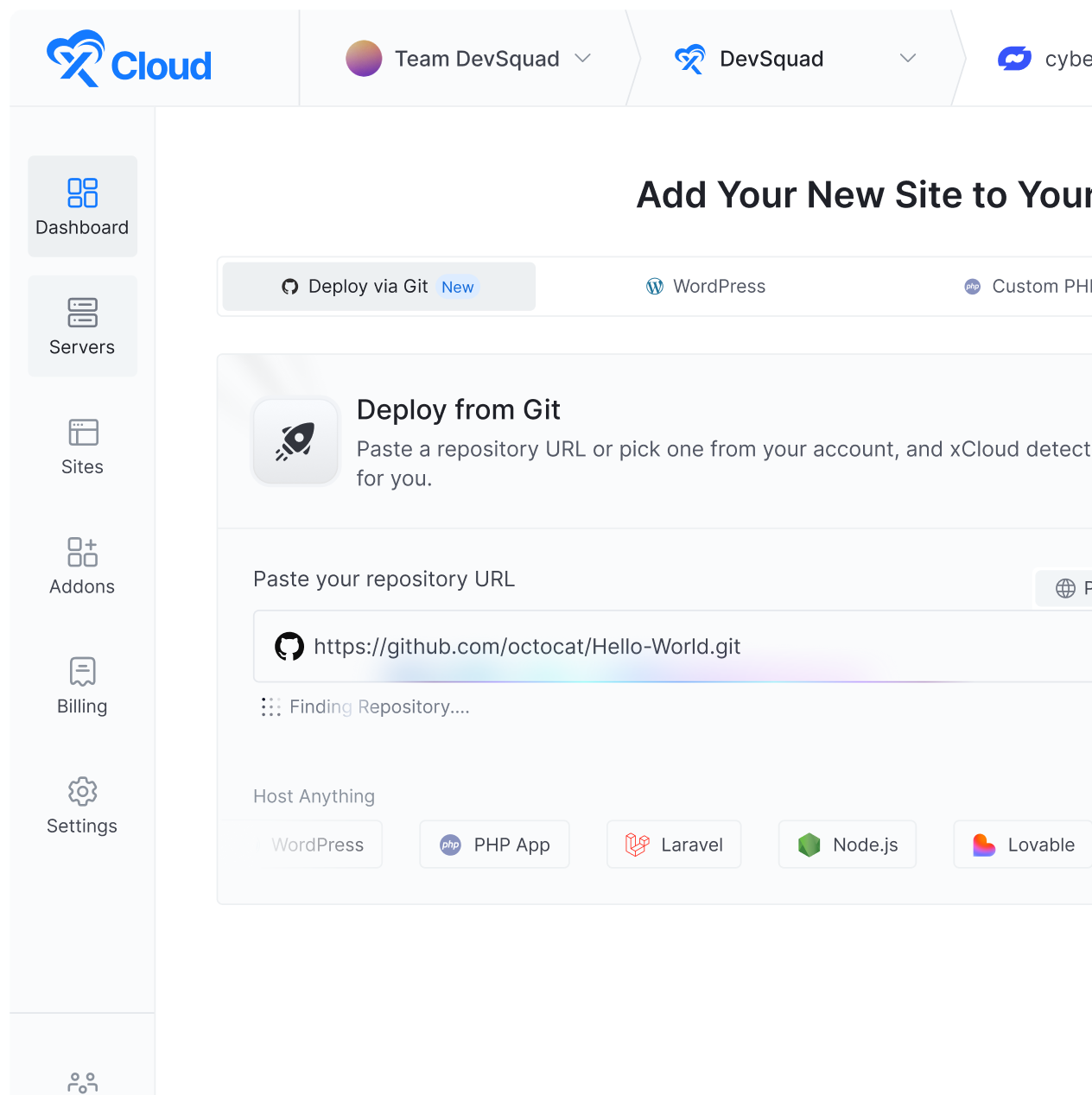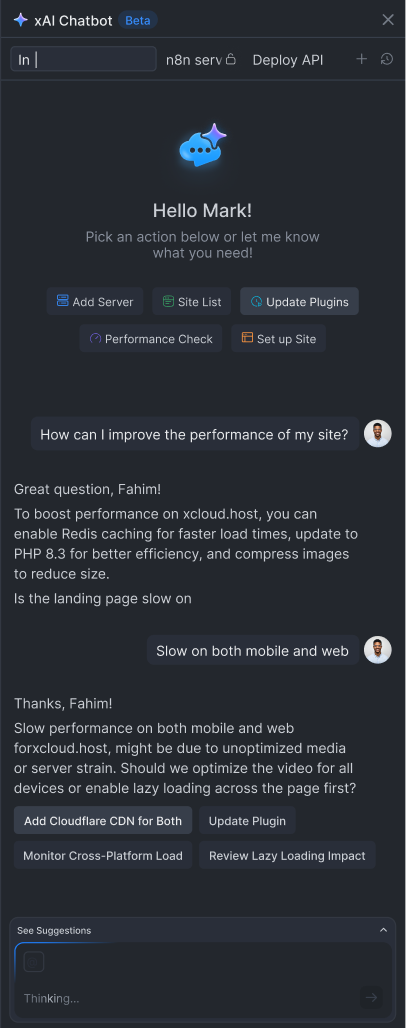

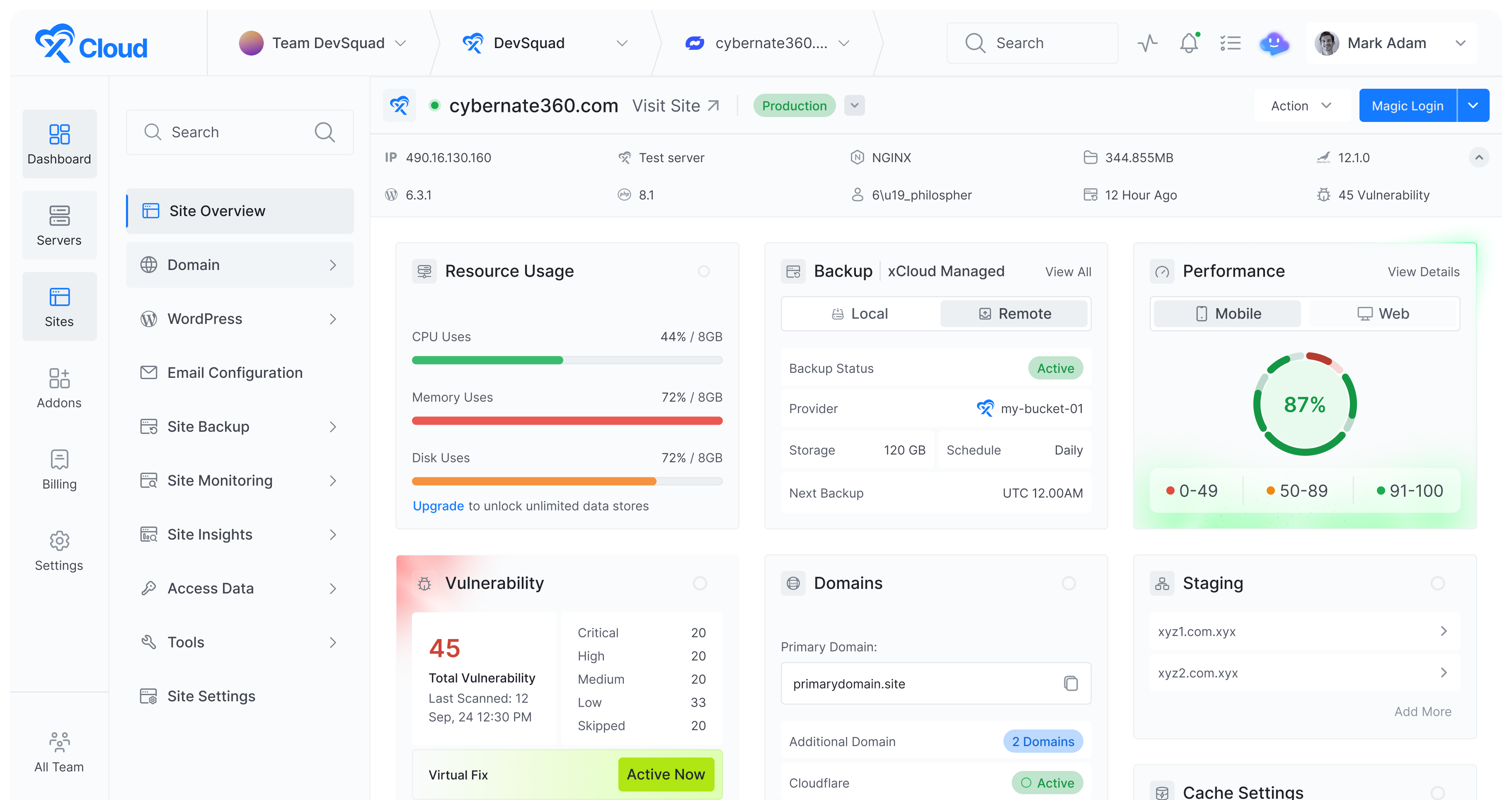










Run autonomous AI companies 24/7 – with org charts, budgets, goals, and full agent governance. We handle the server, database, security, updates, and recovery. You just assign the work.


Servers0+
Powered by xCloud

Reviews0+
Trustpilot 5 Stars

0+
Global Locations

Sign Up To xCloud
Create your xCloud account and choose your Paperclip plan. Takes 30 seconds – no server or technical setup needed.

We Deploy Your Paperclip
Click one button. We handle Node.js, PostgreSQL, reverse proxy, and SSL. Your Paperclip instance is ready in under 5 minutes.

Hire Your First Agent
Open your Paperclip dashboard, plug in OpenClaw, Claude Code, or any agent with a heartbeat, assign goals, and let them work.


Massimo Villa
@tlewisverdu
So far my experience has been smooth like silk. I didn’t imagine that configuring and managing a VPS would be so easy. As of today, I have deployed 8 sites. The support is good, and they treat users with respect, even if they ask stupid questions (myself included).

For the future, I hope for greater flexibility in scheduled backups and more comprehensive and consistent documentation.
I’m sure that within a few months, xCloud will become the leader in its segment. This community is amazing, and the Staff here is super helpful.
Waqar Ahmed
@tlewisverdu
xCloud isn’t just a solution. It’s like one of that friend who got your back when you screw things up pretty bad.
Tony Lewis
@tlewisverdu
I’ve recently taken all of my Vultr-hosted sites and gotten rid of cPanel for them to substitute it with xCloud.
I have to say, I’m really impressed with xCloud so far! The interface is definitely the standout feature for me.
Paul Goulart
@freelivingsoul
I set this up locally, tried AWS and Digital Ocean with disappointing results. Setup on Xcloud was easy and it’s still working!
Brian Geovanny
@braingigio
xCloud works really well, I am surprised by its performance being this the release version, I have tried many paid platforms such as runcloud, cloudpages or serveravatar, as well as free platforms such as CyberPanel, CloudPanel or Hestia Control Panel and direct competitors such as SpinupWP and FlyWP. Of all those that I have tried, the platform that works best for WordPress is SpinupWP and I believe that xCloud can reach and surpass that development, its roadmap is promising.


Congratulations to the xCloud team, I hope they become the leading platform in the segment, it has all the potential to achieve it!
Leo Koo
@leowrites
I’m moving my servers to xCloud, a cloud control panel by M Asif Rahman and the WPDeveloper team. Their roadmap looks interesting and no, there are no team mates nor API limits with xCloud!
xCloud #wordpress #hosting
Rahul Singh
@tlewisverdu
Trust me when I say, once people explore the potential of xCloud they gonna switch from other panels, just keep delivering the best tech, lots of love for the team 😍😍
Rahil Maknojia
@rahilmaknojia
Dear xCloud Team,
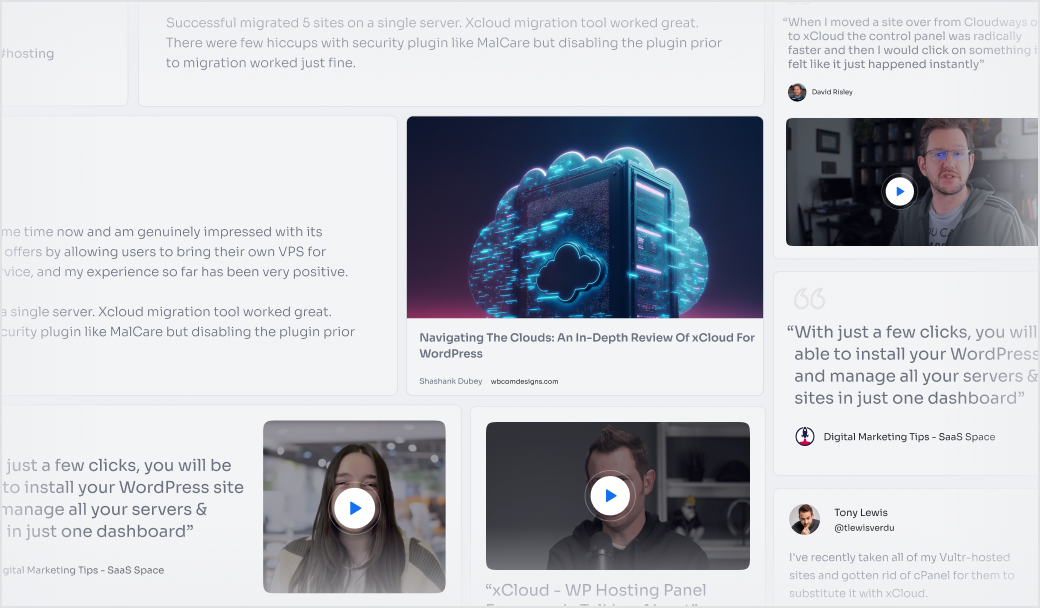
I have been using xCloud for some time now and am genuinely impressed with its capabilities and the flexibility it offers by allowing users to bring their own VPS for management. It’s a fantastic service, and my experience so far has been very positive.
Successful migrated 5 sites on a single server. xCloud migration tool worked great. There were few hiccups with security plugin like MalCare but disabling the plugin prior to migration worked just fine.
Dan Spinoza
@tlewisverdu
I had 150 sites on cloudways and am in the process of moving them to xcloud. Much faster and better priced.
1. What is Paperclip AI?
Paperclip is an open-source orchestration platform that lets you run teams of AI agents like a company. Instead of managing individual bots or automations separately, Paperclip gives you org charts, goals, tasks, budgets, and governance in one place. You define the mission, hire agents (OpenClaw, Claude Code, Codex, or custom), and Paperclip coordinates everything. It runs on Node.js with PostgreSQL and is fully self-hostable.
2. Can I run Paperclip without Docker?
Yes. Paperclip can run directly on Node.js 20+ with an embedded PostgreSQL database – no Docker required. However, setting up Node.js, Postgres, reverse proxy, and SSL manually on a VPS takes time and technical knowledge. With xCloud managed hosting, all of this is handled for you automatically.
3. Can Paperclip run multiple companies from one server?
Yes. A single Paperclip deployment supports unlimited companies with complete data isolation between them. Each company has its own org chart, goals, budgets, agents, and audit trail. This is useful for running separate ventures, testing strategies in parallel, or templating org configs for reuse.
4. Do I need to bring my own API keys, or are LLM costs included?
You bring your own API keys. Paperclip orchestrates your agents but doesn’t bundle or markup LLM usage. This means you pay your LLM provider (Anthropic, OpenAI, etc.) directly at their standard rates, bring the API keys to xCloud, connect with xCloud and you pay xCloud for the hosting.
5. Can I cancel anytime?
Yes. When you request cancellation, you’ll be charged for total server usage up to that date, along with up to 10% Stripe fee based on the used amount. Read the xCloud billing documentation for full details.
6. What is xCloud’s refund policy for Paperclip hosting?
xCloud offers a 14-day money-back guarantee on all Paperclip hosting plans. If you cancel within the first 14 days, you’ll receive a refund for the unused portion of your server, meaning you’re only charged for the days you actually used the service. Please note that Stripe processing fees (up to 10% of the charged amount) will be deducted from your refund. To request a refund, contact our support team.