









April was a defining month for xCloud. From fully managed AI agent hosting and autonomous AI-powered companies to a major infrastructure overhaul and a stack of powerful WordPress management features, this release positions xCloud as much more than a hosting platform. It is now a launchpad for the next generation of AI-powered applications.

Whether you are deploying self-improving AI agents, running autonomous businesses powered by AI employees, or managing WordPress sites at scale, the April 2026 updates deliver meaningful upgrades across every layer of the platform.
So grab your favorite drink, settle in, and let us walk you through everything new in the xCloud April 2026 release notes.
📸 Highlights of xCloud April 2026 Release
This month’s updates push xCloud deeper into AI hosting territory while delivering significant infrastructure and WordPress management improvements. Here is a quick overview of what landed in April:
🤖 Hermes Agent Hosting on xCloud: Deploy a self-improving AI agent with persistent memory, auto-built skills, and multi-platform messaging. Fully managed with one-click deployment.
🏢 Paperclip Hosting on xCloud: Run an autonomous company powered entirely by AI agents, complete with org charts, budgets, and audit logs.
🚀 xCloud Infrastructure Upgrade: A foundational overhaul delivering ~40% faster operations, near-instant navigation, and a more secure dashboard.
🧠 Gemma 4 Variants Support for Ollama: Pull Google’s Gemma 4 models directly into Ollama for fully self-hosted, private, API-cost-free AI.
🛡️ Cloudflare Under Attack Mode Toggle: Enable or disable Cloudflare’s Under Attack Mode directly from the xCloud dashboard.
🔧 Site Rules: HTTP Headers & Redirects: Manage custom HTTP headers and redirects for WordPress sites running NGINX without editing config files.



📋 Bulk NGINX Customization: Push custom NGINX configurations to multiple sites on a server in a single operation.
🔄 Cross-Site Backup Restoration: Restore a WordPress backup directly to another existing site on any server.
⏰ Site-Level Cron Job Management: Create, edit, and delete cron jobs from the dashboard without SSH access.
🪝 Staging Hook Scripts: Add Post-Pull and Post-Push scripts that run automatically after each staging operation.
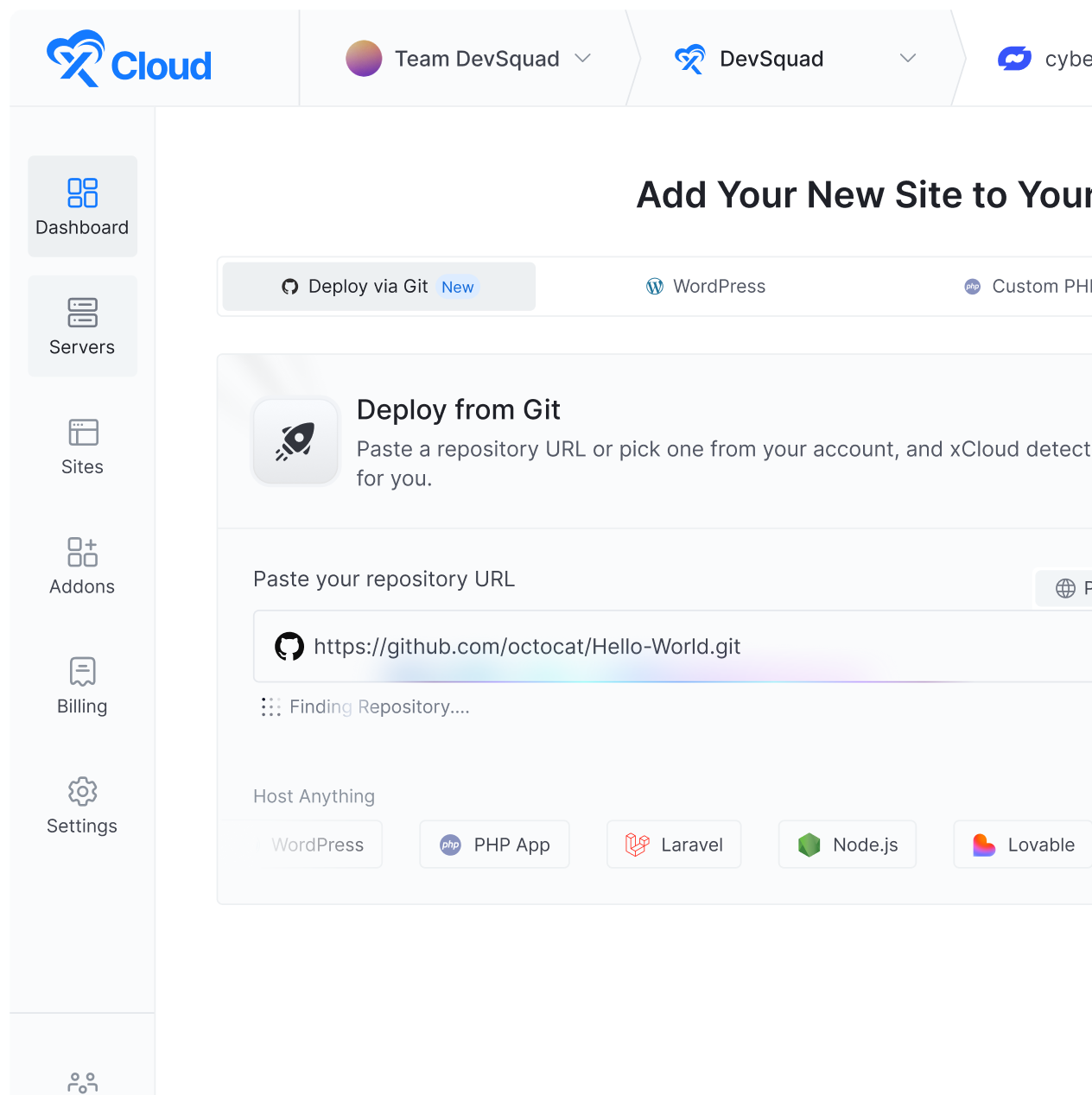
🐳 Git Integration for Docker Compose Sites: Deploy custom Docker Compose projects directly from a Git repository.
Scroll down to explore each feature in detail.
❇️ Hermes Agent Hosting on xCloud
This is the headline feature of the month. Hermes Agent is a self-improving AI agent that remembers you across sessions, builds new skills as it works, and runs 24/7 on autopilot. And with xCloud, you can deploy it with a single click. No terminal, no DevOps experience, no infrastructure headaches.

What makes Hermes Agent different from typical chatbot deployments is that it actually gets smarter the longer it runs. Persistent memory means no re-explaining context between sessions. The agent learns from every task it completes and builds reusable skills automatically. It supports multi-platform messaging out of the box. Manage conversations from Telegram, Discord, Slack, WhatsApp, and more.
Hermes Agent ships with 40+ built-in tools covering web search, browser automation, code execution, vision, and beyond. Built-in scheduling lets you set up automated reports, monitoring routines, and recurring tasks without extra configuration.
With xCloud’s managed hosting, you get one-click deployment, built-in Telegram support, auto SSL, daily backups, managed updates, and security. All handled for you.
❇️ Paperclip Hosting on xCloud
If Hermes Agent gives you a smart assistant, Paperclip gives you an entire company. Paperclip is an autonomous organization powered entirely by AI agents. You hire AI employees for any role, set goals and budgets, and let your agents work toward them around the clock. You stay in control. They handle the work.

The platform supports full org chart setup so you can assign AI employees to specific roles and responsibilities. Per-agent budget controls prevent runaway API costs, while a comprehensive audit log tracks every decision and tool call so you always know what happened and why.
Paperclip requires an xCloud Managed Server with at least 4GB RAM and a dedicated server. No other apps should run alongside it. This ensures your AI workforce has the resources it needs to operate reliably.
With xCloud managing the server infrastructure, automatic updates, security, logging, and SSH access, you can focus entirely on directing your AI-powered organization instead of maintaining the servers behind it.
👉 For a step-by-step walkthrough, see the full Paperclip deployment guide.
❇️ xCloud Infrastructure Upgrade: Faster, More Secure, More Stable
Not every major release is about new features. Sometimes the most impactful update is making everything you already use work significantly better. The v2.5.0 infrastructure upgrade does exactly that.
Operations across the platform, including provisioning servers, managing DNS, billing, and API calls, are now approximately 40% faster on average. That is not a marginal improvement. If you manage multiple servers and sites daily, the time savings add up fast.
Navigation feels near-instant because xCloud now prefetches the next page before you click. Dashboards show content immediately while heavy data loads in the background, eliminating the loading screens that used to slow down your workflow.
On the security front, every package has been patched and updated, with fewer dependencies overall. Fewer moving parts mean fewer potential vulnerabilities and a more stable platform for the long term.
❇️ Git Integration for Docker Compose Sites
Docker Compose users can now deploy projects directly from a Git repository on xCloud. Connect your public, private, or linked Git provider, and xCloud auto-detects ports from your docker-compose.yml, maps services to domains, and gets your project live. All from the dashboard.

This is a significant step for teams running custom application stacks. Whether you are deploying microservices, development tools, or complete application environments, Git-based Docker Compose deployment removes the need to SSH into servers and manually manage containers.
❇️ Gemma 4 Variants Support for Ollama
Google’s Gemma 4 is a lightweight open model family, and it is now fully supported in Ollama on xCloud. You can pull Gemma 4 variants directly from your Ollama dashboard and connect them to OpenClaw or other agent workflows for fully self-hosted, private, API-cost-free AI.

This is a significant addition for teams that want to run sensitive workloads entirely on their own infrastructure without sending data to external APIs. Gemma 4 joins existing options like DeepSeek R1, giving you more flexibility to choose the right model for each use case while keeping everything under your control.
❇️ Cloudflare Under Attack Mode Toggle
Cloudflare’s Under Attack mode performs additional security checks to help mitigate layer 7 DDoS attacks. It validates legitimate users while blocking suspicious traffic. Previously, enabling or disabling this required navigating to the Cloudflare console separately.

You can now toggle Under Attack Mode directly from the Site Security settings page in the xCloud dashboard. When your site comes under attack, you can respond immediately without switching between platforms. When the threat passes, disable it just as quickly to restore normal access for your visitors.
❇️ Site Rules: Manage HTTP Headers & Redirects for WordPress Sites
Managing HTTP headers and redirects has traditionally meant editing NGINX configuration files manually. The new Site Rules feature changes that entirely. You can now create and manage HTTP headers and redirect rules for WordPress sites running NGINX directly from the xCloud UI.

On the headers side, you can define custom HTTP response headers such as security headers, caching headers, and CORS policies directly from the dashboard. Strengthen site security, control browser behavior, and manage cross-origin access without touching a configuration file.
For redirects, set up 301 or 302 redirects for URLs, paths, or patterns through a clean interface. Handle post-migration URL changes, enforce trailing slashes, or route legacy paths to new destinations. All without writing a single rewrite rule by hand.
❇️ Bulk NGINX Customization
Agencies and developers managing multiple sites on a single server know the pain of applying the same NGINX configuration change to each site individually. Bulk NGINX Customization eliminates that repetition.

You can now push custom NGINX configurations to multiple sites on a server in a single operation directly from the dashboard. Whether you are applying security headers, performance optimizations, or custom routing rules across your portfolio, this feature turns a tedious multi-step process into a one-click operation.
❇️ Restore Backup to Any Site on Any Server
Backup restoration just got dramatically more flexible. You can now restore a WordPress backup directly to another existing site without rebuilding anything from scratch. This works across sites and across servers.

The use cases here are immediately practical. Clone a live site to a staging environment in minutes. Recover a broken environment by restoring from a healthy backup on a different site. Reuse recent backups across projects without manual file transfers or database imports. This feature simplifies migration workflows, reduces downtime, and gives you full control over how and where your backups are used.
❇️ Staging Hook Scripts: Post-Pull & Post-Push Automation
Staging workflows often require repetitive manual steps like deactivating sync plugins, clearing caches, and applying environment-specific settings. Staging Hook Scripts automate all of that.
You can now add your own Post-Pull and Post-Push scripts directly from the Staging Management page. These scripts run automatically after each staging operation, executing custom bash commands without manual intervention. Use them to deactivate development-only plugins, flush caches, update environment variables, or apply any configuration changes your workflow requires.
❇️ Additional Highlights
Beyond the headline features, April also delivers several notable additions:
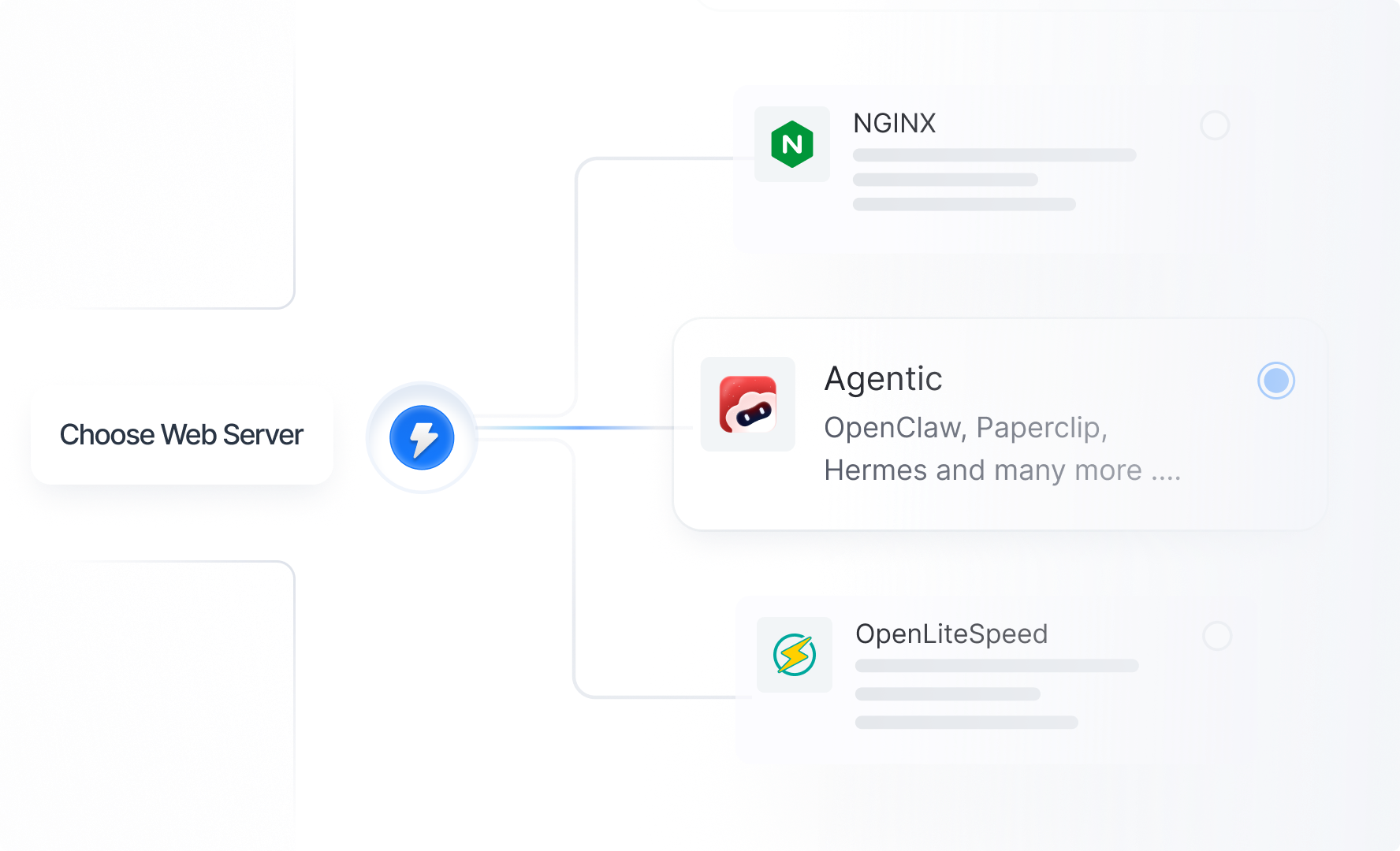
⏺️ Agentic Stack for xCloud Managed Servers: A combined stack bundling OpenClaw, Paperclip, and Hermes Agent for streamlined deployment on managed servers.
⏺️ Cloudflare Security Settings for OpenLiteSpeed: Cloudflare security configuration support is now available for OpenLiteSpeed sites.
⏺️ Sidebar Menu Search: Search is back in the sidebar navigation, making it faster to find specific pages across the xCloud dashboard.
⏺️ Easy Free to PRO Upgrade: A new global upgrade modal accessible from anywhere in the app lets free plan users upgrade to the Starter plan without leaving their current page.
⏺️ Fatal Error Banners & Notifications: When a fatal PHP error occurs, xCloud now shows a banner on the site dashboard with a direct link to the error logs for faster debugging. Real-time notifications are also pushed through integrated notification channels.
⭐ Improvements and Bug Fixes
Here is the full list of improvements and fixes included in the April 2026 updates:
- Improved warning banner system consistency across the dashboard
- Improved searchable sidebar navigation
- Improved safety checks during site and server deletion
- Improved cross-server navigation state handling
- Improved gateway health check handling
- Improved backup deletion handling across storage types
- Fixed an issue related to Nginx regeneration
- Fixed incorrect commit details showing in GIT deployment history
- Fixed deployment issues for GitHub auto-deploys
- Fixed SSL retry options for failed certificates
- Fixed silent failures with Disable Nginx Regeneration across multiple site actions
- Fixed SSL-related issues affecting failed certificates, multisite subdomains, and staging/live sites
- Fixed Codex authentication flow issue
- Fixed UI-related issues across multiple pages
- Fixed an issue related to blank server monitoring page
- Fixed MySQL installation version issue on Ubuntu 24.04
- Fixed Docker site deletion getting stuck when a Redis file is missing
- Fixed package upgrades showing as failed after a reboot
- Fixed Fail2Ban timeout issue
- Fixed staging option showing for unsupported WordPress multisite
- Fixed empty site title issue in Bulk Nginx Customization
- Fixed checkout security issues related to duplicate accounts and charges
- Fixed whitelabel server creation failures
- Fixed session handling on password change
- Fixed issues with salt handling during production push
- Fixed staging visibility indexing after database pull
- Fixed SSL-related deletion crashes
- Fixed cache helper CPU loop issue
- Fixed MySQL install hang in non-interactive environments
- Fixed PM2 startup issues on reboot for Node.js Git sites
- Fixed mailbox banner-related issue
🎥 Watch and Learn
We published new video tutorials this month to help you get started with the latest features. Head over to our YouTube channel to watch step-by-step walkthroughs, deployment guides, and quick tips.
📚 New Blogs & Documentation
We published 10+ detailed guides and 13+ documentations this month. Whether you want to deploy Hermes Agent, set up Paperclip, connect Gemma 4 to Ollama, or configure Site Rules for your WordPress sites, there is a step-by-step guide ready for you in the xCloud docs and on the blog.
- How to Add HTTP Headers And Redirects in WordPress (Without Plugins)
- Top 7 Reasons to Choose Node.js for Web Development Project in 2026
- PHP Hosting Setup Checklist (2026 Edition)
- CloudFest 2026: Highlights from the World’s Premier Cloud Event
- What Is Docker Compose? How to Use It with An Example
- What is Paperclip? 10 Paperclip Use Cases to Automate Operations with AI Agents (2026 Guide)
- Top Use Cases of n8n for eCommerce, SaaS & Agencies
- OpenClaw vs Paperclip vs Hermes (2026): Which Open-Source AI Agent Platform Wins? (Complete Comparison Guide)
- What is Hermes Agent? Features, How It Works, and Use Cases (Complete 2026 Guide)
- 9 Best Hermes Agent Hosting Providers in 2026: Compared on Setup, Cost, Memory & 24/7 Uptime (Complete Guide)
⛳ Wrapping Up April and Looking Ahead
April 2026 marks a turning point for xCloud. With Hermes Agent and Paperclip joining the platform alongside a major infrastructure upgrade, xCloud is no longer just a place to host websites. It is a complete platform for deploying, managing, and scaling AI-powered applications and workflows.
Combined with the WordPress management improvements like Site Rules, Bulk NGINX Customization, cross-site backup restoration, and cron job management, this release delivers something for every type of user on the platform.
Go ahead and explore these new features today. As always, your feedback plays a key role in shaping what comes next. Stay with us for more insights, and feel free to subscribe to our blog for valuable tutorials, guides, and tips on web hosting and server management.
Join the Facebook Community, share your ideas, and help us build the next wave of updates. May is right around the corner, and we have even more exciting things in the pipeline.