
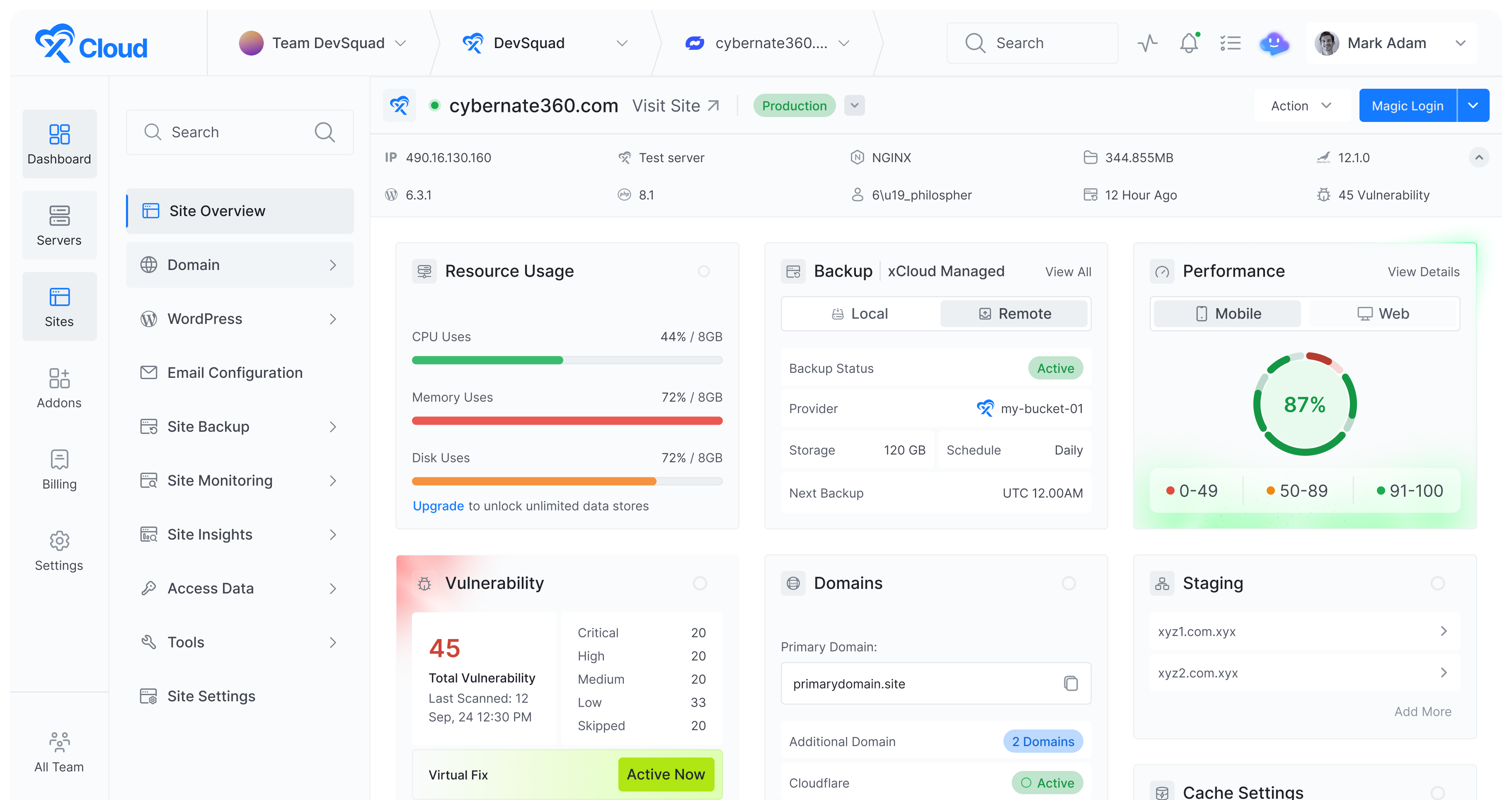










xCloud Hosting Control Panel is a modern platform for server owners or business owners using WHMCS, giving clients a fast, intuitive panel to manage websites


★★★★★ 300+ Reviews on Trustpilot

Invoicing, subscriptions, client accounts, provisioning hooks – none of this changes. xCloud integrates at the panel layer, not the billing layer.

Client orders from your storefront
Standard WHMCS product purchase — no change to checkout.

WHMCS generates invoice and provisions
Billing automation runs as it always has.xCloud module triggers alongside.

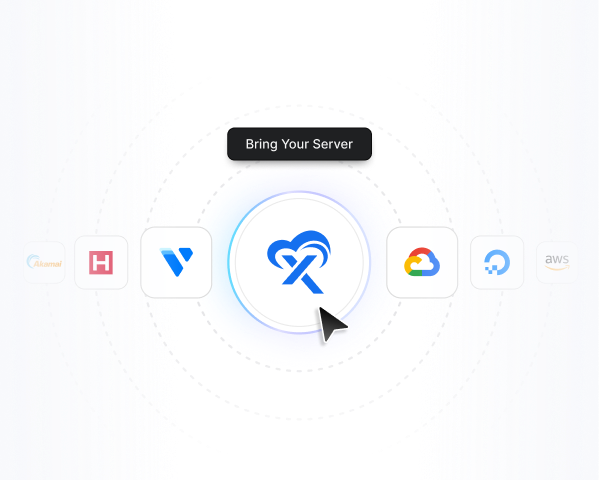
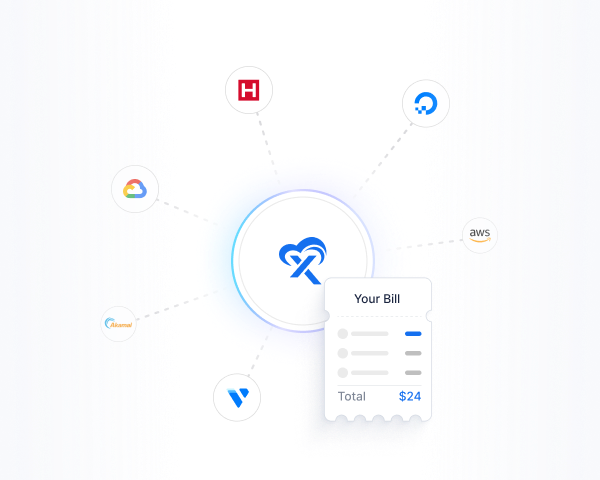
xCloud connects to your server externally
Environment provisioned on your infrastructure-zero manual input.

Client accesses panel via 1-click SSO
Seamless from WHMCS client area.No separate login required.

Site deployed and live
Client manages WordPress,Node.js or Laravel from the panel.
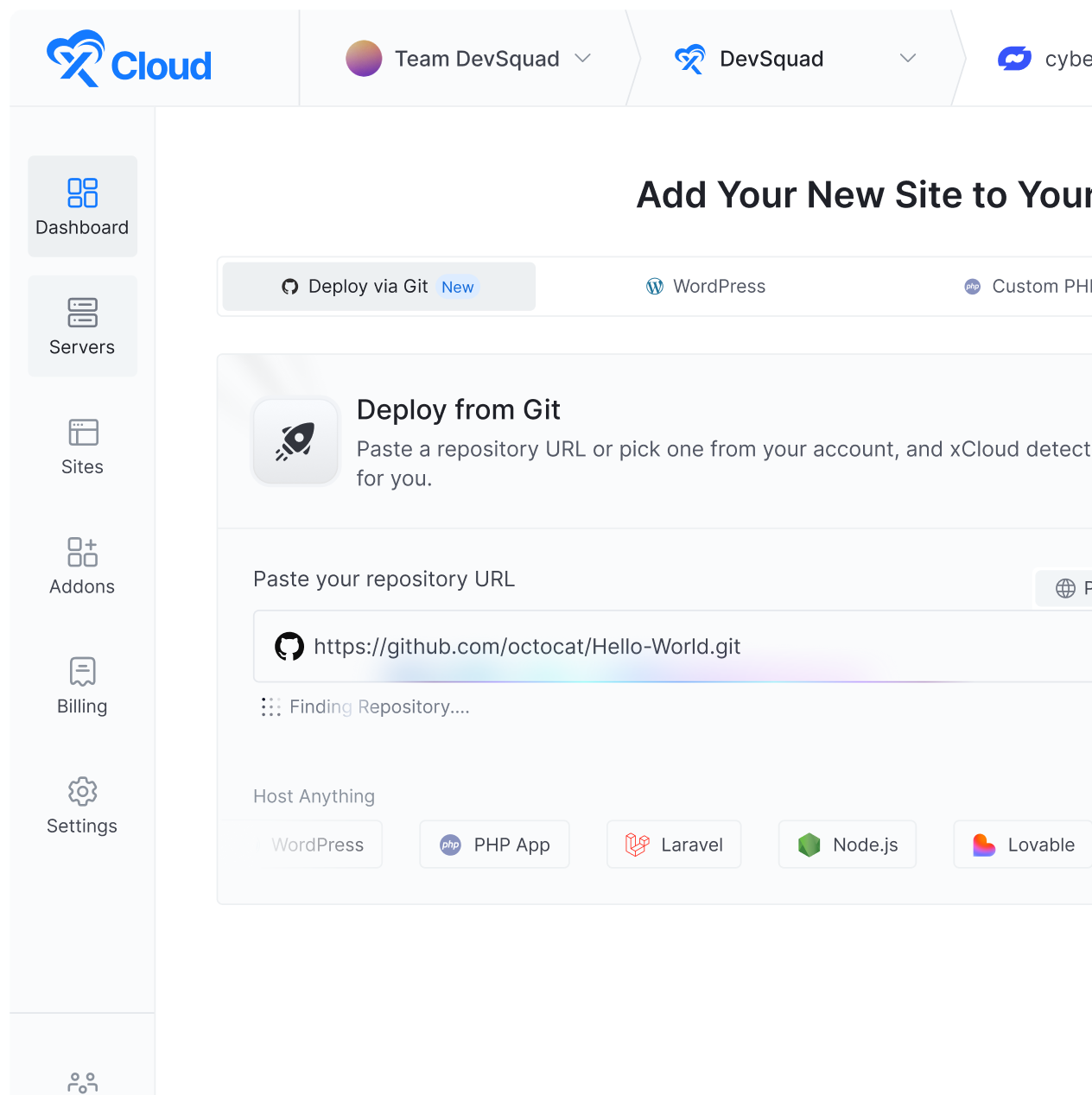
When your clients click “Login to Panel” in WHMCS, they land on a modern server management experience — not a legacy UI.


Does xCloud install anything on our servers?
No. xCloud connects externally over an authenticated network API. Nothing is installed, no agents run on the host, and no server-level packages are added or modified.
Does our existing WHMCS configuration change?
No. The xCloud module installs alongside your existing WHMCS setup. Your billing workflows, automations, and client data are unchanged. xCloud is simply a better cPanel alternative for WHMCS.
How does xCloud pricing compare to cPanel at scale?
cPanel switched to per-account pricing in 2019 and has increased fees every year since — 2026 is the seventh consecutive hike. For providers running more than 20–30 accounts per server, xCloud’s per-server model typically results in material savings. We’ll model your specific numbers during the walkthrough.
What server types are supported?
What does migrating from cPanel, Plesk, or DirectAdmin look like?
Migration is non-destructive — your server configuration is not modified. xCloud overlays at the management layer, and our technical team walks you through the transition with a clear timeline. Most providers are running on xCloud within days of their walkthrough.
How does xCloud compare to DirectAdmin or Plesk?
DirectAdmin and Plesk are both server-installed panels with per-account or per-server licensing. xCloud is different by architecture — it runs externally, consumes zero server resources, and integrates natively with WHMCS via SSO. If your primary concern is cost as you scale and a modern client-facing UI, xCloud is purpose-built for that use case.
How does WHMCS SSO work with xCloud?
After the xCloud WHMCS module is installed, clients access their hosting panel directly from the WHMCS client area with a single click — no separate login, no separate authentication. The SSO integration runs automatically alongside your existing provisioning workflows.
What is xCloud Enterprise WHMCS hosting panel?
The xCloud Enterprise WHMCS hosting panel is a powerful interface that allows your clients to manage websites, deploy applications, monitor server performance, and control their hosting environment with ease. While WHMCS handles billing, subscriptions, and automation, the hosting panel provides a user-friendly interface for managing hosting accounts, databases, emails, and server resources efficiently.
How is xCloud Enterprise’s WHMCS hosting panel different from traditional panels?
Traditionally, hosting providers connect WHMCS with server-installed panels like cPanel or Plesk, which can consume significant server resources and increase licensing costs as your infrastructure grows.
xCloud Enterprise offers a modern WHMCS hosting panel that connects externally to your servers. It provides clients with a faster, more modern hosting experience, reduces server load, and eliminates the need for expensive panel licenses — making it the ideal cPanel alternative for WHMCS hosting providers.