









Build full applications by directing AI agents in Google Antigravity. Deploy in 1 click, no server setup, just connect your project and make it LIVE in minutes.


Choose Deployment Method
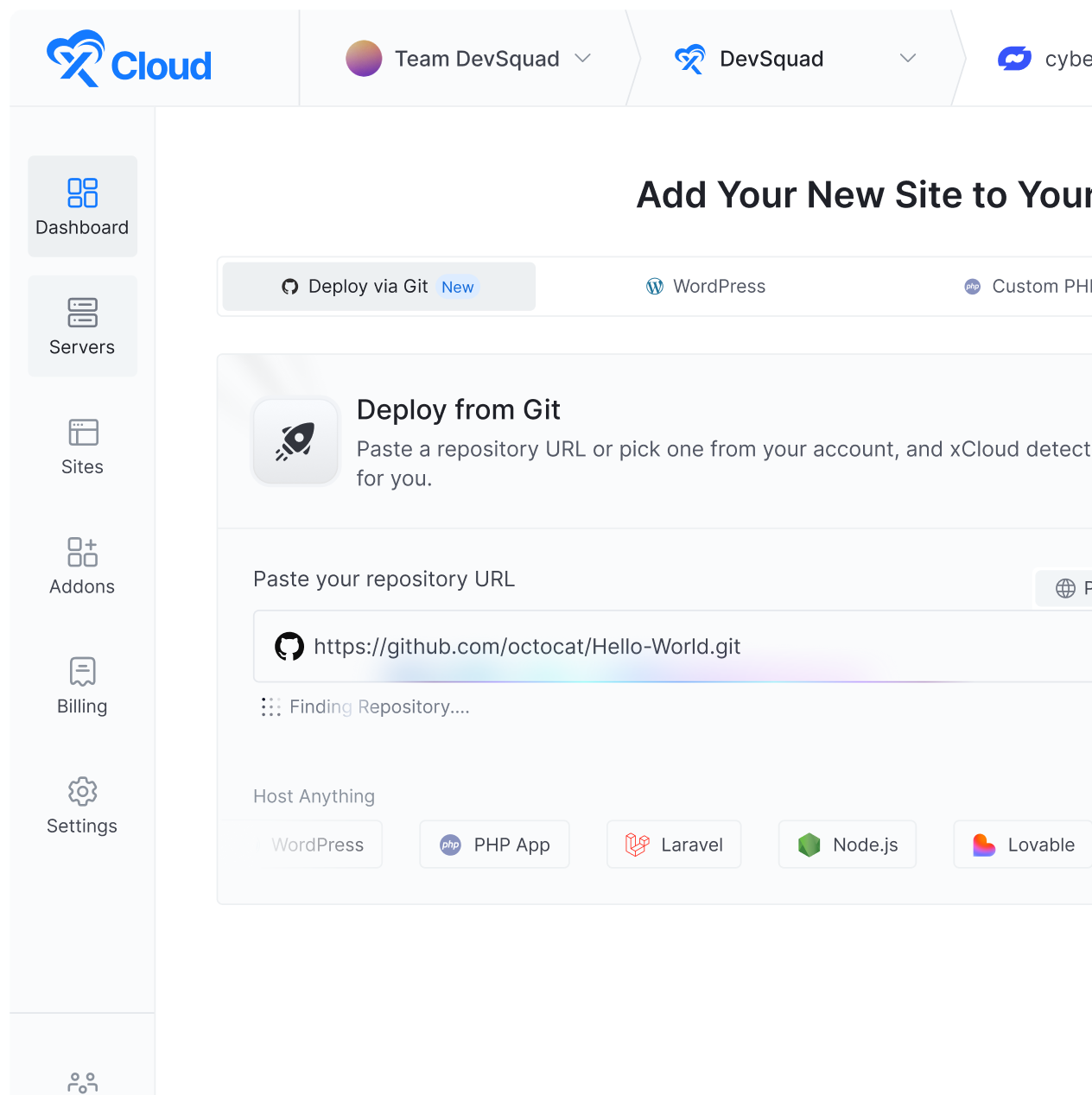
Clone your Antigravity project directly from a Git repository and get ready to deploy in seconds.


Configure App Settings
Set up your domain, Node.js version, and other essential settings according to your preferences.


Go Live Right Away
Review your setup and deploy your site instantly. Moreover, push the latest code to LIVE to deploy automatically.
xCloud Managed Server
Self-Managed Server
All
1 GB
2gb
4gb
8GB
16gb
32gb
48GB
58GB


OpenClaw Hosting
Deploy Your Personal AI Assistant With Managed OpenClaw Hosting Turn OpenClaw into a working assistant that executes tasks and manages conversations across platforms. Go live in minutes.


Hermes Agent Hosting
Fully Managed Hermes Agent Hosting. Deploy Hermes Agent in five minutes with persistent memory and connections to Telegram, tools, files, APIs, and scheduled tasks. No server setup, no maintenance.


Paperclip Hosting
Run an Autonomous AI Company With Managed Paperclip Hosting Skip the hours of setting up and get a fully managed Paperclip instance live in under a few minutes. With xCloud, focus on building your AI workforce, not complexities.


Claude Hosting
Deploy Your Personal AI Assistant With Managed OpenClaw Hosting Turn OpenClaw into a working assistant that executes tasks and manages conversations across platforms. Go live in minutes.


Codex Hosting
Fully Managed Hermes Agent Hosting. Deploy Hermes Agent in five minutes with persistent memory and connections to Telegram, tools, files, APIs, and scheduled tasks. No server setup, no maintenance.


Odysseus Hosting
Run an Autonomous AI Company With Managed Paperclip Hosting Skip the hours of setting up and get a fully managed Paperclip instance live in under a few minutes. With xCloud, focus on building your AI workforce, not complexities.


Massimo Villa
@tlewisverdu
So far my experience has been smooth like silk. I didn’t imagine that configuring and managing a VPS would be so easy. As of today, I have deployed 8 sites. The support is good, and they treat users with respect, even if they ask stupid questions (myself included).
For the future, I hope for greater flexibility in scheduled backups and more comprehensive and consistent documentation.
I’m sure that within a few months, xCloud will become the leader in its segment. This community is amazing, and the Staff here is super helpful.


Waqar Ahmed
@tlewisverdu
xCloud isn’t just a solution. It’s like one of that friend who got your back when you screw things up pretty bad.


Tony Lewis
@tlewisverdu
I’ve recently taken all of my Vultr-hosted sites and gotten rid of cPanel for them to substitute it with xCloud.
I have to say, I’m really impressed with xCloud so far! The interface is definitely the standout feature for me.


Paul Goulart
@freelivingsoul
I set this up locally, tried AWS and Digital Ocean with disappointing results. Setup on Xcloud was easy and it’s still working!


Brian Geovanny
@braingigio
xCloud works really well, I am surprised by its performance being this the release version, I have tried many paid platforms such as runcloud, cloudpages or serveravatar, as well as free platforms such as CyberPanel, CloudPanel or Hestia Control Panel and direct competitors such as SpinupWP and FlyWP. Of all those that I have tried, the platform that works best for WordPress is SpinupWP and I believe that xCloud can reach and surpass that development, its roadmap is promising.

Congratulations to the xCloud team, I hope they become the leading platform in the segment, it has all the potential to achieve it!


Leo Koo
@leowrites
I’m moving my servers to xCloud, a cloud control panel by M Asif Rahman and the WPDeveloper team. Their roadmap looks interesting and no, there are no team mates nor API limits with xCloud!
xCloud #wordpress #hosting


Rahul Singh
@tlewisverdu
Trust me when I say, once people explore the potential of xCloud they gonna switch from other panels, just keep delivering the best tech, lots of love for the team 😍😍


Rahil Maknojia
@rahilmaknojia
Dear xCloud Team,
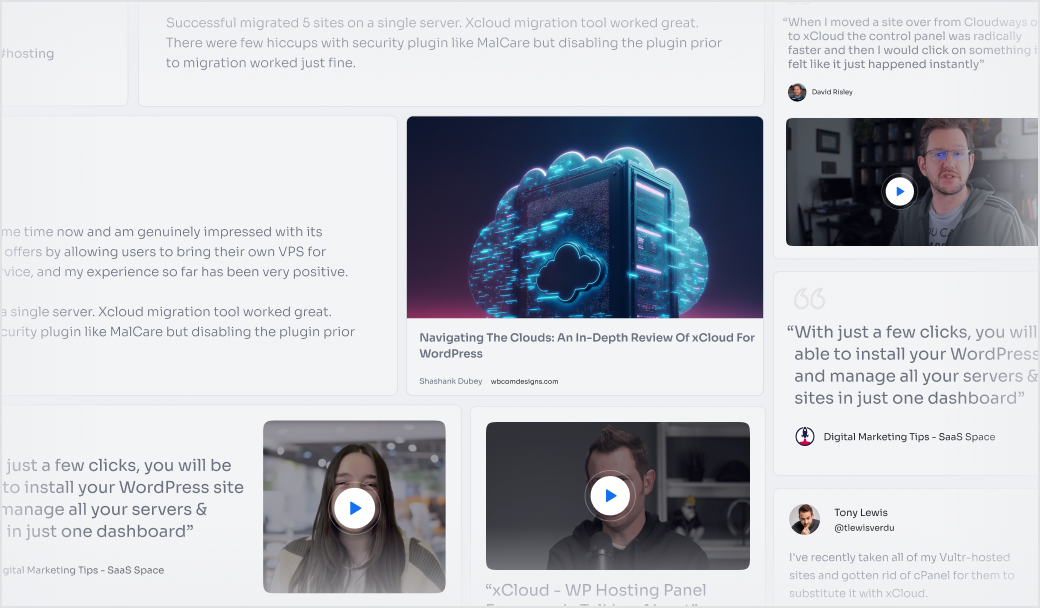
I have been using xCloud for some time now and am genuinely impressed with its capabilities and the flexibility it offers by allowing users to bring their own VPS for management. It’s a fantastic service, and my experience so far has been very positive.
Successful migrated 5 sites on a single server. xCloud migration tool worked great. There were few hiccups with security plugin like MalCare but disabling the plugin prior to migration worked just fine.


Dan Spinoza
@tlewisverdu
I had 150 sites on cloudways and am in the process of moving them to xcloud. Much faster and better priced.
1. What is Antigravity hosting on xCloud?
It is managed hosting for the applications you build with Google Antigravity. xCloud gives your project a live server with the runtime, networking, and uptime it needs, so anyone can reach it beyond your own machine.
2. How do I deploy my Antigravity project?
Connect your Git repository, configure your domain and Node.js version, and deploy. xCloud sets up the runtime for you, and every push to your branch updates the live app automatically.
3. Can I deploy from a private GitHub repository?
Yes. Connect your GitHub account, grant access to the repository, and deploy from the branch you choose. Your repository can stay private while you continue to deploy with each push.
4. Do I have to use an xCloud Managed Server?
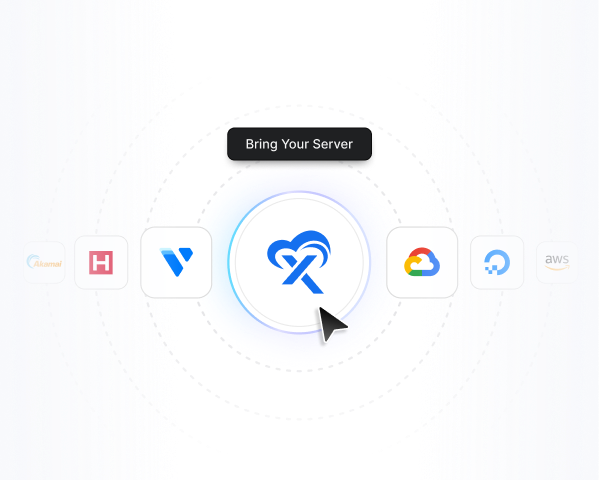
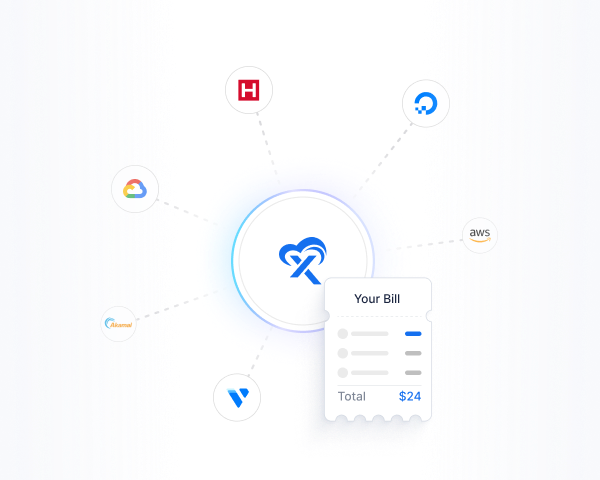
No. You can launch an xCloud Managed Server or connect your own VPS from DigitalOcean, Vultr, Linode, AWS, or another provider, and manage everything from one control panel.
5. How do I move an existing Antigravity project to xCloud?
If your project is already in Git, connect the repository and deploy. If you are starting from local code, push it to a repository first, then use the same deployment flow. Pushing new code to your connected branch redeploys automatically.
6. Is SSL included?
Yes. Every site includes a free SSL certificate, along with AI bot blocking and advanced security features at no additional cost.
Want these tightened to a set of five, or expanded with pricing and backup questions?