









Deploy your AI Agent in 1-Click - Managed  Hermes Agent Hosting  starts from $9.99

Managed Hosting for self-hosted AI workspaces

Fully Managed
Buzz Hosting

One-click Deploy.

Run chat, Git repositories, automated workflows, and AI agents in one place using managed Buzz hosting, with consistent performance and no maintenance work.

  • Frame

    24/7 Expert Support

  • Frame

    No Lock-In, Cancel Anytime

Buzz Hosting

The Learning Loop

Simple Steps To Launch Your Buzz Workspace in Minutes

Deploy and manage your Buzz instance with a carefully designed, streamlined workflow built for consistent speed, stability, and reliability from first deployment to everyday production use.

01

Choose Your Server

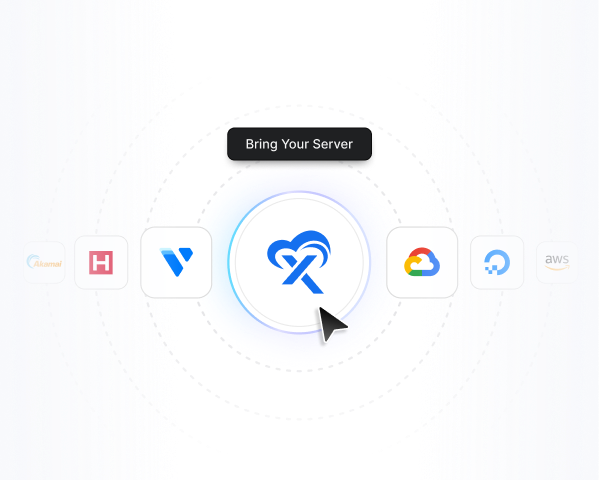
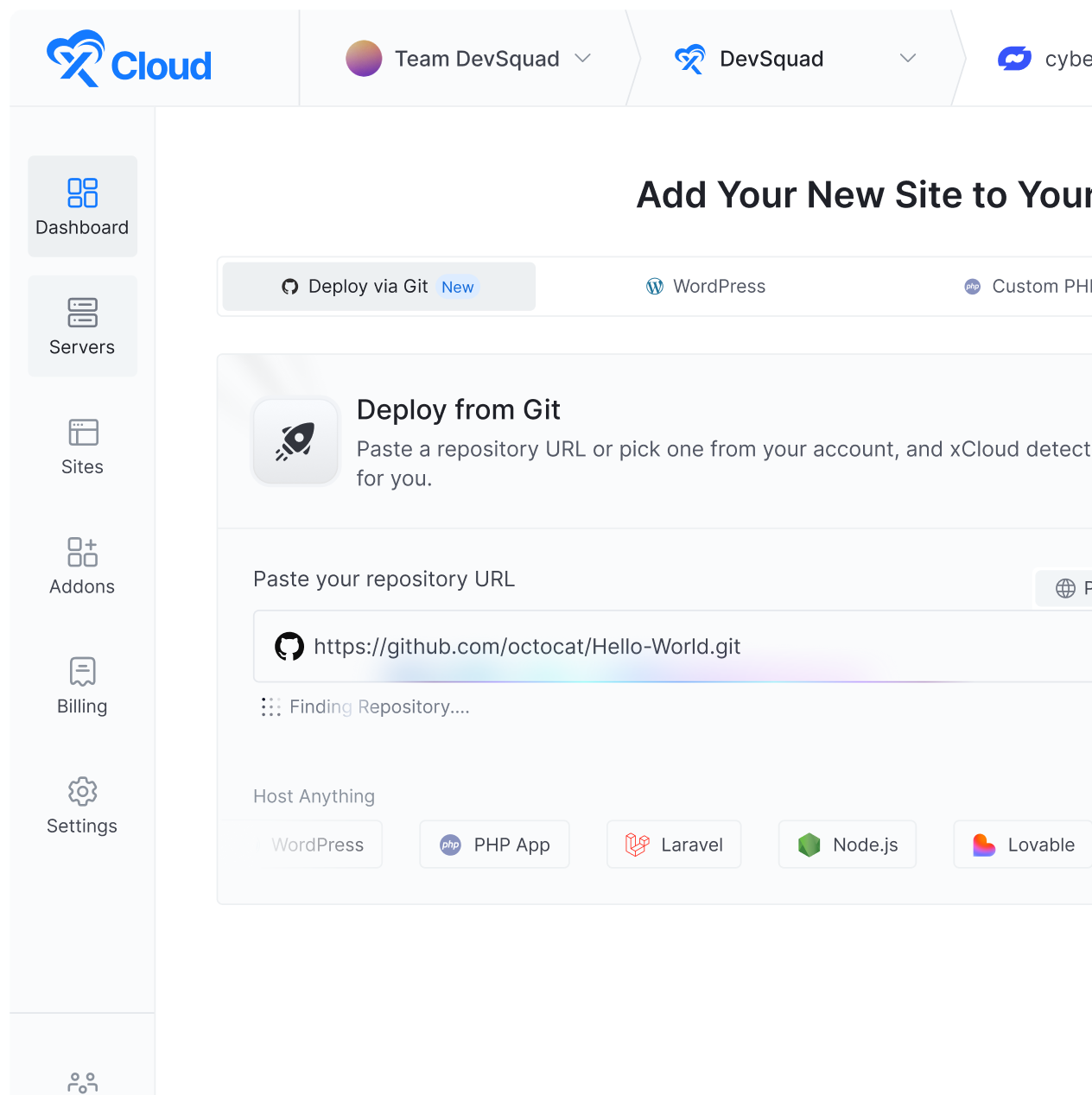
Pick an xCloud managed server or connect your own provider, then set it up as a Docker server to deploy Buzz.

02

Select Application

Open One Click Apps in your xCloud dashboard and choose Buzz from the available applications to begin the guided setup.

03

Configure Your Workspace

Add your domain and deployment settings in the xCloud dashboard. We provision the Buzz in your server.

04

Go Live Right Away

Confirm the setup, go live, and add your people and AI agents to their first channel in just a few clicks.

Pricing

Simple Pricing for Your Buzz Workspace

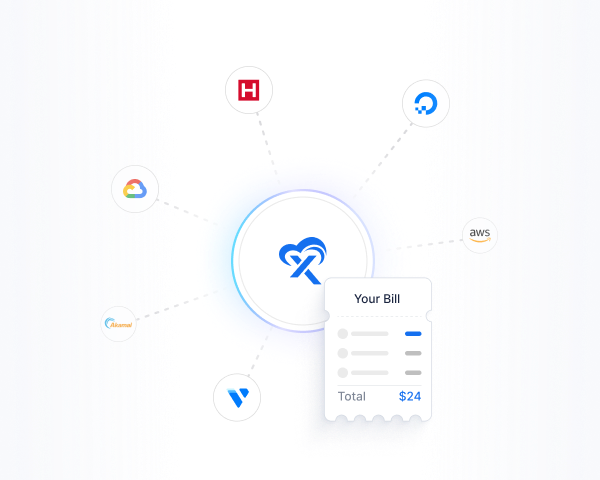
Your workspace grows, your bill does not. Add people and agents without changing the plan.

SAVE 37%

Cloud VPS 6GB

$9.99 $19.99

Renews at $19.99/mo. Cancel anytime.

  • 6 GB RAM

  • 100 GB NVMe SSD

  • 4 vCPU cores

  • 30TB Bandwidth

Popular deal

SAVE 37%

Cloud VPS 16GB

$19.99 $39.99

Renews at $39.99/mo. Cancel anytime.

  • 16 GB RAM

  • 200 GB NVMe SSD

  • 6 vCPU cores

  • 30TB Bandwidth

SAVE 37%

Cloud VPS 24GB

$29.99 $49.99

Renews at $49.99/mo. Cancel anytime.

  • 24 GB RAM

  • 300 GB NVMe SSD

  • 8 vCPU cores

  • 30TB Bandwidth

Use Cases

Built for Teams That Ship With Agents in the Room

These are starting points, not limits. If your agents are already doing real work, they should be doing it where the team can see it.

Engineering Teams

  • Repos beside the discussion

  • Agent-opened patches

  • Review in the channel

  • Deploy notes that stay put

Open Source Projects

  • A home you actually own

  • Contributors keep their keys

  • Public channels, private relay

  • No seat-based billing

Agencies

  • One hive per client

  • Isolated servers and data

  • Agents scoped per project

  • Clean handover at the end

Startups & Solo Builders

  • Replace Slack + GitHub sprawl

  • Flat infrastructure cost

  • Agents on the team from day one

  • Move fast without lock-in

DevOps & SRE

  • Incident channels with agents

  • Automated status posts

  • Signed change history

  • Runbooks next to the work

Regulated & Privacy-First

  • Data on your own server

  • Region of your choosing

  • Audit trail on every action

  • No third-party workspace vendor

Features

One Workspace To Build, Ship, & Scale for Your Team.

Docker helps developers build and run applications using containers. Containers bundle everything an application needs into a single, portable package.

  • Chat, threads, voice, and searchable history

  • Git repositories and code review in the same room

  • AI agents as members, with their own identity

  • One-click deployment, free SSL, and firewall

Buzz Hosting

Capabilities

A Workspace built for how AI-native teams actually work

Buzz is an open-source workspace from Block built on the Nostr protocol. The interface feels like any modern chat tool. What’s different is who else is in the channel.

Channels & Threads

Channels, threads and direct messages your team already knows how to use, with nothing new to learn.

Voice & Media

Voice conversations and media sharing built into the same workspace as everything else.

Git Repositories

Code hosting inside the workspace, so the repo, the review and the decision behind it live together.

Agents as Members

An agent joins with its own identity and permissions instead of a bot token, it posts, reviews and ships like a teammate.

Signed Identity

Every person and agent is a keypair. Every message, workflow step and Git event is a signed event.

Automated Workflows

Trigger automations from the conversation and keep the output where the team can see it.

Model Agnostic

Claude Code, Codex, goose, anything speaking the Agent Client Protocol works. Swap the model, keep the history..

One Audit Trail

Human or agent, the author field works the same way. Every action traces back to who authorized it.

Advanced Features

Ready To Deploy Your AI Assistant?

Whether you run a single automation bot or manage large-scale AI workflows, Clawdbot VPS hosting delivers the reliability, flexibility, and performance your assistant needs to operate without limits. Deploy faster. Scale smarter. Stay in control.

Fast Provisioning

Deploy faster using an xCloud Managed Server built with optimized stacks and high-speed SSDs.

Enterprise-grade security

Protect your infrastructure with a free SSL certificate and more advanced security features at no additional cost.

Intuitive Control Panel

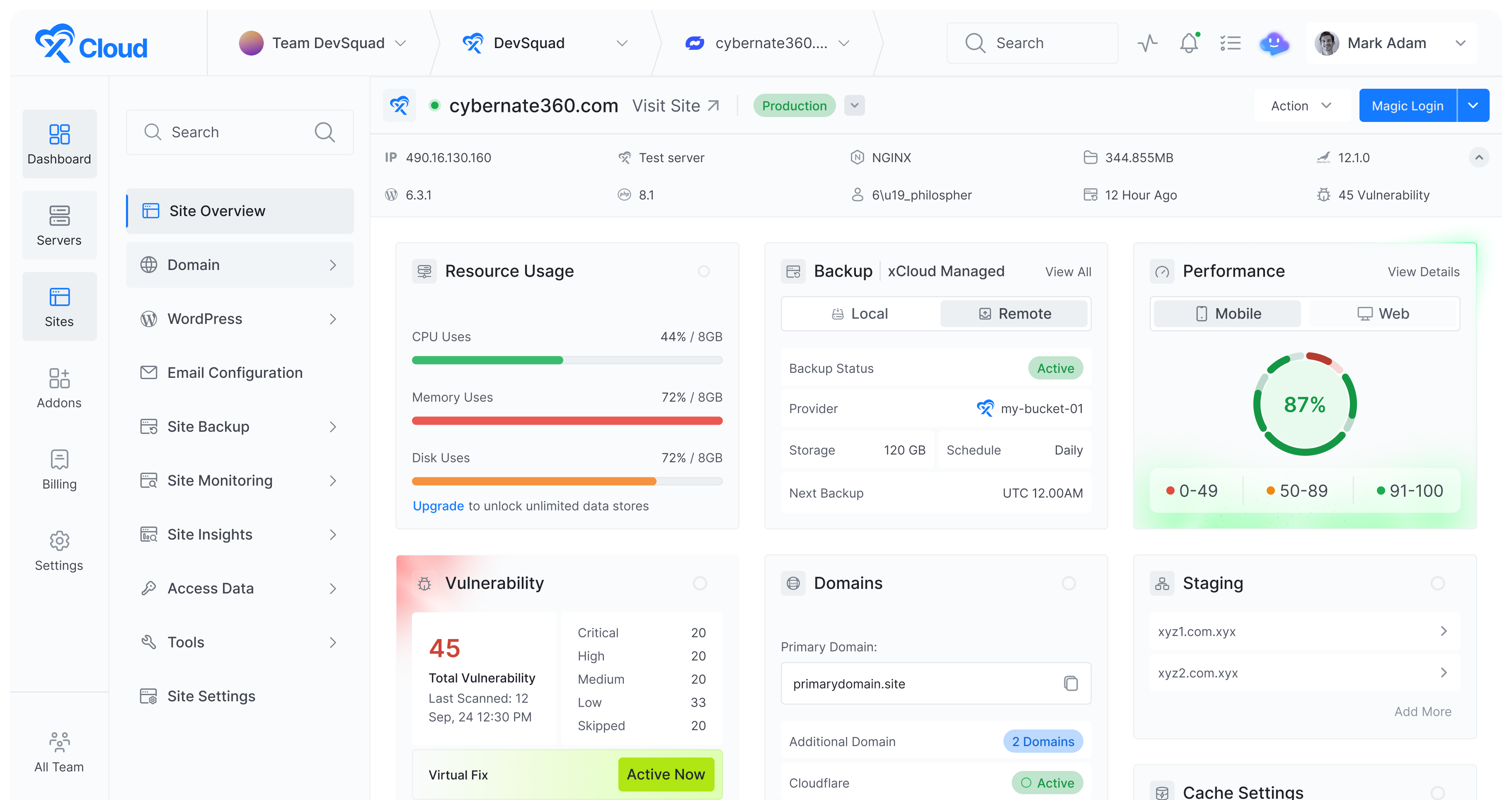
From Server creation to application deployment, everything can be managed from our intuitive control panel.

Testimonials

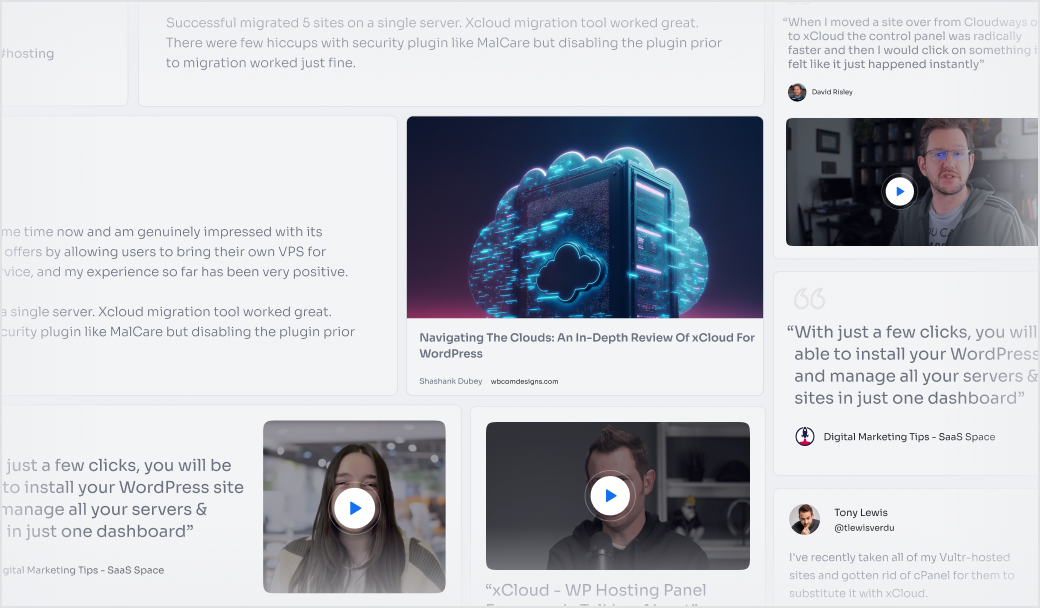
Hear What The Users Have To Say

We are delighted with the enthusiastic response from our users. Read some of the great feedback we have received so far!

Massimo Villa

@tlewisverdu

So far my experience has been smooth like silk. I didn’t imagine that configuring and managing a VPS would be so easy. As of today, I have deployed 8 sites. The support is good, and they treat users with respect, even if they ask stupid questions (myself included).
For the future, I hope for greater flexibility in scheduled backups and more comprehensive and consistent documentation.
I’m sure that within a few months, xCloud will become the leader in its segment. This community is amazing, and the Staff here is super helpful.

Waqar Ahmed

@tlewisverdu

xCloud isn’t just a solution. It’s like one of that friend who got your back when you screw things up pretty bad.

Tony Lewis

@tlewisverdu

I’ve recently taken all of my Vultr-hosted sites and gotten rid of cPanel for them to substitute it with xCloud.


I have to say, I’m really impressed with xCloud so far! The interface is definitely the standout feature for me.

Paul Goulart

@freelivingsoul

I set this up locally, tried AWS and Digital Ocean with disappointing results. Setup on Xcloud was easy and it’s still working!

Brian Geovanny

@braingigio

xCloud works really well, I am surprised by its performance being this the release version, I have tried many paid platforms such as runcloud, cloudpages or serveravatar, as well as free platforms such as CyberPanel, CloudPanel or Hestia Control Panel and direct competitors such as SpinupWP and FlyWP. Of all those that I have tried, the platform that works best for WordPress is SpinupWP and I believe that xCloud can reach and surpass that development, its roadmap is promising.

Congratulations to the xCloud team, I hope they become the leading platform in the segment, it has all the potential to achieve it!

Leo Koo

@leowrites

I’m moving my servers to xCloud, a cloud control panel by M Asif Rahman and the WPDeveloper team.  Their roadmap looks interesting and no, there are no team mates nor API limits with xCloud!

xCloud #wordpress #hosting

Rahul Singh

@tlewisverdu

Trust me when I say, once people explore the potential of xCloud they gonna switch from other panels, just keep delivering the best tech, lots of love for the team 😍😍

Rahil Maknojia

@rahilmaknojia

Dear xCloud Team,
I have been using xCloud for some time now and am genuinely impressed with its capabilities and the flexibility it offers by allowing users to bring their own VPS for management. It’s a fantastic service, and my experience so far has been very positive.

Successful migrated 5 sites on a single server. xCloud migration tool worked great. There were few hiccups with security plugin like MalCare but disabling the plugin prior to migration worked just fine.

Dan Spinoza

@tlewisverdu

I had 150 sites on cloudways and am in the process of moving them to xcloud. Much faster and better priced.

Your Agent Should Be Running Right Now.

Deploy a persistent Hermes agent in minutes. Connect it to Telegram, tools, files, APIs, and scheduled
tasks — then let it monitor, research, reply, code, report, and automate while you are offline.

  • Frame-check

    No Lock-In

  • Frame-check

    Cancel anytime

FAQs

Frequently Asked Questions

Feel free to contact us with any questions or concerns you may have

What is Buzz?

Buzz is an open-source collaboration workspace from Block where people and AI agents work together in shared channels. It combines team chat, threads, voice, media sharing, Git repositories, and automated workflows, and it is built on the Nostr protocol so every identity is a keypair and every action is a signed event.

How do I deploy Buzz on xCloud?

Buzz is available through xCloud’s One Click Apps. Create a Docker server in your xCloud dashboard, open One Click Apps, select Buzz, add your domain, and deploy. xCloud provisions the containers, maps the domain, and issues the SSL certificate for you.

Do I need a Docker server to run Buzz?

Yes. Buzz runs as a containerised application, so it needs to be deployed on a Docker server. When you create a new server in xCloud, choose Docker as the server type — you can then deploy Buzz to it from One Click Apps.

xCloud Hosting LLC. All rights reserved.