


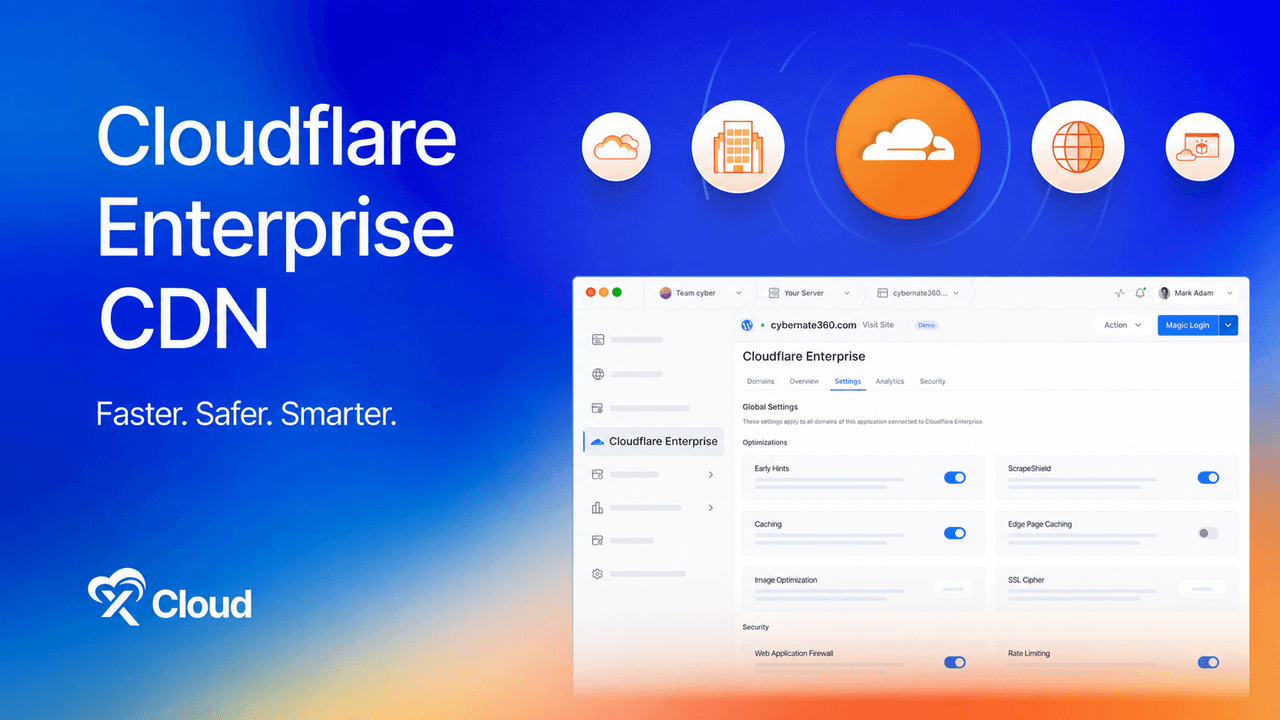
The first time most site owners ask what Cloudflare Enterprise costs, the conversation ends fast. There is no price on the website, no checkout button, and the answer that eventually comes back is a sales call, an annual contract, and a number widely reported to start around $5,000 a month. So they settle for the free plan and move on, assuming Enterprise is for companies with a procurement department.
That assumption is now out of date. The xCloud Cloudflare Enterprise add-on attaches any domain to an Enterprise contract that already exists, for $5 per domain per month, with no contract of your own, no Cloudflare account, and no nameserver change.
This guide breaks down how the $5 price is possible, exactly what is included, how it compares with every other way of buying Cloudflare Enterprise in 2026, and how to switch it on in three steps.
Key takeaways:
- Cloudflare Enterprise is normally a negotiated annual contract with no public price. The xCloud add-on attaches your domain to xCloud’s existing contract as a custom hostname, which is the only reason $5 per domain is possible.
- The add-on includes the full Enterprise suite: CDN across 330+ cities, full-page edge caching, tiered caching, managed WAF, unmetered DDoS protection, rate limiting, image optimization, and analytics, all managed from the xCloud dashboard.
- Your DNS provider and nameservers stay exactly where they are. Setup is one CNAME record, and xCloud snapshots your DNS and restores it if you ever cancel.
- Only two hosts sell Cloudflare Enterprise per domain: xCloud at $5 and Cloudways at $4.99. Everyone else bundles it into hosting plans that require moving your sites onto their servers.
- Each domain includes 100 GB of bandwidth a month, then $0.02/GB prorated, with no hard cap and no forced upgrade.
What Is the Cloudflare Enterprise Add-on and Why Does a $5 Price Exist
The Cloudflare Enterprise add-on is a fully managed, per-domain integration that puts your website on Cloudflare’s Enterprise network. Your domain joins xCloud’s Enterprise account as a custom hostname through Cloudflare for SaaS, so you get the Enterprise CDN, managed WAF, unmetered DDoS protection, and full-page edge caching for $5 a month per domain, with every setting controlled from the panel you already use.
You are not buying a plan. You are joining one. The cost is a share of a network already paid for rather than a new subscription, which is also why tiered caching and full-page edge caching are included here when they are paid extras or hand-written rules on Cloudflare’s own Pro and Business plans.
Why Speed and Edge Security Decide Your Site’s Fate
The stakes are concrete. Research from Google found that as page load time goes from one second to three, the probability of a visitor bouncing rises by 32 percent, and search engines weigh both speed and availability in rankings. On the security side, attacks do not wait for you to notice: bots and exploit scans hit servers daily, and a security plugin can only act after a request has already reached your origin and spent its CPU. Edge protection resolves both problems in the same place, before traffic ever touches your server. For the wider picture on what your host should be protecting, see our guide to web hosting security best practices.
How Much Does Cloudflare Enterprise Really Cost?
Cloudflare does not publish an Enterprise price. It is sold as a negotiated annual contract, quoted per organisation on traffic, domain count, and add-on products, and entry-level deals are widely reported to start around $5,000 a month.
Here is how Cloudflare’s published self-serve plans compare, checked August 2026 at cloudflare.com/plans:
| Plan | Price | What you get |
|---|---|---|
| Free | $0 | Static asset CDN, unmetered DDoS |
| Pro | $25/month per domain | Adds image optimization, fuller WAF ruleset |
| Business | $250/month per domain | Advanced WAF, prioritized support |
| Enterprise | Negotiated annual contract | Managed WAF rulesets, priority routing, tiered caching, custom hostnames |
Tiered caching is a paid extra on all three self-serve plans, and none of them cache full HTML pages at the edge without you writing the rules yourself. On the xCloud Cloudflare Enterprise add-on, both are included in the $5.
Every Way to Get Cloudflare Enterprise, Compared
There are exactly three routes to Cloudflare Enterprise today: hosts that bundle it free while you host with them, hosts that sell it per domain, and Cloudflare directly. Prices checked August 2026.
| xCloud add-on | Bundled hosting (Kinsta, 10Web, BigScoots, Convesio, Levamo) | Cloudways add-on | Cloudflare direct | |
|---|---|---|---|---|
| Price | $5/month per domain | $23 to $50/month hosting plans | $4.99/month per domain, $1.99 above 25 domains | $250/month (Business); Enterprise negotiated |
| Runs on servers you own | Yes (DigitalOcean, AWS, Vultr, Hetzner, Linode, or managed xCloud) | No, their platform only | No, their platform only | Yes |
| Any stack | Yes: WordPress, WooCommerce, Laravel, static, PHP | Mostly WordPress | WordPress and Woo | Yes |
| Keep your DNS and nameservers | Yes, one CNAME | Varies | Yes | No, DNS moves to Cloudflare |
| DNS set up for you and restored on cancel | Yes | n/a | Manual CNAME both ways | No |
| Custom cache bypass paths per site | Yes | Varies | No | Manual rules |
| Contract | None, cancel per domain any time | Tied to hosting | None | Annual (Enterprise) |
Where the alternatives win, honestly: Cloudways offers a 30-day trial and drops to $1.99 per domain above 25 domains, and it has automatic selective cache purging, which xCloud does not have yet. The bundled hosts charge no line item at all, as long as your sites live on their servers, which is exactly the lock-in the free bundle is designed to create. For a wider look at how the two platforms compare beyond this add-on, see the xCloud vs Cloudways comparison.
What You Get for $5 per Domain
Everything below runs on Cloudflare’s Enterprise tier and is included in the flat price.
1. Global CDN across 330+ cities
Static assets and full HTML pages are served from whichever Cloudflare location is closest to your visitor, instead of a round trip to your server. Every continent loads from the nearest edge, not from one distant origin.
2. Full-page edge caching
Whole HTML pages are cached at the edge, so time-to-first-byte stops depending on your server at all. This is the feature that moves real load times rather than just offloading images, and it is a paid extra or a hand-written rule everywhere below the Enterprise tier.
3. Tiered caching
Nearby data centres share what they have already fetched instead of each asking your origin separately, cutting origin requests by up to 60 percent.
4. Enterprise managed WAF
Cloudflare-managed rulesets sit in front of your site and drop OWASP-class attacks, exploit scans, and zero-days before they arrive. If you want to tune it, here is how to enable Cloudflare WAF rules in xCloud.
5. Unmetered DDoS protection
Volumetric attacks are absorbed at the edge at layers 3, 4, and 7, with no surcharge and no cap, by one of the largest networks on the internet. For emergencies, Under Attack Mode adds an extra check for every visitor.
6. Rate limiting, browser integrity check, and AI crawler blocking
Requests are counted per IP in 60-second windows, with a managed challenge above the threshold. The default is 200 requests a minute and can be customised for your domain via support ticket. Known AI crawlers can be blocked from scanning or collecting your content with one toggle.
7. Everything managed from the xCloud dashboard
There is no second dashboard and no Cloudflare account to create. Traffic, cache, and security analytics run from the last 30 minutes back to 30 days, with top pages, countries, devices, and IPs, plus one-click worldwide cache purge, image optimization, SSL cipher profiles, ScrapeShield email obfuscation, and managed edge SSL on every domain. Timeouts run at 200 seconds and can be raised per use case up to Cloudflare’s 6,000-second limit. When you update content, purge the origin too: on xCloud WordPress sites, xSpeed Cache handles page caching on the server, and Sites → your site → WordPress → Caching → Purge Cache lets you clear the origin page cache alongside the CDN. If you need visitor IPs in your server logs, here is how to show real visitor IPs behind the Cloudflare proxy.
Activate the Cloudflare Enterprise Add-on in 3 Steps
Setup is not a migration. Your DNS provider stays where it is, your nameservers stay where they are, and one record changes.
- Enable the add-on: In your xCloud dashboard, open Addons, find Cloudflare Enterprise, hit Enable, pick the domain from the dropdown, and pay. $5 for the month, no contract attached.
- Add one CNAME record: xCloud shows you the exact record to add at your existing DNS provider. The domain joins xCloud’s Cloudflare account as a custom hostname while your DNS host stays unchanged.
- Refresh, and you are live: The domain status flips to Active with sensible defaults already on. The Settings tab is there whenever you want to change caching, WAF, or anything else.
If your DNS already sits in a Cloudflare account connected to xCloud, the records are applied for you automatically. And if you ever cancel, xCloud restores your DNS from the snapshot it took at setup, reinstating your previous SSL. The full walkthrough is in the guide to activating the Cloudflare Enterprise add-on.
Who Should Enable It
- WooCommerce stores: Product pages served from the edge, carts and checkout kept dynamic, WAF in front of payments. Pairs naturally with WooCommerce hosting built for high-traffic checkouts.
- Agencies and freelancers: Enable it per client site and rebill it as a line item, at a price that leaves room for margin.
- Content and media sites: Heavy pages served worldwide from the edge, with AI crawlers blocked from scraping them.
- Launch and campaign sites: Traffic spikes absorbed at the edge, so your origin stays calm through launch day.
- Membership and SaaS: Rate limiting and Under Attack Mode keep logged-in experiences fast and protected.
The caching is WordPress and WooCommerce aware out of the box: logged-in sessions, wp-admin, the REST API, carts, checkout, my-account, feeds, and sitemaps are bypassed automatically, so shoppers never see someone else’s basket, and you can add your own bypass paths per site. It also runs on Laravel, static sites, and custom PHP, on managed or self-managed servers alike.
Put Your Site on Cloudflare Enterprise for $5 Today
Cloudflare Enterprise used to be a decision made for you: either sign an annual contract, or move your sites to a host that bundles it as a lock-in. The xCloud add-on removes both conditions. It runs on infrastructure you own, follows the site if you change providers, and switches off per domain whenever you want. Enable it on one site, watch the cache ratio and security events in the Analytics tab for a week, and decide with your own numbers.
We hope this guide helped you understand exactly how Cloudflare Enterprise pricing works and how to get it without the contract. Now, enable the Cloudflare Enterprise add-on on a domain and let us know your experience in the xCloud Facebook community. Also, do not forget to subscribe to our blog to get updates, helpful resources, and more.
Frequently Asked Questions
How much does Cloudflare Enterprise cost?
Cloudflare does not publish an Enterprise price. It is a negotiated annual contract quoted per organisation, with entry-level deals widely reported to start around $5,000 a month. The xCloud add-on attaches your domain to an existing Enterprise contract for $5 per domain per month, with no contract or Cloudflare account of your own.
Is there a free trial?
Not at the moment. At $5 per domain with no contract you can enable it on your own site and cancel whenever you want, but billing starts straight away, and add-ons are non-refundable once activated.
Does the price include subdomains?
One subscription covers the root domain and its www version. Other hostnames like shop.example.com or app.example.com are separate $5 subscriptions, so you enable only the ones that need it and remove any single one without touching the rest.
Is bandwidth unlimited?
Each subscription includes 100 GB per month, which covers the vast majority of WordPress sites since edge caching means most requests never reach your server. Beyond that, usage is billed at $0.02/GB, prorated, with data transfer visible in the add-on’s Analytics tab. No hard cap, no forced upgrade.
Is this the same CDN as Cloudflare’s free plan?
Same network, higher tier. Free and Enterprise both serve from 330+ cities, but Enterprise adds managed WAF rulesets, priority routing, tiered caching, and full-page HTML caching, the things that move time-to-first-byte rather than just offloading images.
Do I need to move my nameservers or DNS?
No. The add-on runs on Cloudflare for SaaS as a custom hostname, so your registrar and DNS provider stay exactly where they are and you add one CNAME record. That is the key difference from signing up with Cloudflare directly, which expects your nameservers to move.
Will it affect my SEO?
It should help. Search engines weigh page speed and availability, and this improves both: pages come off the edge, and the WAF and DDoS mitigation keep the site reachable during attacks that would otherwise take your server, and the crawler, offline.
Last updated September 28, 2026
← All articles