


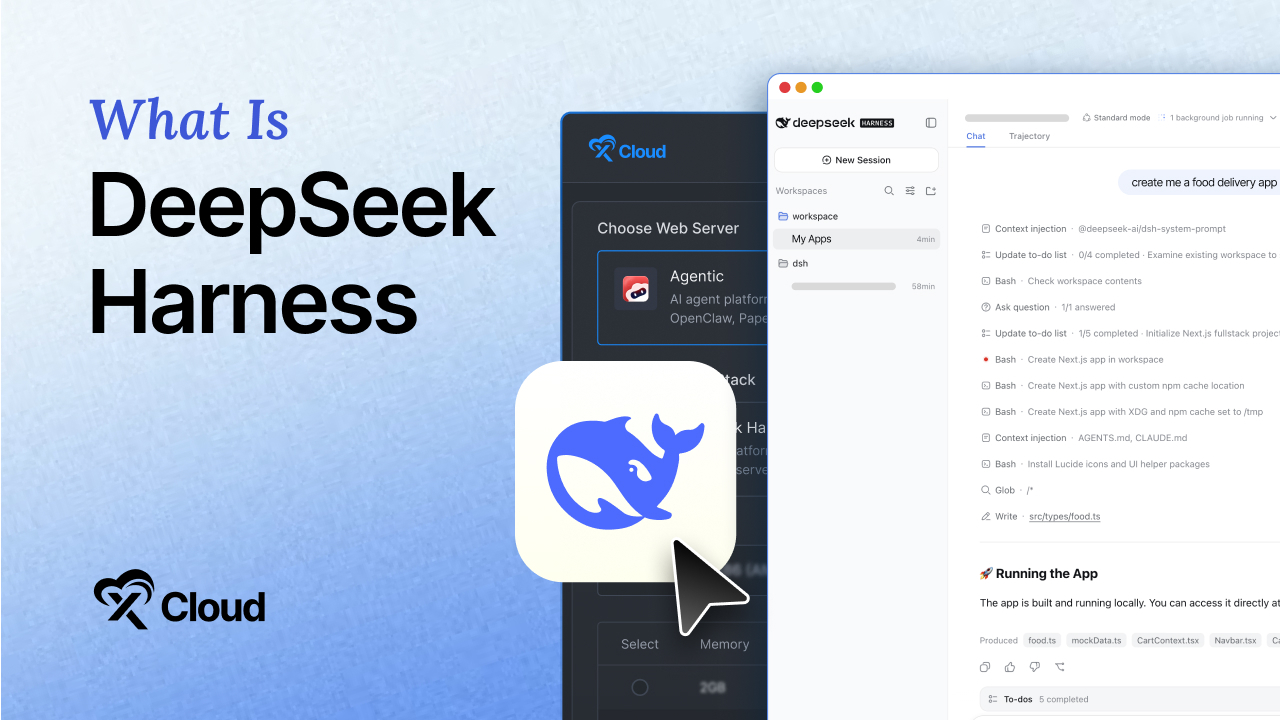
Updated August 2026
DeepSeek Harness collected 22,000 GitHub stars within 90 minutes of its August 13, 2026 release, according to KuCoin’s launch report. The previous pace-setter, xAI’s Grok-1, needed about 1.2 days to reach 20,000. By August 17, four days in, a direct GitHub API query showed the repository past 141,000 stars and 14,000 forks, with more than 1,200 community plugins already tagged dsh-plugin per BibiGPT’s ecosystem count. For scale, OpenClaw, the prior fast-growth reference in this category, took 84 days to reach 200,000 stars, a pace DeepSeek Harness is on track to beat comfortably.
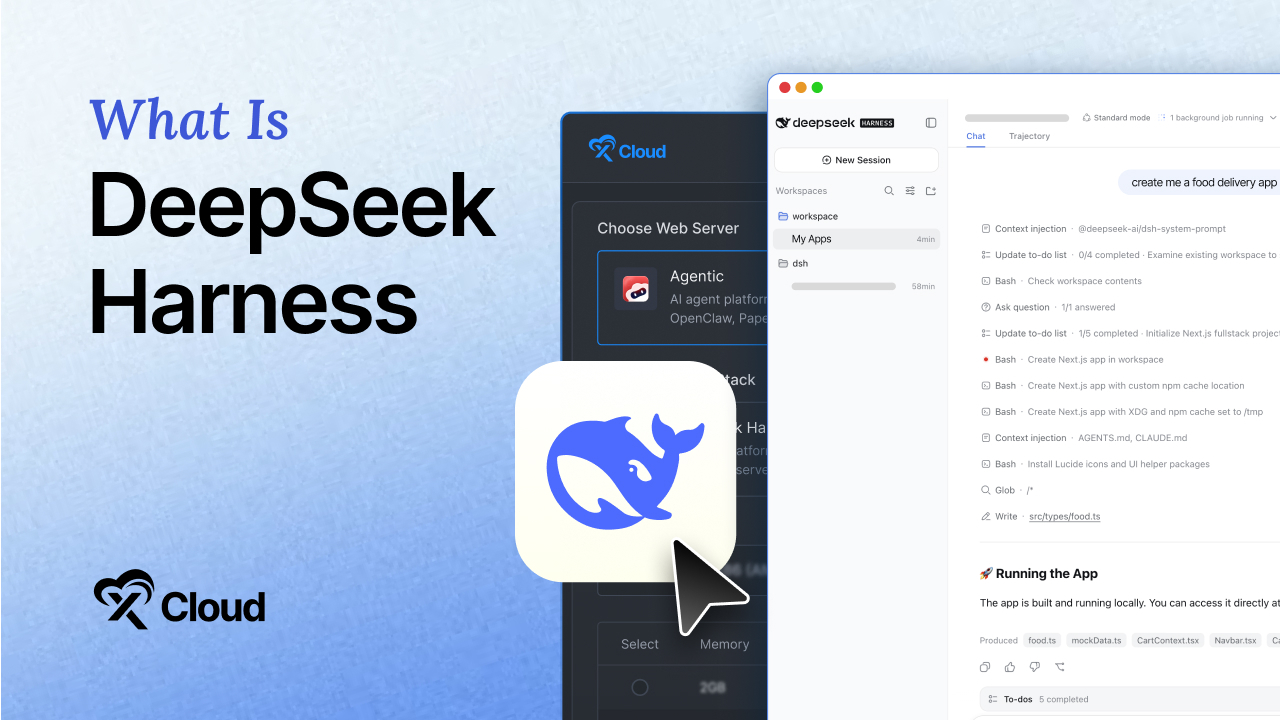
The star curve is the headline. The architecture is the story. This guide explains what DeepSeek Harness actually is, how its “everything is a plugin” design works under the hood, what the four runtime modes do, who should run it today, and who should wait.
Key Takeaways
- DeepSeek Harness (command name
dsh) is an open-source AI agent harness released by DeepSeek on August 13, 2026, the same day as the DeepSeek-V4-Pro GA announcement. It is MIT licensed, free, and currently in developer preview (v0.1). - Everything is a plugin. Models, tools, skills, sessions, sandboxes, storage, agent loops, scheduling, and even the UI load as swappable plugins on the Cordis kernel. You change any of them in a config file, not by forking the source.
- It is model-agnostic. DeepSeek, Anthropic, OpenAI, Amazon Bedrock, Google Vertex, Azure, and any OpenAI-compatible endpoint work out of the box.
- Every run is recorded in an append-only session log that supports resume, fork, and replay.
- Install takes one command:
npx @deepseek-ai/dsh weblaunches a local Web UI at127.0.0.1:3080on any machine with Node.js. - It is a developer preview. DeepSeek warns in the README that compatibility-breaking changes are coming. Run it for real work on a server you can rebuild, not as the backbone of a production system you cannot touch for six months.
What Is DeepSeek Harness?
DeepSeek Harness is an open-source agent harness: the software layer that wraps a large language model and turns it into a working agent that can read files, run commands, use tools, browse, and keep going across long tasks. DeepSeek’s own framing is a simple formula: Agent = Model + Harness. The model provides the reasoning. The harness provides everything else, including the loop that decides what happens next.
The project ships three ways to run it:
- A local Web UI, started with
npx @deepseek-ai/dsh weband served athttp://127.0.0.1:3080 - A headless CLI command for scripts and servers
- A Python SDK for embedding the agent in your own applications
The whole repository is MIT licensed, which Digital Applied’s architecture teardown points out covers reading, copying, and reusing the architecture itself, beyond simply running the software. A frontier lab publishing the harness it uses to benchmark its own models means you can read exactly how the team that trains DeepSeek-V4 decided the loop around it should be shaped.
One clarification worth getting right, because most of the viral posts get it wrong: the plugin kernel underneath, called Cordis, is not DeepSeek’s invention. More on that below.
Why “Everything Is a Plugin” Matters
Most agent harnesses ship as one opinionated program. Somebody picked the session store, the sandbox, the scheduling model, and the UI, and those choices sit welded into the source code. When your setup disagrees with one of them, you fork the repository and maintain a patch forever. You end up owning someone else’s architecture to change one line of it.
Think of a traditional harness as a car with the engine welded to the frame. Want a different engine? You are now a car manufacturer. DeepSeek Harness is closer to a rack-mount server chassis: the chassis provides power, slots, and wiring standards, and every component slides in and out without a welding torch.
In practice, that means:
- Point it at a different model (swap the model plugin) and the loop keeps running
- Drop in your own sandbox provider if you cannot send code or session data to a vendor endpoint
- Replace the storage backend without touching the harness source
- Rewire the agent loop itself, because the loop is also a plugin
AgentsPulse’s architecture review notes that a model plugin and a storage plugin load through the same kernel, so there is no privileged core to work around. Every capability is the same kind of object.
The Cordis Kernel: The Part Everyone Skips
DeepSeek Harness runs on Cordis, a TypeScript meta-framework built around a reversible plugin system. Components can be mounted, unmounted, and hot-reloaded at runtime, with every side effect rolled back cleanly on removal. The design is formalized in a published paper, A Programming Paradigm for Spatiotemporal Composability, which splits dynamic composition into two dimensions: temporal composability (fully reverting a component’s effects) and spatial composability (declaring and reactively managing dependencies between components).
Here is the detail the launch-week hype missed: according to Floatboat’s Cordis deep dive, Cordis powered the open-source chatbot framework Koishi for four years before DeepSeek adopted it. Koishi accumulated roughly 6,000 GitHub stars building chat agents for Discord, Telegram, and other platforms, and it needed exactly what agent runtimes need: plugins that register commands and services, hot-reload during development, and clean up after themselves when disabled. Koishi ran on Cordis v3. DeepSeek Harness shipped on Cordis v4, and the formal paper behind the v4 redesign was published the same day the harness went public.
So the kernel is battle-tested, and DeepSeek’s contribution is the agent product assembled on top of it, plus an ecosystem play: the README asks plugin authors to tag their repositories with the dsh-plugin GitHub topic for discoverability.
DeepSeek Harness Features: What Ships in the Box
The Plugin Categories
Every agent capability lives in a plugin. The official documentation lists nine swappable categories:
| Plugin Category | What It Controls | Why You Would Swap It |
|---|---|---|
| Models | Which LLM powers the agent | Cost, capability, data residency |
| Tools | What the agent can do (bash, file edits, browse) | Add custom tools for your stack |
| Skills | Reusable instruction packs | Teach domain workflows |
| Sessions | Conversation state and history | Custom persistence rules |
| Sandboxes | Where code executes | Keep execution inside your network |
| Storage | Where data lives | Swap local disk for S3 or a database |
| Loops | The agent’s think-act cycle | Custom orchestration logic |
| Scheduling | When and how work runs | Long-running jobs without an extra framework |
| UI | What you interact with | White-label or embed the interface |
The scheduling entry deserves a second look. Because loops and scheduling are configured rather than coded, long-running work does not need a separate orchestration framework stacked on top. That removes an entire layer most agent stacks bolt on with cron, Temporal, or n8n.
The Four Runtime Modes
Per AlphaSignal’s launch coverage, DeepSeek Harness ships four preset runtime modes, and the repository contains exactly four agent-preset directories on disk that match:
| Mode | What It Does | Best For |
|---|---|---|
| Standard | Full agent with complete toolchains and sub-agent dispatch | Day-to-day coding and automation work |
| Code (PTC) | Programmatic Tool Calling: the model writes TypeScript to express complex control flows instead of calling tools one at a time | Multi-step workflows with branching logic |
| Minimal | Only bash and str_replace_editor, nothing else | Clean benchmark evaluations |
| Creator | Test Cordis plugins in memory | Plugin authors building for the ecosystem |
Minimal mode explains part of why this project exists at all: DeepSeek used this harness internally to benchmark its own models. The stripped mode is what fair model evaluation looks like when you do not want the harness doing the heavy lifting.
Model-Agnostic by Default
DeepSeek Harness supports DeepSeek, Anthropic, OpenAI, Amazon Bedrock, Google Vertex, Azure, and any OpenAI-compatible endpoint out of the box. That last clause covers OpenRouter, Ollama, vLLM, and most self-hosted inference servers. The harness released alongside DeepSeek-V4-Pro, and the pairing is intentional, but nothing locks you into DeepSeek models.
The Append-Only Session Log
Every run is recorded as an append-only event stream. Resume, fork, search, and replay all operate on that log. If an agent run went sideways at step 40, you can fork the session at step 39 and try a different path, with the full trace of what the model saw at every step. For anyone who has debugged a black-box agent failure, this is the feature that changes daily work the most. It also makes prompt injections and tool invocations fully inspectable after the fact.
How DeepSeek Harness Compares to Other Agents
DeepSeek Harness enters a field that already includes Claude Code, OpenClaw, and Hermes Agent. The comparison in one table:
| DeepSeek Harness | Claude Code | OpenClaw | Hermes Agent | |
|---|---|---|---|---|
| License | MIT (full repo) | Proprietary | MIT | MIT |
| Architecture | Plugin kernel (Cordis) | Monolithic product | Monolithic + config | Single process + skills |
| Model support | Any provider | Anthropic models | Multiple providers | Multiple providers |
| Primary focus | Composable agent runtime | Coding agent | Messaging-first agent | Persistent memory agent |
| Session replay | Resume, fork, replay | Session resume | Basic history | SQLite history |
| Maturity | Developer preview (v0.1) | Production | Stable | Stable |
| Runs on | Node.js | Node.js | Node.js | Python |
The short version: OpenClaw and Hermes Agent are finished products with opinions. DeepSeek Harness is a chassis. If the finished products’ opinions match your needs, they get you running faster. If you have ever forked one of them to change a component, the chassis is what you actually wanted. Full head-to-head comparisons are covered in the Hermes Agent vs OpenClaw guide, with a DeepSeek Harness version coming.
How to Install DeepSeek Harness (Quick Start)
The fastest path from zero to a running agent takes about two minutes on a machine that already has Node.js.
Option A: Instant run with npx (recommended for a first look)
- Install Node.js 20 or newer
- Run:
npx @deepseek-ai/dsh web - Open
http://127.0.0.1:3080in your browser - Add an API key for your model provider (DeepSeek, Anthropic, OpenAI, or any OpenAI-compatible endpoint)
- Start a session in Standard mode
Option B: From source (for plugin development)
git clone https://github.com/deepseek-ai/deepseek-harness.gitcd deepseek-harnesspnpm installpnpm run buildpnpm dsh web
You need pnpm for the source route; the official README uses it throughout. Feedback and bug reports go through GitHub Discussions, and there is an official DeepSeek Harness Discord community.
Option C: One-click deploy on xCloud (no server, no terminal)
Both options above run on your own machine and stop when it sleeps. The third path skips local setup entirely: xCloud’s managed DeepSeek Harness hosting deploys the harness on an always-on server the way its other one-click applications work.
- Sign up at app.xcloud.host/deepseek-harness
- Pick a server region
- Paste your model provider API key (DeepSeek, Anthropic, OpenAI, or any OpenAI-compatible endpoint)
- Open your dsh Web UI over SSL, already behind a reverse proxy with authentication
This is the same one-click playbook xCloud already runs for OpenClaw, Hermes Agent, n8n, Node.js, WordPress, and Laravel: the platform handles provisioning, SSL, supervision, and backups, and you handle the agent. Around five minutes from sign-up to a running harness, no Linux knowledge required.
One thing to know before you expose it yourself: the Web UI binds to 127.0.0.1, meaning localhost only. That is a sane security default, and it also means running dsh on a server for remote access requires a reverse proxy, SSL, and authentication in front of it. Do not bind it to 0.0.0.0 on a public IP without those layers. Managed deployments like xCloud’s handle this wiring for you, which is exactly the step that stalls most first-time self-hosted setups.
What DeepSeek Harness Needs to Run
The harness itself is light. The models it calls are not, but those run remotely by default.
| Setup | CPU | RAM | Notes |
|---|---|---|---|
| Local trial (API models) | 1 core | 1 GB | Laptop is fine for testing |
| Always-on server (API models) | 1-2 cores | 2 GB | Node.js process + session logs |
| Server with heavy tool use | 2 cores | 4 GB | Sandboxed code execution needs headroom |
| Local model via Ollama/vLLM | Depends on model | 16 GB+ or GPU | The model, not the harness, sets the floor |
No GPU is required unless you choose to run a local model on the same machine. The harness calls hosted LLM APIs by default, so the server only handles agent logic, sessions, and tools, which is CPU-light work.
DeepSeek Harness Use Cases: Who It Is For
- Agent builders. If you are designing your own agent loop, a plugin kernel with swappable tools, sandboxes, and orchestration is a foundation to extend rather than reinvent. Creator mode exists specifically for this audience.
- Teams running DeepSeek models. DeepSeek’s V4 models are open-weight, MIT licensed, and priced well below closed frontier models. The harness is the intended runtime that turns those models into reliable working agents, closing the model-plus-runtime gap that was DeepSeek’s remaining weakness.
- Privacy-bound and regulated teams. Because sandboxes and storage are both pluggable, organizations that cannot send code or session data to a vendor endpoint can keep execution and storage entirely inside their own network while still using the harness.
- Benchmark and evaluation work. Minimal mode strips the harness down to
bashand a file editor, which is what you want when comparing models fairly. - Plugin authors. With 1,200+
dsh-pluginrepositories inside the first 48 hours and curated lists like Awesome DSH Plugin already tracking 175+ entries, the ecosystem is forming now. Early, well-made plugins in a young ecosystem tend to become defaults.
Who Should Wait
Honesty section, because the developer-preview label is not decoration. DeepSeek’s own README states in capital letters that there will be compatibility-breaking changes. Core plugins and APIs will keep evolving through the v0.x series.
- Do not pin a production system to v0.1. Treat it as something to experiment with and build plugins against.
- If you need a finished, stable agent today, OpenClaw or Hermes Agent are further along the maturity curve, and both are covered in depth on this blog.
- If nobody on your team is comfortable with Node.js and a terminal, wait for managed options to mature before self-hosting.
AgentsPulse’s adoption review reaches the same conclusion: evaluate it in non-critical, isolated workflows before considering any production migration.
Running DeepSeek Harness 24/7: The Hosting Question
A harness on your laptop stops working when the lid closes. Scheduled loops, long-running sessions, and anything another person or system needs to reach all require an always-on server with a stable public address, SSL, and a process supervisor to restart the agent after crashes.
The self-hosted path is a standard VPS recipe: Ubuntu server, Node.js 20+, dsh behind Caddy or nginx for SSL, systemd or Docker restart: unless-stopped for supervision, and a firewall that keeps port 3080 off the public internet. Budget 30 to 60 minutes if you have done this before.
The managed path removes that list, and this is where track record matters more than marketing. xCloud built its reputation in exactly this category: when Hermes Agent exploded in early 2026, xCloud shipped what was, as of April 2026, the only fully managed Hermes Agent service on the market, with pre-configured messaging gateways, automatic SSL, and daily backups. Its OpenClaw hosting follows the same model, and the platform’s one-click catalog spans n8n, Node.js, WordPress, WooCommerce, and Laravel across AWS, DigitalOcean, Vultr, Google Cloud, Hostinger, Linode, and bring-your-own-Ubuntu servers.
Managed DeepSeek Harness hosting joins that catalog as one of the first managed dsh options anywhere, at $9.99/month with the server, SSL, reverse proxy, process supervision, and backups handled. The playbook is proven; only the application is new. Either path works. The difference is whether you spend your first hour on infrastructure or on the agent, and for anyone whose hourly rate exceeds the monthly fee, the math tends to answer itself.
Video: DeepSeek Harness Explained
For a visual walkthrough of the plugin architecture, DevsKingdom’s 12-minute breakdown covers the “everything is a plugin” model clearly:
Frequently Asked Questions
Is DeepSeek Harness free?
Yes. The entire repository is MIT licensed, which covers use, modification, and redistribution. You pay only for the LLM API tokens your agent consumes, or nothing for tokens if you point it at a local model through an OpenAI-compatible endpoint like Ollama.
What is the difference between DeepSeek Harness and DeepSeek V4?
DeepSeek V4 is the model family (V4-Pro and V4-Flash). DeepSeek Harness is the runtime that wraps a model and turns it into a working agent. They released together on August 13, 2026, and pair naturally, but the harness runs any major provider’s models and the models run in other harnesses.
Do I need a GPU to run DeepSeek Harness?
No. The harness calls hosted LLM APIs by default, so the server only runs agent logic, which is CPU-light. A GPU only becomes relevant if you choose to self-host a model with Ollama or vLLM on the same machine, which is a separate deployment decision.
What is Cordis in DeepSeek Harness?
Cordis is the TypeScript plugin kernel the harness is built on. It manages mounting, unmounting, hot-reloading, and dependencies between plugins, with every side effect reversible on removal. Cordis predates the harness: it powered the Koishi chatbot framework for four years before DeepSeek adopted v4 of it.
Is DeepSeek Harness better than Claude Code?
They target different needs. Claude Code is a polished proprietary product tied to Anthropic’s models. DeepSeek Harness is an MIT-licensed chassis that runs any model and lets you swap every component. Teams wanting a finished tool today lean Claude Code; teams wanting an open runtime they can reshape lean dsh. It is also a developer preview, so stability currently favors Claude Code.
The command npx @deepseek-ai/dsh web fails with a Node error. What do I do?
Check your Node.js version first with node -v. The harness targets current Node releases; version 20 or newer resolves most install failures. If npx itself is missing, reinstall Node.js from nodejs.org, which bundles it.
I started dsh on my VPS but cannot reach the UI from my browser. Why?
The Web UI binds to 127.0.0.1:3080, localhost only, by design. From your own machine, either open an SSH tunnel (ssh -L 3080:127.0.0.1:3080 user@server) or put a reverse proxy with SSL and authentication in front of it. Do not expose port 3080 directly to the internet.
My session state disappeared after a restart. How do I keep it?
Session logs persist through the storage plugin. On a bare VPS the default local storage survives reboots as long as the working directory is on persistent disk. In Docker, mount the data directory as a named volume, or every container rebuild wipes your sessions.
Can I run DeepSeek Harness and OpenClaw on the same server?
Yes. They are separate Node.js processes with separate ports and data directories. Allocate at least 4 GB RAM if both run with heavy tool use, and supervise each with its own systemd unit or Docker restart policy.
How do I install community plugins?
Browse the dsh-plugin topic on GitHub, where over 1,200 repositories were tagged within the first 48 hours. Plugins install through configuration, and Creator mode lets you test a plugin in memory before committing it to your setup.
The Bottom Line on DeepSeek Harness
DeepSeek Harness is the strongest signal yet that the center of gravity in AI agents is moving from the model to the scaffolding around it. A frontier lab open-sourced its entire agent runtime under MIT, built it on a kernel with four years of production history, and asked the community to fill the plugin slots. More than 141,000 stars in four days say the community agrees the scaffolding is the game, and the ecosystem forming around it, from 1,200+ tagged plugins to the first managed hosting options, is moving just as fast.
What to do this week: run npx @deepseek-ai/dsh web on your laptop, connect the model provider you already pay for, and give it one real task in Standard mode. If it earns a permanent place in your workflow, move it to an always-on server, either a VPS you manage or xCloud’s managed DeepSeek Harness hosting if you would rather skip the infrastructure entirely. Then check back on v0.2, because in a developer preview moving this fast, the next release is never far away.
For more guides on hosting AI agents and the open-source stack behind them, subscribe to the xCloud blog or join the xCloud Facebook community.
Last updated August 19, 2026
← All articles