
v2.8.3
xCloud v2.8.3 delivers a powerful new Server Overview dashboard, smarter app-first site creation, 32 new One-Click Apps, improved Hermes Agent environment management, live monitoring, and important reliability fixes.
🔥 New Features in xCloud v2.8.3
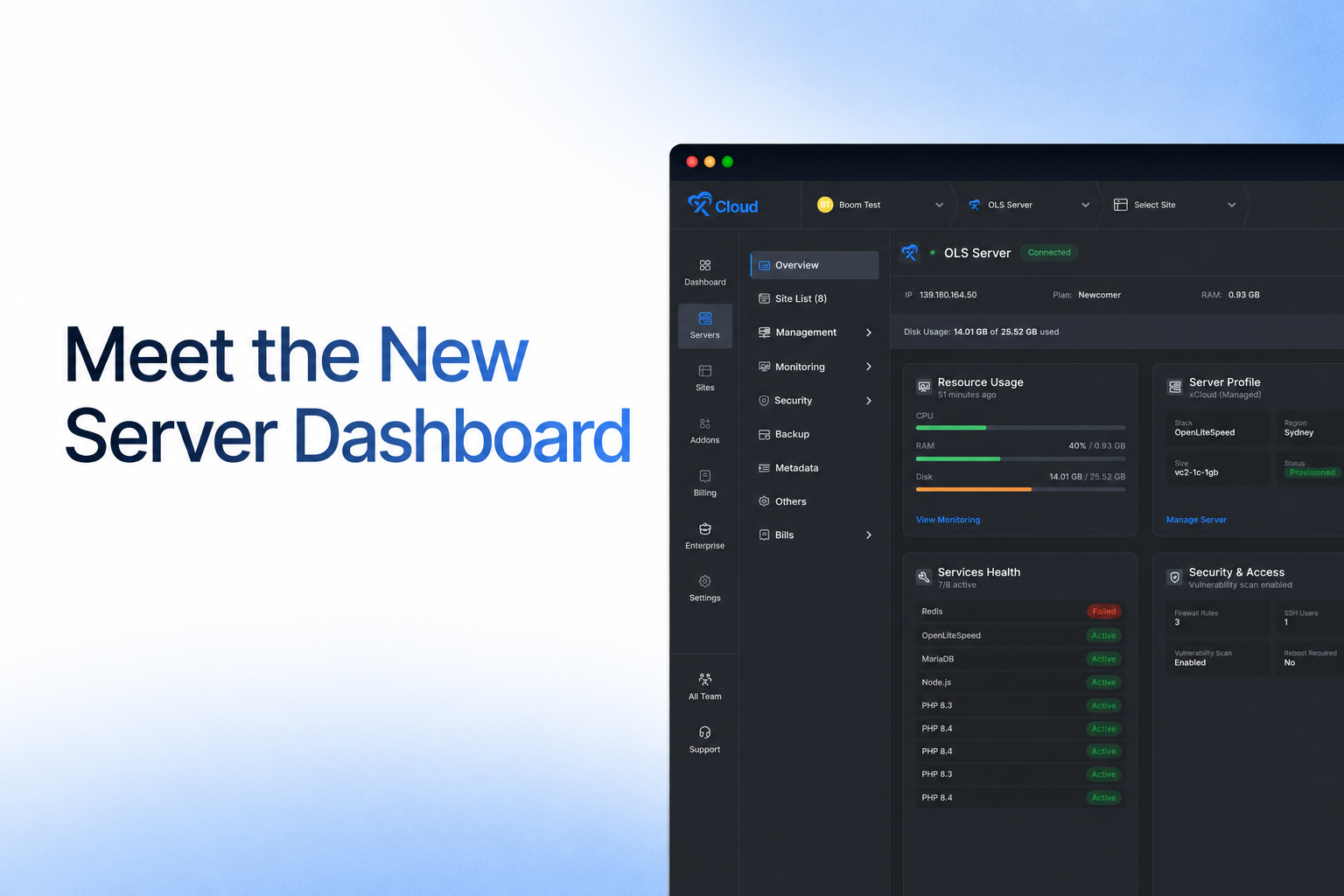
New Server Dashboard
In xCloud v2.8.3, the new Server Overview dashboard provides at-a-glance insights into resource usage, site and service health, security, billing, automation, and quick actions. Learn more about managing server utilities in xCloud.
A smarter way to create sites
xCloud v2.8.3 introduces an app-first setup flow, so you no longer need to choose a server stack before knowing what you want to install. Start from the app catalog, select WordPress, a Custom App, a One-Click App, or an AI Agent, and xCloud shows the compatible server options.
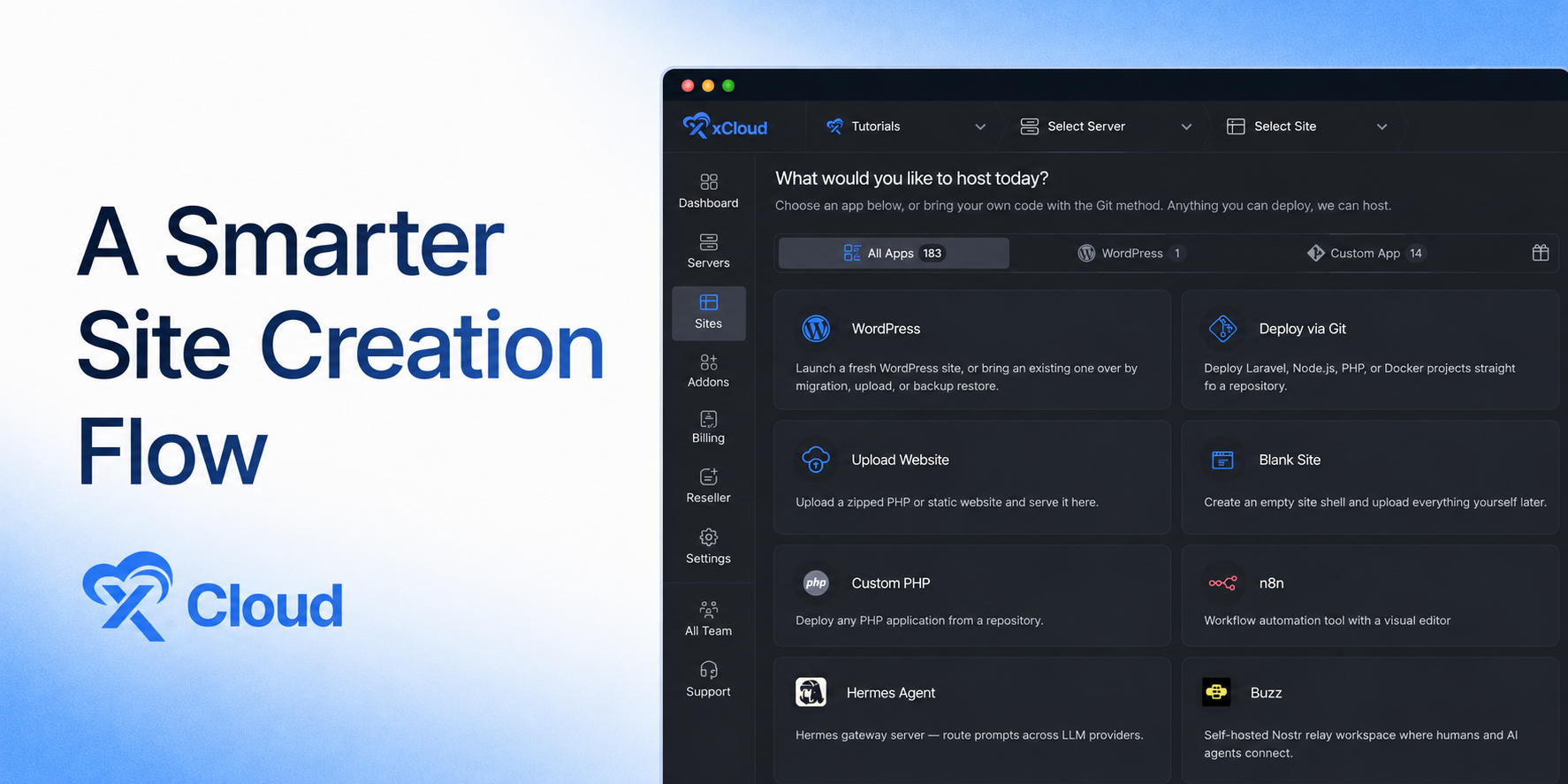
- See which existing servers are compatible before you begin.
- Get clear guidance when an app needs a different stack or more resources.
- Create a compatible managed server directly from the app flow when needed.
- Compare plan, term, backup, and pricing options without leaving the setup journey.
The new app-first flow is now the default site-creation experience for all eligible users.
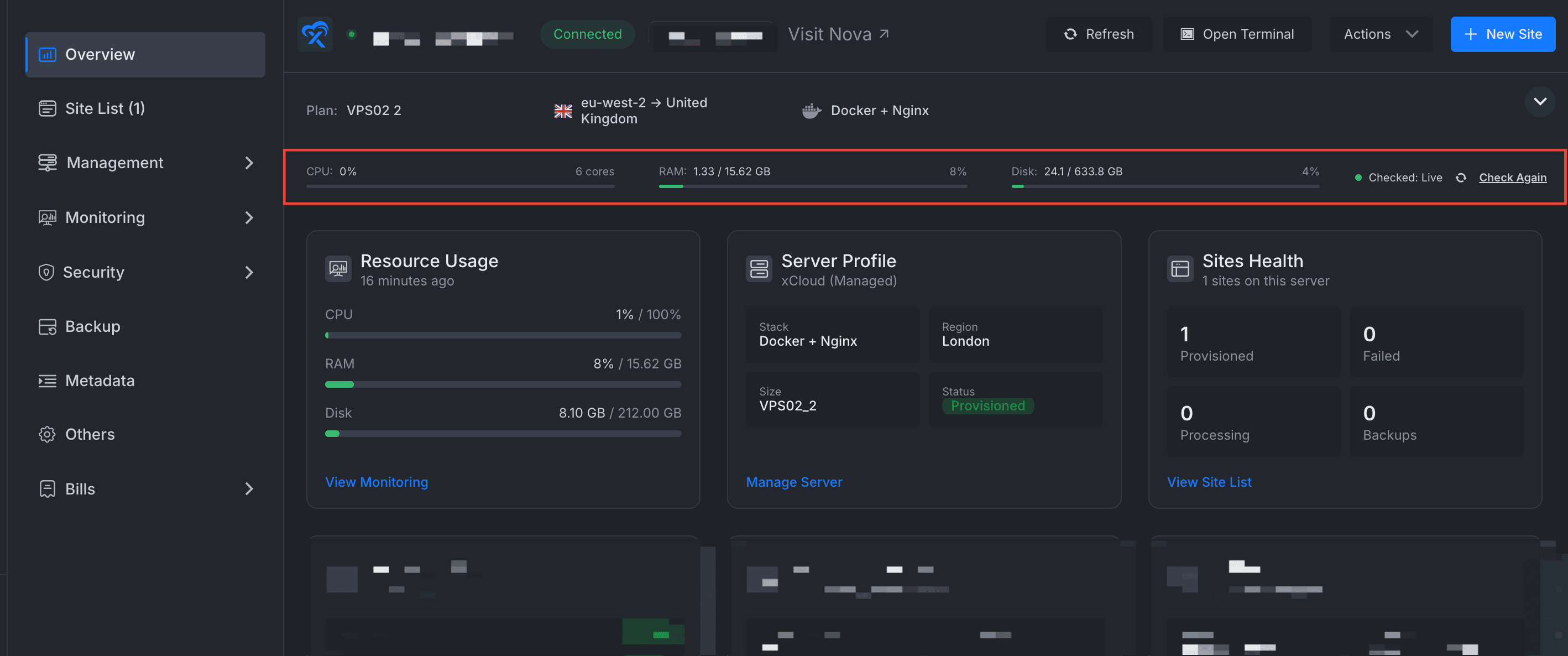
Introduced Live Monitoring
Live Monitoring provides regularly refreshed CPU, RAM, and disk-usage metrics directly within the xCloud dashboard. Unlike htop, which shows a real-time snapshot only while you are connected to the server, Live Monitoring helps you observe resource-usage trends over time. This makes it easier to identify recurring spikes, sustained high usage, and potential capacity issues without using the terminal.
Live Monitoring is optional and can be enabled or disabled from the server’s Server’s → Monitoring page.
32 New One-Click Apps
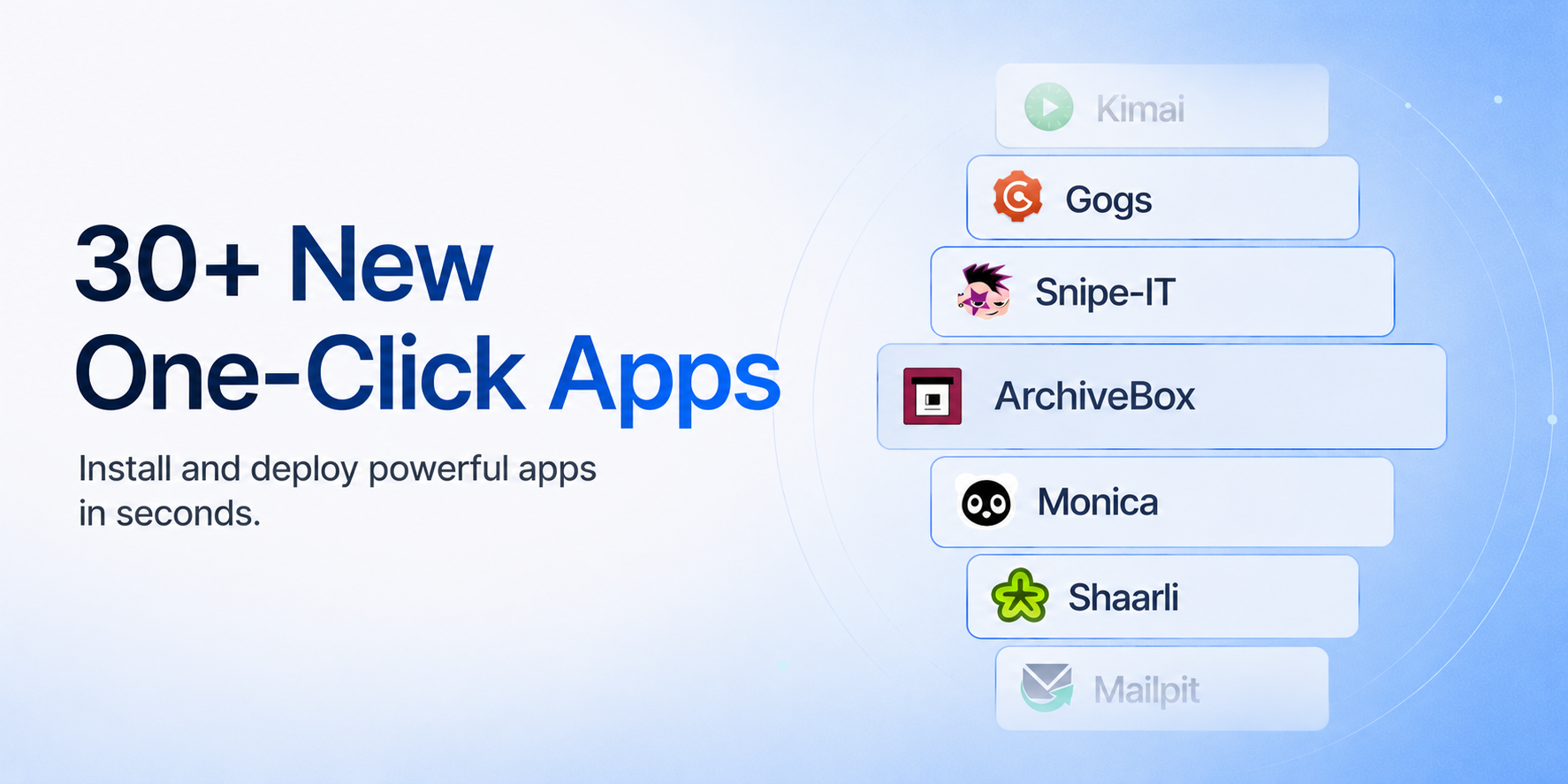
xCloud v2.8.3 expands your deployment options with 32 new One-Click Apps, including Apache Solr, Kanboard, Gogs, Monica, OpenBudgeteer, ZITADEL, and more.
Simplified AI Provider Connection
Previously, connecting an AI provider could require up to three browser windows, around 12 steps, and manually typing a device code while moving between pages.
Now, users can authorize OpenAI Codex or connect Claude Code directly from the provider setup page through a guided xCloud modal. The new flow needs only a few steps, includes one-click code copying, validates tokens, displays the code-expiry countdown, and automatically detects successful authorization when the user returns to xCloud.
This makes configuring AI providers for OpenClaw, Hermes, and Paperclip significantly faster and removes the previous back-and-forth between multiple pages.
Environment Management for Hermes Agent
With xCloud v2.8.3, environment management is available directly from the xCloud Hermes Agent Dashboard, allowing you to edit Hermes configuration and manage provider API keys, OAuth tokens, and other environment variables without accessing the server manually.
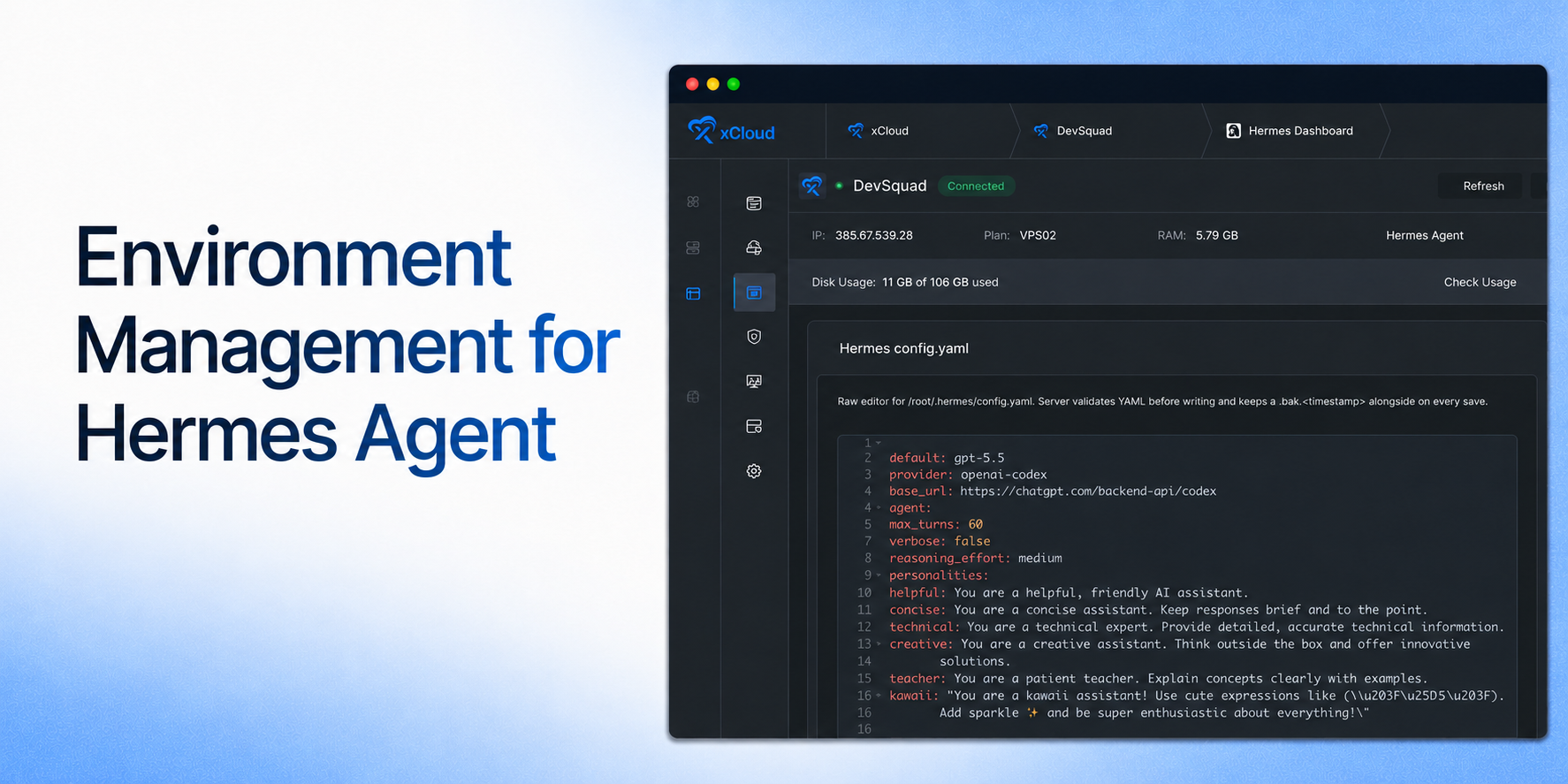
Together, these xCloud v2.8.3 updates make it easier to deploy applications, understand server health, manage AI providers, and keep sites running reliably.
✨ Improvements
- Site-creation server cards now show site counts for clearer capacity context.
- Basic Authentication is available again in the OneClick site Tools menu.
- Saving changes in the OneClick environment editor now redeploys the app automatically, keeping the running app aligned with its configuration.
- Site size is displayed correctly in the dashboard site grid.
- Checkout stays selectable when a selected server tier does not have a pool tile.
🐛 Bug Fixes
- OneClick App deployments now remain on the selected xCloud Managed pool.
- Fixed issues affecting Hermes version selection, the environment editor, and adding environment variables.
- OpenLiteSpeed now restarts more gracefully, reducing intermittent connection errors during restarts.
- Fixed OpenLiteSpeed Node.js sites with Cloudflare multi-domain SSL incorrectly serving 404 pages or static content instead of redirecting.
- Fixed a WordPress bulk-cleanup scheduler failure that prevented stale operations and server queues from being recovered.
- Support tickets are attributed to the correct authorized team.
- Magic Login works more reliably with older WordPress versions.
- Improved migration handling when a migrated WordPress configuration contains paths from the previous server.