
Hetzner WordPress Hosting
Hetzner WordPress Hosting On Your Own  Hetzner Account
Hetzner WordPress hosting with xCloud runs your WordPress sites on Hetzner Cloud servers in your own account, and xCloud sets up and runs the server. It suits agencies and site owners who want Hetzner's prices without the server work. Hetzner bills the server. Your first xCloud server is free; extra servers are $5 a month or less.
Start free- Connect with one Hetzner API token
- Your Hetzner account and bill
- Free SSL certificate
- 24/7/365 customer support

SETUP PROCESS
How Do You Host WordPress on Hetzner With xCloud?
Create an API token in Hetzner Cloud, paste it into xCloud, and pick a server size. Your first WordPress site follows from the same dashboard.
Create A Hetzner API Token
In the Hetzner Cloud Console, open your project, then Security, then API tokens. Generate a token with Read & Write permission and copy it. The setup guide shows each screen.
Connect And Create
Click New Server, choose Bring your own VPS provider, then pick Hetzner. Paste the token, click Verify, then choose a region, a Shared CPU or Dedicated CPU size, a web server and a database.
Launch WordPress
Add your WordPress sites: up to 10 on the free server, and as many as the server can carry on a paid one. Each site gets free SSL and caching, plus backups on paid plans, all from the dashboard.
Product tour
See a Hetzner account connect to xCloud
This is the real xCloud dashboard. Pick Hetzner and paste the API token from your Hetzner Cloud project.
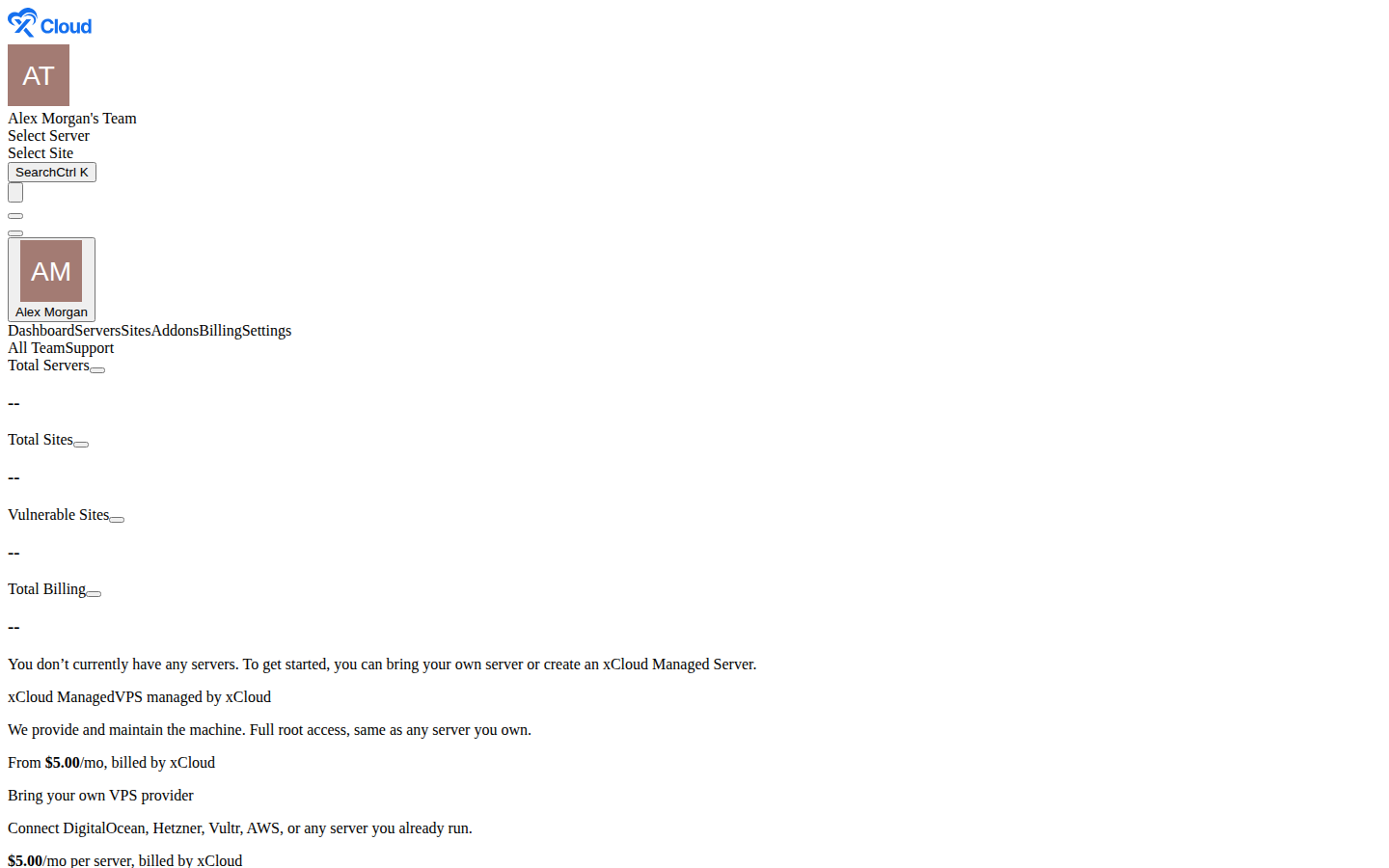
Bring your own Hetzner server
Click through the real xCloud dashboard and connect a Hetzner account. You keep your Hetzner account and its billing. No xCloud account needed for this tour.
SHARED OR DEDICATED CPU
Which Hetzner Server Should You Use for WordPress?
xCloud lists the Hetzner Cloud servers you can order in your chosen region, split into Shared CPU and Dedicated CPU, with the CPU, memory, storage and Hetzner's monthly cost of each.
Shared CPU
Shared CPU servers share CPU time with others on the same machine. A good fit for blogs, brochure sites and a handful of client sites where most pages are cached.
Dedicated CPU
The CPU is yours alone, so speed stays steady under load. A good fit for WooCommerce, membership sites and other pages that can't be cached.
New to Hetzner?
New Hetzner users can claim $20 of Hetzner credit through the link on xCloud's Hetzner connect screen. Hetzner sets the terms. See the setup guide.
WHAT XCLOUD ADDS
What Does xCloud Do on Your Hetzner Server?
A new Hetzner Cloud server is only an operating system. Here is the work a WordPress site needs on top of it, and who does it.
| On a bare Hetzner server, you set up | With xCloud on your Hetzner account |
|---|---|
| A web server, database and PHP tuned for WordPress. | NGINX or OpenLiteSpeed, MySQL or MariaDB, and the PHP version you pick for each site. |
| A Hetzner Cloud firewall with the right ports open. | xCloud adds a Hetzner firewall that lets in web traffic and SSH when it builds the server. |
| SSL certificates and their renewals. | Free SSL on every site, renewed for you. |
| Caching so pages stay fast under traffic. | Full-page caching and Redis object cache, turned on from the site's dashboard. |
| Backups you can restore. | On paid plans: scheduled site backups to the server or remote storage such as Hetzner Object Storage, Amazon S3 or Cloudflare R2, plus Backup Now at any time. |
| A safe place to test changes. | A staging copy you can push to production, on paid plans. |
| Security that keeps each site to itself. | The built-in firewall for NGINX and OpenLiteSpeed, and each site is kept separate, so one site can't read another site's files. |
ONE DASHBOARD
Run Every WordPress Site on Hetzner From One Dashboard
xCloud handles the server work for WordPress on a server you own: web server, database, SSL and DNS, plus backups on paid plans. It is the same dashboard our managed customers use.
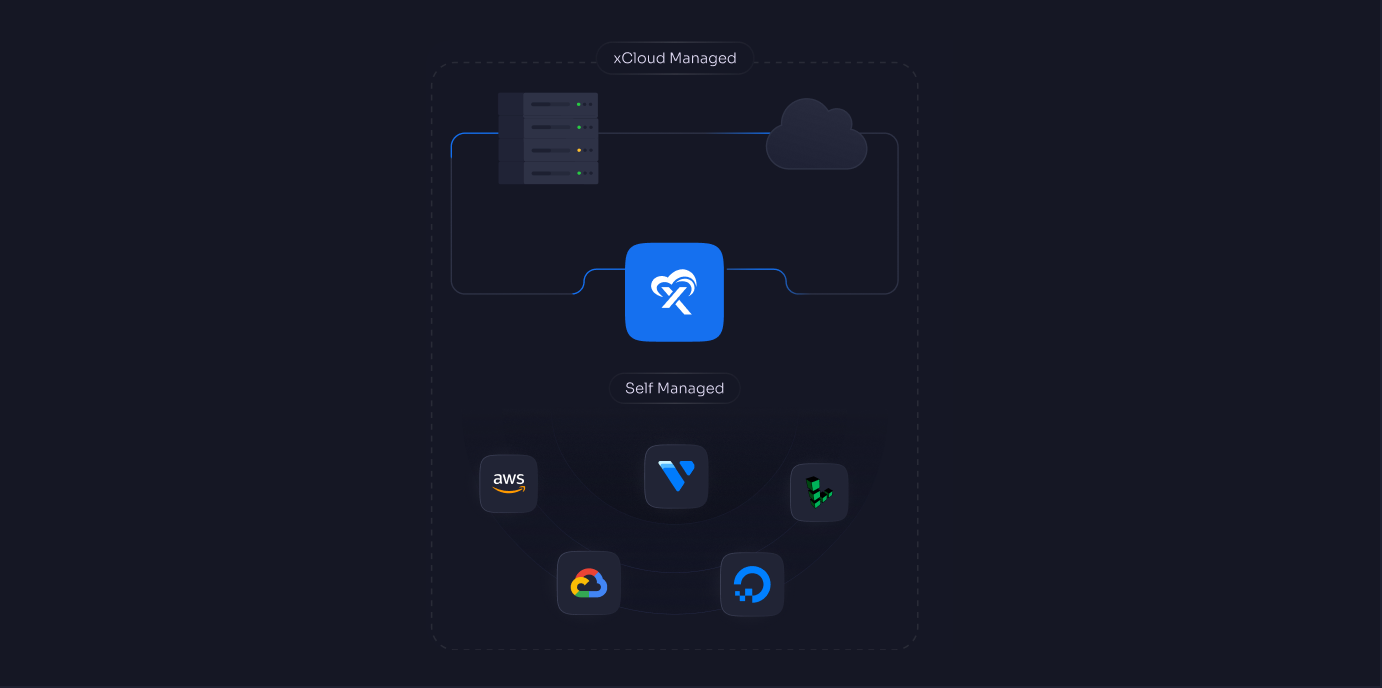
Hetzner Beside Your Other Servers
Manage Hetzner servers next to servers at AWS, DigitalOcean, Vultr, Google Cloud, Linode or Hostinger, or an xCloud managed server, in one account.
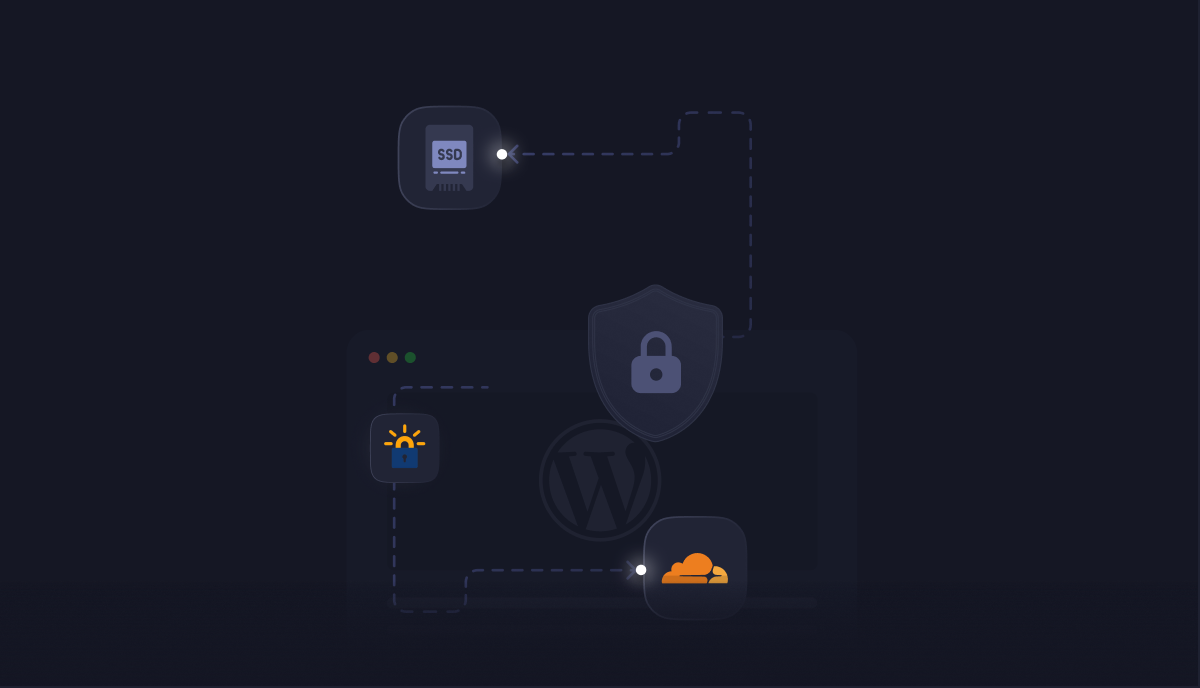
Cloudflare DNS And SSL
Connect Cloudflare to manage DNS records and issue SSL for your sites without leaving xCloud.
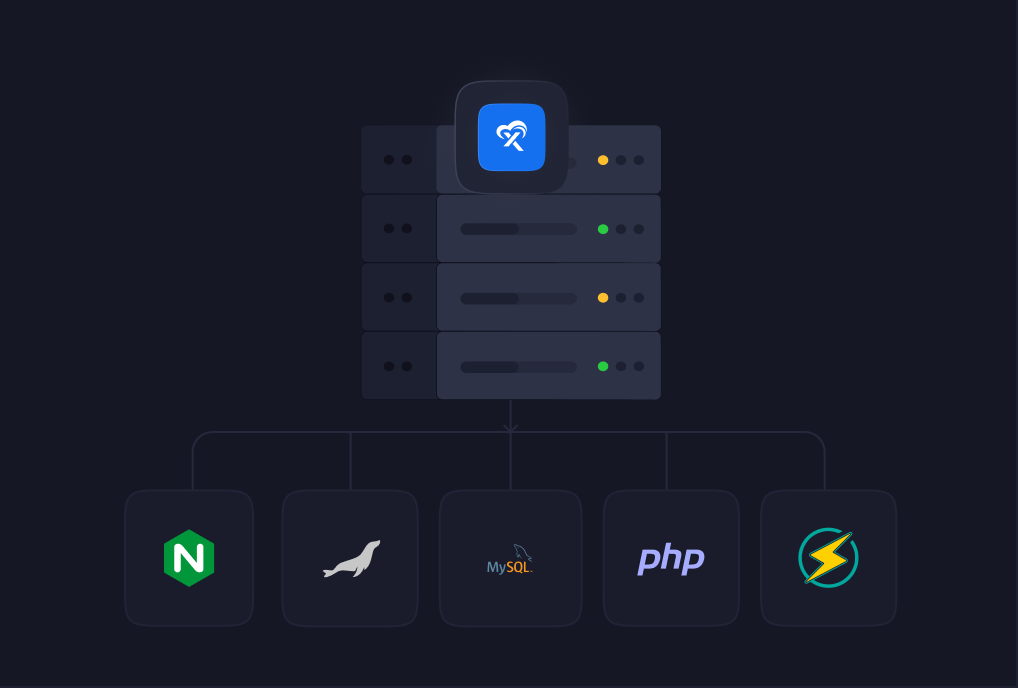
A Server Set Up For WordPress
xCloud installs NGINX or OpenLiteSpeed, PHP and MySQL or MariaDB when it builds the server, so there is nothing to configure by hand.
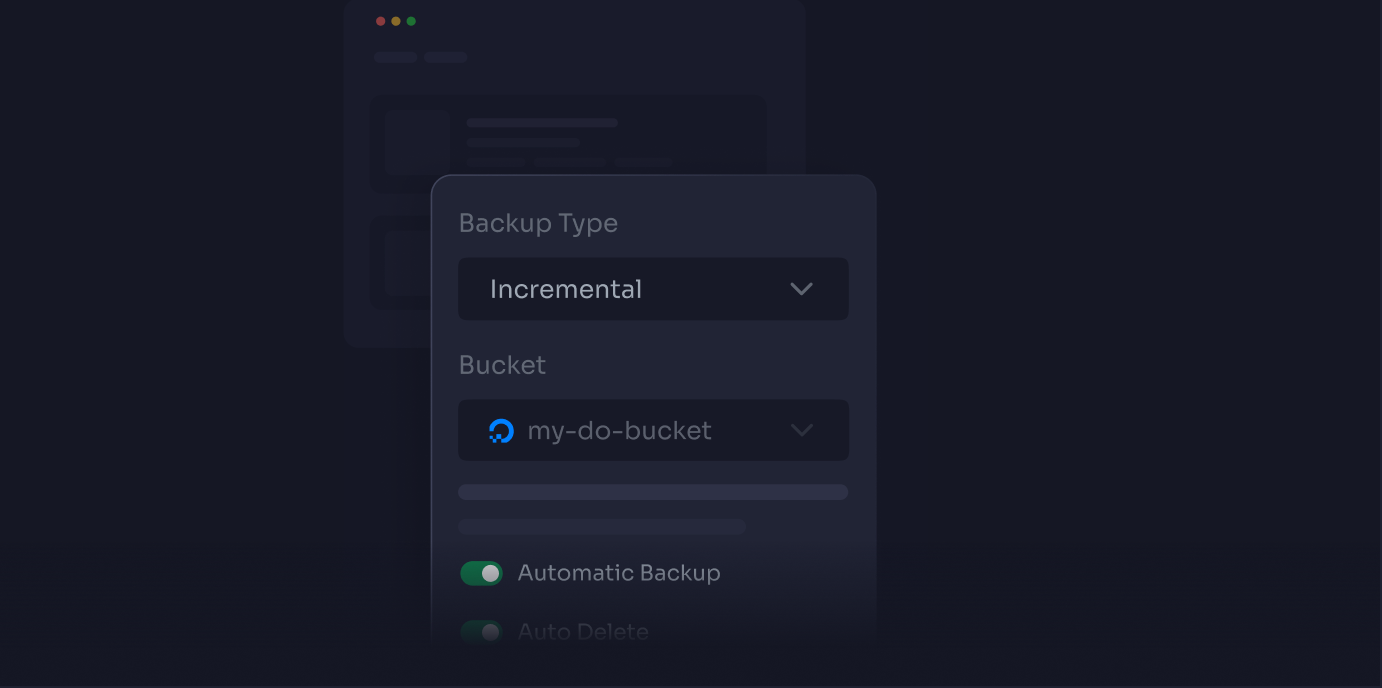
Backups You Can Restore
On paid plans, schedule site backups, keep copies in remote storage such as Hetzner Object Storage, and restore an earlier version in a few clicks.
PRICING
What Does WordPress Hosting on Hetzner Cost?
Two bills, both clear. Hetzner charges your account for the server, and for Hetzner backups if you turn them on. xCloud charges per connected server: your first server is free with 10 sites and each extra server is $5 a month, so 2 servers cost $5 a month. More than 10 sites on the first server means upgrading it from free to paid, and then 2 servers cost $10 a month. The price per server drops as you connect more.
What you pay, as you grow
- 1 serverFree
- 2–5 servers$5
- 6–10 servers$4Save 20%
- 11+ servers$3Save 40%
Your first server is free, not a trial. You pay Hetzner for the server; xCloud's fee covers the dashboard and the server management.
Would rather not run a Hetzner account at all? xCloud Managed hosting gives you a server we set up and look after, billed by xCloud.
GOOD TO KNOW
What Should You Know Before Choosing Hetzner?
Hetzner takes only an API token to connect, but a server in your own account works a little differently from one xCloud manages for you.
Give The Token Read & Write
xCloud needs a Read & Write token to build and manage servers in your Hetzner project. Keep the token private: anyone with it can manage the servers in that project.
Pick The Size Up Front
xCloud can't resize a Hetzner server for you. Choose the size you need, change it in Hetzner, or move your sites to a bigger server later.
Two Kinds Of Backup
On paid plans, xCloud backs up each site's files and database. Hetzner backups copy the whole server and are billed by Hetzner. xCloud can turn them on only when it creates the server; after that, change them in Hetzner.
Keep The xCloud Firewall
xCloud adds a Hetzner Cloud firewall to your server that lets in web traffic and SSH. Don't remove it in Hetzner: it keeps every port closed except web traffic and SSH.
HETZNER GUIDES
Where Can You Learn More About WordPress on Hetzner?
Each step on this page has a guide with the exact screens and settings.
Set up a Hetzner server in xCloud
Create the API token, connect your account and build your first server.
Create your first WordPress site
Pick WordPress, choose your Hetzner server and launch with free SSL.
Back up to Hetzner Object Storage
Send your site backups to a Hetzner Object Storage bucket.
Hetzner Cloud explained
Hetzner's server types and how a website goes live on one, step by step.
Comparing with Vultr?
See how WordPress runs on servers in your own Vultr account.
Compare plans and prices
Self-managed and managed servers, and add-ons, on one page.
Move Your WordPress Site To Hetzner With xCloud
Already running WordPress somewhere else? Connect your Hetzner account, then bring your site across with xCloud's WordPress migration.

Hear what people are saying about us
See why agencies, developers, startups, and growing businesses choose xCloud to power their projects.
xCloud works really well, I am surprised by its performance being this the release version, I have tried many paid platforms such as runcloud, cloudpages or serveravatar, as well as free platforms such as CyberPanel, CloudPanel or Hestia Control Panel and direct competitors such as SpinupWP and FlyWP. Of all those that I have tried, the platform that works best for WordPress is SpinupWP and I believe that xCloud can reach and surpass that development, its roadmap is promising. Congratulations to the xCloud team, I hope they become the leading platform in the segment, it has all the potential to achieve it!
 Brian Geovanny
I've been with runcloud for the last 3 years. However, after trying xcloud for the last month, I'm switching over. They are on a roll with their setup.
 Kevin Pineda
I'm moving my servers to xCloud, a cloud control panel by M Asif Rahman and the WPDeveloper team. Their roadmap looks interesting and no, there are no team mates nor API limits with xCloud! #xCloud #wordpress #hosting
 Leo Koo
How Cloud Nine Web Elevated Client Experience While Streamlining Hosting Operations using xCloud
 Ed Ellingham
xCloud is like having an expert server team on call — without the big agency costs. It's given me back my time and given my clients peace of mind. Highly recommended for freelancers and small teams who want reliable performance and security.
 Dumitru Butucel
xCloud isn't just a solution. It's like one of that friend who got your back when you screw things up pretty bad.
 Waqar Ahmed
Trust me when I say, once people explore the potential of xCloud they gonna switch from other panels, just keep delivering the best tech, lots of love for the team 😍😍
 Rahul Singh
So far my experience has been smooth like silk. I didn't imagine that configuring and managing a VPS would be so easy. As of today, I have deployed 8 sites. The support is good, and they treat users with respect, even if they ask stupid questions (myself included). For the future, I hope for greater flexibility in scheduled backups and more comprehensive and consistent documentation. I'm sure that within a few months, xCloud will become the leader in its segment. This community is amazing, and the Staff here is super helpful.
 Massimo Villa
Came from cloudways then to runcloud then to xcloud. Looks like I'm staying here.
 Gerson El
I've recently taken all of my Vultr-hosted sites and gotten rid of cPanel for them to substitute it with xCloud. I have to say, I'm really impressed with xCloud so far! The interface is definitely the standout feature for me.
 Tony Lewis
I came from Cloudways and won't go back. Highly impressed with xCloud. Glad I gave them a chance.
 Jared McDowell
I like xCloud better than RunCloud, but one thing I'll point out is that some years ago RunCloud was hungry for business, the support was outstanding, and the community was active and helped each other. Maybe it was sold, there was a change in management, or they stopped being hungry, but the quality of the RunCloud offering declined and it hasn't been moving forward quickly. My point is that currently the xCloud team has the edge and it is theirs to keep or lose
 David McCan
How Kevin Heinrichs Cut Hosting Costs by 84% While Running WooCommerce & Node.js Sites Efficiently
 Kevin Heinrichs
I had 150 sites on cloudways and am in the process of moving them to xcloud. Much faster and better priced.
 Dan Spinoza
Dear xCloud Team, I have been using xCloud for some time now and am genuinely impressed with its capabilities and the flexibility it offers by allowing users to bring their own VPS for management. It's a fantastic service, and my experience so far has been very positive. Successful migrated 5 sites on a single server. Xcloud migration tool worked great. There were few hiccups with security plugin like MalCare but disabling the plugin prior to migration worked just fine.
 Rahil Maknojia
Came from runcloud. Tried xcloud and never came back.
 Karl Fanega
How Advanced Web Strategies Saved Over $2,000 & Recovered 56 Hours per Month Managing 70+ Client Websites
 Gary Moody
xCloud gave me what no other hosting platform could: the flexibility of a VPS with the convenience of managed WordPress. As a solo founder running an entire business on one server, that combination is an important unfair advantage.
 Jorge de los Reyes Martínez
I use Server Avatar and xCloud and I'll sooner use xCloud than Server Avatar personally.
 Jay Pagano
How Newman Web Solutions Ensured Perfect Uptime and Seamless Scaling For 120+ WordPress Sites with xCloud
 Lori Newman
I too have moved over to xCloud. It's pretty sweet. One click n8n and uptime Kuma apps
 John Aperture
I went from Cloudways to xCloud. No intention on switching in the foreseeable future.
 Blaine Moore
Frequently Asked Questions
Feel free to contact us with any questions or concerns you may have
What is Hetzner WordPress hosting with xCloud?
Your WordPress sites run on a Hetzner Cloud server in your own account, and xCloud sets up the server and manages the sites on it. You get the xCloud dashboard for SSL and caching, plus backups and staging on paid plans, and you keep your Hetzner account and bill.
How do I connect my Hetzner account to xCloud?
In the Hetzner Cloud Console, open your project, go to Security, then API tokens, and generate a token with Read & Write permission. In xCloud, click New Server, choose Bring your own VPS provider, pick Hetzner, paste the token and click Verify. You can reuse the saved token for your next server.
Who pays for the Hetzner server?
Hetzner bills your account for the server. xCloud charges per connected server: your first server is free with up to 10 sites and each extra server is $5 a month, so 2 servers cost $5 a month. More than 10 sites on the first server means upgrading it from free to paid, and then 2 servers cost $10 a month. The price per server drops as you connect more.
Is there free Hetzner credit for xCloud users?
Yes, for new Hetzner users. xCloud's Hetzner connect screen links to a $20 Hetzner credit offer. The credit pays for the Hetzner server, and your first xCloud server is free. Hetzner sets the terms, so check them when you sign up.
Should I pick a Shared CPU or Dedicated CPU server?
Shared CPU servers suit cached sites such as blogs and brochure sites. Dedicated CPU servers keep speed steady for WooCommerce and other pages that can't be cached. xCloud shows both with Hetzner's monthly cost for each size in the region you pick.
Can I connect a Hetzner server I already created?
Yes, as long as it is a fresh Ubuntu LTS x64 server you have root access to. Click New Server, choose Bring your own VPS provider, then pick Any, and xCloud manages it like any other server you bring.
Can xCloud resize my Hetzner server or back up the whole server?
xCloud can't resize a Hetzner server. It can turn on Hetzner backups for the whole server when it creates it, and Hetzner bills them. On paid plans, xCloud also backs up each site's files and database, on a schedule or on demand, to the server or to remote storage such as Hetzner Object Storage.