














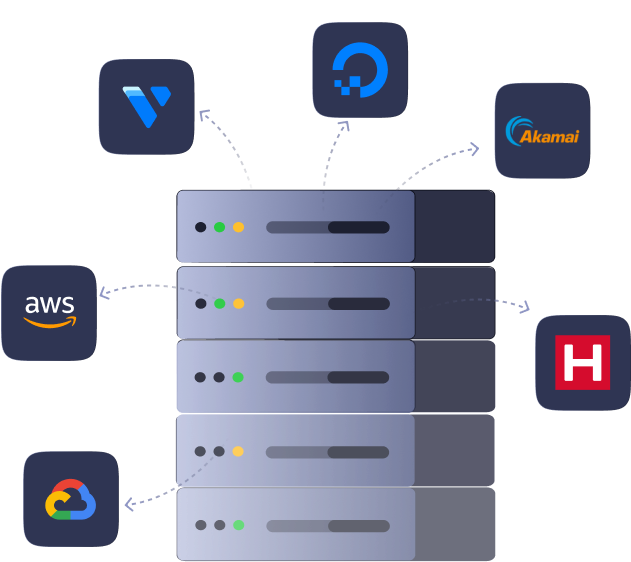
Bring your own cloud provider into xCloud, whether it’s Vultr, GCP, DO, or others, and create lightning-fast WordPress and PHP sites.
Shift multiple websites to xCloud Hosting at no cost with our full server migration feature. Utilize our free migration plugin and transfer sites from shared hosting.
Simplify email with xCloud: connect Mailgun, SendGrid, and Elasticemail, & get 100 Free emails. Manage DNS via Cloudflare, AWS, DO Space, or S3 for storage
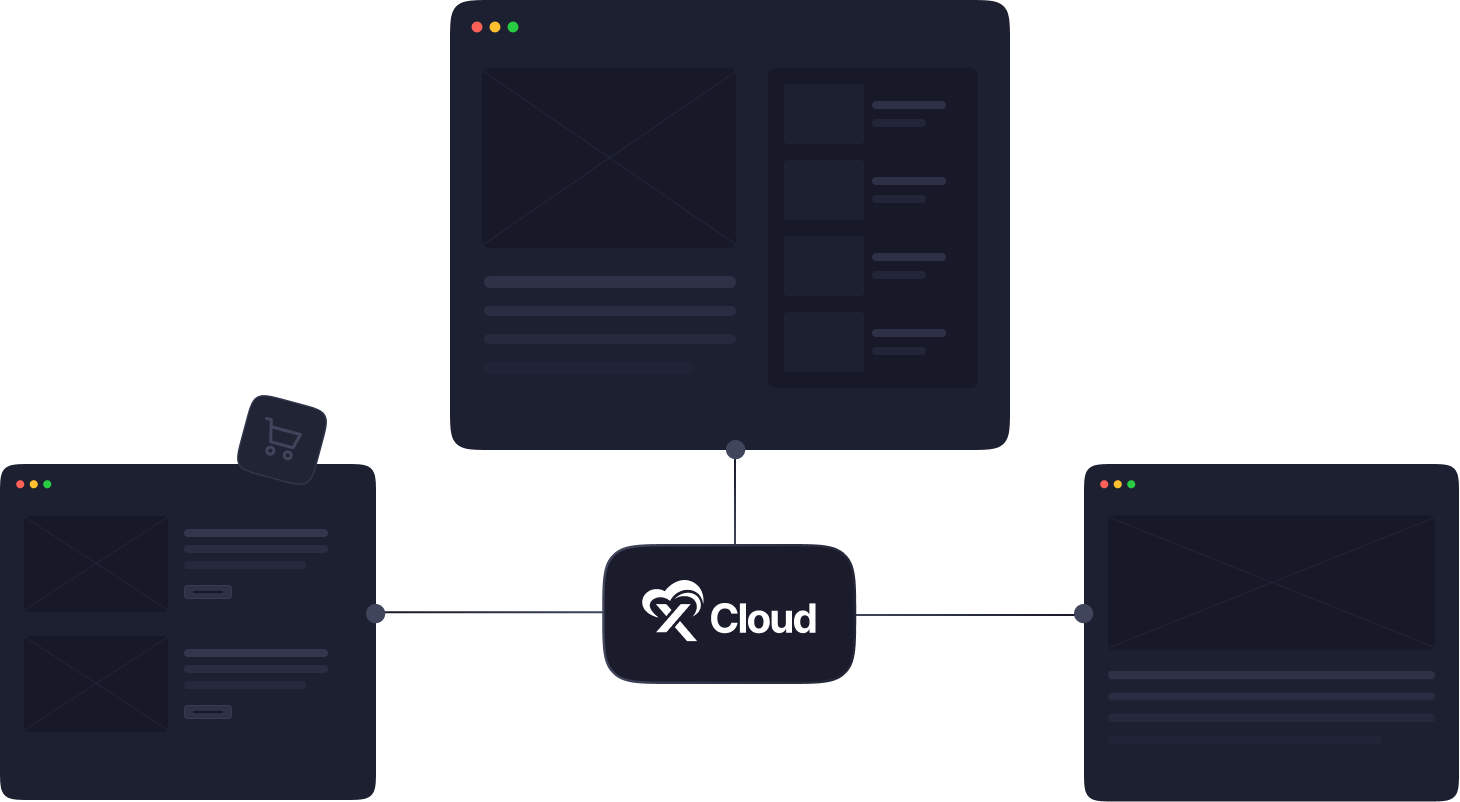

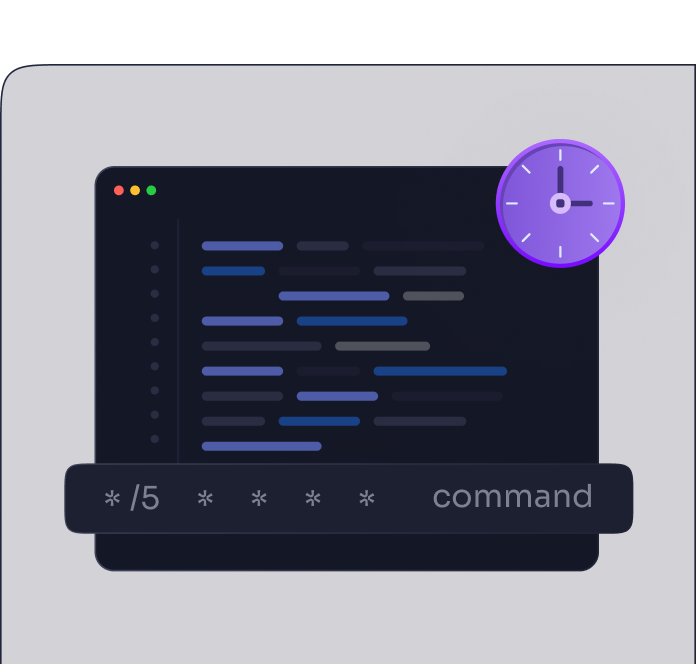
WP-Cron & xCloud Cron
WP-Cron manages scheduled tasks on WordPress sites & xCloud-Cron does the same thing at the server level, ensuring your tasks execute at specified intervals.

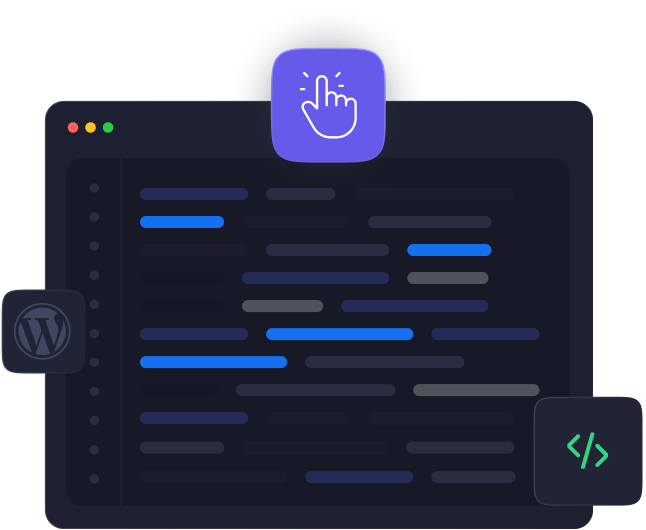
WordPress Magic Login
With Magic login, you can go to your site’s WordPress dashboard hassle-free way. No need to enter your password or other credentials. Just click and you are good to go.

Custom NGINX Config
With a custom NGINX config in xCloud easily modify NGINX settings right from the xCloud dashboard without using any extra command lines.

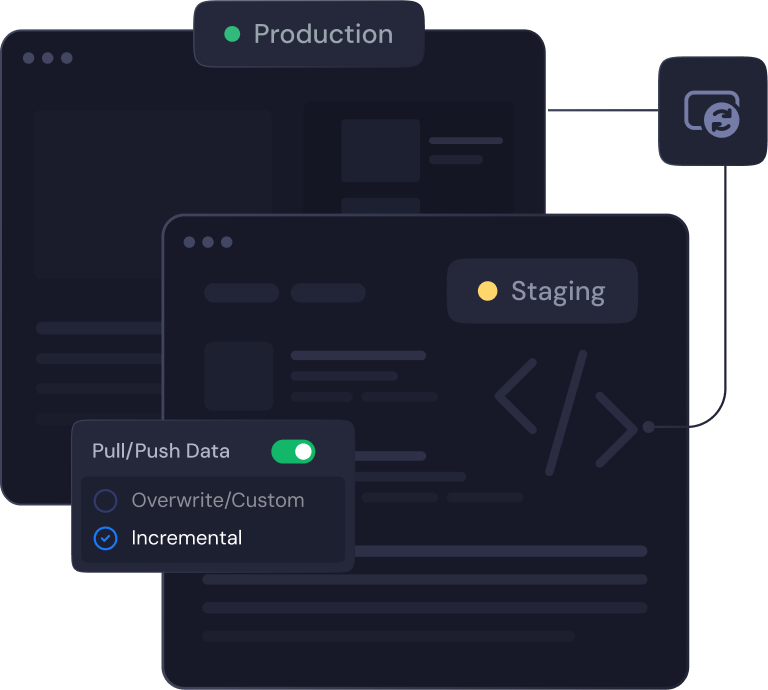
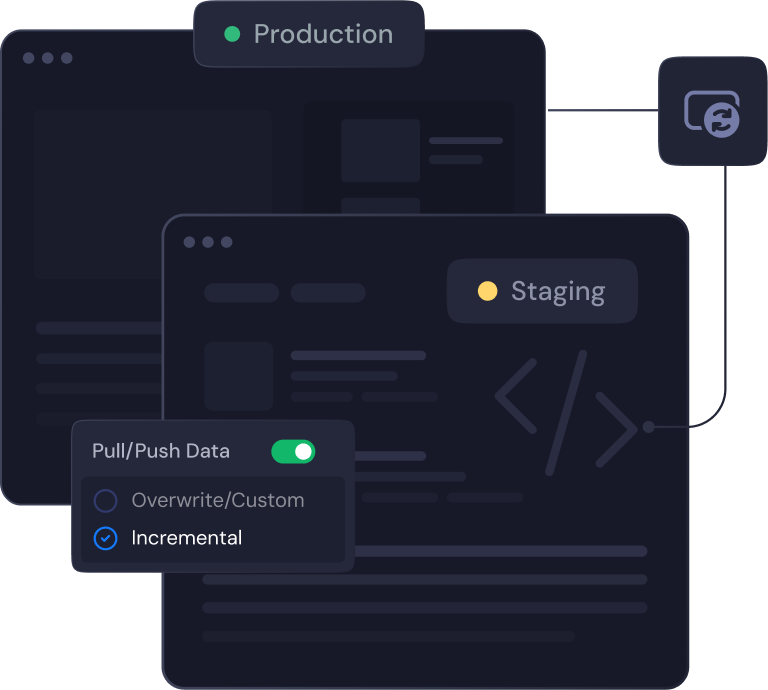
Clone Your Site with Ease
Effortlessly clone your site to the same or different server with xCloud. You can create a copy and make changes swiftly without affecting your live site.




Lifetime Deal

Performance

Server Management

Site Management

Security

NGINX LEMP Stack
xCloud automatically installs a highly efficient LEMP Stack, optimized with PHP-FPM for superior performance.

OLS Stack
Experience a fully integrated OpenLightSpeed stack, meticulously prepared and ready to host websites seamlessly, ensuring optimal speed and reliability.





Simple Billing: Integration with Stripe for Your Convenience
Live Chat Support: Crisp Integration for Real-Time Assistance
Full Server Migration Support: Get Help When You Need It
Versatile User Roles: Owner, Super User, Server Admin
Control Server & site Access for Teams
Enhanced Security: Activate 2FA Protection

Bring Up To 7 Servers

Access to All Features
Bring Up To 15 Servers
Access to All Features
Bring Up To 50 Servers
Access to All Features

David Risley
“When I moved a site over from Cloudways over to xCloud the control panel was radically faster and then I would click on something it felt like it just happened instantly”

Mario David McCan
“another kind of cool thing is that you can have a team associated with your account so that’s nice I think that’s a higher-tier feature”

Digital Marketing Tips – SaaS Space
“With just a few clicks, you will be able to install your WordPress site and manage all your servers & sites in just one dashboard”


Suburbia Press
“Migrate from any web host over to xCloud simply”

Mr Web
“Supercharge Website Management with xCloud”

Dave Swift
“xCloud – WP Hosting Panel Everyone Is Talking About”
Leo Koo
@leowrites
I’m moving my servers to xCloud, a cloud control panel by M Asif Rahman and the WPDeveloper team. Their roadmap looks interesting and no, there are no team mates nor API limits with xCloud!
#xCloud #wordpress #hosting
Brian Geovanny
@braingigio
xCloud works really well, I am surprised by its performance being this the release version, I have tried many paid platforms such as runcloud, cloudpages or serveravatar, as well as free platforms such as CyberPanel, CloudPanel or Hestia Control Panel and direct competitors such as SpinupWP and FlyWP. Of all those that I have tried, the platform that works best for WordPress is SpinupWP and I believe that xCloud can reach and surpass that development, its roadmap is promising.
Congratulations to the xCloud team, I hope they become the leading platform in the segment, it has all the potential to achieve it!
Rahil Maknojia
@rahilmaknojia
Dear xCloud Team,
I have been using xCloud for some time now and am genuinely impressed with its capabilities and the flexibility it offers by allowing users to bring their own VPS for management. It’s a fantastic service, and my experience so far has been very positive.
Successful migrated 5 sites on a single server. Xcloud migration tool worked great. There were few hiccups with security plugin like MalCare but disabling the plugin prior to migration worked just fine.
Tony Lewis
@tlewisverdu
I’ve recently taken all of my Vultr-hosted sites and gotten rid of cPanel for them to substitute it with xCloud.
I have to say, I’m really impressed with xCloud so far! The interface is definitely the standout feature for me.
How Do I Get Support?
Do You Have Hosting In xCloud?
Which Stacks xCloud Support?
Can I purchase the LTD plan multiple times?
Can I get a refund?
What’s included in the xCloud LTD offer?
Special Discount for LTD Users on xCloud Hosting Plans
Does this LTD offer include lifetime hosting?
What is the difference between xCloud Managed and xCloud Provider?
How do I upgrade my existing LTD plan?
Which stacks does xCloud support?
How do I get support?