


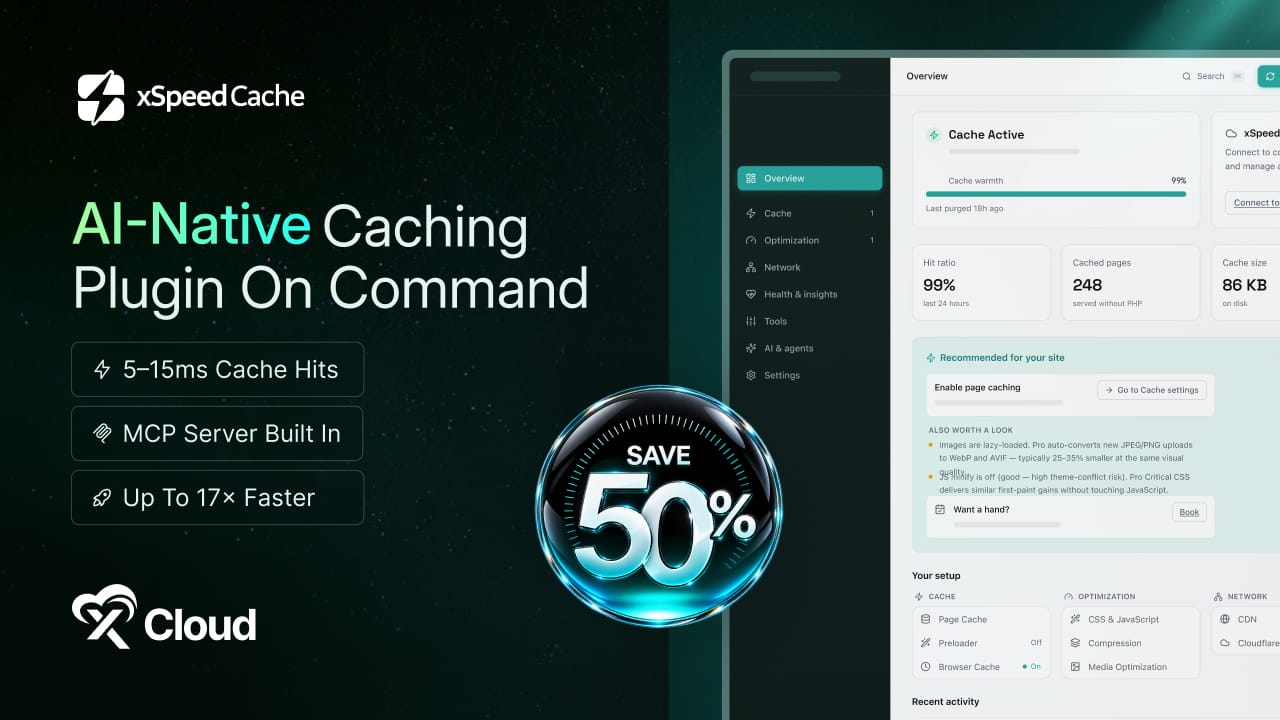
At xCloud, website performance is something we think about every day. We help WordPress users, agencies and businesses host and manage their websites, and one challenge comes up again and again: making WordPress fast is still more complicated than it should be.
Caching is only one piece of the puzzle. You also have object caching, image optimization, CSS and JavaScript optimization, database cleanup, CDN configuration, Core Web Vitals and dozens of settings to understand. Often, that means combining multiple plugins and figuring out for yourself what to configure, what to avoid and what to fix next.
So, we built xSpeed Cache.
Built by WPDeveloper, the same team behind xCloud, xSpeed Cache is an AI-native WordPress caching and performance optimization plugin designed to make website performance simpler, smarter and more accessible.
Instead of digging through settings and trying to understand every performance recommendation yourself, you can connect xSpeed Cache with your AI assistant and simply ask:
“Why is my website slow?”
“Make my website faster.”
“What should I optimize next?”
With built-in MCP support, your AI assistant can work with xSpeed Cache to understand your site’s configuration, adjust performance settings, apply optimizations and help verify the results.
But we did not build xSpeed Cache just to add AI to another caching plugin. We built it to rethink how WordPress performance optimization should work — bringing the tools you need into one place and making them easier to use with AI.
Here is the story behind xSpeed Cache and what makes it different.
Our Vision: One Plugin Instead Of Four
Here at WPDeveloper, WordPress is not a market we decided to enter one day. It is where we have spent our working lives, building for it and running our own sites on it. Which means that when it comes to performance, we have sat in exactly the same chair you have.
You know the routine. You open a PageSpeed report, see a wall of red and orange warnings, and close the tab – because fixing it properly means one plugin for caching, another for minifying code, a third for images and a fourth for tidying up the database. They overlap, several of them quietly fight each other, and your site ends up a little faster and a lot more fragile. We know that feeling well, because we lived it on our own sites for years.
So we kept circling a simpler question: what if all of it lived in one place, behaved sensibly the moment you switched it on, and never once asked you to learn what render-blocking CSS is?
That question is where xSpeed Cache began.
What Is xSpeed Cache: AI-Native Performance For WordPress
xSpeed Cache is a complete performance toolkit for WordPress, built so that every part of it works from the moment you activate it. Page caching hands your visitors ready-made copies of your pages instead of rebuilding them from scratch every single time. Minification and lazy loading strip the excess weight out of your code and images. CDN support delivers your files from somewhere near each visitor rather than halfway across the planet, while automatic database cleanup clears out the old revisions and expired junk that slow every query down. And the Core Web Vitals warnings that dominate PageSpeed reports – render-blocking resources, layout shifts, slow fonts – are handled without breaking your design.
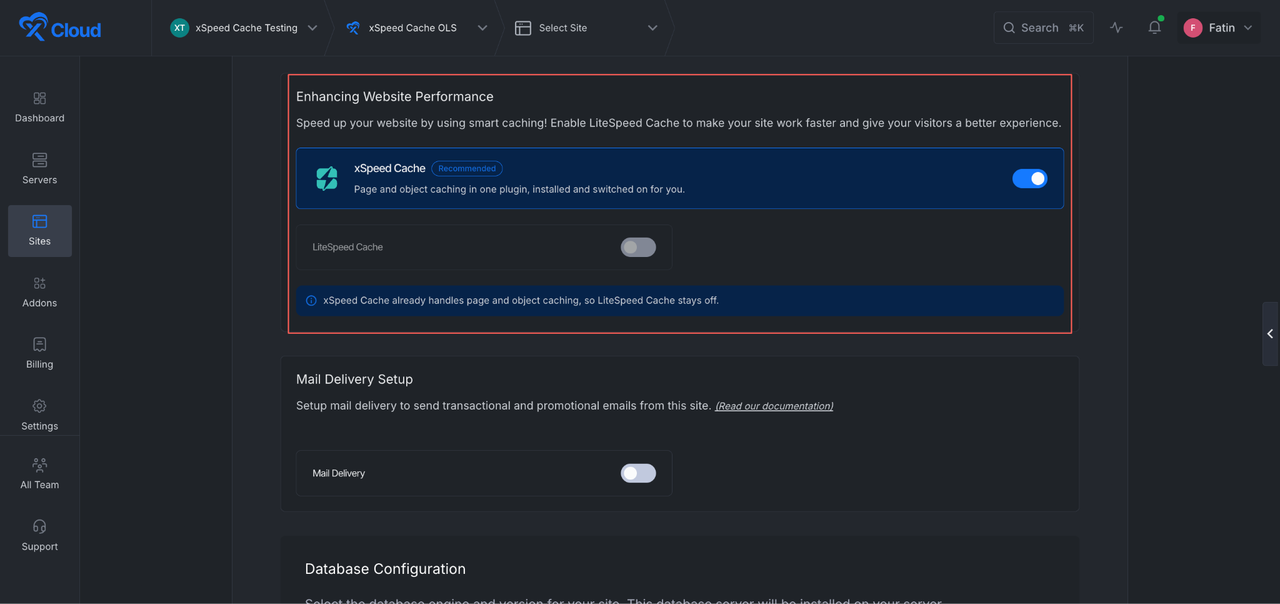
All of it lives in one clean dashboard that stays out of your way. Settings save themselves, safe defaults apply automatically and a three-step wizard gets you to a fast baseline in about two minutes. It runs happily on Apache, nginx, LiteSpeed, IIS or any standard PHP host. And if you build on xCloud, it is installed and switched on for you during site creation, so there is nothing to set up at all.
What Sets xSpeed Cache Apart From Every Other Caching Plugin?
Now let us answer the question most likely on your mind – with so many caching plugins already out there, why should this one excite you?
Because every one of them hands you a settings screen and quietly hopes you know what to click. xSpeed Cache adds something genuinely new: you can simply tell an AI assistant what you want, in plain words, and it goes and does it. That is the part we are proudest of, so let us take a proper look at it.
🚀 MCP Server: Talk To Your Site
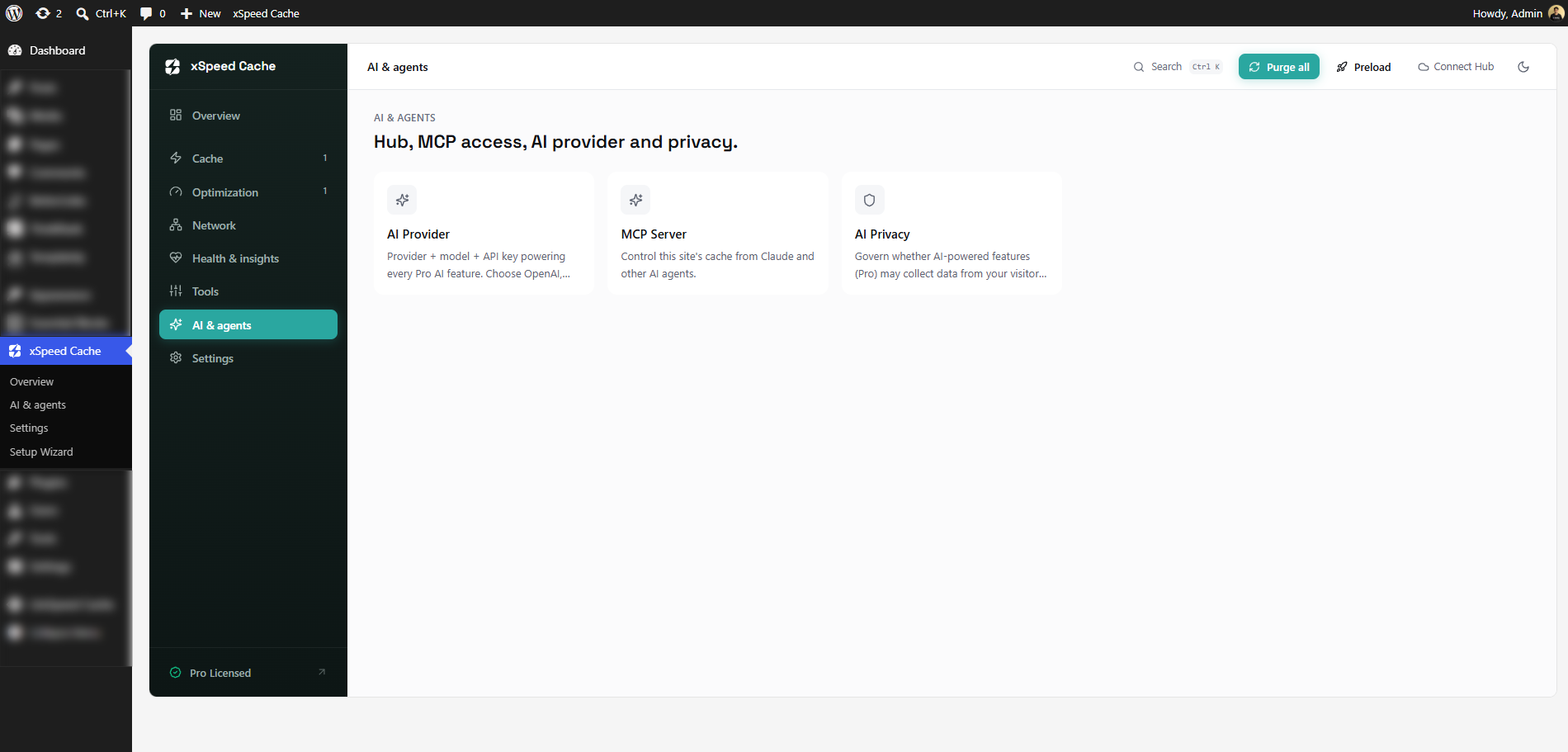
xSpeed Cache ships with a free, built-in MCP server. MCP stands for Model Context Protocol – think of it as a universal power socket that lets AI assistants plug straight into your site. Once connected, tools like Claude or ChatGPT can check your cache, change a setting, clear and preload your pages, then re-test to confirm it actually worked, all through normal conversation.
Setup takes about a minute. You pick your access level, click ‘Connect’, and xSpeed Cache hands you a ready-to-paste snippet for whichever AI client you use. Every connection is logged and every token can be rotated or revoked instantly. And because this touches your visitors’ data, every AI feature carries its own consent switch – in the free plan, on principle, never as an upsell.
🚀 AI Recommendations: Know What To Fix Next
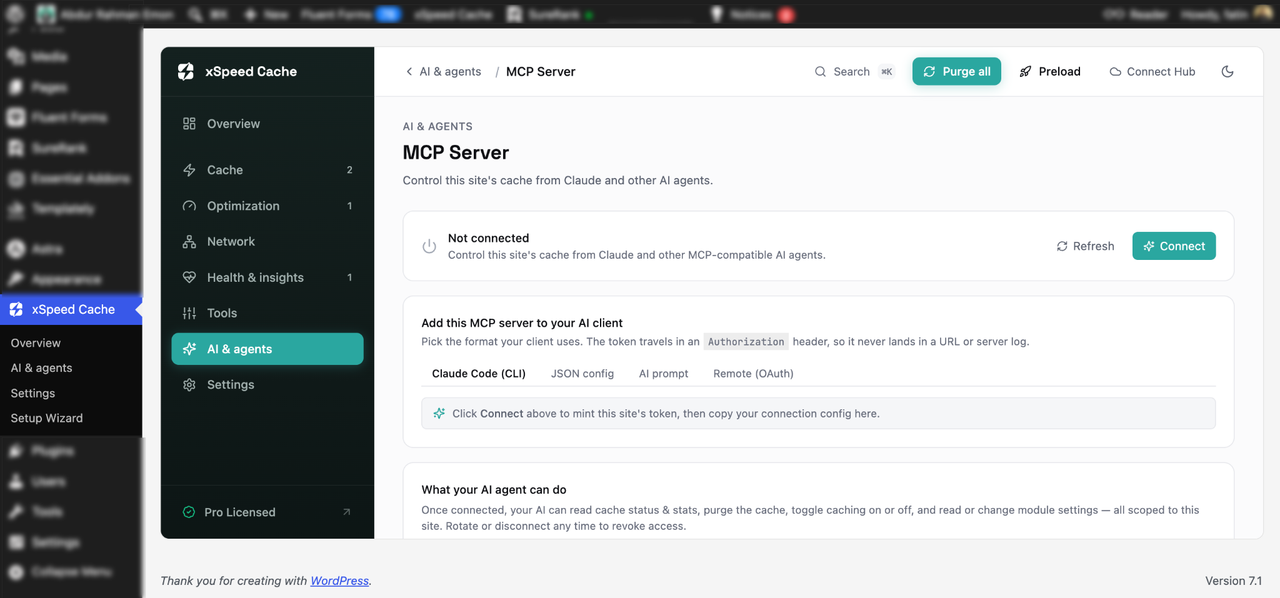
The Overview dashboard does not simply show you numbers and leave you to interpret them. It tells you the single most useful thing to do next, and takes you straight to that setting when you click it.
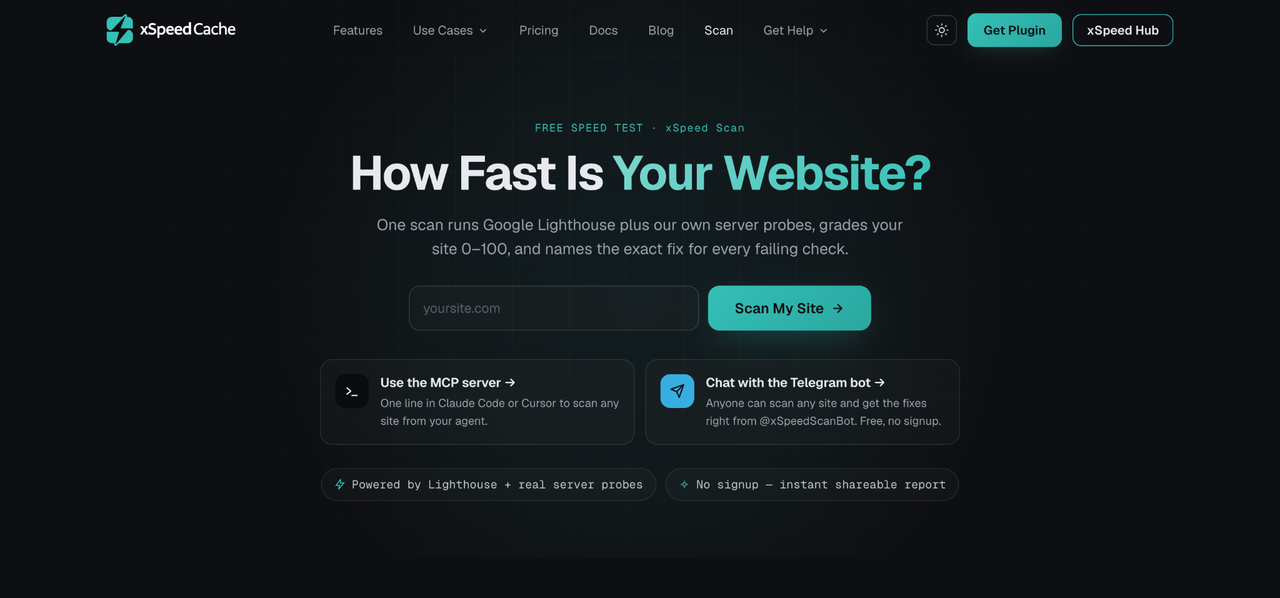
Pair that with the free xSpeed Scan, which grades any site from 0 to 100 in under a minute, maps every failing check to the exact feature that fixes it and hands you a ready-to-paste AI prompt for each one. And if your assistant is already connected over MCP, it can work through that entire report and re-verify your new score for you.
🚀 xSpeed Hub: One AI Connection, Every Site You Manage
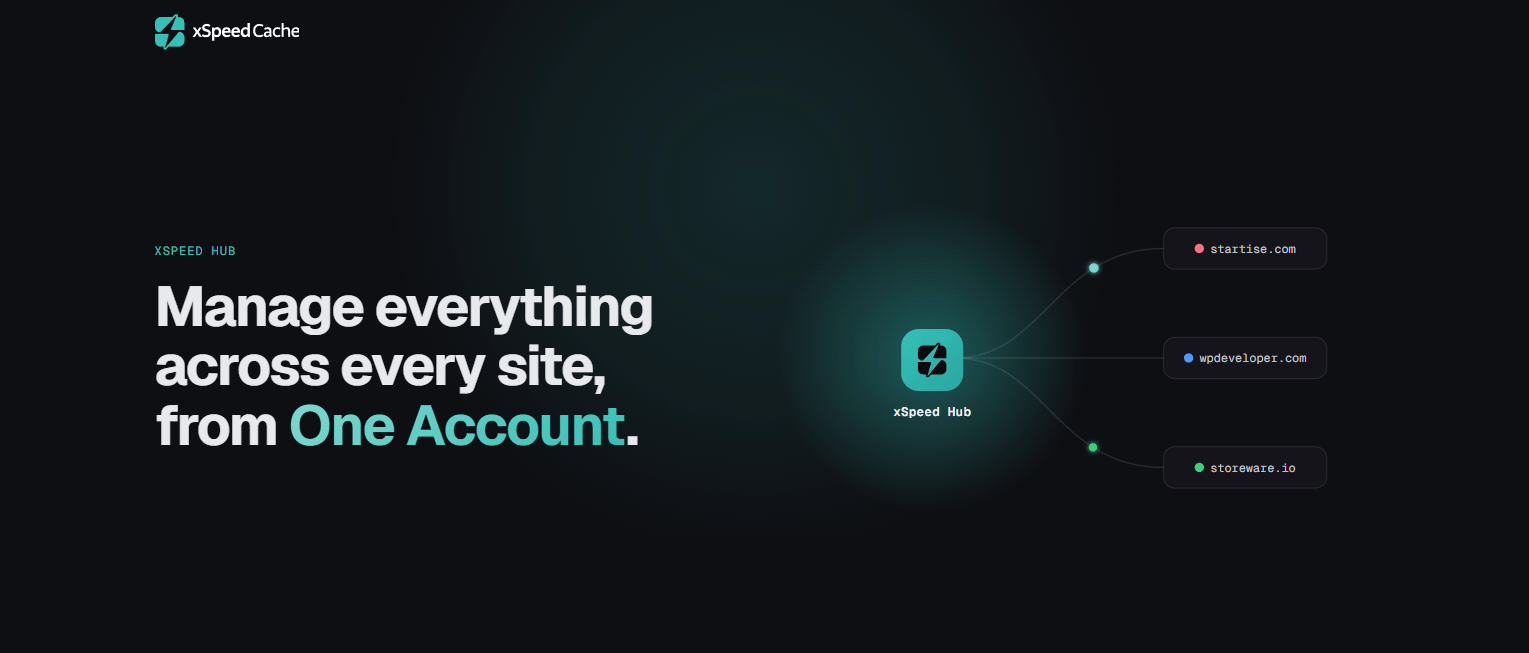
And finally, for anyone running more than a single site. xSpeed Hub connects all of them to one AI conversation: link your sites once, connect your AI once, and from then on you can type something like “purge cache on acme” and it simply happens, on the right site, automatically.
The Hub also brings daily monitoring with Slack or email alerts, an exportable activity log, and team roles for agencies looking after client sites – with white-label branding putting your own name on the dashboard.
But is that all? Not quite – because the best part is how little any of this costs you.
Free Today, 50% Off Pro For A Limited Time
Here is what we are happiest about. You can install xSpeed Cache right now and use it completely free – no trial clock ticking down, no credit card required. Page caching, object caching, browser caching, the preloader, minification, lazy loading, CDN support, database cleanup, the full MCP server and xSpeed Hub all ship in the free plan. For a great many sites, that is genuinely all you will ever need.
When you are ready for more, Pro unlocks the heavier optimizations – Critical CSS, WebP and AVIF image conversion, Brotli compression – plus real-user monitoring and continuous performance tracking. And because this is a launch, every paid plan is 50% off for a limited time, backed by a 14-day money-back guarantee. See the full plan details, or follow the complete setup guide for a click-by-click walkthrough inside xCloud.
Make Your WordPress Site Faster, Starting Today!
The time is here. xSpeed Cache is no longer an idea we keep circling in meetings – it is live, it is free, and it is ready for your site.
You already know your site could be faster; that has probably been true for a while. What changes today is how little effort it takes to fix. Install the free plugin, let the wizard apply safe defaults in about two minutes, and watch your score move without touching a single technical setting yourself. Then, when you are curious, connect your AI assistant and simply ask it what to fix next.
That is the whole idea behind xSpeed Cache: real performance, without the busywork. We built it for our own sites first. Now it is yours too.
👉 Your site has been slow for long enough. Head over to xSpeedCache.com and grab the launch deal – every Pro plan is 50% off for a limited time, so do not let this one pass you by.
If you have found this blog helpful, feel free to subscribe to our blogs for valuable tutorials, guides, knowledge and tips on web hosting and server management. You can also join our Facebook community to share insights and engage in discussions.
Frequently asked questions
Is xSpeed Cache free?
Yes. Page caching, object caching, browser caching, the preloader, minification, lazy loading, CDN support, database cleanup, the full MCP server and xSpeed Hub all ship in the free plan, with no trial clock and no credit card required. Pro adds heavier optimisations like Critical CSS, WebP and AVIF conversion, Brotli compression and real-user monitoring.
What is the MCP server for?
MCP stands for Model Context Protocol. It lets AI assistants such as Claude or ChatGPT plug straight into your site, so they can check your cache, change a setting, clear and preload your pages, then re-test to confirm it worked — all through normal conversation. Setup takes about a minute and every token can be rotated or revoked instantly.
Do I need to install it on an xCloud site?
No. On xCloud, xSpeed Cache installs and switches itself on automatically during site creation, set to Recommended by default. For a site you already have on xCloud, turn it on from the site’s Caching page and xCloud installs it for you. On a site hosted anywhere else, install the free plugin and run the three-step Setup Wizard.
Will it break my WooCommerce store?
No. Cart, checkout and account pages are excluded from caching automatically, so no customer sees stale prices or somebody else’s cart.
Last updated September 27, 2026
← All articles