
Video Library Playlist
Hosting Addons: Email, Security & More
Dive into this playlist of in-depth tutorials on xCloud Hosting Addons. Explore key features and use cases while learning step by step how Mailbox, xCloud Managed SMTP, and Site Security PRO work. See how these addons enhance email delivery, strengthen security, and improve overall hosting performance while helping you get more value from your xCloud experience and build with confidence.
- Videos
- 6
- Runtime
- 12m
The full playlist — 6 videos
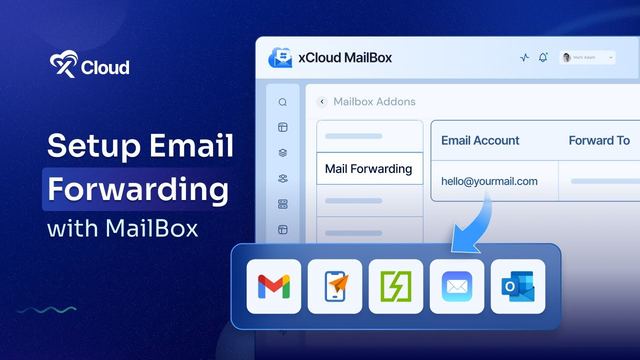
How to Set up Email Forwarding with xCloud MailBox Addon | Step-by-Step Tutorial
Stop wasting time switching between different inboxes. In this video, you will learn how to set up email forwarding in the xCloud MailBox Addon so you can manage multiple addresses from one inbox. Perfect for businesses and professionals. ⚡Key Features of xCloud MailBox Addon: Forward emails from one account to another instantly. Add up to 20 forwarding addresses per mailbox. Option to keep a loca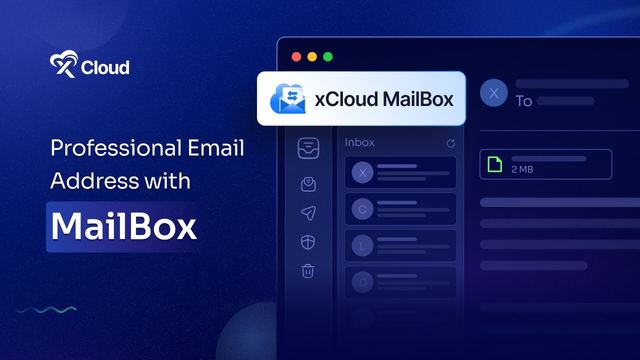
How to Set up xCloud Mailbox Addon | Step-by-Step Guide to Set up Professional Emails
Want to send emails from your own domain instead of using a generic email address? In this tutorial, you will learn how to set up the xCloud Mailbox Addon and create a professional email address with a custom domain and boost your business communication while building more trust with the users.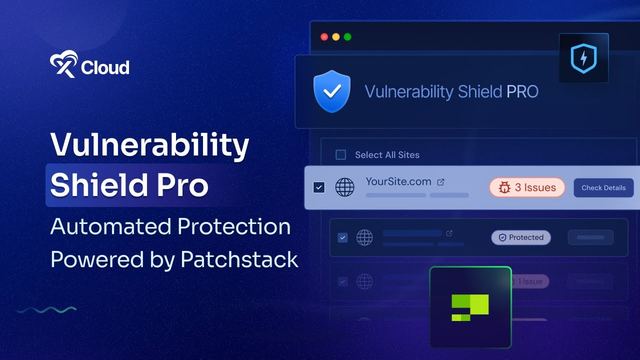
Upgrade Your Website Security with Vulnerability Shield Pro Powered by Patchstack
Take your website protection to the next level with Vulnerability Shield Pro, powered by Patchstack, for just $5/month only! In this tutorial, we’ll show you how to activate this pro security feature to stay protected with automated virtual patching, faster alerts, and more. With this feature, you will get 🛡️ Automated Virtual Patching – Instant protection, no manual updates required ⚡ Early Vu
How to Set up Site Emails with Mailgun SMTP Provider in xCloud? [New SMTP Setup Tutorial]
Welcome to our step-by-step guide on setting up site emails with the Mailgun SMTP provider in xCloud! In this video, we'll walk you through the entire process, from creating a Mailgun account to configuring your xCloud setup for seamless email delivery. 💡Additional Tips Once you integrate Mailgun in xCloud, Fluent SMTP will be installed and activated on your WordPress site. No need to install the
How To Add xCloud Managed Email Service For Your WordPress Site Emails
Discover how to smoothly manage your WordPress site emails with xCloud Managed Email Service! This video guides you through the simple steps to integrate robust email solutions that ensure your communications are both secure and efficient.
100+ tutorials to follow along with
Ready To Deploy Your Projects In xCloud?
Everything in these videos runs on the same platform. Spin up a server, deploy a site, agent or app in a few clicks, and follow along step by step.
Cancel anytime — unused balance refunded