
Video Library Playlist
Complete xCloud Playbook With Topher
This playlist is a complete, step-by-step guide to using xCloud with WordPress. Topher covers everything from server setup and first site launch to migrations, backups, security, caching, staging, email, and advanced workflows. You will learn how to manage unlimited sites based on server resources, optimize performance, secure servers and websites, and scale projects without traditional hosting limits. Start from the beginning if you’re new to xCloud or jump into any topic when needed. This series helps you build, manage, and grow WordPress sites with confidence 🚀
- Videos
- 20
- Runtime
- 3h 1m
The full playlist — 20 videos
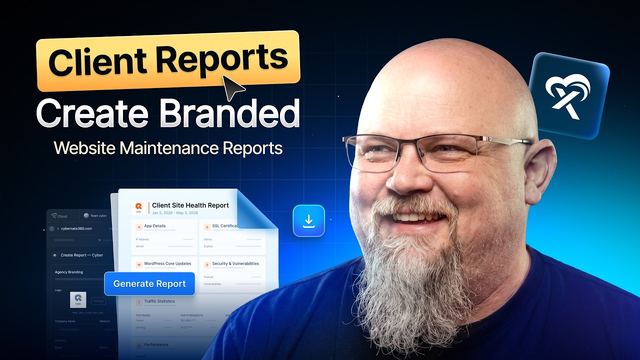
WordPress Maintenance Reports for Clients: Branded PDFs in Minutes | xCloud
Most of the work you do for a client is invisible. Updates get installed, backups run, vulnerabilities get patched, and performance stays healthy — but unless you can show it, clients start wondering what they are paying for each month.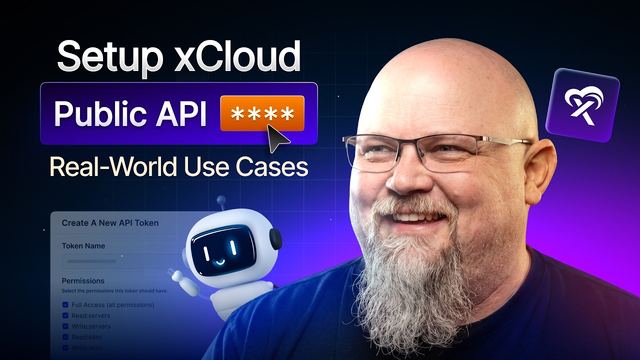
How To Setup xCloud Public API | Real Examples, Use Cases + xCloud Pulse Free Tool For Everyone
xCloud's admin panel now has a public API behind it, which means anything you can do by clicking through the dashboard, you can also do from your own app, someone else's app, or an AI agent.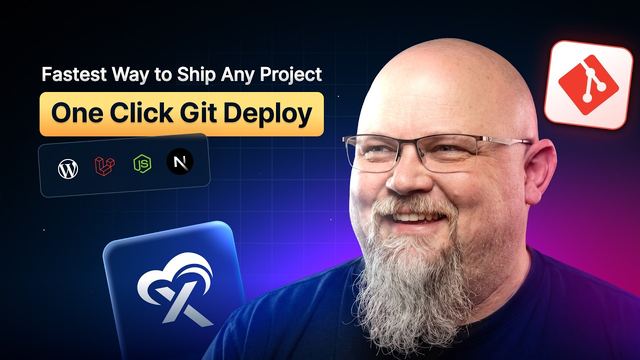
How to Deploy Any Git Projects On xCloud | One Click Git Deployment Tutorial 2026
Deploying an app from GitHub used to mean understanding the framework, configuring the server by hand, and hoping every environment setting was right. xCloud's streamlined Git installer removes all of that friction.
Build & Deploy a Website using Claude Code On xCloud | AI-Powered Web Development Tutorial
Want to build and deploy a website with Claude Code — without writing a single line of code by hand? In this step-by-step tutorial, you will learn the complete AI-powered workflow: describe your site in plain English, let Claude Code build it, push it to GitHub, and use xCloud's push-to-deploy to take it live automatically. It is the fastest path from idea to a live URL in 2026.
How to Deploy WordPress Sites Faster with xCloud Blueprints & Site Snapshots
Launching WordPress sites from scratch is slow and repetitive. Installing the same themes and plugins, then reconfiguring settings for every new project, drains time you could spend on actual work, and small inconsistencies inevitably creep in from one site to the next. For agencies, freelancers and anyone managing multiple sites, that overhead adds up fast.
How to Protect Your Site From Vulnerabilities [Free Scanner + Pro Auto Patch Security
Website security is not optional. Outdated plugins, themes, and core files are among the most common entry points for attackers, and a single unpatched vulnerability can compromise your entire site. Staying ahead of these threats requires constant monitoring and fast action.
What is a Staging Environment? How to Create and Manage a Staging Site with xCloud
A staging environment is a safe copy of your live website where you can test changes before applying them to production. Instead of experimenting directly on your live site and risking downtime or broken features, staging allows you to test plugins, themes, updates, and design changes without affecting visitors.
How to Get a Free Professional Business Email with the xCloud MailBox Addon
A professional email address on your own domain is one of the simplest ways to build trust with customers, and xCloud now gives you one at no cost. The xCloud MailBox Addon includes a Free Mailbox plan at $0/month, available exclusively for xCloud Managed Server users. Every domain on an xCloud Managed Server gets one free mailbox, with no credit card, no trial, and no hidden fees, so you can use
[OpenClaw VPS Guide] How to Deploy OpenClaw On xCloud | Get Your AI Agent Live in 5 Minutes
Setting up your own AI assistant doesn't have to be complicated or require any coding skills. With xCloud's managed hosting, you can get OpenClaw up and running in just a few minutes — and this video shows you exactly how.
How to Set Up Hermes Agent on xCloud | AI Agent Hosting Tutorial
Setting up an AI agent on your server usually means wrestling with the command line, but xCloud makes installing Hermes Agent refreshingly simple. Whether you want a fully GUI-based setup or prefer working in the terminal, this guide walks you through both paths so you can pick what works best for you.
How to Manage WordPress Updates with xCloud Update Manager
Keeping WordPress sites updated is essential for maintaining performance, security, and stability. However, managing updates across multiple websites can quickly become time-consuming, especially when you need to update plugins, themes, and core files individually.
SSH, SFTP & Developer Tools Everything You Need to Know
There will always come a time when you need to log directly into your WordPress site to manage files. Whether it's uploading a Google verification file, handling large uploads, or deleting something that's in the way, knowing how to access your server confidently makes all the difference.
How to Configure PHP Settings for Your Server and Site in xCloud
PHP is the foundation that WordPress runs on, and keeping it updated is one of the simplest ways to improve your site's performance. The latest versions come with important security patches and noticeable speed improvements, so staying current matters more than most people realize.
Complete Guide to WordPress Caching | Clear Cache on WordPress Website
WordPress caching plays a huge role in how fast your website loads and how smooth the user experience feels. If your site shows outdated content, loads slowly, or behaves inconsistently, caching is often the reason.
How to Strengthen Server & Site Security with xCloud? | Security Practice
Website and server security are essential for protecting your applications, user data, and infrastructure from malicious attacks. From brute-force login attempts to malicious bots and suspicious requests, modern websites face constant threats that require proactive protection.
How to Configure xCloud Email Delivery (Transactional Email)
Reliable email delivery is essential for every website. From password resets and order confirmations to contact form notifications and system alerts, transactional emails ensure your users receive important messages instantly. Without proper configuration, these emails may fail to send or land in spam folders.
How to Migrate a WordPress Website to xCloud (From Any Host)
Migrating a WordPress website to a new host can feel complicated, especially when files, databases, and configurations are involved. Fortunately, xCloud simplifies the entire process and lets you move your website from any hosting provider to xCloud quickly and safely.
xCloud UI 2.0 & Complete Dashboard Walkthrough (Manage Servers, Sites & Teams from One Panel)
xCloud gives you a unified control panel to manage servers, WordPress sites, teams, and addons from one place. Everything works inside a clean dashboard designed to simplify daily hosting operations.
Everything You Need to Know About Backups on xCloud (Complete Server & Site Backup Guide)
xCloud provides built-in backup tools for both xCloud Managed servers and WordPress sites. Everything runs directly from the xCloud dashboard. Each one works differently and serves a specific purpose.
100+ tutorials to follow along with
Ready To Deploy Your Projects In xCloud?
Everything in these videos runs on the same platform. Spin up a server, deploy a site, agent or app in a few clicks, and follow along step by step.
Cancel anytime — unused balance refunded