

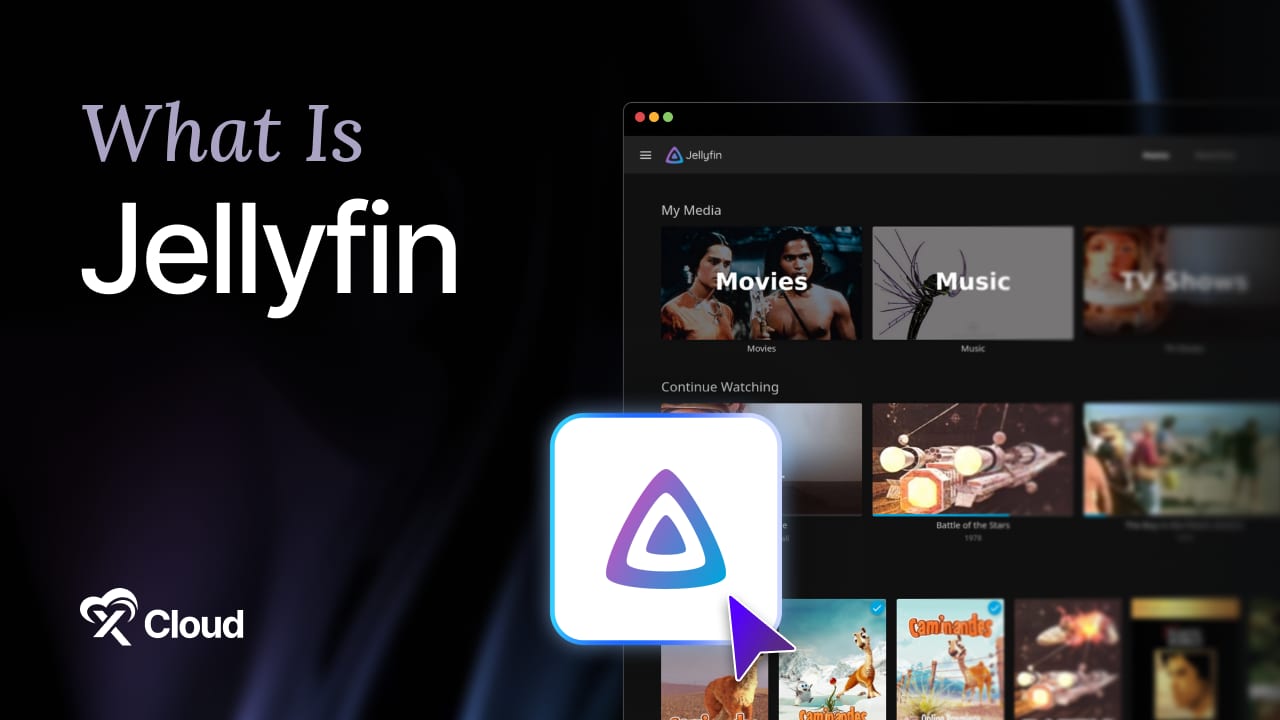
What is Jellyfin? Jellyfin is a free, open source media server you run on your own hardware, and it turns a folder of video, music, and photo files into a private streaming service only you and the people you invite can use.
You bought the movies. You ripped the discs. You have twelve years of family video on a drive in a closet, and every time you want to watch something you plug that drive into a laptop and squint at filenames.
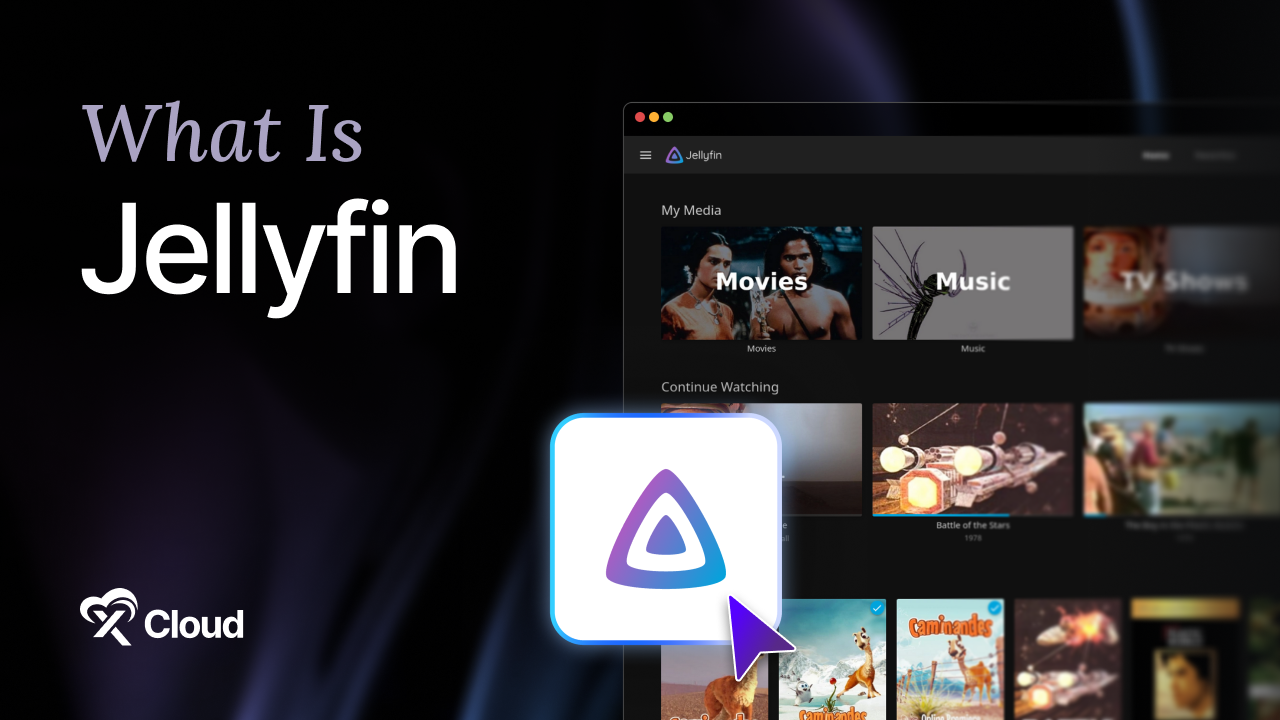
Then a streaming service you pay for removes a show you were halfway through, and running your own server stops sounding like a hobby project.
This guide answers what is Jellyfin in practical terms: the 7 features that matter, the use cases it genuinely fits, the hardware it needs, and where to run it.
Table of Contents
- A few things worth knowing about Jellyfin software
- 1. Automatic library organization
- 2. Clients on almost every screen
- 3. Real user accounts
- 4. Transcoding on demand
- 5. Live TV and DVR
- 6. SyncPlay
- 7. Plugins
- The bandwidth math nobody does first
- What is Jellyfin used for?
- Is Jellyfin really free?
- Does Jellyfin come with movies or TV shows?
- What is Jellyfin compared to Plex?
- How much RAM does a Jellyfin server need?
- Can I run Jellyfin in Docker?
- Can my family watch Jellyfin from their own homes?
- What is Jellyfin’s biggest limitation?
- Is Jellyfin secure enough to expose to the internet?
TL;DR: What Is Jellyfin in Six Lines
Short on time? Here is the whole guide in a few lines:
- What is Jellyfin? A self-hosted media server. Point it at your own files and it organizes them, fetches artwork, and streams them to your phone, TV, browser, and console.
- It is free under GPLv2 with no paid tier. Hardware transcoding, remote access, and mobile playback all ship in the same free build.
- It was forked from Emby in December 2018 after that project closed its open source development, and it has been community-run since.
- The 7 features that matter are library organization, broad client support, real user accounts, transcoding, Live TV, SyncPlay, and plugins.
- Hardware matters more than people expect. Direct play is nearly free; a 4K HDR transcode without a GPU will overwhelm a modest CPU.
- Deployment is the hard part, not the software, which is why one-click hosting exists.
What Is Jellyfin? A Plain Definition
Jellyfin is media server software that you install on a machine you control, which then indexes your personal media library and streams it to client apps over your network or the internet.
Think of it as the difference between a shoebox of photos and an album. The photos were always yours. Jellyfin is the album, the index, and the projector.
You install it on a server. You tell it where your files live. It scans them, matches each one against metadata providers, downloads posters and descriptions, and presents the result as a browsable library.
Apps on your devices connect back to that server and play the files. Nobody else brokers the connection, and nobody can remove a title from your catalog.
A few things worth knowing about Jellyfin software
- It is written in C# and runs on Linux, Windows, macOS, and Docker.
- It ships no content of any kind. Jellyfin organizes media you already own.
- There is no account with Jellyfin the project. Your server is the account system.
- Development happens in the open on the Jellyfin GitHub organization.
What Is Jellyfin? Specs at a Glance
| Attribute | Detail |
|---|---|
| Type | Self-hosted media server |
| License | GPLv2, free and open source |
| Origin | Forked from Emby on December 8, 2018 |
| First release | December 30, 2018 |
| Current line | 10.11.x (10.11.8 released April 5, 2026) |
| Written in | C# |
| Server platforms | Linux, Windows, macOS, Docker |
| Default ports | 8096 (HTTP), 8920 (HTTPS) |
| Paid tier | None |
| Remote access | Included, configured by you |
If you only remember one line: Jellyfin gives you every feature for free and hands you the operations work instead.
Why Jellyfin Exists
Jellyfin did not start as a clean-sheet project. It began as a fork.
Emby was open source until December 2018, when the project moved its development behind closed doors. Co-founders Andrew Rabert and Joshua Boniface, along with other users, forked the last open codebase rather than follow it, as documented on the Jellyfin history page.
That history is a large part of the answer to what is Jellyfin trying to be, and it explains the culture. Jellyfin has no upsell path because the fork happened specifically to escape one.
Features that competitors gate behind a subscription, including hardware transcoding and remote streaming, are simply part of the build. That single fact drives most Jellyfin vs Plex comparisons.
7 Jellyfin Features That Matter
Feature lists blur together. If you are still asking what is Jellyfin actually good at, these seven answer it.
1. Automatic library organization
Point Jellyfin at /media/movies and /media/tv, and it identifies each title, pulls posters, backdrops, cast, plot summaries, and episode data, then keeps them updated as you add files.
Naming matters. A file called Movie.Name.2019.1080p.mkv matches cleanly. A file called final_final2.mkv does not.
2. Clients on almost every screen
Jellyfin has apps or supported clients for web browsers, Android, iOS and iPadOS, Android TV, Amazon Fire TV, Roku, Kodi, and Xbox, plus DLNA and Chromecast targets.
The web client and Android TV client are the strongest. Some platform apps lag the server release by a version, which is the honest state of a community-built client ecosystem.
3. Real user accounts
Each person gets their own login, watch state, resume points, favorites, and parental controls. Your library does not forget where you were because someone else watched the same episode.
Libraries can be scoped per user, so a kids’ account sees only the kids’ shelf.
4. Transcoding on demand
When a client cannot play a file natively, Jellyfin converts it in real time to something that device understands. This is what makes an older streaming stick work with a modern HEVC file.
It is also the feature most likely to pin your CPU, which is why Jellyfin transcoding and hardware acceleration deserve a guide of their own.
5. Live TV and DVR
With a supported tuner and a guide source, Jellyfin shows live channels and records shows to disk. Useful if you still have an antenna, and worth an evening to set up properly.
6. SyncPlay
Introduced in 10.6.0, SyncPlay keeps playback aligned across multiple users watching the same thing in different places. Two people, two cities, one paused frame.
7. Plugins
Metadata providers, subtitle downloaders, playback reporting, theme packs, and integrations all arrive as plugins. Install what you need from the dashboard and skip the rest.
What Is Jellyfin Used For? Who Should Self-Host It
The honest answer to what is Jellyfin for is narrower than the hype suggests, and that is worth saying plainly.
| You are… | Good fit? | Why |
|---|---|---|
| Someone with a large ripped or purchased library | ✅ Strong fit | This is the exact problem Jellyfin solves |
| A household sharing media across TVs and phones | ✅ Strong fit | Per-user accounts and broad client support |
| A photographer or videographer archiving work | ✅ Good fit | Browsable, taggable, streamable, and yours |
| A small studio sharing dailies internally | ✅ Good fit | Private, with no per-seat license |
| Someone who wants a streaming catalog for free | ❌ Wrong tool | Jellyfin ships no content at all |
| Someone expecting zero maintenance | ❌ Wrong expectation | Free software still needs a server and an owner |
Rule of thumb: Jellyfin is for media you already own and want to reach from anywhere without asking permission.
What Is Jellyfin Not Good For?
Its own community will tell you most of this, which is one of the better arguments for the project.
Metadata matching needs help. Anime, foreign titles, and anything with an ambiguous name will need manual identification more often than you would like.
Setup is not beginner-friendly. Getting from “installed” to “my sister can watch this from her apartment” involves DNS, a reverse proxy, and a real SSL certificate, as the Jellyfin remote access guide explains step by step.
Nobody is on call. There is a Discord, a forum, and a fast-moving issue tracker, but no support ticket with an SLA unless you buy one from a host.
Transcoding will humble a small box. Software HDR tone-mapping is demanding enough that a 4K 60fps job can need something in the class of a Ryzen 9 5950X to run faster than real time.
Jellyfin Hardware Requirements
Once you know what is Jellyfin doing during playback, sizing the hardware gets easy. Resource use is not one number: it depends entirely on whether clients direct play or force a transcode.
| Scenario | What the server does | Rough demand |
|---|---|---|
| Direct play | Reads the file, sends bytes | Very low CPU, bandwidth-bound |
| Direct stream | Repackages the container only | Low CPU |
| Transcode 1080p H.264 | Full re-encode | Moderate to heavy CPU, or GPU |
| Transcode 4K HEVC to 1080p | Re-encode plus scaling | Heavy |
| 4K HDR to SDR tone-mapping | Re-encode plus tone-map | Very heavy without a GPU |
The project’s hardware selection guide suggests 8 GB of system RAM as a baseline and around 100 GB of SSD for the OS, Jellyfin files, and transcode cache. It asks for gigabit Ethernet over WiFi and roughly 20 Mbps of upload bandwidth for remote viewing.
For CPUs with usable integrated graphics it names the Intel Core i5-11400, Pentium Gold G7400, Intel N100, and Apple M-series chips. With a discrete GPU handling encoding, CPU performance stops driving encode speed or quality.
The bandwidth math nobody does first
A single remote 1080p stream runs roughly 8 to 15 Mbps. Two of them will saturate most home upload links.
Check your upload speed, not your download speed, before you promise anyone remote access.
Where to Run Your Jellyfin Server
There are two paths, and the right one depends on where your files are and who is watching.
Run it at home when your library is huge, you already own a NAS or spare PC, most viewing happens on your local network, and you accept that your media is offline when your power or internet is.
Run it on a cloud server when you want it reachable from anywhere on a real domain with a valid certificate, and you want datacenter uptime and upload bandwidth behind it.
One thing worth planning on a cloud server: aim for direct play by matching your library’s codecs to your clients. Do that once and playback gets lighter and faster everywhere. This comparison of shared, VPS, and cloud hosting covers the broader choice.
Deploy Jellyfin in One Click
Everything above answers what is Jellyfin. This answers where to run it. The software is free, and the work around it is predictable: provision a server, install Docker or the native package, configure a reverse proxy, issue and renew SSL, open the right ports and close the wrong ones, schedule backups, and apply security updates.
That is a weekend for the first setup and an hour here and there forever after. Your time is the hidden cost, and it is the line item people forget when they compare self-managed and managed hosting.
xCloud Jellyfin Hosting handles that layer. Jellyfin deploys on your own domain with a free SSL certificate already issued, automatic backups running, and security updates applied, across 30-plus server locations.
The entry plan is a 6 GB Cloud VPS at $24.99/month with 4 vCPU cores, 100 GB NVMe SSD, and 30 TB of bandwidth. Unlimited users and libraries, because the software has no seats to sell.
Getting started takes three steps:
- Sign up and pick a server location near your viewers.
- Deploy Jellyfin to your domain in one click.
- Upload your media and add your libraries.
This is the setup that fits most people: a library you want reachable from anywhere, viewers spread across more than one household, and datacenter bandwidth behind it instead of a home connection.
Ready to skip the Docker and reverse proxy weekend? Deploy Jellyfin on xCloud and start streaming your own library today.
Decide Where Your Jellyfin Library Should Live This Week
The practical answer to what is Jellyfin worth doing for is this. It answers a specific question well: how do I watch the media I own, on any device, without a company deciding what stays available. It is free, it is complete, and there is no second act where the good features move behind a paywall.
The cost shows up in setup and maintenance, and pretending otherwise is how people end up with a half-configured server nobody in the house trusts.
So make one decision this week. If your files are big and local, build it at home and follow the Jellyfin self-hosting guide through the first-run checks. If you want it reachable from anywhere without becoming your household’s sysadmin, put it on a managed server and spend the weekend watching something instead.
If you have found this blog helpful, feel free to subscribe to our blogs for valuable tutorials, guides, knowledge, and tips on web hosting and server management. You can also join our Facebook community to share insights and engage in discussions.
Frequently Asked Questions
What is Jellyfin used for?
Jellyfin is used to organize and stream a personal media library that you already own. You point the Jellyfin software at folders of movies, TV shows, music, or photos, and it builds a browsable catalog you can play on phones, browsers, smart TVs, and consoles.
Is Jellyfin really free?
Yes. Jellyfin is licensed under GPLv2 with no paid tier, no premium unlock, and no feature gates. Hardware transcoding, remote access, and mobile playback are all in the free build. You still pay for the hardware or hosting you run it on.
Does Jellyfin come with movies or TV shows?
No. Jellyfin ships no content whatsoever. It organizes and streams media files you already have, and what you add to your library is entirely your responsibility.
What is Jellyfin compared to Plex?
Plex is a commercial product with a free tier and a paid Plex Pass, while Jellyfin is fully free and community-run. The practical difference in 2026 is that remote streaming of your own media on Plex requires a paid pass, while Jellyfin includes it.
How much RAM does a Jellyfin server need?
Jellyfin’s own guidance suggests 8 GB of system RAM as a comfortable baseline, though a small library serving one or two direct-play streams runs fine on less. RAM is rarely the bottleneck; CPU or GPU capacity for transcoding usually is.
Can I run Jellyfin in Docker?
Yes, and it is the most common deployment method. The official container is maintained by the project, and Docker gives you a clean rollback if an update misbehaves.
Can my family watch Jellyfin from their own homes?
Yes, but you configure remote access yourself with a domain, a reverse proxy, and a valid SSL certificate. Your server’s upload bandwidth sets the real limit on how many people can watch at once.
What is Jellyfin’s biggest limitation?
Client app consistency. The web and Android TV clients are strong, but some smart TV platforms depend on third-party maintainers and lag the server by a release. Metadata matching for anime and foreign titles is the second most common complaint.
Is Jellyfin secure enough to expose to the internet?
Only behind a reverse proxy with proper HTTPS. Jellyfin’s documentation at jellyfin.org states directly that opening a port to the internet is insecure and not recommended, and that self-signed certificates should be avoided.
Last updated September 14, 2026
← All articles