

The xCloud September 2026 release notes come down to one idea: September was about letting your tools do more of the work. Across five releases, a large share of what you can do in the xCloud dashboard also became available through the xCloud Public API and xCloud MCP, so scripts, dashboards, and AI agents can take on hosting work you used to do by hand.
That means deploying One-Click Apps, purchasing mailboxes and servers, reading billing data, managing Docker backups, creating Git staging environments, and diagnosing a failed deployment can now happen through an API call or an AI client. And with multi-team access, one token or one MCP connection can work across every team you choose.
This is where xCloud is heading: the same platform, whether you click through the dashboard or let your tools and agents handle it for you.
Alongside that, September brought Ubuntu 26.04 LTS support, backup and restore for Docker applications, Site Security Pro, staging environments for Git sites, xSpeed Cache integration, flexible team access, smarter Cloudflare Enterprise automation, white-label Mailbox reselling, a new team Wallet, and dozens of improvements across Git, servers, backups, billing, and security.
Here is everything we shipped in September 2026.
Grab a cup of coffee, settle in, and let us explore everything we shipped in the September 2026 release.
Highlights of the xCloud September 2026 Release
Here is a quick look at the biggest updates before we dig into the details:
- Agent-Ready MCP & Public API lets AI agents and automation deploy apps, diagnose failed deployments, purchase services, and read billing data.
- Multi-Team API Tokens & MCP Access gives one token or one MCP connection access to every team you choose.
- Ubuntu 26.04 LTS is now available as a Beta option when you create a new server.
- Docker Backup & Restore protects both your Docker application data and the configuration needed to recreate it.
- Site Security Pro gives your WordPress site a security score, protection-health insights, and an expanded hardening suite.
- Staging Environments for Git Sites let you test changes safely before they reach production, from the dashboard or the API.
- xSpeed Cache Integration makes xSpeed Cache a first-class page-cache provider with Redis-backed object caching.
- Flexible Team Access lets you share all, selected, or selected-plus-future servers and sites, while sensitive actions still need your approval.
- Smarter Cloudflare Enterprise purges only the URLs or Cache-Tags that changed, now automatically on every deploy, with more control through the API.
- Team Wallet & Account Credit keeps your credits in one clear place and lets you claim credit for eligible unused server units.
- White-Label Mailbox Reselling lets resellers publish paid Mailbox plans under their own brand.
Scroll down to explore each feature in detail.
🎬 Watch the September 2026 Recap
Prefer to watch? This short video walks through the biggest September updates, from Site Security Pro and AI caching to Docker backups and more.
🤖 Agent-Ready MCP & Public API: Let Your Tools Do the Work
Automating xCloud used to stop at the edges. You could script parts of your workflow, but deploying a One-Click App, buying a mailbox, or figuring out why a deployment failed still meant opening the dashboard.
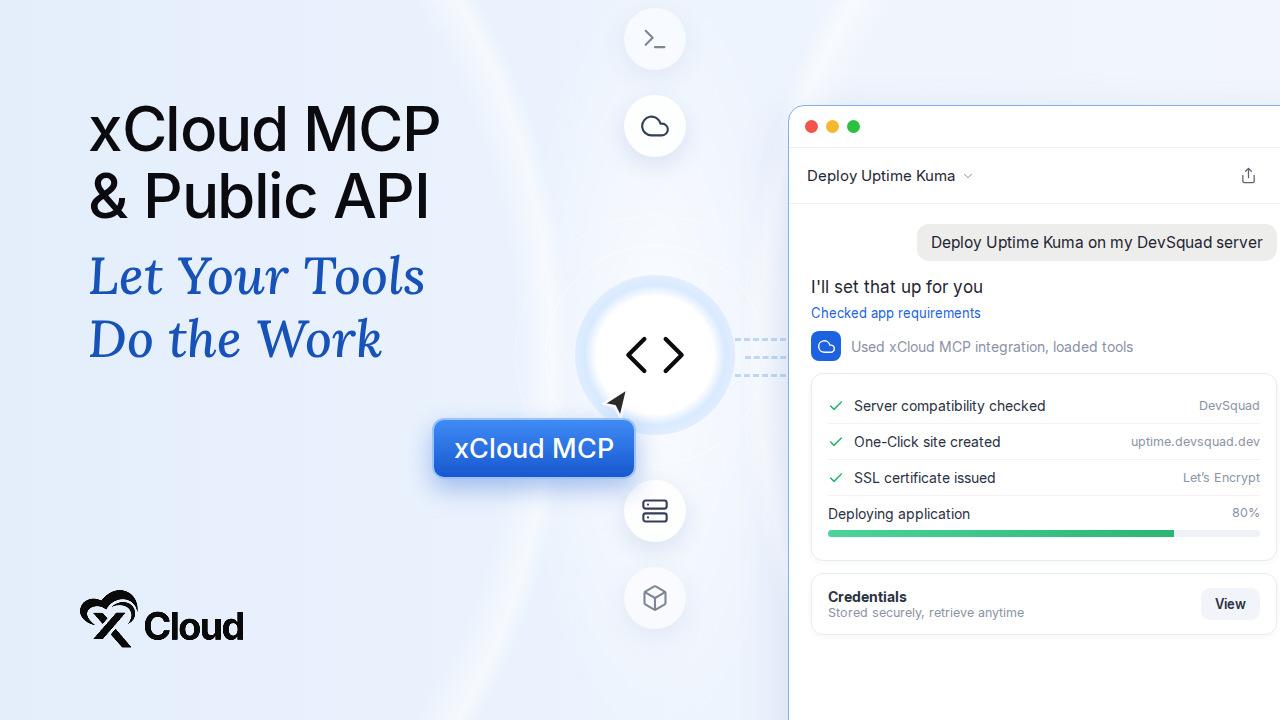
This month, the xCloud Public API and xCloud MCP gained a large set of new capabilities. xCloud MCP can now help AI agents find the right operation, answer product questions, validate inputs before anything runs, and recover failed deployments. The unified MCP endpoint supports both the complete tool set and a compact profile for clients that prefer a smaller surface.
Here is what you can now do through the API and MCP:
- Deploy One-Click Apps. Browse the catalog, check an app’s requirements and server compatibility, deploy it, track progress, and securely retrieve its generated credentials.
- Manage One-Click App installations. Start, stop, restart, and delete supported apps, and safely retry interrupted requests without creating duplicate sites or charges.
- Diagnose and fix failed deployments. See why a Git deployment failed, what needs to change, then correct the settings and retry on the same site.
- Preview before you create. Preview site creation and check a Docker Compose repository before any resources are created.
- Purchase services. Buy mailbox services, Mail Delivery, and xCloud Managed servers programmatically.
- Read billing data. Retrieve your plan, bills, invoices, packages, subscriptions, and masked payment-method details with the new
read:billingpermission. - Manage servers and backups. Control supported server services, change Node.js versions, and list, inspect, create, configure, and delete Docker backups.
Billing access is read-only. Payments and checkout actions stay inside xCloud, so no integration can move money or read full card details. One-Click App access uses permission-based controls, and sites, servers, and credentials stay isolated between teams.
Explore the full reference: xCloud Public API documentation
👥 Multi-Team API Tokens & MCP Access: One Connection, Every Team You Choose
A token or MCP connection used to work with exactly one team. Agencies managing several clients needed a separate token for each one, or had to authorize their AI client again every time they switched teams.
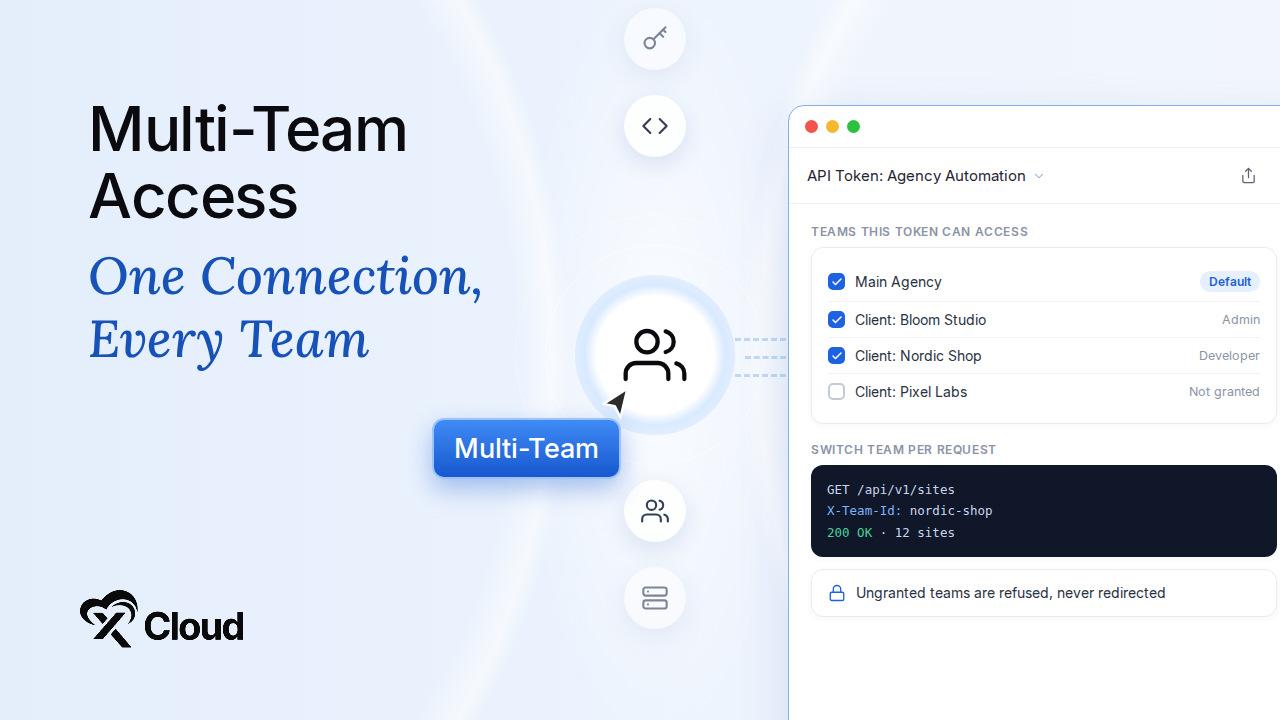
Now you authorize once and choose the teams. Grant one API token or one MCP connection access to the teams you select, keep one as the default, and switch to another granted team on any request, without creating more tokens or reconnecting your AI client.
Here is how it works:
- Pick your teams once. Grant access to the teams you select when you create the token or connect MCP.
- Switch per request. The Public API selects a team with the
X-Team-Idheader, and an MCP agent passes the optionalteamargument. - Stay within your permissions. Only granted teams are reachable, each team’s existing roles and permissions still apply, and a request for an ungranted team is refused rather than redirected.
- Keep what already works. Existing single-team tokens continue working without changes.
For agencies connecting AI tools to client work, this turns a stack of tokens into a single connection.
Read the guide: Multi-team API tokens and MCP access
🔑 Team Access That Keeps Up as You Grow
Inviting a team member used to mean choosing between too much access and too little. And every time you added a new server or site, someone had to remember to share it again.
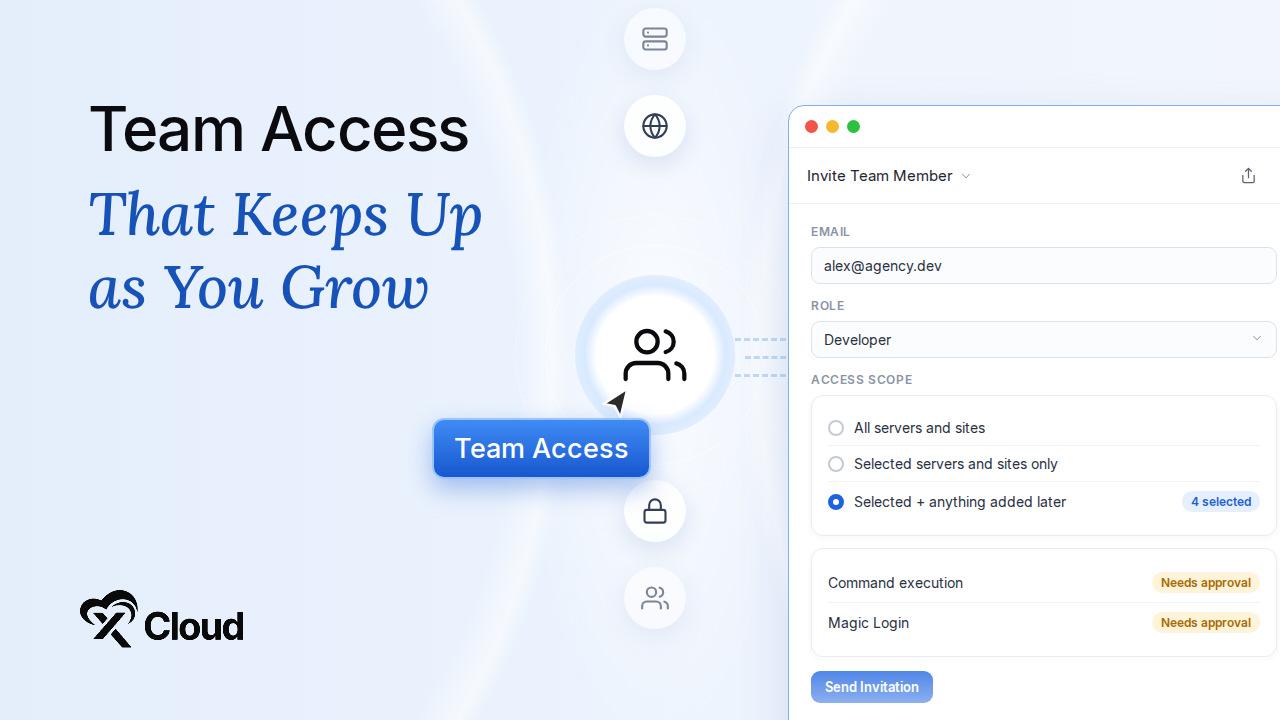
Now you decide the scope once, and xCloud keeps it up to date as your workspace grows.
Here is what flexible team access gives you:
- Choose the scope. Invite members to all servers and sites, only the ones you select, or your selection plus anything added later.
- Permissions that follow the role. Eligible new features are granted automatically, but never above the member’s role.
- Sensitive actions stay protected. Command execution and Magic Login still need your explicit approval.
The same release also put you in control of support access. After opening a support ticket, you can now update SSH permission, Magic Login permission, and how long access stays valid, and support staff cannot grant themselves access.
For agencies onboarding developers, freelancers, or client staff, this means less manual sharing and fewer permission surprises.
Learn more about team roles and permissions in xCloud.
🐧 Ubuntu 26.04 LTS: Now Available for New Servers
You can now select Ubuntu 26.04 LTS when creating a new server on xCloud. It is currently available as a Beta option, while Ubuntu 24.04 remains the default.
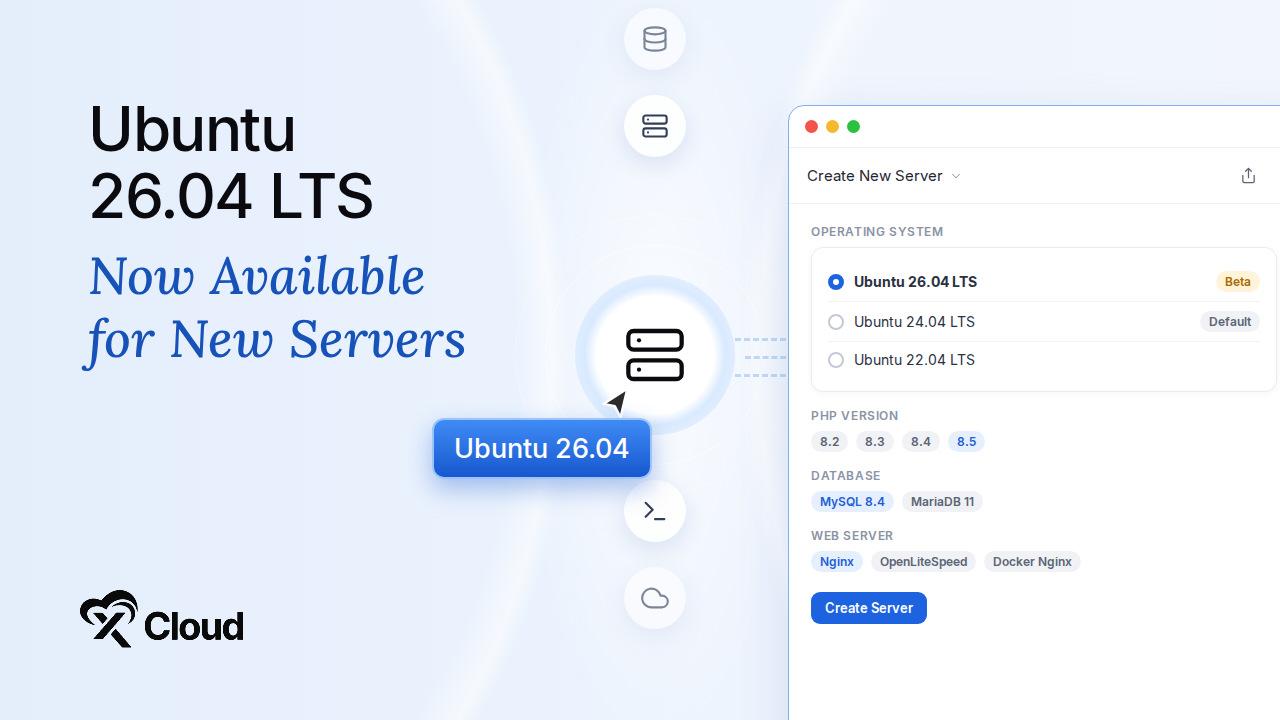
Here is what Ubuntu 26.04 supports on xCloud:
- Supported providers. Available across supported cloud providers and compatible custom servers.
- Modern PHP. Run PHP 8.2 through PHP 8.5, depending on server configuration.
- Current databases. Use MySQL 8.4 or MariaDB 11. Database selectors now show only versions compatible with the selected operating system.
- Your choice of stack. Works with Nginx, OpenLiteSpeed, and Docker Nginx server setups.
- Full platform compatibility. Package, firewall, database, backup, and runtime support have all been updated for Ubuntu 26.04, including large-site migrations onto fresh servers.
Existing Ubuntu 22.04 and Ubuntu 24.04 servers continue to work as before. Ubuntu 26.04 is not yet available for AWS Lightsail or xCloud’s managed AI hosting products, including OpenClaw, Hermes, and Paperclip.
Read the guide: How to create a server with your preferred Ubuntu version
🐳 Docker Backup & Restore: Protect Your Data and Your Configuration
Backing up a Docker application is not only about the data. If you cannot recreate the Compose configuration and environment settings, a backup alone does not bring the app back.
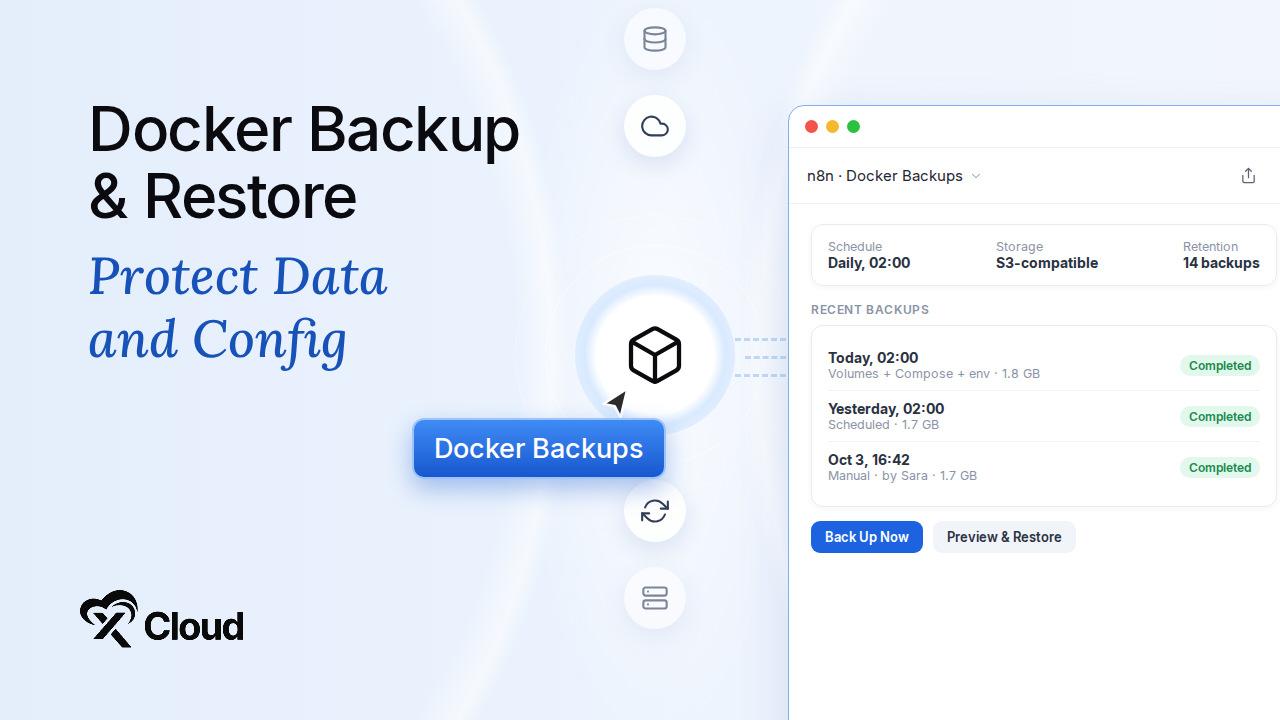
Docker applications now have a dedicated backup and restore experience. Whether the site was created from a One-Click template, Docker Compose, a Git repository, or a Dockerfile, you can protect both the application data and the configuration needed to recreate it.
Here is what you get with Docker backups:
- Back up on your schedule. Create backups on demand, or schedule them daily, weekly, or monthly.
- Set retention per site. Keep as many backups as each application needs.
- Choose where backups live. Store them locally, or with a configured S3-compatible or SFTP provider.
- Preview before restoring. Check a backup’s contents before you restore it.
- Restore the whole app. Bring back named volumes, bind-mounted data, Docker Compose configuration, and environment settings.
- See the details. Backup screens show the provider, storage bucket, backup size, and the team member who started each backup.
To keep data consistent, xCloud briefly stops the application while it captures the local snapshot, then brings the app back online before uploading. The interruption lasts only as long as it takes to copy the application data, not the full upload.
Read the guide: Back up and restore Docker apps
🛡️ Site Security Pro: Understand and Strengthen Your WordPress Security
Most WordPress security problems are not dramatic. They are small gaps nobody noticed, until something goes wrong and a client asks why.
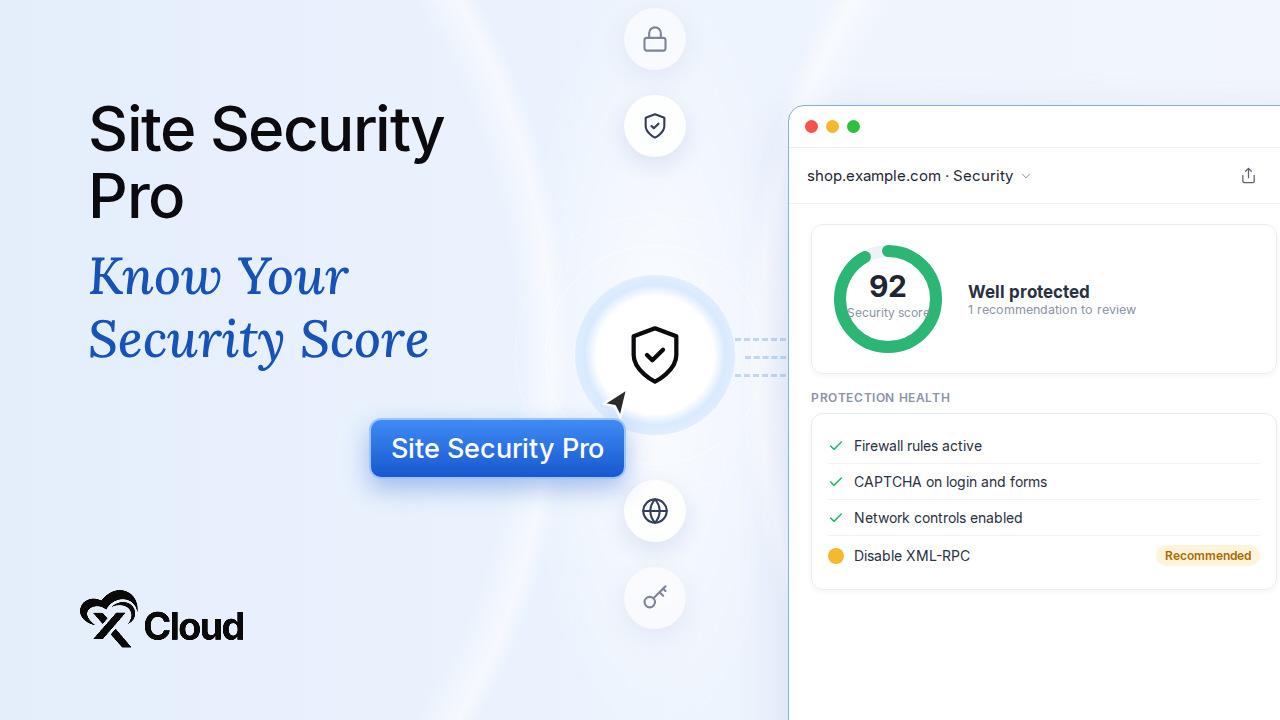
Site Security Pro helps you see where your WordPress site stands and close those gaps from your xCloud dashboard.
Here is what Site Security Pro gives you:
- A security score. See how well protected a site is at a glance.
- Protection-health insights. Understand which protections are working and which need attention.
- CAPTCHA and network controls. Add more protection against bots and unwanted traffic.
- An expanded hardening suite. Apply more hardening measures to your WordPress site from one place.
For agencies responsible for many client sites, this makes security something you can review and report on, not just hope for.
🔀 Staging Environments for Git Sites: Test Before You Ship
Git-based sites used to have one environment. Testing a change meant deploying it and hoping nothing broke in front of visitors.
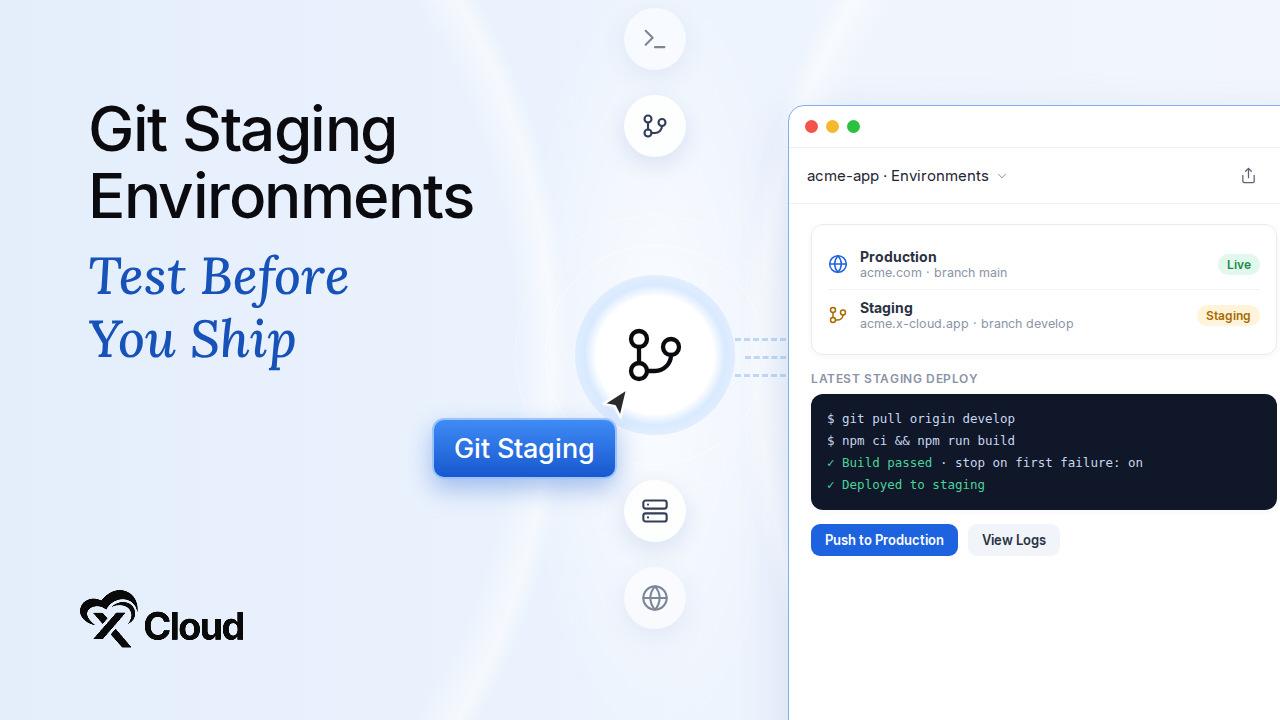
You can now create separate production and staging environments for Git-based sites, so changes can be tested safely before they reach production. The same workflow is available through the Public API, with support for both temporary xCloud staging domains and custom domains.
Here is what else changed for Git deployments this month:
- Safer deploy scripts. New sites now stop a custom deploy script as soon as a command fails, so a partially failed build is no longer reported as successfully deployed. Existing sites keep their current behavior and can turn on the stricter mode from Git settings.
- Cloudflare-assisted deployments. Git deployment requests can use a connected Cloudflare integration to configure DNS and supported SSL settings automatically.
- No more overwritten directories. Git deployments no longer overwrite non-empty destination directories, and interrupted clones can be retried safely.
- Separate deploy keys. Git sites no longer reuse server-provisioning keys as repository deploy keys.
- Easier public repositories. Public repositories no longer require private-repository access or an unnecessary deploy key, while private repositories stay protected.
Read the step-by-step guide: How to create a staging environment in xCloud
⚡ xSpeed Cache Integration: Page and Object Caching, Built In
xSpeed Cache is now a first-class page-cache provider in xCloud. You can manage it directly from your site dashboard instead of treating it as just another plugin.
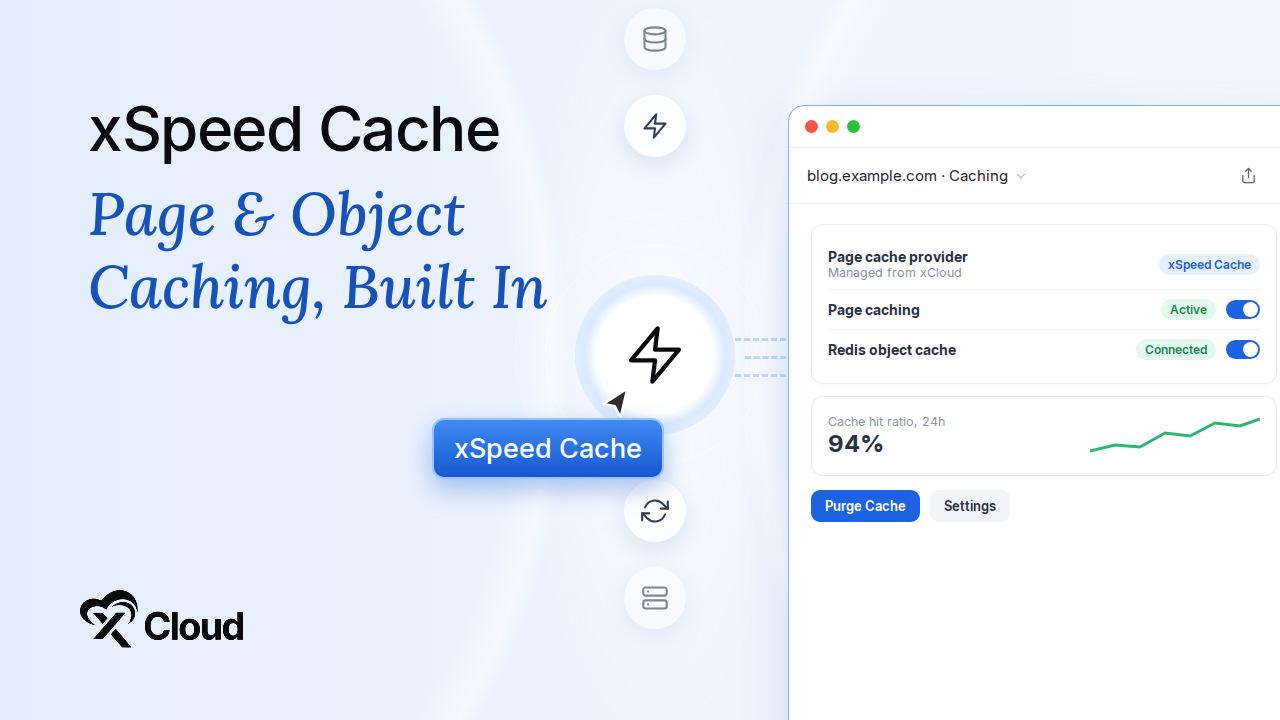
Here is what the integration gives you:
- Integrated controls. Activate, deactivate, and purge xSpeed Cache from xCloud.
- Redis-backed object caching. Pair page caching with Redis object caching for faster dynamic pages.
- Clear status. Provider status is easier to read, and sites powered by xSpeed now correctly show page caching as active in site lists.
- More dependable behavior. Activation, deactivation, purging, and Redis handling are all more reliable.
Read the guide: Configure xSpeed Cache settings in xCloud
☁️ Smarter Cloudflare Enterprise: Purge Only What Changed
Purging the entire cache every time one product page changes is wasteful. Every other page has to be fetched from your server again.
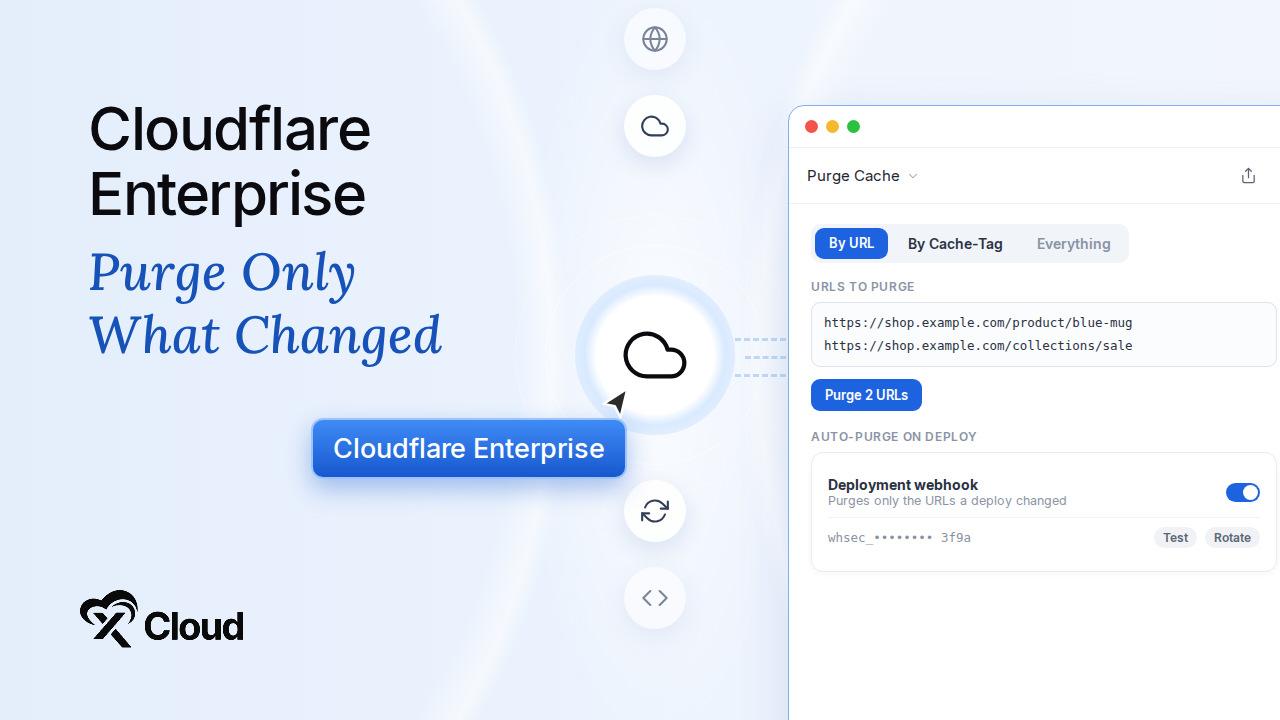
You can now clear only the Cloudflare Enterprise content that needs refreshing.
- Purge by URL. Clear one or multiple specific URLs.
- Purge by Cache-Tag. Clear groups of cached content using Cache-Tags.
- Use it anywhere. Targeted purge works from both site and external-domain dashboards.
- Keep the full option. Full-cache purge is still available whenever you need it.
This gives stores, membership sites, publishing platforms, and frequently updated applications more precise cache control without clearing unaffected pages. Before clearing anything, URL purges verify domain ownership.
Later in the month, Cloudflare Enterprise got even smarter:
- Auto-purge on every deploy. External domains and non-WordPress sites can now use an auto-purge webhook that clears only the URLs a deployment changed. Each domain gets its own secret, which you can create, copy once, test, rotate, or disable.
- Smarter WordPress auto-purge. WordPress auto-purge now clears changed URLs instead of the whole site, purge credentials can be rotated, staging clones get their own purge identity, and the purge plugin can be updated from the Enterprise page.
- Provider-aware apex DNS guidance. xCloud now prioritizes the apex DNS records your DNS provider supports, while domain ownership verification stays ahead of the edge cutover.
- More control for automation workflows. The xCloud Enterprise API now supports targeted purges, per-domain edge TTL, tenant-safe WAF rule visibility, and opaque external client references.
Read the guide: How to configure Cloudflare Enterprise auto-purge webhooks
👛 Team Wallet, Account Credit, White-Label Reselling & Mail Delivery
September also brought several updates to billing, reselling, and email.
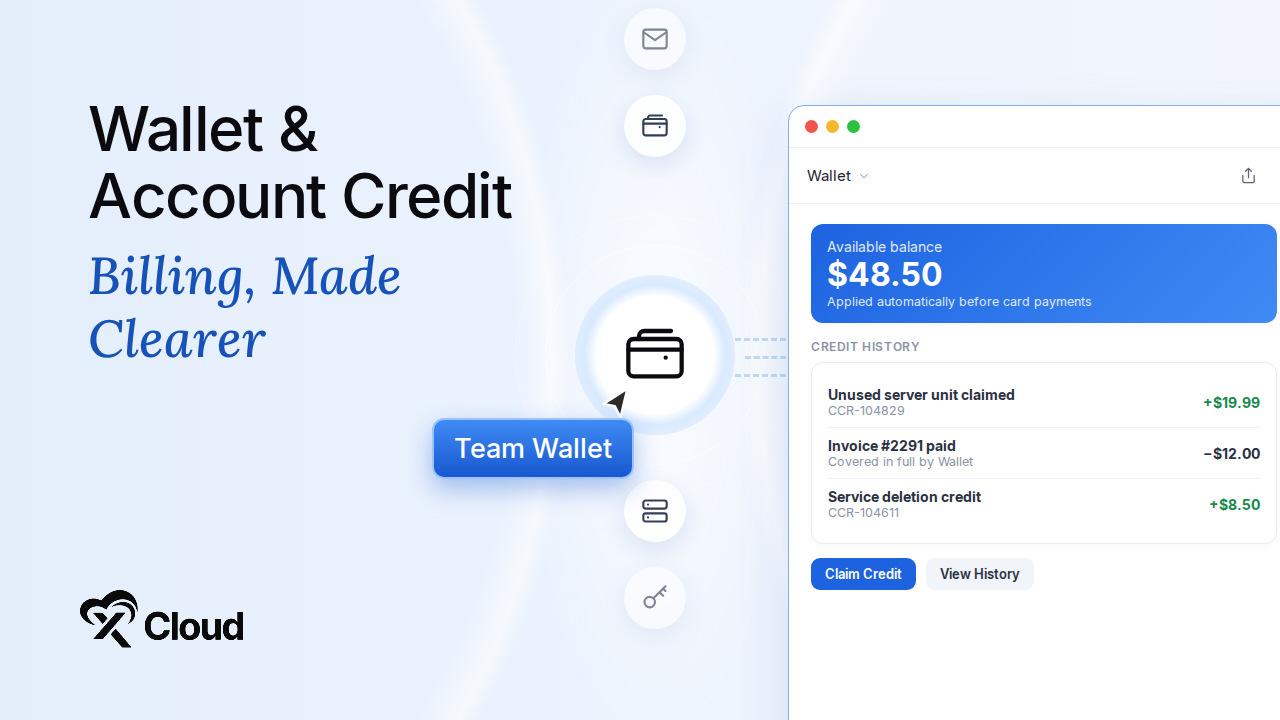
- New Team Wallet. Account credits now live in one clear, auditable place. Credit is applied automatically before a card payment, so only the remaining invoice amount is charged. If the Wallet covers the full invoice, no card payment is needed. View your balance and credit history from the Wallet page, and submit a claimable-credit request after deleting a paid service, tracked with a unique CCR reference. For eligible self-managed servers deleted within 14 days of creation, the full paid amount can be returned as xCloud credit. The Wallet is not shown on white-label accounts, where the reseller handles billing.
- Account Credit for Unused Servers. Bought several server units with “purchase now, set up later” and did not use them all? You can now claim eligible unused units as Account Credit, one unit at a time. The credit amount and any applicable payout fee are shown before you confirm.
- White-Label Mailbox Reselling. Resellers can now publish paid Mailbox plans with their own name, SKU, and price. Plans become available to clients once they are activated and published. The free 100 MB plan is not resellable.
- Better White-Label Signup. Visitors can choose from the reseller’s server plans while creating their account, shortening the path from signup to purchase. The server creation screen now marks plans already purchased, shows clearer Deploy and Pay & Deploy actions, and asks for confirmation before you switch away from a purchased plan, so you do not pay twice by accident.
- Mail Delivery for More Site Types. Mail Delivery provider and custom-domain settings now work reliably on Joomla, Laravel, and custom applications, not only WordPress, with better error handling during setup.
- Automatic Backup Health Recovery. xCloud can now detect sites that have stopped producing expected backups and automatically repair supported configuration problems, even when no failed task is visible.
Read the guide: How to claim account credit for an unused server purchase
❇️ Additional New Features
Beyond the headline features, September also delivered several notable additions:
- Encrypted Environment Scripts. Site environment scripts are now encrypted at rest, protecting the database passwords, application keys, and API credentials stored in the platform database. Existing records are handled safely during the transition.
- Flexible Server Checkout. Opening an app-specific or stack-specific sales link now lets you change the server specification without losing the selected app, stack, or checkout context. See current plans on the pricing page.
- Protected Databases. Databases currently used by a site or server are now protected from accidental deletion.
- Safer PHP Defaults. Production PHP configurations now hide PHP errors from visitors by default.
- Better Mobile Usability. Deployment tables, site headers, add-site screens, and warning banners now work better on mobile devices.
95+ Improvements & Fixes Across the Platform
With every release, we ship improvements and bug fixes alongside the new features. Some of these changes stay behind the scenes, but they play an important role in making xCloud more reliable, stable, and easier to use. September included more than 95 of them.
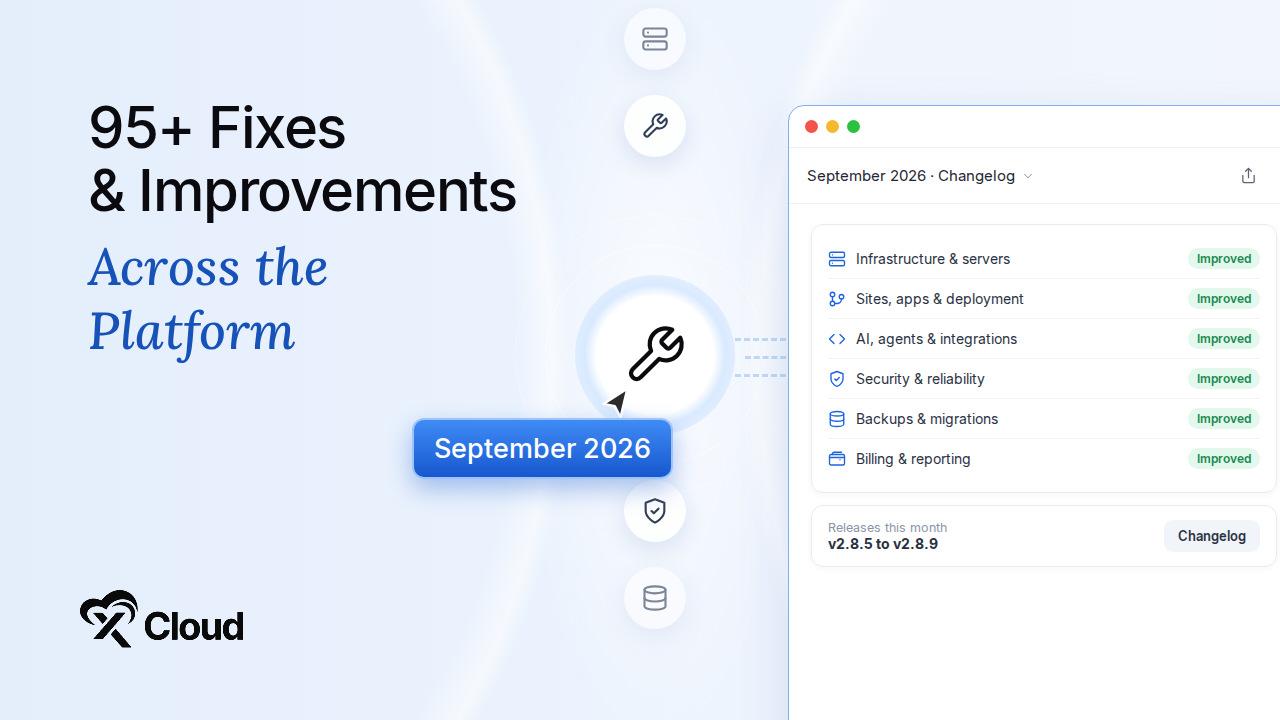
Infrastructure & Server Management
- Improved Nginx module installation when a primary download method is unavailable, with a secure fallback for required modules and dependencies.
- Fixed incomplete Nginx module installations being reported as successful.
- Partial nginx.org upgrades now recover more reliably and no longer risk looping indefinitely.
- nginx.org upgrades now work correctly on Ubuntu 22.04.
- OpenLiteSpeed restarts and configuration checks no longer treat harmless warnings as failures.
- OpenLiteSpeed TLS repair now confirms that the placeholder certificate has been replaced, and outdated TLS notices can be dismissed cleanly.
- Redis installation now records the correct version and preserves an existing PHP Redis extension.
- Improved PHP, MySQL, MariaDB, Nginx, firewall, and system-service installation on Ubuntu 26.04.
- Improved GPU runtime setup while avoiding unnecessary service restarts where possible.
- Vultr rebuilds now wait for temporary instance locks to clear before failing.
- Vultr provisioning now verifies the selected SSH key before creating an instance.
- Public catalog data now falls back to current Vultr plan specifications when needed.
- Fixed Hetzner server creation failures caused by SSH key name collisions.
- Heartbeat checks no longer repeatedly attempt SSH connections to known-unreachable servers.
- The “reboot required” alert is displayed correctly on server pages again.
- Fixed IP ban and unban actions reporting success when the server-side action failed.
- “Continue Setup” now opens the provider and plan you originally selected.
- Run & Debug no longer removes an active custom Nginx configuration when validation fails.
- OpenLiteSpeed redirect-only domain groups no longer become server-wide catch-alls.
- A failed self-managed server deletion now offers usable delete and retry options.
Sites, Apps & Deployment
- Improved Git clone and redeploy reliability when GitHub temporarily rejects public repository requests, with safe retry handling.
- Improved repository detection, normal Git pulls, and Git-based app installation.
- Git authentication failures now return clearer guidance instead of leaving deployments waiting.
- Git deployments detect more project types, keep your resolved build settings, and work more reliably with private Docker Compose repositories.
- Deployment retries now use corrected Dockerfile paths, and a deploy is no longer lost if the first connection to the server fails.
- Git deployment webhooks now handle invalid site identifiers and missing secrets safely, and webhooks are restored for older sites.
- Large Git-provider lists no longer cause memory errors while sorting.
- WordPress site creation now previews database requirements up front and returns clearer progress and dashboard links.
- Fixed WordPress provisioning on servers that do not yet have a database service.
- Fixed xSpeed installation failures caused by another plugin’s output corrupting the generated web-server configuration.
- Nginx Helper settings are now written and activated correctly for WordPress Multisite.
- Updated default blueprints now add missing plugins without overwriting team customizations.
- Site deletion now prevents collisions, stuck deletions reach a clear failed state, and retry actions work properly.
- The Delete Local Backups option is back during site deletion.
- Git setup no longer gets stuck on “Setup in progress”, and stale setups can be retried.
- Node.js and SSR sites now regenerate their PM2 configuration after the start command changes.
- WordPress fatal-error alerts now ignore stale and unrelated log entries.
- Large broken-link scans now report progress in bounded batches.
- Sites stay assigned after a Mail Delivery cancellation.
AI, Agents & Integrations
- OpenClaw setup no longer hangs during model selection.
- OpenClaw and Paperclip servers now use Node.js 24 by default.
- DeepSeek Harness provisioning no longer crash-loops because of drifting dependencies.
- One-Click API installation tracking now tells automation tools clearly when an operation has completed or cannot continue.
- Added clearer rate-limit and validation messages, and more consistent app information across catalog and installation responses.
- Fixed retries creating duplicate One-Click sites or duplicate charges.
- Fixed One-Click installations being accepted on suspended, deleting, or otherwise unavailable servers.
- Fixed Public API site filters that could return a server error for status or type filters.
- Fixed database credential collisions for www site variants.
- Plus a range of smaller MCP fixes across validation, search, and deployment responses.
Security & Reliability
- Cloudflare Enterprise Origin CA certificates are now assigned to the correct xCloud origin hostname, preventing TLS 526 errors.
- OpenLiteSpeed now blocks access to sensitive dotfiles consistently on both new and existing sites.
- One-Click credentials are protected from browser and proxy caching.
- Fixed SSL issuance for manual DNS setups.
- Cloudflare Enterprise purge callbacks are now rate-limited.
Backups & Migrations
- Excluded paths are now synchronized correctly when backup settings are applied in bulk.
- Incremental SQL cleanup now preserves valid backup chains instead of relying only on file age.
- Backup restore now lists eligible destination servers correctly.
- Starting a manual Docker backup no longer creates an unintended recurring schedule.
- Backup-tool upgrades now preserve a working installation if an update cannot be completed.
- Improved large-site migration handling on fresh Ubuntu 26.04 servers.
- Incremental backup failures now identify the specific database object that failed.
Billing & Reporting
- Private package checkout now correctly applies eligible access-key coupons.
- Refund receipts now show the amount that actually settled, including partial refunds and duplicate-webhook scenarios.
- LTD and provider conversions now retain the correct recurring price and billing state.
- More consistent handling of queued invoice consolidation, with clearer suspension notes generated from billing reports.
- Server resizes no longer renew the previous tier from a stale billing chain.
- Site Security Pro now blocks duplicate purchases for the same domain.
- Package renewals now complete correctly after an asynchronous payment.
- When package capacity runs out, you now see a clear inline validation message instead of a blank failure.
Platform & Workflow
- Fixed duplicate environment-script records created during repeated saves.
- Plus multiple mobile UI, provisioning, billing, and platform fixes.
Check out the full release details for each version in the xCloud changelog.
Wrapping Up September and Looking Ahead
September 2026 was about handing work to your tools. More of xCloud now runs through the API and MCP, one connection reaches every team you manage, team access keeps up as your workspace grows, Cloudflare Enterprise purges only what changed, Docker apps can be backed up and restored in full, and Git sites finally get a safe place to test changes before they go live.
Everything here is already live on your account. Create your next server on Ubuntu 26.04 LTS, set up a backup schedule for your Docker apps, and connect your AI tools through the xCloud Public API and xCloud MCP.
A big thanks to everyone who shared feedback and requested improvements this month. Many of the fixes above started as a comment or a support ticket, and your suggestions help us make xCloud better every day.
Go ahead and explore these new features today. As always, your feedback plays a key role in shaping what comes next. Stay with us for more insights, and feel free to subscribe to our blog for valuable tutorials, guides, and tips on web hosting and server management.
Join the Facebook Community, share your ideas, and help us build the next wave of updates. October is right around the corner, and we have even more exciting things in the pipeline.
Frequently asked questions
Can I use Ubuntu 26.04 LTS on every xCloud server?
Not yet. Ubuntu 26.04 LTS is available as a Beta option for new servers across supported cloud providers and compatible custom servers. It is not yet available for AWS Lightsail or xCloud’s managed AI hosting products, including OpenClaw, Hermes, and Paperclip. Existing Ubuntu 22.04 and Ubuntu 24.04 servers continue to work as before.
Can one API token work across several teams?
Yes. Grant one API token or one MCP connection access to the teams you select, then choose a team on each request. The Public API uses the X-Team-Id header, and an MCP agent passes the optional team argument. A request for a team you did not grant is refused, and existing single-team tokens keep working without changes.
Does a Docker backup include the configuration?
Yes. A Docker backup protects the application data and the configuration needed to recreate it, including named volumes, bind-mounted data, Docker Compose configuration, and environment settings. You can preview a backup’s contents before you restore it.