
Run your apps on Node.js 26 LTS
Free and paid plans
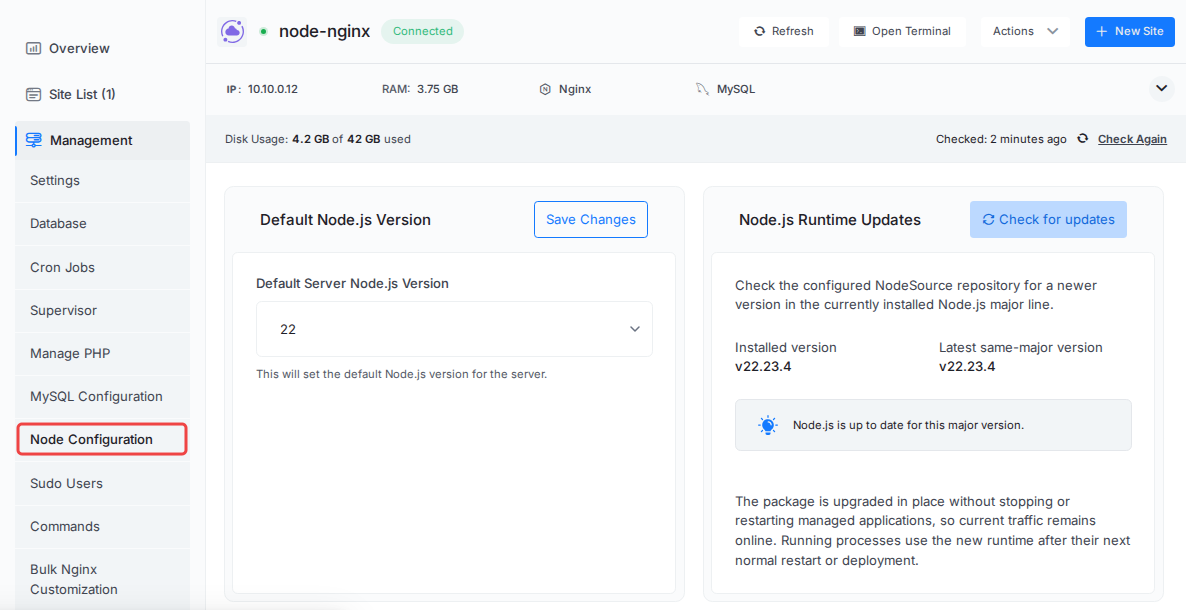
Node.js 26 became the newest long-term support version in October 2026. Before, the newest version you could pick was Node.js 24. Now you can choose Node.js 26.
Who it’s for: developers who host Node.js apps on xCloud.
- Open your server → Node Configuration, pick 26 under Default Node.js Version and click Save Changes.
- Existing servers keep the version they run until you change it.
- The Security Center flags Node.js 26 versions older than 26.12.1, the first with the latest security fixes.
How to change the Node.js version · Node.js hosting on xCloud