
Update One Click Apps safely, with a 7-day undo
Free and paid plans
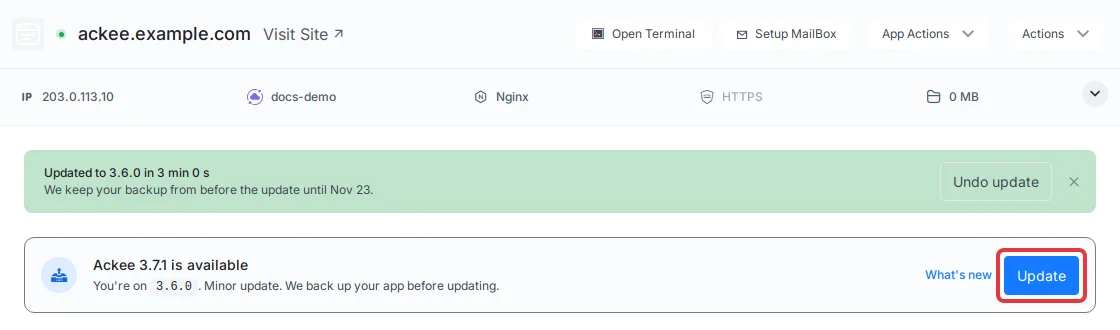
Before, moving a One Click App to a newer version meant editing its Compose file by hand, with no backup and no way back. Now xCloud tells you when a new version is out and does the update for you.
Who it’s for: anyone running a Docker One Click App from the template catalog.
- When a newer version is out, the Site Overview shows a banner with What’s new and Update.
- Click Back up and update. xCloud backs up the app’s data, starts the new version and checks that it works.
- If the new version doesn’t start, xCloud puts the old version and your data back on its own.
- For 7 days after a good update, click Undo in Update history to go back.