

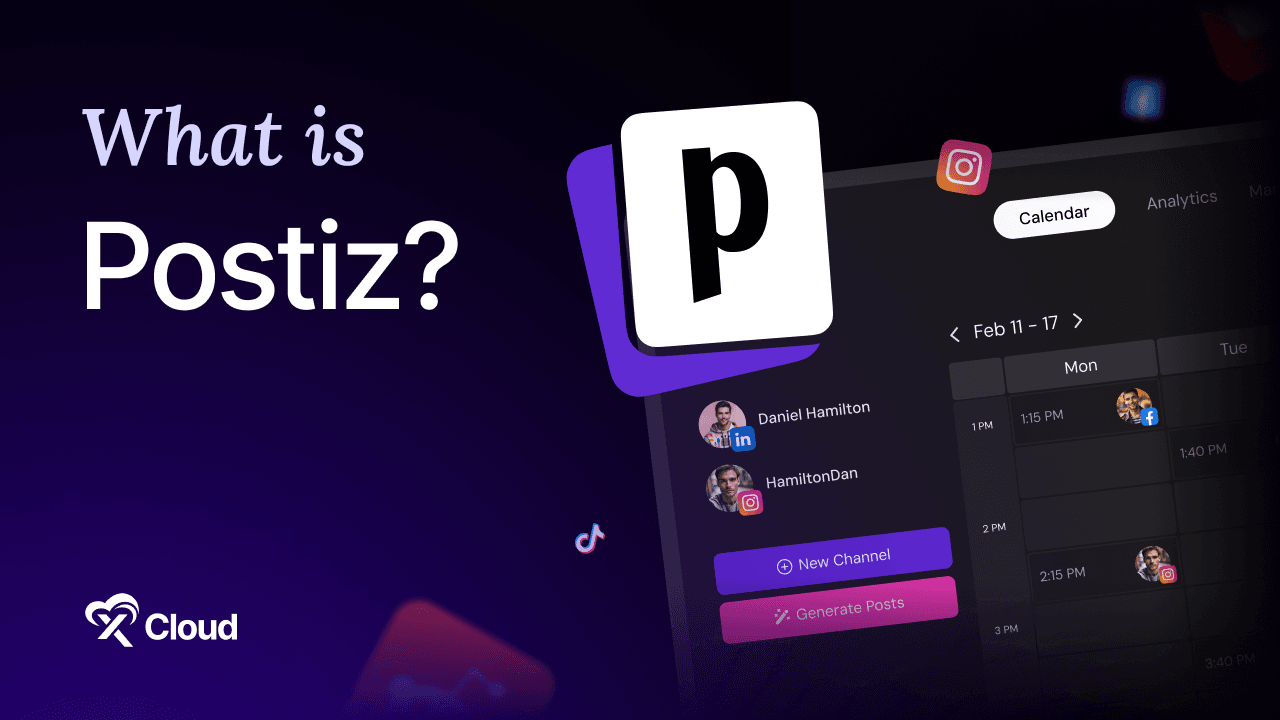
What is Postiz? Postiz is a free, open source social media scheduling tool you run on your own server, and it plans, writes, schedules, and measures posts across more than 30 networks from a single calendar.
You are paying for a scheduler per channel. You added a Bluesky account and the bill went up. You added a client and it went up again, and none of the posts you already wrote belong to you in any portable sense.
At some point the arithmetic stops working, and people start looking for something they own.
This guide answers what is Postiz in practical terms: the 7 features that matter, the use cases it genuinely fits, the hardware it needs, and where to run it.
Table of Contents
- A few things worth knowing about Postiz software
- 1. One calendar for 30+ networks
- 2. Per-platform copy customization
- 3. A real AI layer
- 4. Analytics per channel and per post
- 5. Team collaboration with roles
- 6. A Public API and automation hooks
- 7. Content recycling
- The part people underestimate
- What is Postiz used for?
- Is Postiz free?
- What is Postiz built with?
- What social networks does Postiz support?
- What is Postiz compared to Buffer?
- How much RAM does a Postiz server need?
- Does Postiz need HTTPS?
- What is Postiz’s biggest limitation?
TL;DR: What Is Postiz in Six Lines
Short on time? Here is the whole guide in a few lines:
- What is Postiz? A self-hosted social publishing tool. One calendar, more than 30 networks, per-platform customization before anything goes out.
- It is free under AGPL-3.0 with roughly 34,700 GitHub stars, and the self-hosted build has no channel limits to buy.
- It is positioned as an open source alternative to Buffer and Hypefury, which is exactly the comparison most people arrive with.
- The AI layer is real, drafting posts, generating images and short videos, and connecting to models like Claude and ChatGPT.
- It has a Public API plus an n8n node, so it slots into automation you already run.
- The trade-off is ownership. Postgres, Redis, Temporal, HTTPS, and OAuth apps are all yours to maintain, or you pay a host to keep them running.
What Is Postiz? A Plain Definition
Postiz is social media management software you install on a server you control, which then connects to your social accounts and publishes scheduled content to all of them from one place.
Think of it as the difference between a shared spreadsheet of post ideas and an actual newsroom desk. The ideas were always yours. Postiz is the calendar, the editor, the queue, and the reporting.
You deploy it. You connect your accounts through each platform’s OAuth flow. You write once, adjust the copy per network, and drop it on a date.
The scheduler handles the rest, and analytics come back per channel and per post.
A few things worth knowing about Postiz software
- It is written in TypeScript and ships as a Docker stack, so containers are the normal way to run it.
- It needs PostgreSQL, Redis, and Temporal alongside the app itself.
- The project describes itself as “the ultimate agentic social media scheduling tool” on the Postiz GitHub repository.
- There is a paid cloud version, and the self-hosted build is the same open source code.
What Is Postiz? Specs at a Glance
| Attribute | Detail |
|---|---|
| Type | Self-hosted social media scheduling and publishing platform |
| License | AGPL-3.0, free and open source |
| Repository | gitroomhq/postiz-app, roughly 34,700 stars |
| Written in | TypeScript |
| Networks supported | 30+, including Instagram, LinkedIn, X, TikTok, YouTube, Facebook, Threads, Bluesky, Mastodon, Reddit, Pinterest, Discord, Telegram, Slack |
| Dependencies | PostgreSQL 14+, Redis 6+, Temporal |
| Default app port | 5000 in Docker |
| Cloud pricing | $29 to $99 per month by channel count |
| Self-hosted cost | Your server only |
| HTTPS | Required in production, terminated on a reverse proxy |
If you only remember one line: Postiz gives you the whole product for free and hands you the infrastructure bill instead.
The Publishing Workflow Explained
Most tools in this category describe features rather than the loop you actually run. The loop matters more.
Connect once. Each network is authorized through its own OAuth flow, which means creating developer apps for the platforms you want. This is the least fun part of setup and you do it once.
Write in one place, adapt per network. A single composer holds the core post, then you tune the copy, length, and media for each destination before it queues.
Drop it on the calendar. The scheduler is the product. You see the week, you see the gaps, and you fill them.
Review before it ships. Team plans add roles, so a member drafts and an admin approves rather than posting straight to a client account.
Read what happened. Analytics return impressions, engagement rate, and reach, split per channel and per post.
That fifth step is where most self-hosted schedulers get abandoned, because people set them up and never look at the numbers. Build the review habit early.
7 Postiz Features That Matter
Feature lists blur together. If you are still asking what is Postiz actually good at, these seven answer it.
1. One calendar for 30+ networks
Instagram, YouTube, LinkedIn, TikTok, X, Facebook, Discord, Threads, Pinterest, Reddit, Bluesky, Telegram, Mastodon, Slack, and WordPress are all first-class destinations, along with a long tail of smaller networks.
Cross-posting is the default, and per-platform customization happens before publish rather than after someone complains about a hashtag.
2. Per-platform copy customization
The same idea reads differently on LinkedIn and on Bluesky. Postiz keeps one parent post and lets each network carry its own text and media.
This single feature is why people move off tools that blast identical copy everywhere.
3. A real AI layer
The built-in agent drafts posts, generates images, and produces short videos, and it connects to external models including Claude and ChatGPT.
On the cloud plans the AI allowances are metered by tier. Self-hosted, you bring your own model keys, which is usually cheaper and always more flexible.
4. Analytics per channel and per post
Impressions, engagement rate, and reach come back for every connected account. It is not an enterprise analytics suite, and it is enough to tell you which day and which format works.
5. Team collaboration with roles
Admin and member roles let an agency separate the person writing from the person approving. Paid cloud tiers above Standard include unlimited team members; self-hosted has no seat gate at all.
6. A Public API and automation hooks
Postiz exposes a REST API plus webhooks, and there are integrations for n8n, Make.com, and Zapier. The Postiz n8n workflow guide walks through a reviewed publishing pipeline end to end.
7. Content recycling
Evergreen posts can be set to repeat on a schedule, which keeps a calendar from going empty during a busy week without anyone rewriting the same tip for the fourth time.
What Is Postiz Used For? Who Should Self-Host It
The honest answer to what is Postiz for is narrower than the hype suggests, and that is worth saying plainly.
| You are… | Good fit? | Why |
|---|---|---|
| An agency managing many client channels | ✅ Strong fit | Per-channel pricing elsewhere punishes exactly this |
| A founder posting across 5+ networks | ✅ Strong fit | One calendar replaces five tabs |
| A team that needs draft-then-approve | ✅ Good fit | Roles and review built in |
| A developer wiring publishing into automation | ✅ Good fit | Public API and an n8n node |
| A privacy-conscious org | ✅ Good fit | Content and tokens stay on your server |
| Someone posting to one account occasionally | ❌ Wrong tool | A free tier elsewhere is simpler |
| Someone who wants zero maintenance | ❌ Wrong expectation | Free software still needs a server and an owner |
Rule of thumb: Postiz pays off when your channel count is growing faster than your patience for per-channel billing.
What Is Postiz Not Good For?
Worth knowing before you commit a weekend.
OAuth app setup is genuinely tedious. Every network you connect needs its own developer app, credentials, and redirect URL. Some platforms take days to approve. This is the number one reason self-hosted installs stall.
The stack is not one container. Postgres, Redis, and Temporal all have to be healthy, and Temporal has been required since v2.12.0. That is more moving parts than a typical self-hosted app.
HTTPS is mandatory in production. The docs are explicit that Postiz sets secure cookies and expects HTTPS, so a reverse proxy is not optional.
Nobody is on call. There is a GitHub issue tracker and a community. There is no support ticket with an SLA unless you buy one from a host.
Platform APIs change without asking you. Every scheduler lives with this, and self-hosting means you take the update yourself rather than waking up to a vendor having already fixed it.
Postiz System Requirements
Once you know what is Postiz doing in the background, sizing gets easy. It is a web app plus a queue plus a workflow engine, so RAM matters more than CPU.
| Scenario | CPU | RAM | Disk |
|---|---|---|---|
| Minimum, single user, light use | 2 vCPU | 2 GB | 20 GB |
| Recommended, small team up to 20 users | 4 vCPU | 8 GB | 50 GB plus a volume for uploads |
Those figures come from the official Postiz system requirements, which also notes that 2 GB works for a single-user install but leaves no headroom once you add multiple users, scheduled workflows, or Postgres and Redis on the same host.
Required services are PostgreSQL 14 or later, Redis 6 or later, and Temporal, which ships bundled in the official docker-compose file. Object storage is optional: local filesystem or Cloudflare R2.
One trap worth knowing. Building from source is the memory-hungry step, and on a 2 GB box you may need NODE_OPTIONS="--max-old-space-size=4096" to avoid an out-of-memory failure.
The part people underestimate
Uploads grow. Every image and video you attach lives on that persistent volume, and a busy agency calendar fills disk faster than anyone plans for. Size storage for a year, not a month.
Where to Run Your Postiz Server
There are two paths, and the right one depends on who is publishing and how much of your week you want back.
Run it yourself when you already operate servers, you want full control of the model keys and OAuth apps, and an evening of docker-compose is not a cost for you.
Run it on managed hosting when you want it live on a real domain with a valid certificate today, and you would rather the Postgres, Redis, and Temporal layer be somebody else’s pager.
Either way you need a real server rather than shared hosting, because the stack runs several long-lived services. This comparison of shared, VPS, and cloud hosting covers the distinction.
Deploy Postiz in One Click
Everything above answers what is Postiz. This answers where to run it. The software is free, and the work around it is predictable: provision a server, stand up Postgres and Redis and Temporal, wire six or more environment variables, configure a reverse proxy, issue and renew SSL, mount persistent volumes, and back all of it up.
That is a weekend for the first setup and an hour here and there afterwards. Your time is the hidden cost, and it is the line item people forget when weighing self-managed against managed hosting.
xCloud Postiz Hosting handles that layer. Postiz v2.23.0 deploys with PostgreSQL, Redis, Temporal, and Elasticsearch already wired, managed HTTPS with a free SSL certificate, six persistent volumes for configuration and uploads, and automatic backups running.
Dependencies stay on the private network rather than being exposed publicly, which is the detail most DIY guides skip.
| Plan | Price | Specs |
|---|---|---|
| Cloud VPS 6 GB | $24.99/month | 6 GB RAM, 4 vCPU, 100 GB SSD, 30 TB bandwidth |
| Cloud VPS 16 GB | $59.99/month | 16 GB RAM, 6 vCPU, 200 GB SSD, 30 TB bandwidth |
| Cloud VPS 24 GB | $84.99/month | 24 GB RAM, 8 vCPU, 300 GB SSD, 30 TB bandwidth |
Already own a server? Bring your own starts free for a single server and 10 sites, then $5 per server per month from two to five servers.
Getting started takes three steps:
- Sign up and pick a server location near your team.
- Deploy Postiz to your domain in one click.
- Connect your social accounts and start filling the calendar.
This fits the common case well: a growing channel count, more than one person touching the calendar, and a preference for spending the week publishing rather than patching Postgres.
Ready to skip the docker-compose weekend? Deploy Postiz on xCloud and own your publishing stack today.
Decide Where Your Postiz Calendar Should Live This Week
The practical answer to what is Postiz worth doing for is this. It replaces per-channel billing with a server you control, keeps your content and tokens in your own database, and plugs into the automation you already run.
The cost shows up in infrastructure and OAuth setup, and pretending otherwise is how people end up with a half-configured scheduler nobody on the team trusts.
So make one decision this week. If you enjoy this work, follow the Postiz self-hosting guide through the first-run checks, then build your first week of content with the content calendar walkthrough. If you would rather be publishing, put it on managed hosting and start Monday.
Still weighing it against what you pay now? Our Postiz vs Buffer comparison runs the same workflow through both.
If you have found this blog helpful, feel free to subscribe to our blogs for valuable tutorials, guides, knowledge, and tips on web hosting and server management. You can also join our Facebook community to share insights and engage in discussions.
Frequently Asked Questions
What is Postiz used for?
Postiz is used to plan, write, schedule, and measure social media posts across more than 30 networks from one calendar. Teams use it to draft in one composer, customize copy per platform, queue everything on a shared schedule, and read analytics per channel afterwards.
Is Postiz free?
The self-hosted version is free under the AGPL-3.0 license, with no channel limits and no seat gate. You pay only for the server it runs on. The managed cloud version at postiz.com runs from $29 to $99 per month depending on channel count.
What is Postiz built with?
TypeScript, running as a Docker stack. It needs PostgreSQL 14 or later, Redis 6 or later, and Temporal, which has been a requirement since version 2.12.0. Object storage is optional and can be the local filesystem or Cloudflare R2.
What social networks does Postiz support?
More than 30, including Instagram, YouTube, LinkedIn, TikTok, X, Facebook, Threads, Bluesky, Mastodon, Reddit, Pinterest, Discord, Telegram, Slack, and WordPress. Each one is connected through its own OAuth flow, which means creating a developer app per platform.
What is Postiz compared to Buffer?
Buffer is a commercial product priced per channel per month, while Postiz is open source and free to self-host with unlimited channels. Buffer is easier to start and requires no server; Postiz costs less as your channel count grows and keeps your data in your own database.
How much RAM does a Postiz server need?
The official minimum is 2 vCPU, 2 GB RAM, and 20 GB of disk for a single user on light use. The recommended setup for a small team of up to 20 users is 4 vCPU, 8 GB RAM, and 50 GB of disk plus a persistent volume for uploads.
Does Postiz need HTTPS?
Yes. The documentation states that Postiz sets secure cookies and expects HTTPS in production, so you must put a reverse proxy in front of it to terminate SSL. This is not optional, and skipping it breaks login in ways that look like application bugs.
What is Postiz’s biggest limitation?
Connecting social accounts. Every network needs its own developer app with credentials and redirect URLs, and some platforms take days to approve access. The software itself deploys in minutes; the OAuth paperwork is what actually takes the weekend.
Last updated September 10, 2026
← All articles