
















To chat with OpenClaw through Telegram, you first need to create a Telegram bot and generate a bot token. Telegram provides an official bot called @BotFather that helps you do this in minutes.
Follow the steps below to create your bot, collect the required credentials, and connect it with OpenClaw using the xCloud dashboard
Create a Telegram Bot & Collect Telegram Bot Token #
To chat with our bot, we’ll use Telegram. Select the Telegram option and follow the following steps: Open Telegram. Search for @BotFather and start the chat.
Run the below command in the chat field and send.
/newbotThen pick a display name (anything). Pick a unique username that ends with `bot` (for example: `my_openclaw_bot`). BotFather will give you a bot token like `123456789:ABCdef…`.
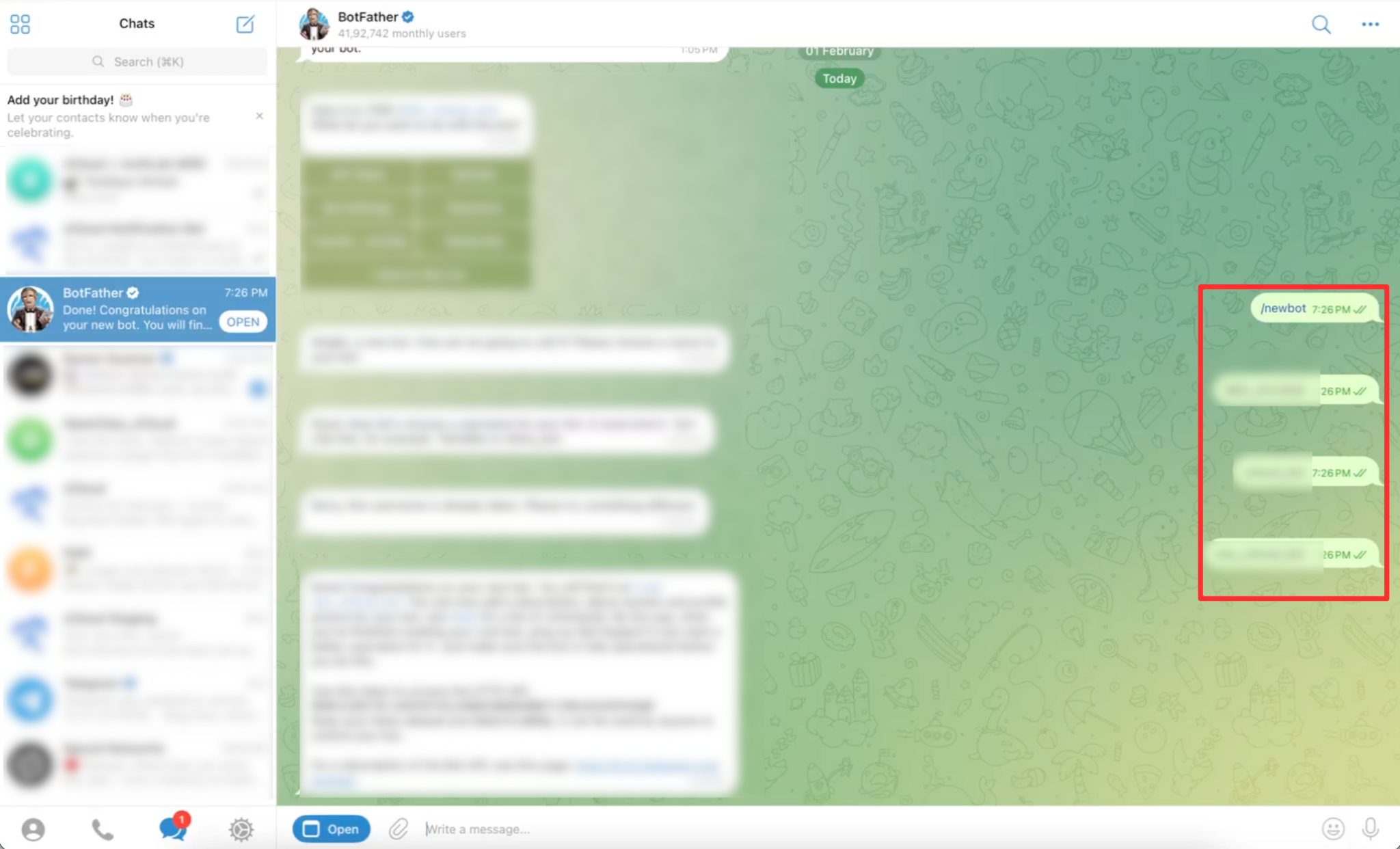
Save or copy this token – you’ll be required to use this token later to connect with OpenClaw.
👉 Read this document for the full OpenClaw deployment process.
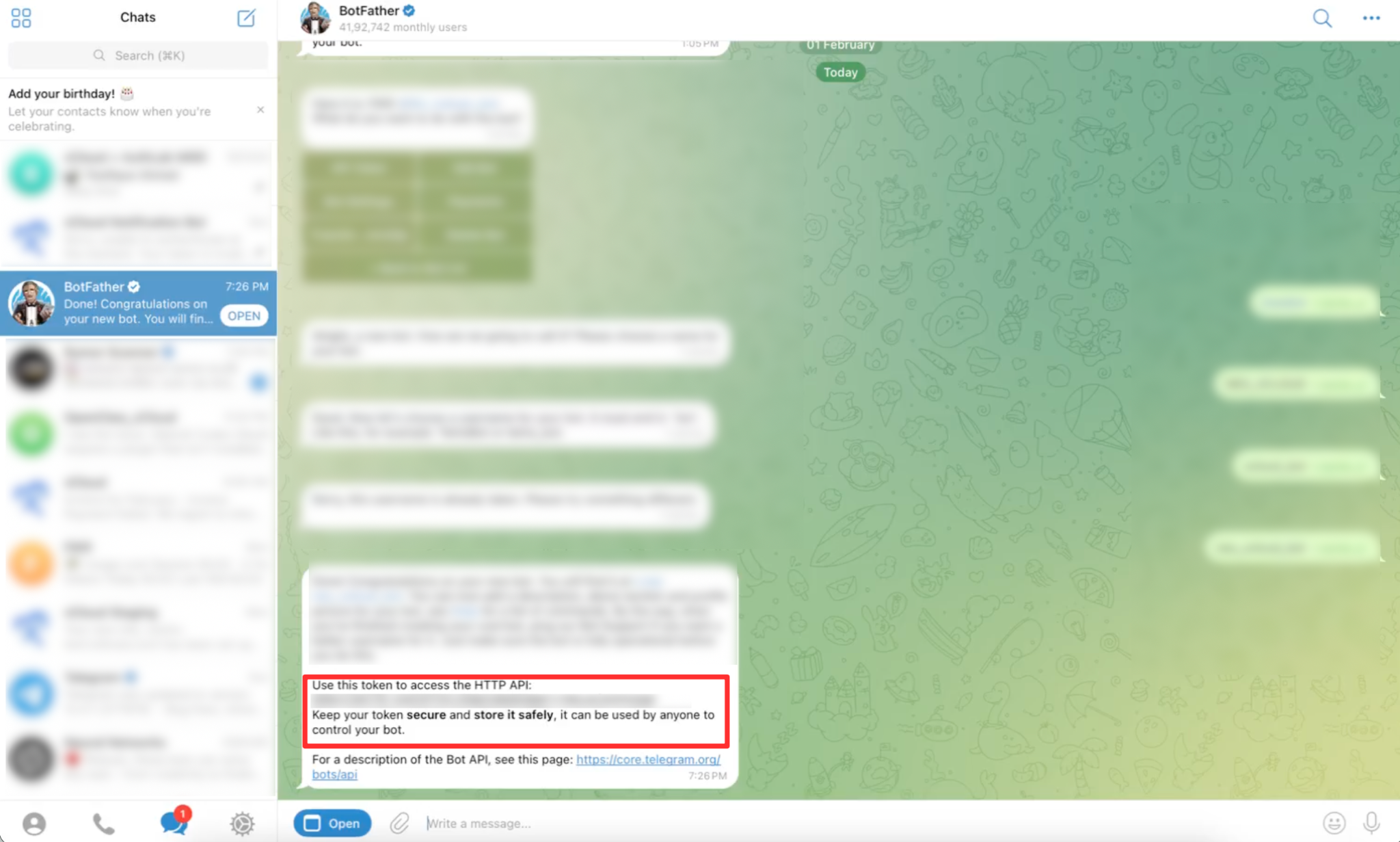
Configure Telegram Bot Access #
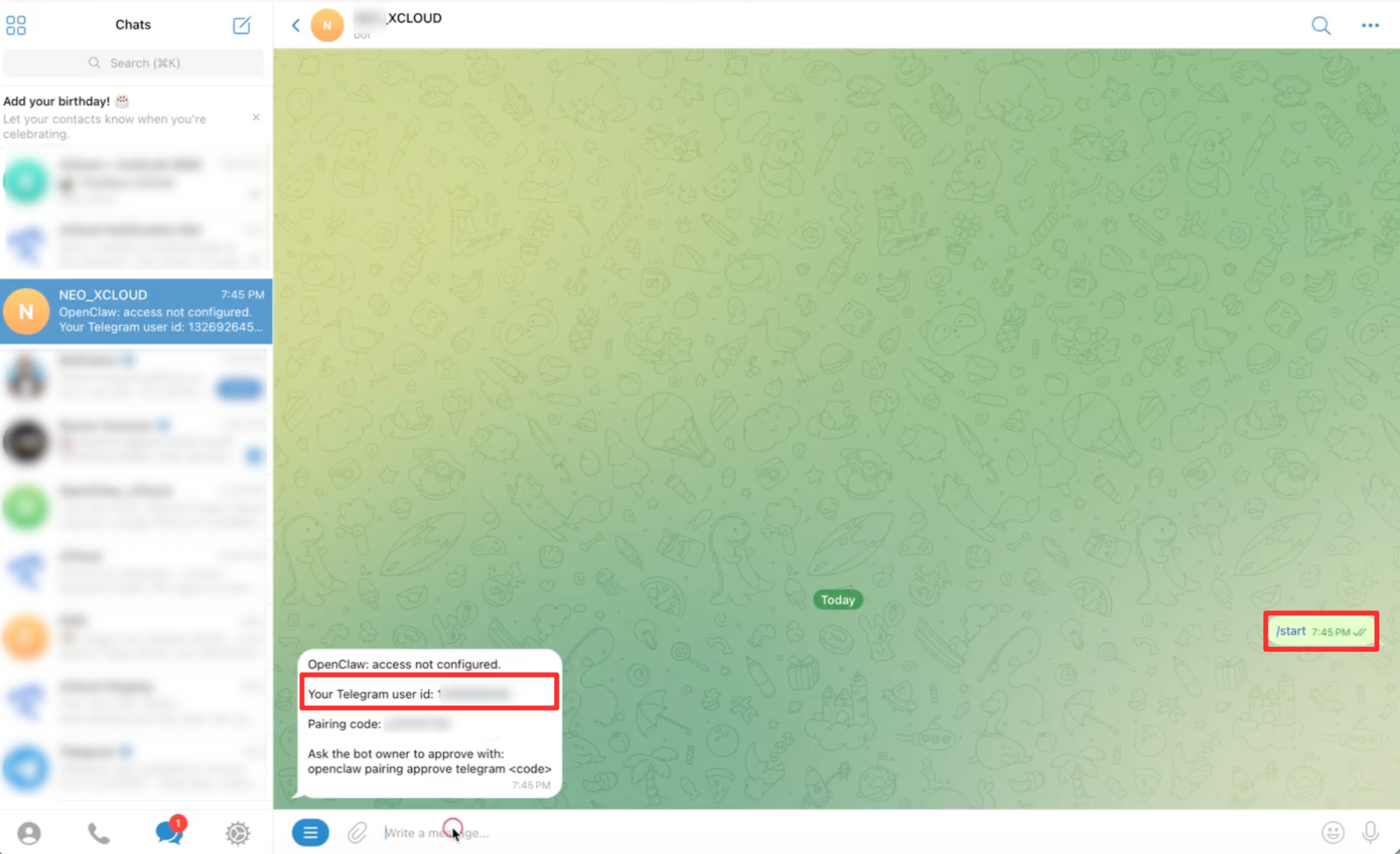
After adding your Telegram bot token with OpenClaw on xCloud, go to your Telegram Bot again and run the following command:
/startAfter that, you will get a User ID. Copy the ID from here and copy the text “openclaw pairing approve telegram <code>”. Replace the code with the code to enter the user id.
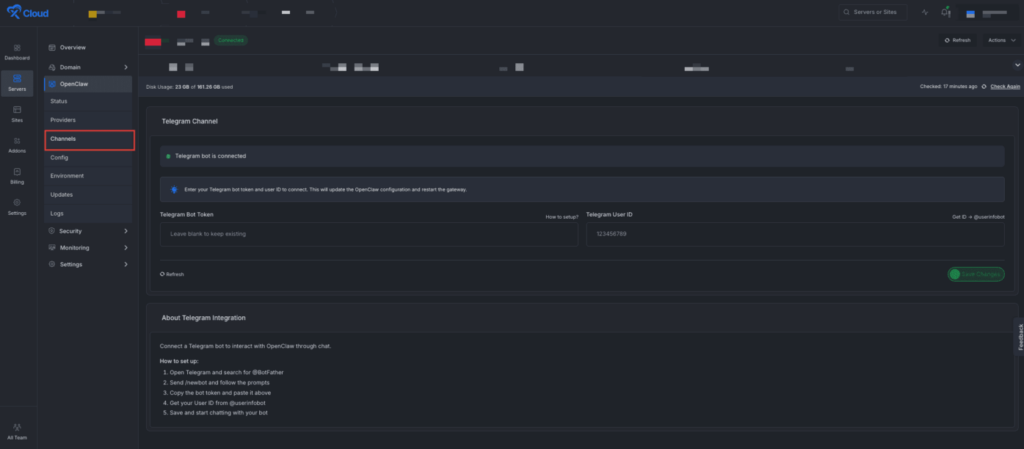
Then go to the xCloud dashboard to add the Telegram Channels from the xCloud dashboard. Now Go to ‘Channels’ from the left side panel to add or update your ‘Telegram Bot Token’ and ‘Telegram User ID’ easily. Click on the ‘Save Changes’ button when you are done. xCloud will automatically connect OpenClaw with your Telegram Bot.
Now, if you go to your Telegram bot interface, you will be able to converse with the bot.
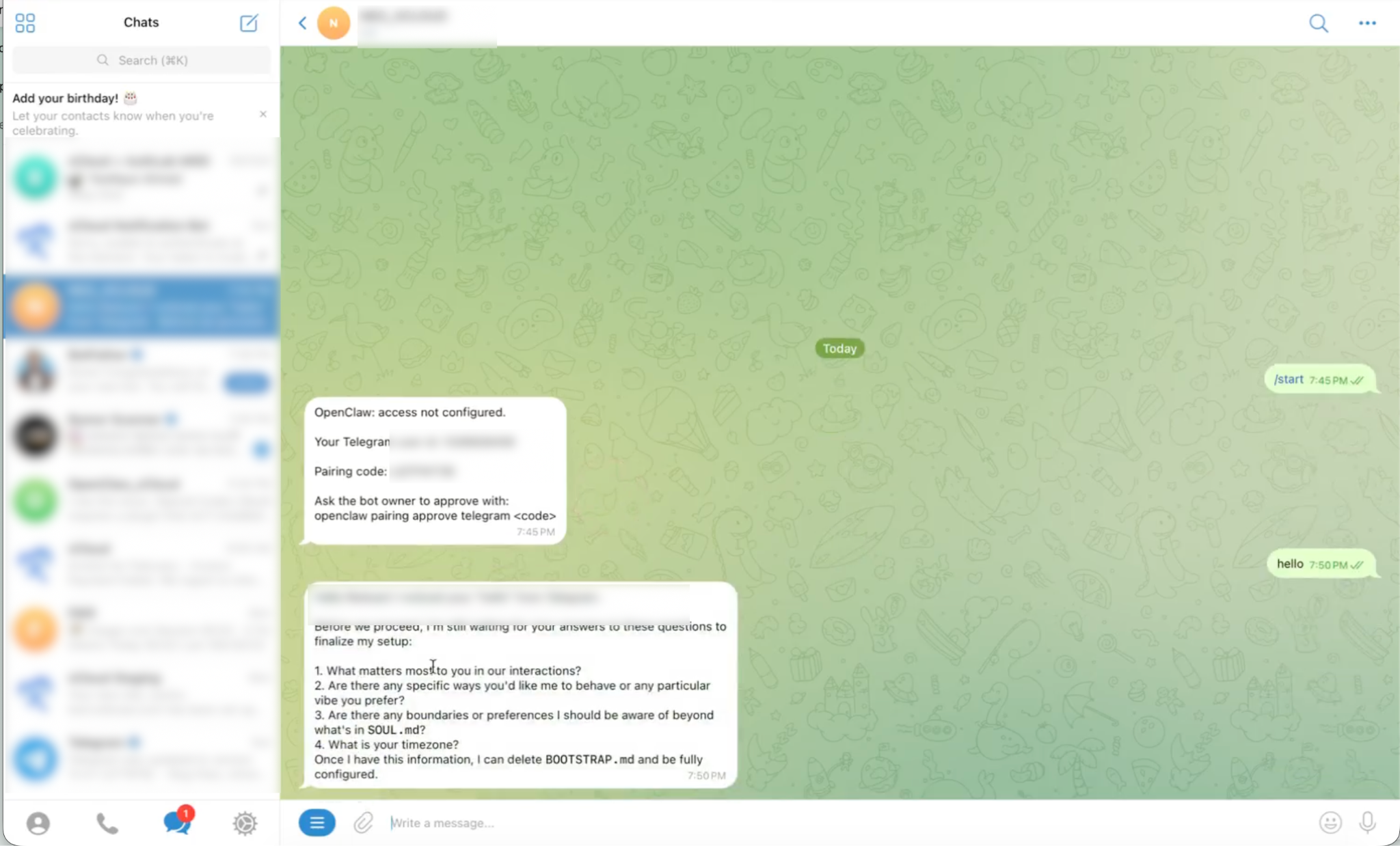
And that’s it, this is how easily you can create a bot token, connect and connect with Clawbot easily.


