









xCloud Support helps you use the xCloud platform, supported hosting tools, managed server features, and common server/site workflows. This page explains what our team can help with, what may require your developer or third-party provider, and where support boundaries apply.
This is not meant to limit help. It is meant to set clear expectations so issues reach the right team faster.
Quick overview #
| Area | We help with | Outside standard support |
| xCloud Panel | Dashboard, servers, sites, SSL, backups, restores, logs, events, platform errors | Unsupported custom server changes, root access guidance, third-party account control |
| xCloud Managed Servers | Provisioning, supported stack, xCloud-managed services, health checks, security events | Custom code, third-party app bugs, custom architecture, app business logic |
| Self-Managed Servers | Connecting to xCloud, supported stack operations, xCloud panel workflows | Provider billing, provider outages, unsupported root-level custom changes, unsupported packages |


| Free Migration Offer | Standard eligible WordPress migrations into xCloud | Redesign, rebuild, malware cleanup, custom code, email migration, complex custom apps unless agreed |
| WordPress | Hosting tools, domains, SSL, backups, restores, logs, permissions, common platform-level issues | Website building, SEO guarantees, plugin/theme code fixes, custom feature development |
| DNS | Required records, propagation checks, domain/SSL guidance | External DNS account management without access, registrar issues, propagation timing control |
| xCloud mailboxes, SMTP, DNS records, service checks | Deliverability guarantees, third-party client/provider deep troubleshooting | |
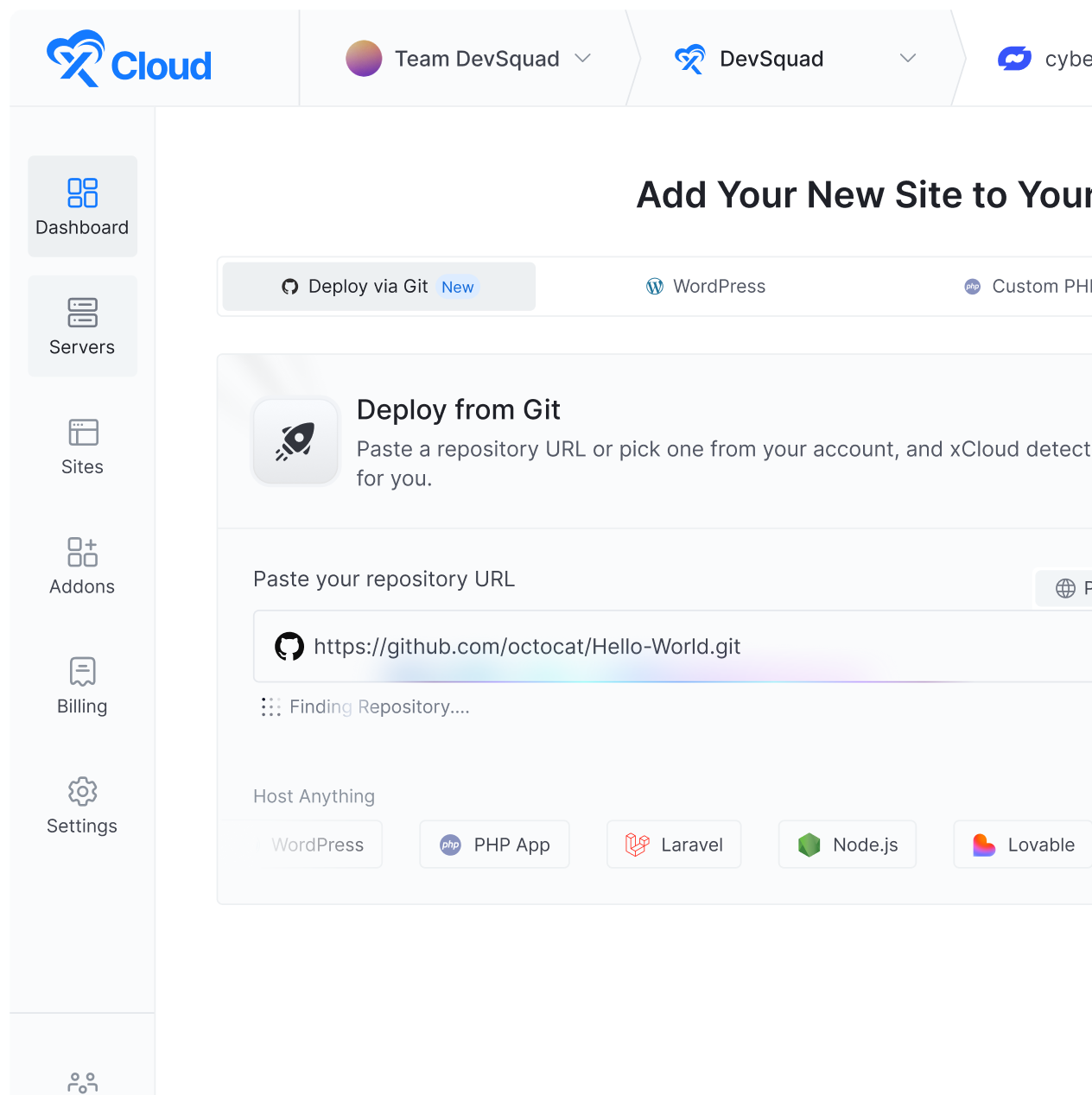
| Git | Git connection, branch selection, deployment logs, webhooks/deployment URL guidance | Code fixes, merge conflicts, CI/CD pipeline writing, repository development |
| Laravel/PHP | Runtime, PHP versions/extensions, logs, domains, SSL, env/cron/queue guidance | Laravel code, business logic, package internals, application architecture |
| Lovable Apps | Hosting/deploy guidance, env/domain/SSL/log checks | Fixing generated code, redesign, business logic, Lovable project internals |
| Ollama | Supported hosting stack, access, service health, logs visible in xCloud | Model quality, prompting, fine-tuning, custom model debugging, GPU/provider limits |
| Docker / Compose | Deployment workflow, logs, ports, proxy/routing, env guidance | Writing Dockerfiles/Compose files, image internals, custom app debugging |
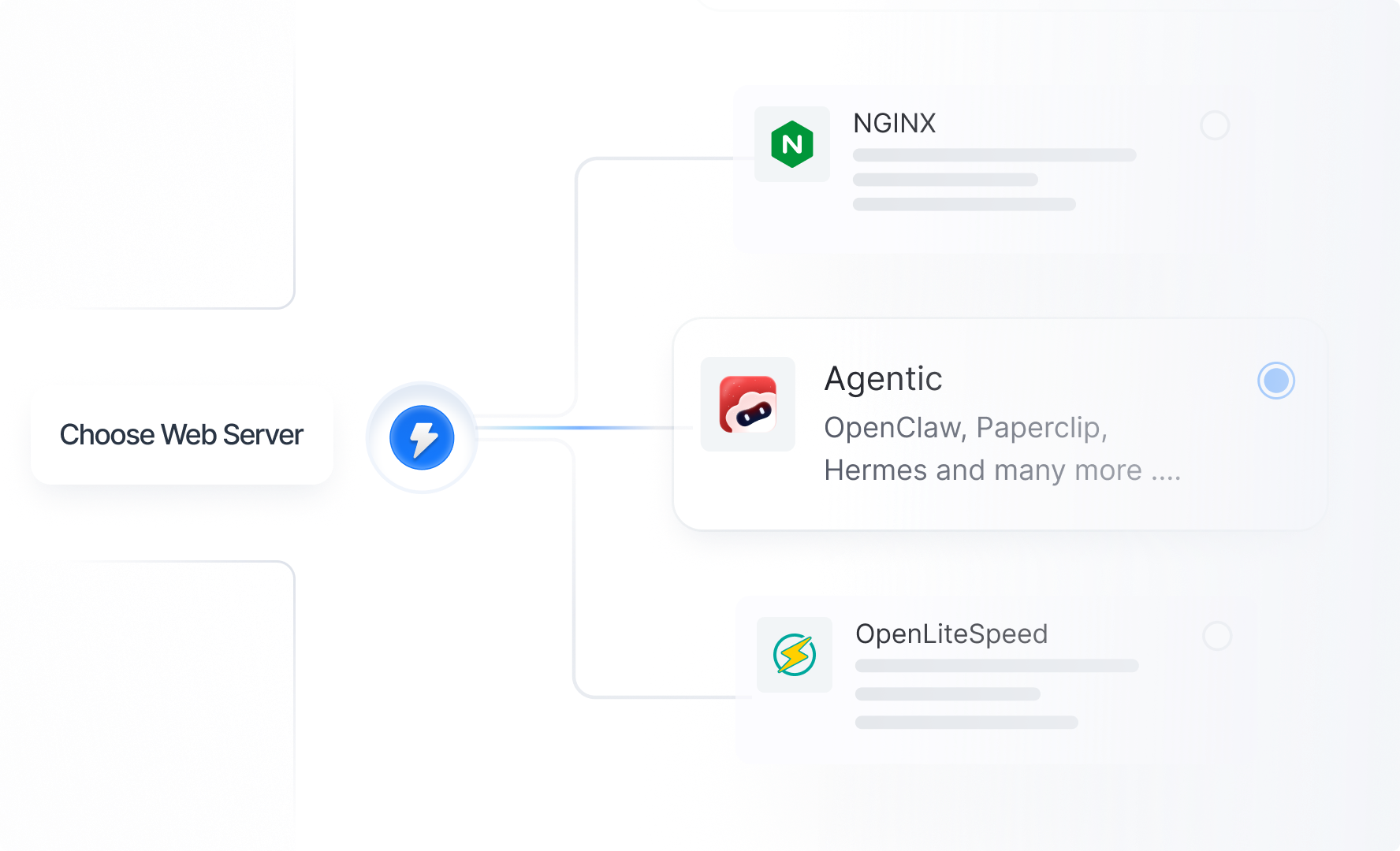
| AI Agent Hosting | OpenClaw/Hermes/Paperclip provisioning, dashboard, server health, SSL/domain, basic pairing guidance | Agent result guarantees, prompt engineering, custom workflow building, third-party LLM/API billing |
| Malware Cleanup | Basic hosting/security guidance, logs, backups, restore guidance, vulnerability/firewall guidance | Malware removal, forensic cleanup, guaranteed disinfection, reputation repair |
How to get support faster #
Before opening a ticket, please check the relevant xCloud documentation first. Many common issues are already documented with step-by-step instructions.
When opening a support ticket, include:
- xCloud server, site, or app link
- Public URL or domain
- Exact error message
- Screenshot or screen recording
- What you expected to happen
- What happened instead
- When the issue started
- Recent changes: deployment, plugin update, DNS change, restore, migration, server change, or custom code change
- Logs or event output if available
- Whether the issue affects all users or only some users
Do not post passwords, private keys, API keys, access tokens, or secrets in public channels. Share credentials only through the secure method requested by xCloud Support.
Core support principle #
xCloud Support focuses on:
- xCloud platform and dashboard issues
- Supported xCloud hosting workflows
- Supported server stack operations
- Server/site health visible through xCloud
- Logs, events, SSL, backups, restores, domains, and deployment status
- Guidance for supported configuration
xCloud Support does not replace:
- A web developer
- A Laravel/PHP developer
- A Docker engineer
- A WordPress plugin or theme developer
- A DNS registrar or DNS provider
- An email deliverability consultant
- A third-party app support team
- A custom AI workflow or prompt engineering team
When an issue is outside standard support scope, we may still provide general guidance, logs, documentation links, or next-step recommendations where possible.
xCloud Panel and platform support #
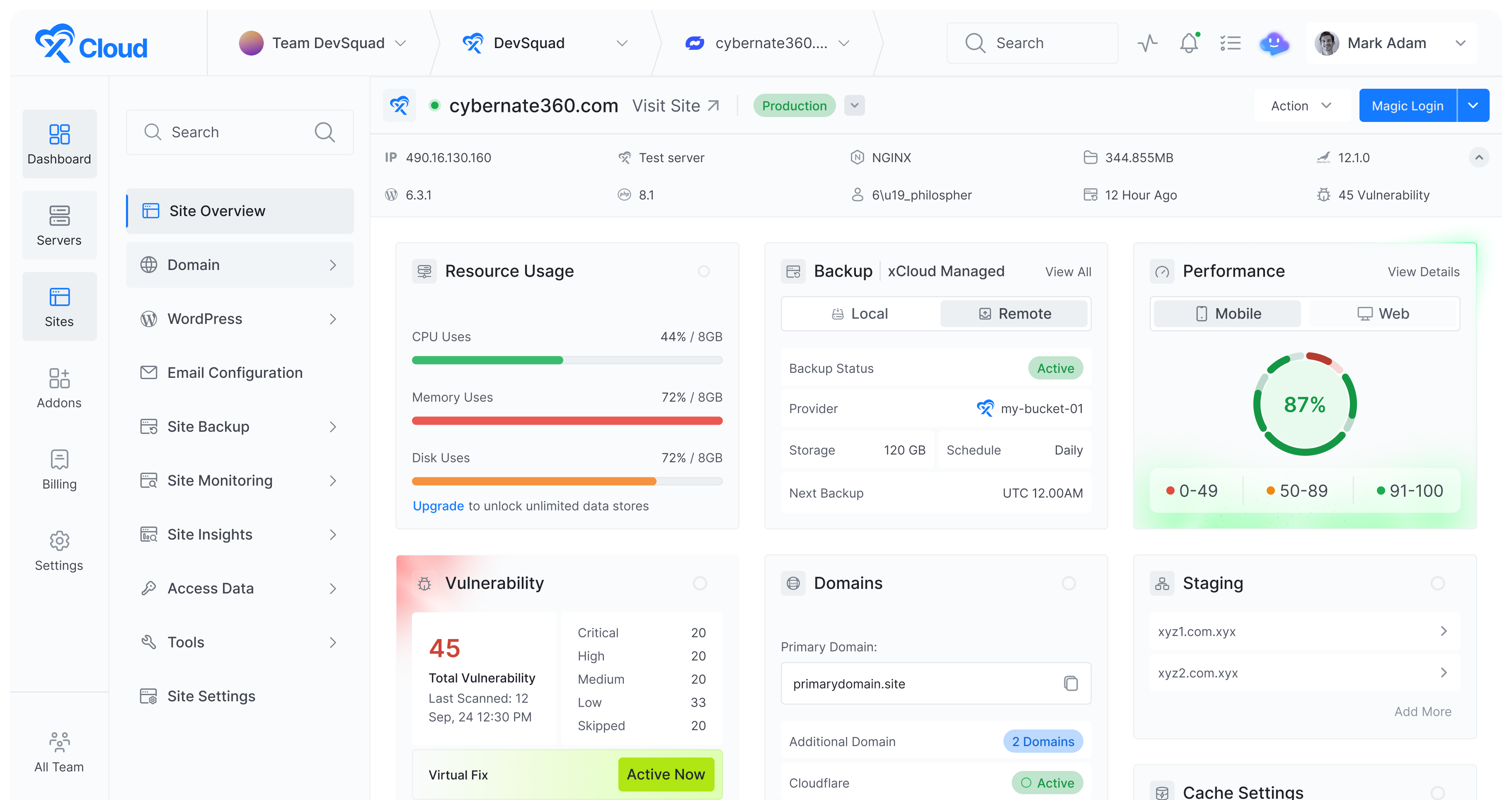
The xCloud Panel is the dashboard where you manage servers, sites, backups, SSL, domains, deployments, logs, teams, and billing-related workflows.
What we do #
We help with:
- xCloud dashboard access and platform errors
- Server provisioning status and failed setup checks
- Server connection status inside xCloud
- Site creation, deletion, clone, staging, migration, and progress issues
- SSL installation, retry, pending, or failed status in xCloud
- Domain update status and xCloud-side domain checks
- Backup and restore jobs created through xCloud
- xCloud event logs, deployment logs, and task status
- xCloud-managed service restarts and platform repair workflows
- Team/account navigation and role guidance
- Billing routing, invoice review handoff, and refund-review guidance
What we do not do #
We do not:
- Provide root access guidance, including root password availability where applicable and safer SSH key-based login recommendations
- Guarantee recovery from unsupported manual changes made outside xCloud
- Perform unsupported custom server modifications
- Manage external cloud provider accounts unless an integration or access is provided
- Take responsibility for provider-side billing, provider outages, or provider account restrictions
- Act as an outsourced system administrator for every custom server change
xCloud Managed Servers vs Self-Managed Servers #
xCloud supports different server ownership models. Support scope depends on who owns and controls the server infrastructure.
xCloud Managed Servers #
xCloud Managed Servers are provisioned and billed through xCloud-supported managed workflows. xCloud manages the supported server stack and platform services needed to host WordPress sites and supported applications.
What we do #
For xCloud Managed Servers, we help with:
- Server provisioning through xCloud
- Supported hosting stack setup
- xCloud-managed services and configuration
- SSL and domain tools
- Backups and restores through xCloud
- WordPress/site management tools
- Server health checks visible in xCloud
- Logs and events visible in xCloud
- Security events and supported xCloud-side patches/mitigations
- Supported server service checks and restarts
What we do not do #
For xCloud Managed Servers, we do not handle:
- Customer custom code
- Plugin or theme code bugs
- Application business logic
- Third-party API behavior
- Third-party account billing
- SEO outcomes
- Email inbox placement guarantees
- Custom server architecture beyond supported xCloud workflows
- Unsupported manual system-level changes
Root and sudo access note #
xCloud provides full root access and the root password where applicable. For better security, we recommend SSH key-based login instead of password login. Where supported, you can create:
- Sudo users for server-level access
- Site users for site-specific access
Do not remove xCloud-managed SSH keys. xCloud uses its managed access for dashboard operations such as deployments, server checks, and site management.
Self-Managed Servers #
Self-managed servers are servers you own or rent from your own cloud provider and connect to xCloud. The server and provider account remain your responsibility.
What we do #
For self-managed servers, we help with:
- Connecting the server to xCloud
- xCloud panel integration
- Supported xCloud stack operations
- Site management features available through xCloud
- SSL/domain guidance through xCloud
- Backups/restores created through xCloud
- Logs/events visible in the xCloud dashboard
- General DNS and hosting guidance
- Identifying whether an issue appears to be xCloud-related or provider/server-related
What we do not do #
For self-managed servers, you or your provider are responsible for:
- Provider billing
- Provider outages
- Provider account access
- Root-level custom changes
- Unsupported packages or manual server modifications
- Firewall/network rules outside xCloudโs supported setup
- Hardware, region, IP, or infrastructure problems from the provider
- Removing resources from the provider dashboard after you no longer need them
- Provider support tickets and abuse reports, unless xCloud specifically created or manages the related service
Important self-managed server note #
On self-managed servers, root/provider access remains with you or your hosting provider. xCloud Support may request a supported user or panel-level access to troubleshoot xCloud-related issues.
Free WordPress Migration Offer #
xCloud may offer free standard WordPress migration assistance for eligible sites moving into xCloud.
Migration availability depends on:
- Site access
- Site size
- Source hosting limitations
- Source security restrictions
- Site complexity
- Whether the migration is standard WordPress or a custom application
- Whether required credentials and permissions are available
What the free migration offer usually includes #
For eligible standard WordPress migrations, we may help with:
- Moving a standard WordPress site into xCloud
- Migrating files and database where access is available
- Basic post-migration checks
- Temporary URL testing guidance
- Domain/DNS guidance for pointing the site to xCloud
- SSL setup after DNS is ready
What the free migration offer does not include #
Free migration support does not include, unless separately agreed:
- Website redesigns
- Website rebuilds
- Custom development
- Malware cleanup, forensic cleanup, or guaranteed disinfection
- Fixing broken plugins or themes from the source site
- Rewriting custom code
- Email mailbox migration
- DNS/provider account management
- Domain ownership or registrar account changes
- Migrating non-WordPress applications
- Complex multisite or custom architecture migrations without prior review
- Performance optimization after migration beyond basic hosting checks
- SEO cleanup, content cleanup, or page builder redesign
What you need to provide for migration #
Depending on the migration method, support may ask for:
- Source website URL
- WordPress admin access
- SFTP/SSH or hosting panel access
- Destination xCloud server/site
- Whether the site is single-site or multisite
- Source host name, such as Cloudways, cPanel/WHM, InstaWP, or another provider
- Any special requirements before migration
Do not share credentials in public channels. Use the secure method requested by support.
WordPress support #
xCloud hosts and manages WordPress sites at the hosting/platform level.
What we do #
We help with:
- WordPress site creation through xCloud
- Domain and SSL setup
- xCloud-managed backups and restores
- Migration, clone, and staging workflows
- WordPress site logs available from xCloud
- File permission or ownership issues related to hosting operations
- PHP version and PHP service checks
- Cache-related hosting checks
- WP-CLI availability or hosting-level WP-CLI errors
- Database connection checks at the hosting level
- Identifying likely plugin, theme, cache, PHP, or resource issues from logs
What we do not do #
We do not:
- Build, redesign, or edit your website content as a development service
- Write custom plugin or theme code
- Maintain third-party plugin or theme code
- Deep-debug arbitrary plugin/theme internals beyond identifying the likely cause
- Guarantee SEO rankings, indexing, traffic, Core Web Vitals, or conversion outcomes
- Fix issues caused by unsupported manual code changes as part of standard support
- Replace a WordPress developer for custom functionality
DNS and domain support #
DNS controls where your domain points. xCloud can tell you what records are required and help verify whether they are resolving correctly.
What we do #
We help with:
- Required DNS records for xCloud-hosted sites
- A, CNAME, MX, SPF, DKIM, and DMARC guidance where relevant
- Checking whether DNS points to the correct xCloud server IP
- Explaining DNS propagation status
- Troubleshooting xCloud-side domain status
- SSL validation issues related to DNS
- Cloudflare proxy guidance when it affects xCloud SSL/domain behavior
- xCloud domain update and additional domain workflows
What we do not do #
We do not:
- Manage your external DNS provider account unless you grant access or connect an approved integration
- Control DNS propagation timing
- Fix registrar outages or domain ownership issues
- Renew domains purchased outside xCloud
- Guarantee third-party DNS provider behavior
- Manage all Cloudflare WAF/security settings as a managed Cloudflare service unless explicitly supported
Email, SMTP, and mailbox support #
Email involves xCloud settings, DNS records, mailboxes, SMTP settings, sender reputation, recipient filters, and sometimes third-party providers.
What we do #
We help with:
- xCloud mailbox setup where available
- xCloud email service configuration
- SMTP host, port, security, username, and password guidance
- IMAP/SMTP details for standard email clients
- DNS records for email: MX, SPF, DKIM, and DMARC.
- Sender verification steps.
- Checking xCloud mail service status
- Troubleshooting xCloud-side mailbox, SMTP, and DNS configuration issues
- Guidance for WordPress/contact form SMTP setup
What we do not do #
We do not:
- Guarantee inbox placement or deliverability
- Control recipient spam filters
- Control sender reputation across the internet
- Deep-troubleshoot every third-party email client
- Manage Google Workspace, Microsoft 365, Mailgun, SendGrid, Elastic Email, or other providers unless access/integration is provided
- Guarantee that direct outbound mail on port 25 is available, because many providers block it
- Write or maintain custom mailing code inside your app
- Include email mailbox migration in the free WordPress migration offer unless separately agreed
Email deliverability note #
Even when DNS and SMTP are configured correctly, inbox placement can depend on sender reputation, domain history, email content, bounce/complaint rates, recipient filters, and SPF/DKIM/DMARC alignment.
Git deployment support #
xCloud supports Git-based deployment workflows for supported app/site types.
What we do #
We help with:
- Connecting supported Git providers
- Selecting repository and branch
- Git deployment settings inside xCloud
- Push to Deploy guidance
- Deployment URL/webhook guidance
- Deployment logs and recent deployment status
- Environment variable guidance where available
- Identifying whether a deployment failure is caused by xCloud, Git access, build command, environment, or app code
What we do not do #
We do not:
- Fix your application code
- Resolve merge conflicts
- Write CI/CD pipelines
- Debug custom build scripts beyond identifying log errors
- Manage repository permissions beyond connection guidance
- Refactor or review code as part of standard support
- Guarantee that every repository will deploy without app-specific changes
Laravel and PHP application support #
xCloud can host PHP and Laravel applications depending on the selected server stack and deployment method.
What we do #
We help with:
- PHP version and PHP extension guidance
- Web server/proxy configuration related to xCloud hosting
- Domain and SSL setup
- Deployment logs and failed deployment checks
- Environment variable guidance
- File and folder permission issues related to hosting
- Laravel public directory guidance
- Queue and cron guidance at the hosting level
- Database connection checks at the server/configuration level
- Error log review to identify whether the issue is runtime or application-level
- Server resource checks: CPU, memory, disk, and services
What we do not do #
We do not:
- Write Laravel controllers, models, jobs, middleware, or views
- Fix custom business logic
- Debug third-party package internals as a development service
- Design or refactor your application architecture
- Optimize your application database queries as a development service
- Build APIs, admin panels, or application features for you
- Maintain your custom codebase
Lovable app support #
Lovable can generate applications that you may want to host on xCloud. xCloud Support focuses on the hosting/deployment layer, not the generated appโs design or code quality.
What we do #
We help with:
- Hosting or deploying a supported Lovable-generated app on xCloud
- Environment variable guidance
- Domain and SSL setup
- Deployment logs
- Server health checks
- Basic routing/proxy checks where supported
- Identifying whether the issue appears hosting-related or app-code-related
What we do not do #
We do not:
- Fix generated Lovable code
- Redesign the app
- Change business logic
- Debug frontend/backend implementation details as a development service
- Improve app UX or generated design
- Manage your Lovable account or project settings beyond deployment guidance
- Guarantee that generated code is production-ready without developer review
Ollama support #
Ollama hosting can be used for local or self-hosted model workflows where supported by xCloud.
What we do #
We help with:
- Deploying the supported xCloud/Ollama hosting stack
- Accessing the service
- Basic service health checks
- SSL/domain setup where applicable
- Logs visible through xCloud
- Server resource checks
- Restarting or redeploying supported services where available
What we do not do #
We do not:
- Guarantee model output quality
- Provide prompt engineering
- Fine-tune models
- Debug custom model behavior
- Guarantee performance for every model
- Resolve GPU/provider limitations outside xCloud scope
- Handle third-party model licensing questions
- Optimize every model for speed, memory, or cost
Docker and Docker Compose support #
Docker and Docker Compose provide flexibility, but custom images and application internals remain your responsibility.
What we do #
We help with:
- xCloud-supported Docker/custom app deployment workflows
- Docker Compose file location and basic format guidance
- Deployment logs and container status checks
- Exposed ports and port conflict guidance
- Nginx proxy/routing configuration related to xCloud
- Domain and SSL setup
- Environment variable guidance
- Server resource checks
- Restarting or redeploying services where supported
- Identifying whether an issue appears xCloud infrastructure, proxy, port, environment, or container/app related
What we do not do #
We do not:
- Build custom Docker images for you
- Write or restructure Dockerfiles
- Write or restructure Docker Compose files as a development service
- Debug arbitrary software inside your container
- Maintain your custom application code
- Fix bugs inside third-party images
- Guarantee that every public Docker project will run unchanged on xCloud
- Provide full DevOps consulting for unsupported custom architectures
- Design custom networking beyond supported xCloud configuration
AI Agent Hosting: OpenClaw, Hermes, and Paperclip #
xCloud supports AI agent hosting workflows such as OpenClaw, Hermes, Paperclip, and related agentic services where available.
What we do #
We help with:
- Provisioning supported AI agent hosting services
- xCloud dashboard access
- Server health checks
- SSL and domain setup
- Logs visible through xCloud
- Service restart or redeploy where supported
- Basic Telegram pairing guidance where relevant
- Basic control UI access guidance
- Identifying whether an issue appears hosting-related, service-related, or custom workflow-related
What we do not do #
We do not:
- Guarantee agent task success
- Guarantee model response quality
- Provide prompt engineering as standard support
- Build custom workflows for you
- Debug arbitrary tools, plugins, or custom agent code
- Manage third-party LLM/API billing
- Pay for or control your OpenAI, Anthropic, OpenRouter, Google, or other AI provider account
- Fix user-created automation logic
- Guarantee that an agent can complete every business task autonomously
- Debug every third-party integration used by an agent
Important AI hosting note #
xCloud Support can help keep the supported hosting environment running. The quality of an AI agentโs output depends on the model, prompts, tools, API providers, user configuration, and the task itself.
Malware cleanup support #
Malware on xCloud-hosted sites is rare, but it can still happen if a WordPress plugin/theme is vulnerable, credentials are compromised, an unsafe file is uploaded, or malicious code is imported from a previous host.
xCloud provides hosting-level security features, logs, backups, firewall guidance, vulnerability-related visibility where available, and server/site management tools. However, malware cleanup itself is a specialist security service and is not included in standard xCloud Support.
What we do #
For suspected malware or suspicious files, we can help with:
- Checking whether the server/site is online in xCloud
- Reviewing xCloud-visible logs and events
- Helping identify suspicious symptoms from a hosting point of view
- Guidance on restoring from a clean backup if one is available
- Guidance on rotating passwords, SSH/SFTP users, and database credentials
- Guidance on updating WordPress core, plugins, and themes
- Firewall, SSL, backup, and vulnerability-related guidance available through xCloud
- Explaining when a malware/security specialist may be needed
What we do not do #
Standard xCloud Support does not include:
- Malware removal or guaranteed cleanup
- Manual forensic investigation of every file/database table
- Cleaning hacked WordPress sites
- Removing webshells/backdoors as a managed service
- Repairing injected SEO spam pages or malicious redirects
- Reviewing every plugin/theme file for compromise
- Guaranteeing that a site is fully disinfected
- Removing Google, browser, email, or security-vendor blacklist warnings
- Reputation repair after a compromise
- Installing, configuring, and maintaining third-party malware tools as a managed service
What to do if you suspect malware #
If you suspect malware:
- Take the site offline or put it in maintenance mode if the issue is active.
- Keep a copy of the current files/database for evidence before deleting anything.
- Restore from a known clean backup if you have one.
- Update WordPress core, plugins, and themes.
- Remove unused plugins, themes, and unknown admin users.
- Rotate WordPress, database, SFTP/SSH, xCloud, provider, and API credentials.
- Ask a qualified malware cleanup/security specialist to inspect and clean the site if the infection is confirmed.
- Contact xCloud Support if you need help checking backups, logs, hosting status, or xCloud-side security tools.
Malware cleanup note #
Because malware cases are uncommon and each infection can be different, xCloud Support can provide best-effort hosting guidance, but we cannot certify a site as clean. A confirmed infection should be handled by a WordPress security or malware cleanup specialist.
What is always outside standard support #
The following are outside standard xCloud Support unless separately offered or agreed:
- Custom development
- Custom code debugging
- Theme/plugin development
- Business logic changes
- Website redesign
- Malware cleanup, forensic cleanup, or guaranteed disinfection
- SEO/content work
- Email hosting migration unless separately agreed
- Domain registrar account management
- Third-party provider billing or outages
- Third-party API billing
- Prompt engineering or AI model tuning
- Unsupported root-level server modifications
- Writing Dockerfiles, Compose files, CI/CD pipelines, or application code
- Full DevOps consulting for unsupported architectures
- Fixing third-party tools, packages, plugins, themes, images, or generated code
Best-effort guidance #
When an issue is outside standard support scope, xCloud Support may still provide:
- General guidance
- Relevant logs
- Documentation links
- Suggested next steps
- Clarification on whether the issue appears xCloud-related or app/provider-related
However, resolution may require your developer, hosting provider, domain registrar, third-party vendor, email provider, AI provider, or a separately scoped professional service.
FAQ #
Does xCloud Support fix custom code? #
No. xCloud Support helps with hosting, platform, runtime, configuration, and logs. Custom application code, business logic, theme/plugin code, Docker image internals, and generated app code remain your responsibility or your developerโs responsibility.
Can xCloud Support tell me whether the issue is platform or code? #
Often, yes. We can review logs, events, server status, and configuration to help identify whether an issue appears xCloud/platform-related or application-related.
Does free migration include every type of website? #
No. Free migration support is intended for eligible standard WordPress migrations into xCloud. Custom applications, complex setups, email migration, malware cleanup, redesigns, rebuilds, and custom development are not included unless separately agreed.
Does xCloud manage my self-managed server provider account? #
No. For self-managed servers, your provider account, billing, infrastructure, and provider-side resources remain your responsibility.
Does xCloud provide root passwords? #
Yes, xCloud provides full root access and the root password where applicable. For better security, we recommend SSH key-based login instead of password login. Where supported, you can also create sudo users or site users.
Can xCloud help with Docker or Docker Compose? #
Yes, for supported deployment workflows, logs, ports, proxy/routing, SSL, domains, and environment guidance. We do not write Dockerfiles or Compose files or debug arbitrary software inside custom containers.
Can xCloud help with OpenClaw, Hermes, or Paperclip? #
Yes, for supported hosting, provisioning, dashboard access, SSL, domain, service health, and logs. We do not guarantee AI task results, provide prompt engineering, manage third-party LLM billing, or build custom workflows as standard support.
Does xCloud guarantee email deliverability? #
No. We can help configure DNS, SMTP, mailboxes, and xCloud mail service settings, but inbox placement depends on recipient providers, reputation, content, and email authentication.
Does xCloud guarantee SEO or performance scores? #
No. We can help with hosting-level issues such as SSL, uptime, redirects, caching, and server resources, but we do not guarantee rankings, indexing, traffic, conversions, or third-party performance scores.
Does xCloud Support clean malware from websites? #
No. Malware cleanup is not included in standard xCloud Support. We can help with hosting-level checks, logs, backups, restore guidance, and security-related xCloud tools, but confirmed infections should be cleaned by a qualified WordPress security or malware cleanup specialist.
Is malware common on xCloud? #
No. Malware cases are rare, but they can still happen through vulnerable plugins/themes, compromised credentials, unsafe uploads, or infected files migrated from another host.